
TL;DR
Building your own AI workstation isn’t always cheaper anymore. Prebuilt systems now often match or beat DIY prices thanks to component shortages and bulk buying, while offering faster setup, guaranteed thermals, and support. The choice depends on your need for control versus speed.
Imagine needing a powerful AI workstation that’s ready to roll — fast. You’d think building your own would save money, right? Not anymore. The AI boom, supply chain hiccups, and bulk buying have flipped that idea on its head. Now, the real choice isn’t just about saving a few bucks; it’s about speed, support, and control.
Whether you’re a researcher, hobbyist, or business, understanding the trade-offs can save you time and headaches. This guide breaks down when to build, when to buy, and why 2026 has changed the game.
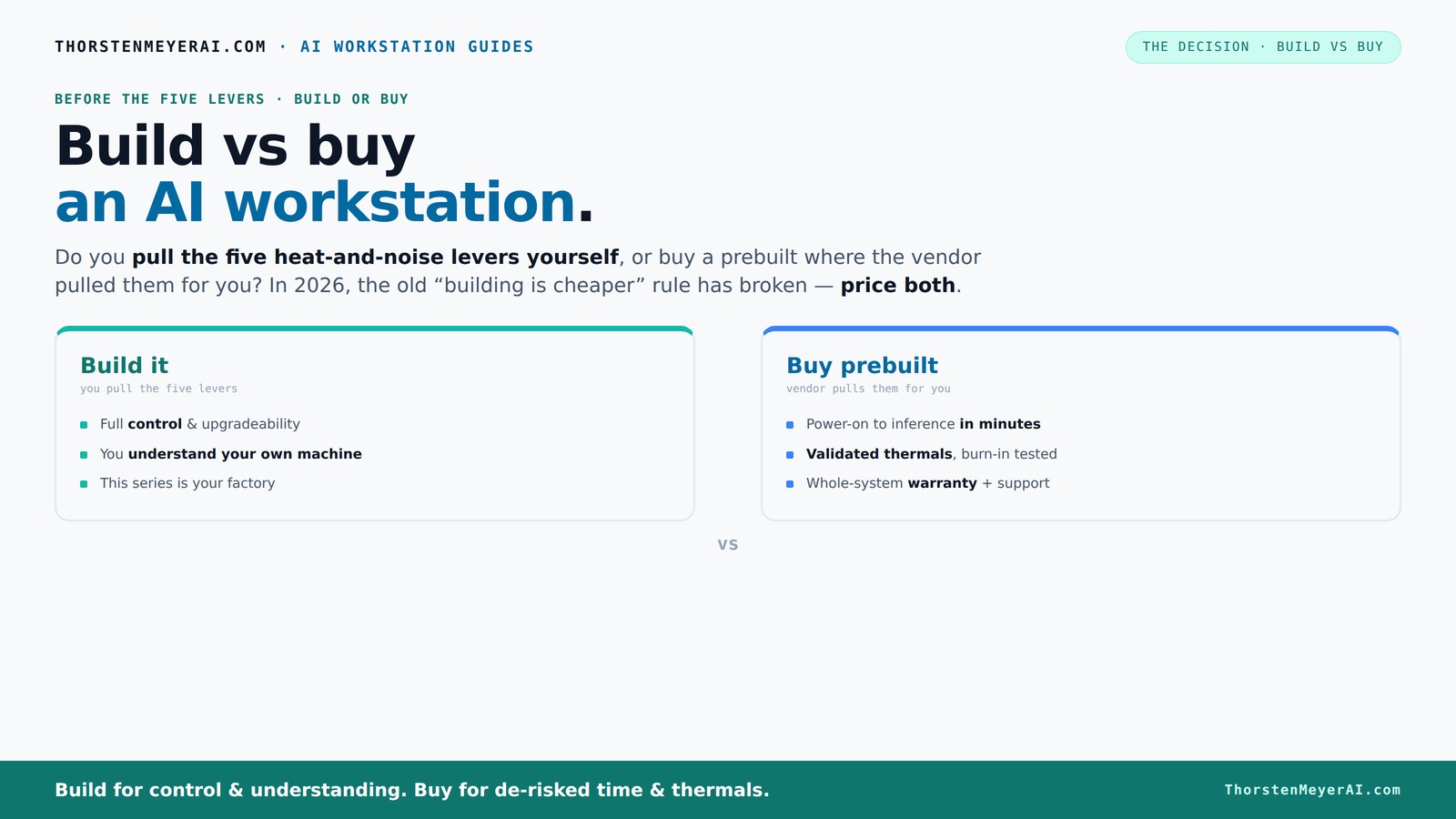
Build vs buy
an AI workstation.
The real question behind this whole series: do you pull the five heat-and-noise levers yourself, or buy a prebuilt where the vendor pulled them for you? And in 2026, the old “building is cheaper” rule has broken. Match your situation in Part 3.
Key Takeaways
- Component shortages in 2026 have made DIY builds potentially more expensive than prebuilt systems, so always price both options for your specific setup.
- Prebuilt AI workstations often come with factory-validated thermals, noise reduction, and warranties, saving you setup time and reducing risk.
- Building your own rig offers maximum control and upgrade flexibility but demands time, technical skill, and willingness to troubleshoot.
- Match your workload: inference and quick deployment suit prebuilts, while complex training and multi-GPU tasks benefit from custom builds.
- Consider your use case — hobbyist, researcher, or enterprise — as it heavily influences whether build or buy makes more sense.
As an affiliate, we earn on qualifying purchases.
Why Building Your Own AI Workstation Might Cost More Than You Expect
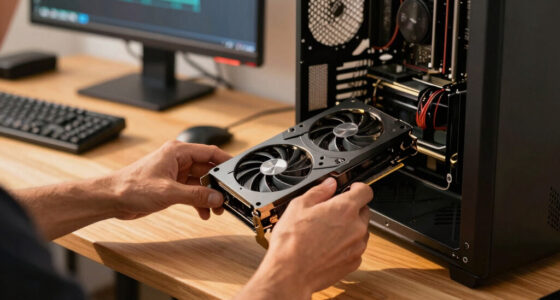
Building your own AI workstation used to be the clear winner for cost. Now, thanks to component shortages, prices for GPUs, DDR5 RAM, and SSDs have spiked — sometimes up to 25% higher than last year. A build that once cost $1,200 now easily hits $1,500 or more.
For example, a high-end GPU like the NVIDIA RTX 4090, which was around $1,600 in early 2024, can now push $2,000 due to demand spikes. Meanwhile, many prebuilt vendors bought these parts in bulk before the surge, allowing them to offer systems at prices that can rival or beat DIY prices even with added support and validation.
According to [1], this shift means you can’t assume DIY will always be cheaper — you need to price both options for your exact setup today. This price increase impacts your decision because it narrows the cost gap that traditionally favored DIY. Additionally, it emphasizes the importance of considering not just initial costs but also the value of support, warranty, and time saved with prebuilt options, which can offset higher upfront prices. The tradeoff becomes more about convenience and reliability than just raw dollar savings.
As an affiliate, we earn on qualifying purchases.
Prebuilt AI Workstations Offer Immediate Power and Support
If you need to start training or inference yesterday, prebuilt is the way to go. Vendors like Lambda or Puget Systems test their rigs under sustained load, tuning fans, optimizing cooling, and validating thermals before shipping. That means your machine arrives ready to handle AI workloads without the guesswork.
For instance, a prebuilt system with a 24-core CPU, 64GB RAM, and a 48GB VRAM GPU can be up and running in minutes, with the OS, CUDA, and AI frameworks pre-installed. It’s a plug-and-play solution designed for professionals who value reliability and quick deployment.
Plus, these vendors often include warranties up to 5 years, offering peace of mind that your investment is protected against hardware failures during critical training runs [2]. This validation process is crucial because AI workloads generate significant heat and demand consistent thermal performance. Prebuilts undergo rigorous testing, ensuring thermal management is optimized for sustained heavy-duty use, which reduces the risk of thermal throttling, hardware failure, or unexpected downtime. This level of validation can be a significant advantage for those who cannot afford downtime or troubleshooting time, making prebuilt systems a strategic choice for enterprise or time-sensitive projects.
As an affiliate, we earn on qualifying purchases.
Pulling the Levers: Who Does the Thermal Tuning?
Managing heat and noise isn’t just about the parts you choose — it’s about how you tune and position your machine. When you build your own, you control everything: undervolt the GPU, pick quiet fans, optimize airflow, and choose a case that dissipates heat quietly. For more on building custom AI workstations, see this guide.
If you buy a prebuilt, the vendor handles this. They validate thermals, set fan curves, and often include water-cooling or other noise-reducing features. BIZON, for example, claims systems that run up to 30% cooler and quieter right out of the box [1]. This factory-validated thermal management isn’t just about noise; it directly impacts hardware longevity and performance stability. Effective thermal management ensures components operate within optimal temperature ranges, reducing thermal throttling and prolonging lifespan. For users who prioritize a quiet environment or need consistent performance over long periods, prebuilt systems with professionally tuned thermals are a significant advantage. The tradeoff is that DIY allows for personalized tuning, but it requires expertise and time investment. For more insights, visit leadermenu.com.
As an affiliate, we earn on qualifying purchases.
Frequently Asked Questions
Is it cheaper to build or buy an AI workstation in 2026?
It’s no longer a given that building is cheaper. Due to component shortages and bulk buying, prebuilt systems often match or beat DIY prices for comparable specs. Always compare prices for your exact configuration. Moreover, the total cost of ownership includes factors like support, warranty, and time invested. Building might seem cheaper initially, but if you factor in troubleshooting, upgrades, and thermal management, prebuilt systems often present better value, especially for those who prioritize reliability and speed.Which option offers better performance for AI workloads?
Both can deliver excellent performance. Custom builds allow for tailored configurations optimized for specific tasks, such as multi-GPU parallel training or high-memory workloads. However, modern prebuilt systems are increasingly optimized with validated thermals and cooling solutions, ensuring sustained performance without thermal throttling. The choice depends on your need for customization versus convenience; for most users, well-chosen prebuilt systems are capable of matching or exceeding DIY performance in real-world scenarios.How much does a prebuilt AI workstation typically cost now?
A high-end prebuilt with multi-GPU support can range from $3,500 to over $5,000, depending on specifications and vendor. The actual price varies based on components, warranties, and support offerings. Due to bulk purchasing and vendor relationships, some prebuilts may offer competitive pricing even at the high end. Always compare with DIY component costs and consider the added value of support and validation, which can justify higher prices for many users.Are prebuilts upgradeable after purchase?
It depends. Many prebuilts use proprietary parts or custom connectors, which can limit future upgrades. For example, some systems may have non-standard PCIe slots or specialized cooling solutions that restrict component swaps. Before purchasing, review the vendor’s upgrade policy and component compatibility. In general, high-quality prebuilts designed with standard parts offer better upgrade paths, but the convenience of a pre-assembled system sometimes comes with tradeoffs in future flexibility.Should I choose a single GPU or a multi-GPU system?
If your workload involves large models, multi-GPU parallel training, or high-throughput inference, a multi-GPU system is advantageous because it can significantly reduce training times and handle larger datasets. However, multi-GPU setups are more complex, costlier, and require robust thermal management. For lighter workloads or inference tasks, a powerful single GPU might suffice, offering a simpler, more cost-effective solution with less power consumption and heat output. Your choice should align with your specific workload demands and budget considerations.Conclusion
Deciding whether to build or buy your AI workstation isn’t just about saving a few dollars. It’s about how quickly you need it, how much control you want, and how much support you value. In 2026, the smarter move often leans toward prebuilt for most users, thanks to shifting prices and supply chain realities.
Picture yourself powering through AI tasks with a system that’s tuned and validated — no fuss, no delays. Sometimes, paying a little extra for ready-to-go support beats the headache of DIY. The choice is yours, but remember: the best system aligns with your workload and your workflow.