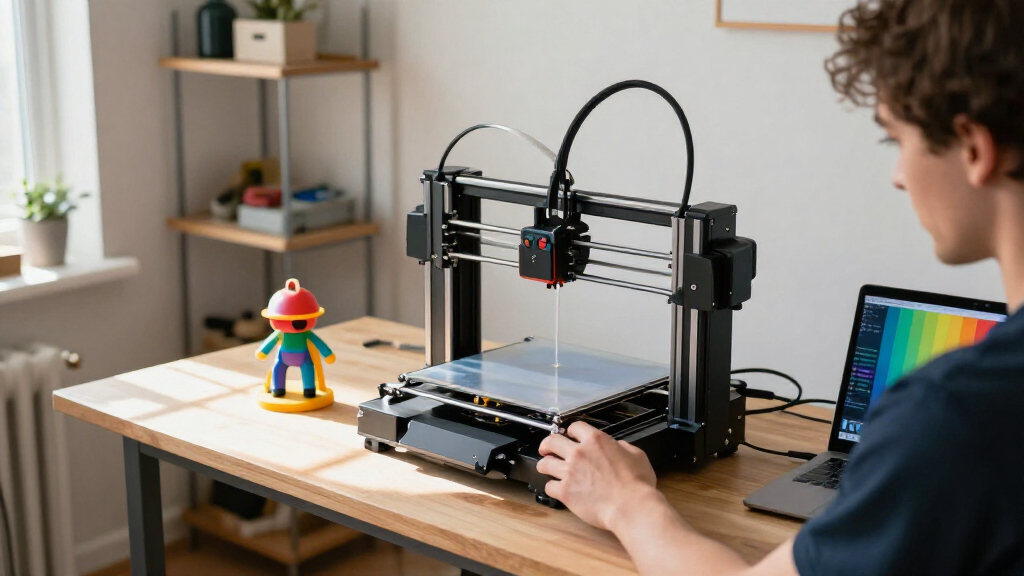

🔍 Read the full analysis: 10 Best 3D Printers For Multicolor Projects: What To Consider In 2027 on ThorstenMeyerAI.com
TL;DR
A ThorstenMeyerAI.com buying guide ranks 10 printers for multicolor projects, placing the Bambu Lab P2S Combo first for its enclosed design and bundled AMS material system. The comparison also covers open-frame models, a four-toolhead option and speed-focused machines, while noting tradeoffs such as setup, material handling and purge waste.
ThorstenMeyerAI.com has published its 2027 buying guide comparing 10 3D printers for multicolor projects, recommending the Bambu Lab P2S Combo as its leading all-around package. The guide says buyers should look beyond advertised speed and color capacity to compare enclosure, material handling, setup demands and potential filament waste.
The guide puts the P2S Combo first for buyers who want an enclosed printer bundled with an automated material system. It describes the Bambu Lab A1 Combo as a more accessible option for hobbyists, while the Snapmaker U1 stands out for its four-toolhead design. The ranking is based on factors including print-system design, material handling, enclosure, setup, maintenance and fit for different users.
It treats the Bambu Lab P1S and P1S Combo as separate choices: the standalone P1S is for buyers seeking an enclosed printer without bundled multicolor hardware, while the Combo includes an AMS system. The guide also identifies the Flashforge Adventurer 5M as a speed-focused CoreXY model and lists the Anycubic Kobra X, Flashforge AD5X and Creality K2 Combo as other routes to multicolor printing.
The supplied source material does not provide a complete model-by-model specification table, prices, test results or the full ranking order for all 10 machines. It does not establish that every listed model includes multicolor hardware in its base configuration. Buyers should verify package contents, compatibility and current availability before making a purchase.
The 10 picks
- 1
 Snapmaker U1 3D Printer with 4-Toolhead and 5-Second Tool ChangerView on Amazon →
- 2
 Bambu Lab P2S Combo – P2S 3D Printer with AMS 2 Pro (Multi‑Color)View on Amazon →
- 3
 Bambu Lab P1S Combo 3D Printer with AMS – Multi‑Color PrintingView on Amazon →
- 4
 Creality K2 Combo 3D Printer, Multicolor Printing, Max 600mm/s Speed, Auto Le…View on Amazon →
- 5
 Bambu Lab A1 Combo + LED Lamp Kit (with AMS Lite)View on Amazon →
- 6
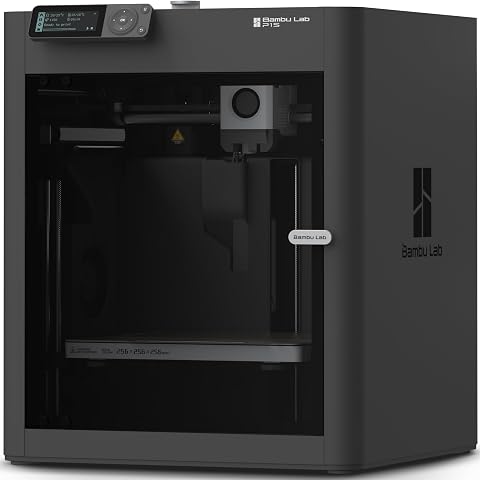 Bambu Lab P1S 3D PrinterView on Amazon →
- 7
 Anycubic Kobra X Multicolor 3D PrinterView on Amazon →
- 8
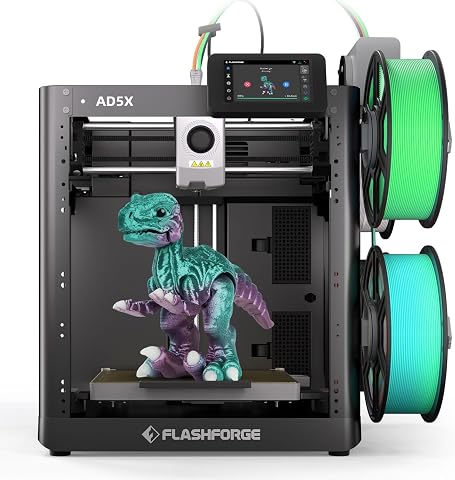 Flashforge AD5X Multi-Material 3D PrinterView on Amazon →
- 9
 Bambu Lab A1 FDM 3D PrinterView on Amazon →
- 10
 FLASHFORGE Adventurer 5M 3D Printer, All-Metal CoreXY, 600mm/s Max TravelView on Amazon →
Choosing a Multicolor Workflow
The selection matters because multicolor printing involves more than the number of colors a machine can handle. A filament-switching system and a printer with multiple toolheads use different workflows, and frequent material changes may extend print time or create purge waste. The guide advises matching the system to the kinds of models a buyer actually plans to make.
For readers, the practical choice is between paying for automated color changes and accepting their added steps and material use, or keeping to simpler single-color work. The guide argues that an elaborate or fast printer is not automatically a better fit for small, occasional projects. Workspace, material choice and maintenance expectations may matter more than headline features.
Popular right now

Ninja Prestige Smart XL Pro Cook System 10-in-1 Air Fryer and Countertop Oven, Stainless Steel, DT551

Vitamix 5-Speed Immersion Blender, 625-Watt, Stainless Steel/Black

Apple AirPods Pro (2nd Generation) Wireless Earbuds with USB-C MagSafe Charging Case
As an affiliate, we earn on qualifying purchases.
How the Guide Compares Printers
ThorstenMeyerAI.com says its comparison weighs enclosure, material handling, setup, maintenance and versatility, giving additional weight to whether a multicolor bundle includes the required hardware. Its ranking favors broad usefulness, while recognizing that a lower-ranked model may suit a narrower need better.
The guide distinguishes enclosed CoreXY printers from open-frame machines rather than treating maximum movement speed as the sole measure of performance. It says an enclosure can help manage drafts and temperature for some materials, while open-frame machines may be easier to access and suitable for many hobby prints. The relevant choice depends on materials, workspace and ventilation needs.
It also cautions that maximum travel speed is not a print-time guarantee. Model geometry, layer height, material and cooling affect both time and finish. Build volume should be considered alongside the space needed to load filament and reach the build plate; printing large designs in joined sections can add work and visible seams.
„The P2S Combo ranks first as the most complete general-purpose bundle in this group.“
— ThorstenMeyerAI.com buying guide
Specifications and Ownership Costs
The source material does not state prices, measured print speeds, tested print quality, build volumes or failure rates for the 10 models. It also does not give a full account of maintenance costs or quantify the time and material consumed by color changes. The guide’s ranking is an editorial comparison, not a disclosed standardized laboratory test.
Exact package contents and compatibility can vary by seller or configuration. The supplied information does not confirm which machines include multicolor equipment as standard, what materials each can handle in specific conditions, or whether updates to 2027 models will change those details. These points need checking against current manufacturer specifications and retailer listings.
Checks Before Buying
Prospective buyers should first list the materials and model sizes they expect to print, then compare each machine’s enclosure, usable build area and workspace requirements. They should check whether the listed price includes the multicolor material system or toolheads, along with any required accessories.
Before choosing, readers can also compare current manufacturer documentation for material compatibility, ventilation guidance, maintenance and warranty terms. For multicolor use, sample prints and independent tests may help clarify actual print duration, color-change behavior and purge waste—details not supplied in the guide’s source material.
Key Questions
Which printer does the guide recommend overall?
ThorstenMeyerAI.com ranks the Bambu Lab P2S Combo first, citing its enclosed printer and bundled AMS material system. That is the guide’s editorial recommendation, not a guarantee that it will suit every buyer.
What is the difference between the P1S and P1S Combo?
The guide describes the P1S as a standalone enclosed printer and the P1S Combo as a package that adds AMS material-handling hardware. Buyers should confirm the exact bundle contents before purchasing.
Why consider the Snapmaker U1?
The guide singles out the Snapmaker U1’s four-toolhead system as an alternative to filament-switching approaches. Whether that workflow is worthwhile depends on the buyer’s projects and tolerance for added system complexity.
Does multicolor printing always create more waste?
The guide warns that frequent color changes can add print time and purge waste, particularly when several colors are used in a layer. It does not provide quantified waste measurements for the listed models.
Is an enclosed printer necessary for multicolor projects?
Not necessarily. The guide says enclosure choice should reflect the materials, workspace and environmental control a user needs. Many everyday hobby prints may suit an open-frame machine, depending on the material and conditions.
Source: ThorstenMeyerAI.com