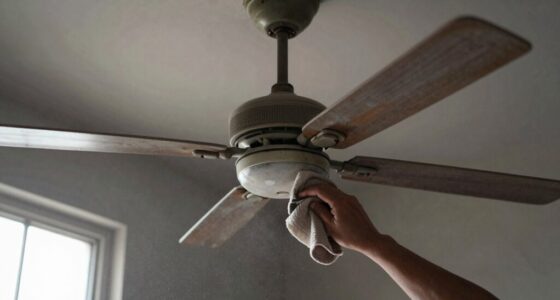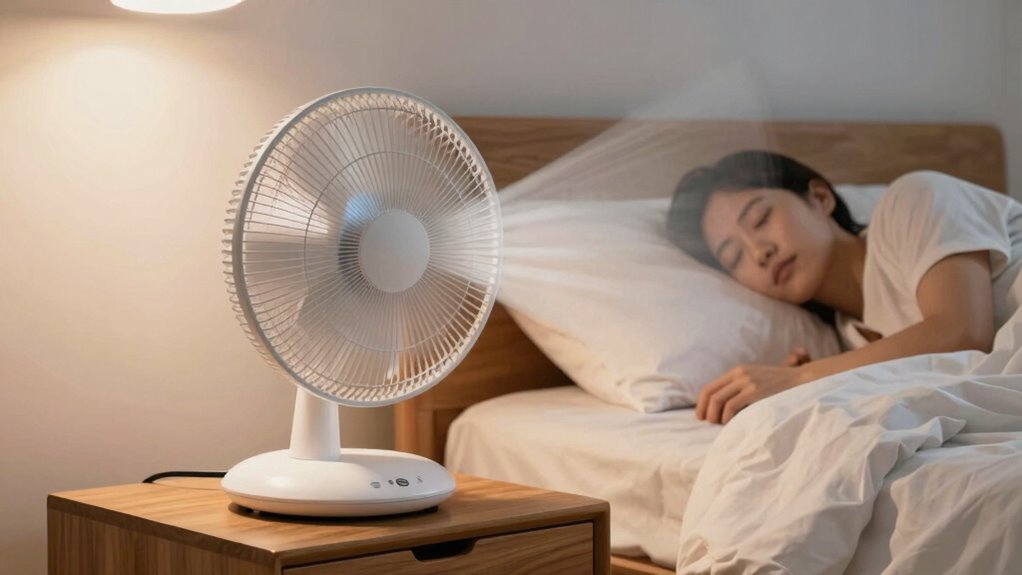

To stop fans from blowing air directly at your face, position the fan slightly above or to the side of your bed, angling it toward the ceiling or upper wall to create gentle circulation. Use oscillating fans or adjustable louvers to control airflow direction and aim away from your face. Elevate the fan and experiment with angles and heights for maximum comfort. Keep scrolling for more tips to stay cool and comfortable all night.
Key Takeaways
- Position fans higher on walls or ceilings, angling downward to direct airflow away from the face.
- Use oscillating or directional fans with adjustable louvers to control airflow direction.
- Place fans near ceilings or corners, aiming airflow toward upper walls or ceilings, not directly at the bed.
- Elevate and tilt fans to prevent direct face-level airflow, reducing drafts and discomfort.
- Keep fans on the side opposite the bed, directing airflow across the room for cooling without blowing at the face.
Why Fan Placement Matters for Comfortable Sleep
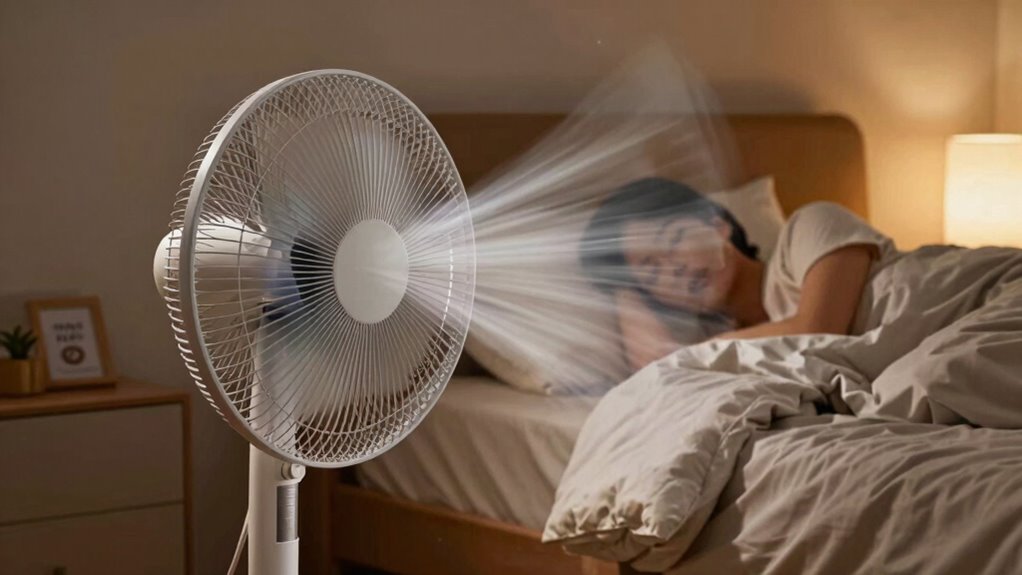
Proper fan placement can make a significant difference in how comfortably you sleep when it’s hot. If you position your fan poorly, you might experience disruptive fan noise or uneven airflow patterns that make falling asleep harder. Placing the fan too close to your face can cause direct drafts, leading to discomfort or waking up frequently. Conversely, positioning it too far away might result in weak airflow, providing little relief from the heat. The key is to find a spot where the fan circulates air smoothly across the room without creating excessive noise or drafty spots. Understanding airflow patterns ensures you optimize fan placement for comfort. By understanding air circulation, you can prevent hot spots and improve overall room comfort. Additionally, paying attention to airflow dynamics can help you achieve a more consistent and soothing breeze throughout the night, especially when considering the contrast ratio of your room’s lighting and environmental conditions. Being aware of airflow distribution can further enhance your setup by promoting even cooling and avoiding uncomfortable drafts.
Common Mistakes When Positioning Fans at Night
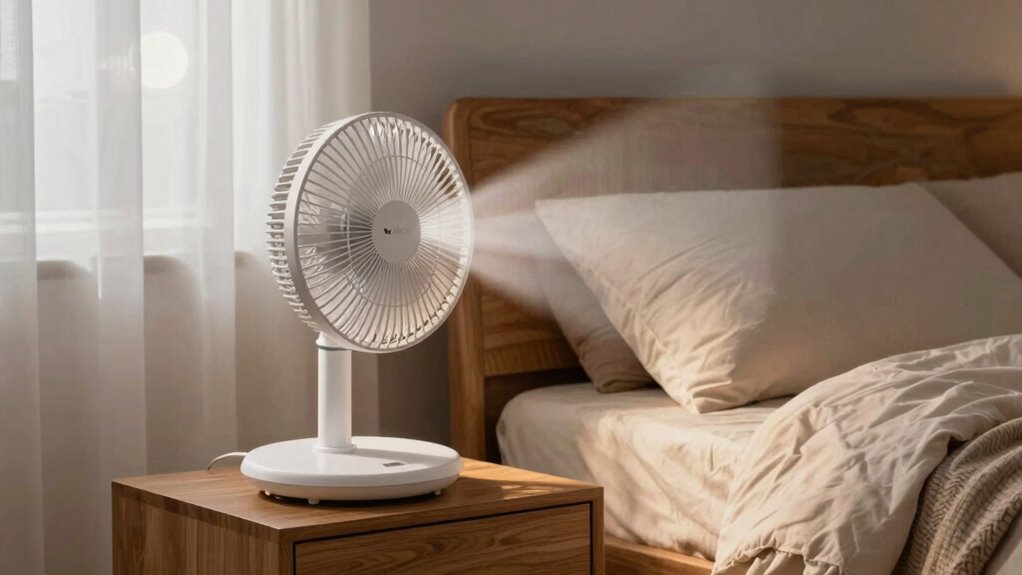
One common mistake is placing the fan too close to your bed or face, which can cause direct drafts that lead to discomfort or frequent awakenings. This positioning also increases fan noise, making it harder to fall asleep or stay asleep. Additionally, running the fan at high speeds for extended periods can waste energy, reducing overall energy efficiency and increasing electricity bills. Another mistake is leaving the fan running all night without adjusting settings, which can lead to unnecessary power consumption. Instead, you should position the fan at a distance that circulates air without blowing directly at your face and choose quieter, energy-efficient models. Proper placement and settings help you stay cool comfortably while minimizing noise and conserving energy. Additionally, understanding air circulation principles can help optimize fan placement for better comfort and efficiency. Being mindful of the fan speed settings can further enhance sleep quality by reducing disruptive noise and drafts. Using timers or automatic shut-off features can also prevent unnecessary energy use during the night. To further improve sleep comfort, consider the room’s airflow patterns to ensure even cooling without creating drafts.
How to Place Fans to Avoid Blowing Air Directly at Your Face
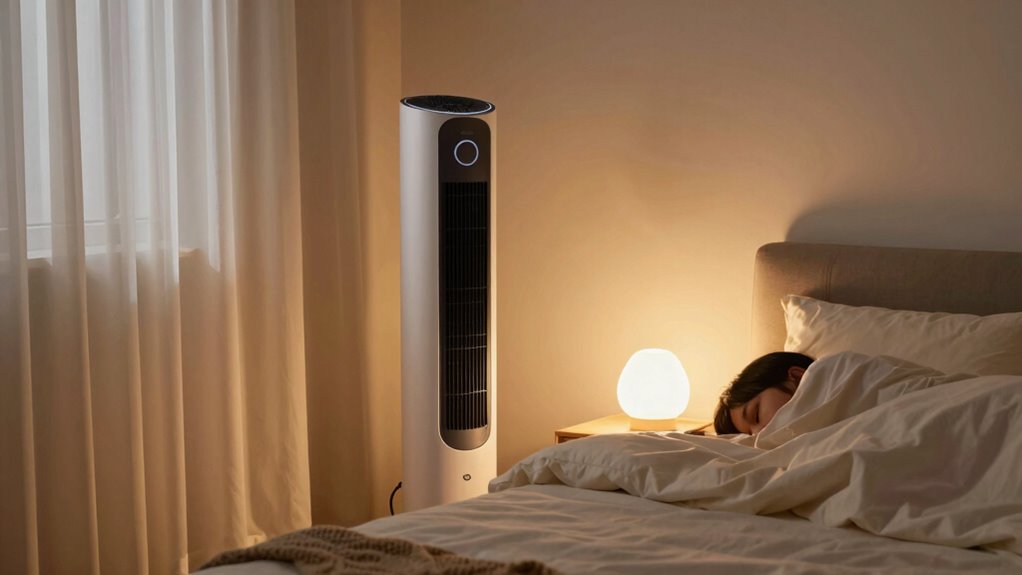
To stay cool without the breeze hitting your face, try adjusting the fan angle so the air flows away from you. Using directional fans can also help you direct airflow precisely where you want it. This way, you stay comfortable without the constant chill on your skin. Additionally, selecting air purifiers with advanced filtration features can improve indoor air quality while maintaining a comfortable temperature. Proper ventilation considerations are essential for evenly distributing air and preventing drafts that could cause discomfort.
Adjust Fan Angle
Adjusting the fan angle is key to staying comfortable without having cold air blow directly into your face. By changing the fan’s angle, you control the directional airflow, preventing a harsh breeze from hitting your head-on. Aim the fan slightly away from your face and toward the ceiling or upper walls, so the air circulates softly around the room. This setup allows the airflow to cool the space effectively without causing discomfort. Experiment with different angles to find what works best for your sleeping position and room layout. Remember, small adjustments to the fan angle can make a big difference in how the air moves, helping you stay cool without the unwanted cold blast directly on your face. Proper fan placement ensures safer and more effective cooling during warm nights, and considering room airflow dynamics can further enhance your comfort. Understanding thermal comfort principles can also guide you in optimizing your fan setup for better sleep. Utilizing air circulation techniques can improve overall room cooling efficiency, making your sleep environment even more comfortable. Additionally, paying attention to fan speed settings helps tailor the airflow to your personal comfort level.
Use Directional Fans
Using directional fans effectively means placing them so the airflow doesn’t blow directly into your face. This helps improve air circulation without causing discomfort or increasing fan noise. To achieve this, position the fan so it directs air across the room or towards a wall, creating a gentle breeze. Experiment with angles until the airflow feels natural and unobtrusive. Here’s a quick guide:
| Fan Position | Direction | Effect |
|---|---|---|
| Near ceiling | Downward | Distributes air evenly |
| Wall-mounted | Sideways | Avoids direct face airflow |
| Corner | Diagonally | Enhances circulation |
| Floor level | Upward | Keeps air moving smoothly |
Additionally, understanding airflow fundamentals can help you optimize fan placement for maximum comfort. Proper airflow management is essential in HVAC systems to ensure a comfortable environment. Recognizing the importance of airflow patterns can lead to more effective cooling strategies. Properly managing airflow direction can also reduce energy consumption and improve overall comfort. Incorporating fan speed settings can further customize airflow to suit your preferences, making nights cooler and quieter without the annoyance of fan noise or direct air blowing at your face.
Using Directional and Oscillating Fans Effectively
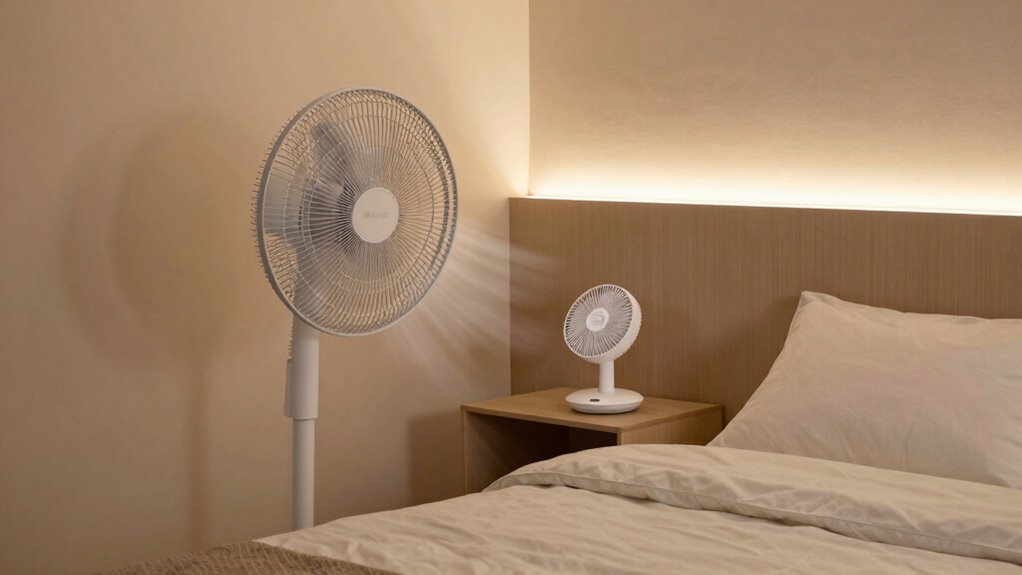
Directional and oscillating fans can considerably improve your sleep by directing airflow precisely where you need it. To maximize their benefits, adjust the fan’s angle to avoid blowing directly at your face, reducing fan noise and discomfort. Use airflow control features, like adjustable louvers or oscillation settings, to evenly distribute air without creating drafts or hot spots. Position the fan so it moves air around the room rather than directly at you, which helps prevent waking up feeling cold or clammy. Experiment with different settings to find the balance between effective cooling and minimal noise. Remember, the goal is to enhance comfort without causing disruptions, so take your time fine-tuning your fan’s direction and oscillation for the best sleep environment. Incorporating smart automation can also help optimize fan operation based on your sleep patterns and room temperature. Additionally, choosing fans with adjustable airflow features allows for more precise control over air distribution, further improving your sleep comfort. Properly positioning your fan to avoid direct airflow at your face can significantly reduce discomfort and ensure a more restful sleep. Considering fan placement strategies can also enhance overall airflow efficiency and comfort throughout the night. Being mindful of airflow patterns can help you create a more balanced and pleasant sleeping environment.
Placing Fans Near Windows and Doors for Better Cooling
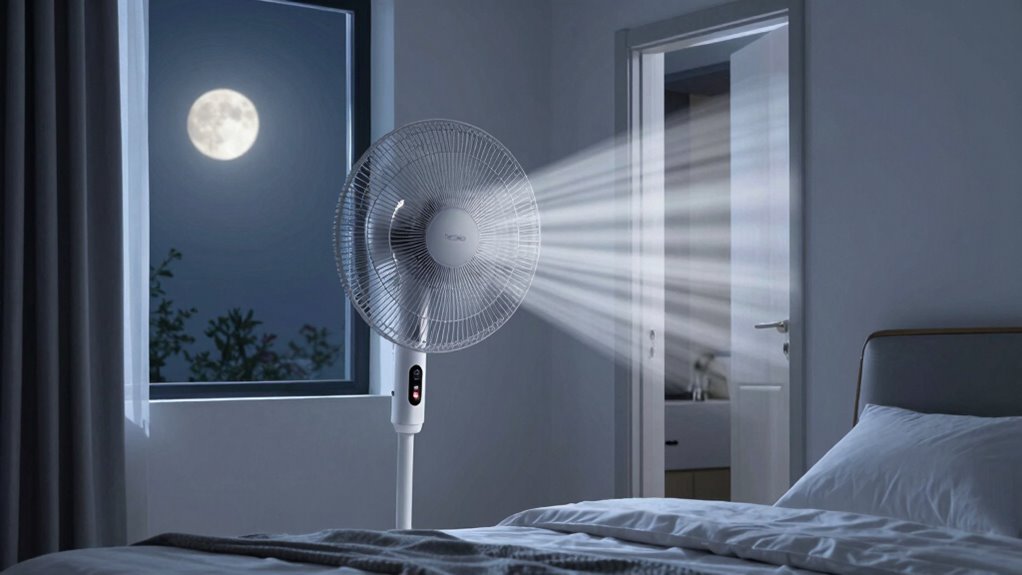
Placing fans near windows and doors can considerably enhance cooling by promoting better airflow through your room. Positioning a fan to draw in cooler outdoor air or expel warm indoor air improves overall air circulation, making your space feel cooler faster. Keep in mind, fan noise can increase if the fan is too close or if it runs at high speeds, so find a balance that doesn’t disturb your sleep. Using a fan near a window during cooler evenings or early mornings can help pull in fresh air and push out stale air, creating a more comfortable environment. Verify the fan is stable and directed properly to maximize airflow without blowing directly at your face or causing discomfort. Proper placement makes a significant difference in staying cool all night. Additionally, understanding airflow dynamics can help you optimize your fan setup for maximum comfort.
How to Create a Cross-Breeze for a Cooler Night
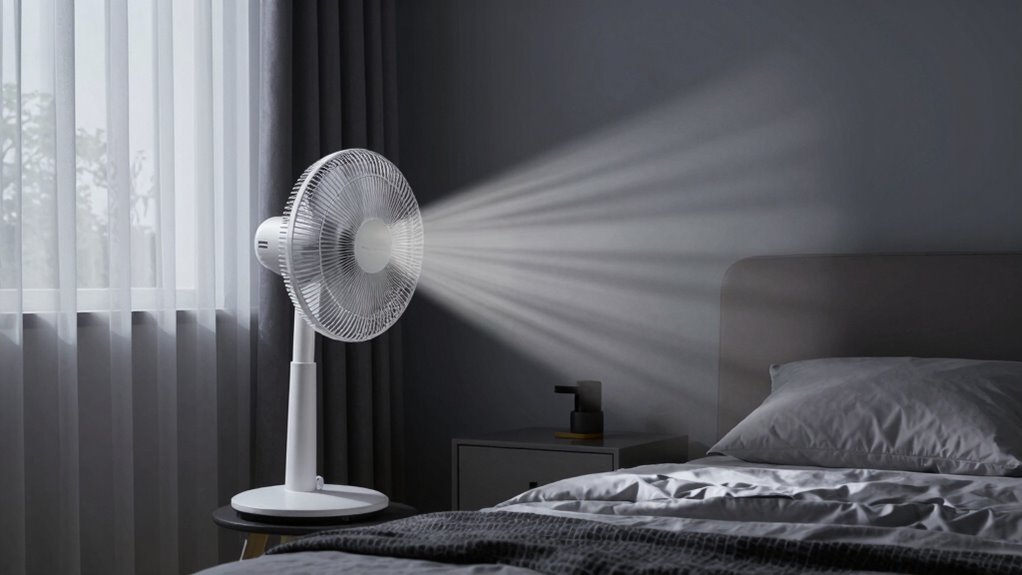
To create a cross-breeze, you need to position your fans strategically to maximize airflow. Use multiple vents and open windows on opposite sides of your room to encourage fresh air movement. Properly opening windows is key to pulling in cool air and pushing out warm air for a more comfortable night.
Position Fans Strategically
Creating a cross-breeze is one of the most effective ways to cool your sleeping area naturally. To maximize air circulation and minimize fan noise, position fans across from each other in different rooms or open windows. This setup encourages fresh air to flow through your space, lowering temperature without blowing directly at your face. Use the following table to guide your placement:
| Fan Placement | Purpose | Tips |
|---|---|---|
| Near an open window | Pulls in cool air | Keep windows slightly open for airflow |
| Opposite fan | Creates cross-breeze | Ensure fans face each other |
| Higher placement | Improves circulation | Place fans on elevated surfaces |
Strategic positioning boosts air circulation and keeps the noise manageable, helping you sleep cooler and more comfortably.
Use Multiple Vents
Using multiple vents is an effective way to boost airflow and establish a natural cross-breeze in your sleeping area. This method helps cool the room without increasing fan noise, making it easier to sleep comfortably. To maximize efficiency, consider these points:
- Position fans across the room to create a flow that pulls cooler air in and pushes warmer air out.
- Keep vents unobstructed for ideal air movement and energy efficiency.
- Use fans with adjustable settings to reduce noise and control airflow, preventing you from blowing directly at your face.
Open Windows Properly
Ever wondered how opening windows the right way can keep your bedroom cool all night? To create a effective cross-breeze, open windows on opposite sides of your room, but avoid wide-open vents that cause loud fan noise or drafts. Keep windows slightly ajar to balance airflow and reduce noise, which helps maintain a peaceful environment. Proper ventilation improves air quality by flushing out stale air and bringing in fresh, cooler air from outside. Consider using screens to prevent insects from entering while maximizing airflow. Be mindful of outdoor noise or pollutants that could affect air quality. With the right window placement and timing, you’ll enjoy a cooler, quieter night’s sleep without the need for constant fan noise or compromising air quality.
Adjust Fan Height and Angle to Prevent Drafts on Your Face
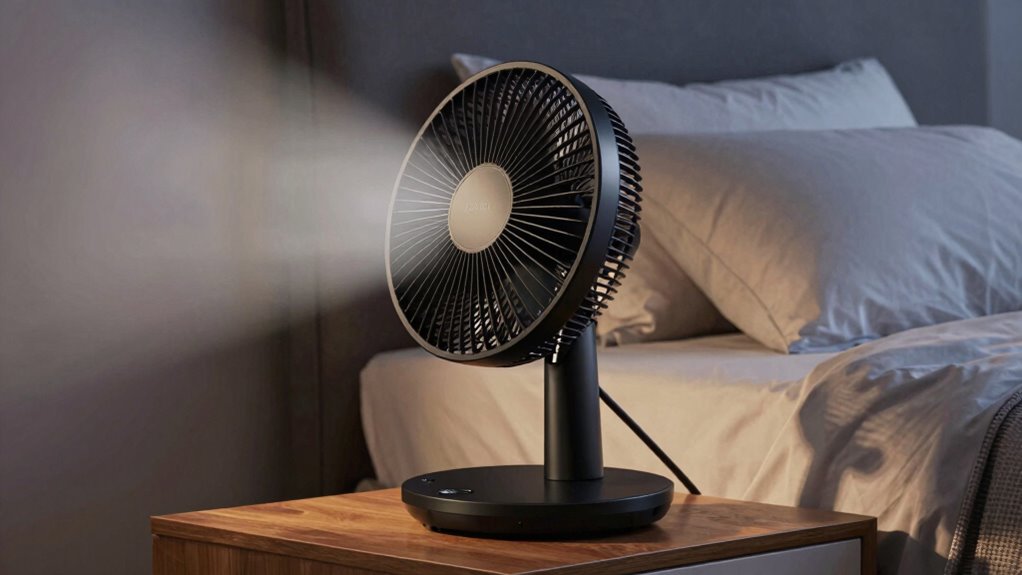
To prevent drafts from blowing directly on your face, adjusting your fan’s height and angle is essential. Proper fan height ensures the airflow isn’t at face level, reducing discomfort. Changing the fan angle directs the breeze away from your head while still cooling the room effectively. Here are three tips to optimize your setup:
- Set the fan height higher, so airflow targets the ceiling or upper walls, avoiding direct face contact.
- Tilt the fan slightly downward or upward based on your sleeping position to divert drafts.
- Test different angles to find the sweet spot where airflow cools without hitting your face.
Combining Fan Placement With Other Cooling Tips for Better Sleep
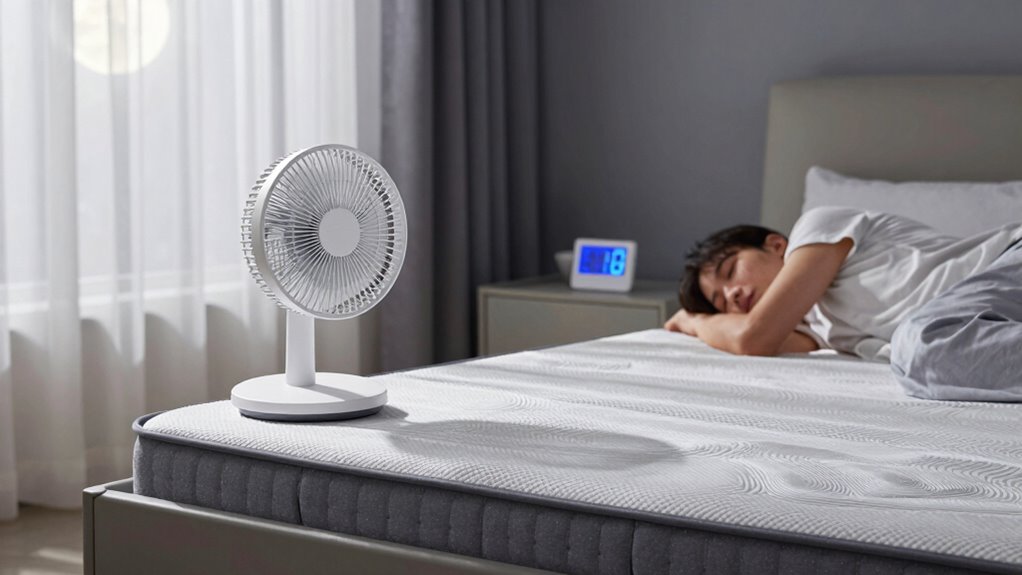
To get the most cooling benefit, you should combine strategic fan placement with other tips like using bed fans and breathable bedding materials. Adjusting your room temperature and ventilation can also make a big difference in staying comfortable all night. When you coordinate these approaches, you’ll create a cooler, more restful sleep environment.
Use Bed Fans Strategically
Using bed fans strategically can substantially enhance their cooling effects when combined with other sleep tips. Position your fan to avoid direct airflow at your face, and consider the fan blade design—quiet, efficient blades help maintain a peaceful environment. To maximize comfort, follow these tips:
- Place the fan near your feet or lower body to promote overall airflow without blowing cold air directly at your face.
- Choose fans with low noise levels to prevent sleep disturbances.
- Combine fan use with breathable bedding to improve heat dissipation and create a cooler sleeping surface.
Incorporate Breathable Bedding Materials
Pairing your fan placement with breathable bedding materials can considerably boost your cooling efforts. Opt for bedding made from cooling fabrics like linen, cotton, or bamboo, which promote airflow and wick away moisture. These materials help regulate your body temperature, preventing heat buildup during hot nights. Using breathable bedding reduces sweating and discomfort, making it easier for your fan to maintain a comfortable environment. When you combine strategic fan placement with cooling fabrics, you create a synergistic effect that enhances overall sleep quality. This approach keeps you cooler without the need for loud or direct fan blowing, especially on your face. Investing in breathable bedding is a simple yet effective step toward a more comfortable, restful sleep in warm weather.
Optimize Room Temperature and Ventilation
Maximizing your bedroom’s cooling potential involves more than just positioning a fan; it requires optimizing both room temperature and ventilation. Proper airflow patterns help circulate cool air and prevent hot spots, while maintaining a comfortable temperature ensures better sleep. To enhance this, consider these tips:
- Use a fan with adjustable fan noise levels to avoid disrupting sleep.
- Place fans to create cross-ventilation, encouraging consistent airflow without blowing directly at your face.
- Keep windows open or use vents to facilitate natural cooling, reducing reliance on artificial cooling methods.
Troubleshooting Fan Discomfort: Dry Skin, Noise, and More

Sometimes, fan placement that’s too direct or too close can cause discomfort, leading to issues like dry skin, noise disturbances, and disrupted sleep. If your fan is blowing air straight at you, it can strip moisture from your skin, causing dryness and irritation. Additionally, a fan placed too near your bed may produce excessive fan noise, making it harder to fall asleep or stay asleep. To troubleshoot these problems, angle the fan away from your face and body, or position it on the opposite side of the room. Using a diffuser or placing a lightweight cloth over the fan grille can help soften the air and reduce noise. Adjusting the fan’s placement guarantees you stay cool without sacrificing comfort or sleep quality.
Tips for Hot Sleepers to Keep Cool All Night
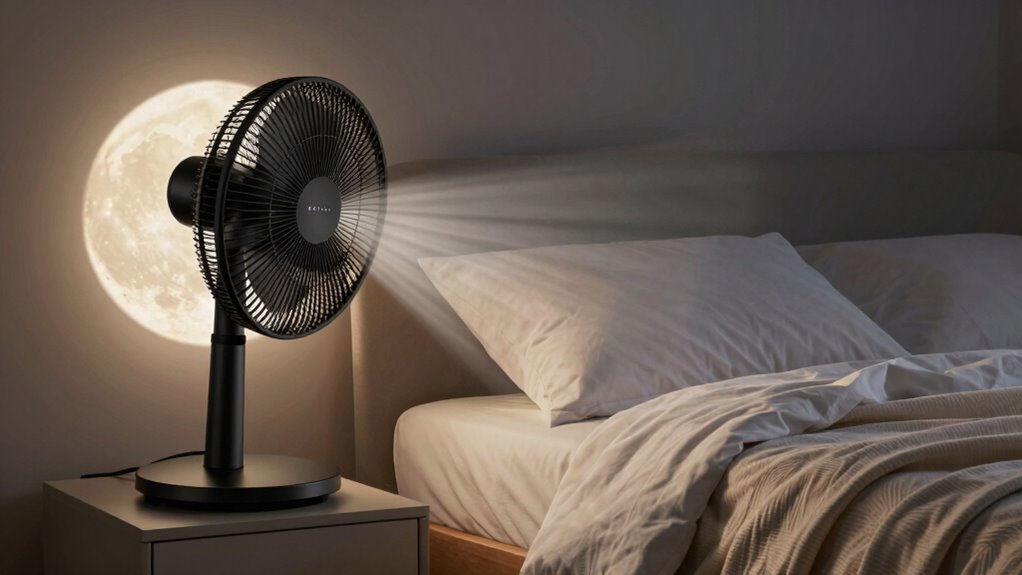
To stay cool all night, you need to optimize your sleep environment and habits. Managing fan noise and air quality can make a big difference. Here are three tips:
- Use a fan with adjustable speed to reduce noise and prevent it from disturbing your sleep.
- Keep windows open or use an air purifier to improve air quality, ensuring fresh, cool air circulates.
- Position the fan strategically—avoid blowing air directly at your face to stay comfortable and prevent dryness.
Frequently Asked Questions
Can Fan Placement Affect My Overall Sleep Quality?
Fan placement definitely affects your sleep quality. If you position the fan incorrectly, it can create uncomfortable airflow and disturb your rest. You should focus on fan positioning and airflow direction, aiming to direct cool air away from your face and body rather than directly at you. Proper fan placement helps maintain a comfortable temperature without causing drafts, ensuring you stay cool and undisturbed throughout the night.
What Are the Best Fan Types for Hot Sleepers?
Think of your fan as a gentle breeze on a summer day. For hot sleepers, a tower fan with adjustable airflow direction and a bladeless design is ideal. These fans produce smooth, quiet airflow, reducing noise and uneven air distribution. The bladeless design prevents harsh blade exposure, making it safer and more comfortable. Focus on fans that let you control airflow direction to keep you cool without blowing air directly at your face.
How Does Fan Noise Impact Sleep Comfort?
Fan noise can considerably impact your sleep comfort by causing sleep disruption. White noise from a fan can help mask background sounds, promoting better sleep, but if the noise is too loud or inconsistent, it may wake you up or disturb your rest. To avoid sleep disruption, choose a fan with a steady, calming sound level, and keep it at a distance so the noise remains soothing rather than intrusive.
Is It Better to Use a Fan With a Timer or Continuous Operation?
Using a fan with a timer is better for your sleep because it offers the fan timer benefits of automatic shutoff, helping you save energy and avoid noise disruptions late at night. If you prefer consistent airflow, continuous fan operation works well, but it might cause unnecessary noise or drafts. Choose a fan with a timer if you want control over when it runs, ensuring a comfortable, quiet sleep environment.
Can Fans Help Reduce Nighttime Sweating Effectively?
Fans can effectively reduce nighttime sweating by improving air circulation around your body. Proper fan positioning is key—place it to avoid blowing directly at your face, which can disrupt sleep. Instead, direct airflow towards your body or ceiling to promote even cooling. This helps sweat evaporate faster, keeps you comfortable, and prevents overheating. Adjust fan speed and placement to find the most effective balance for a restful, sweat-free sleep.
Conclusion
By thoughtfully placing your fan, you can avoid the pitfalls of a restless night, much like Icarus soaring too close to the sun. Remember, the goal is gentle, even cooling—not a direct breeze that stings. With proper positioning, you’ll stay cool, comfortable, and in control—transforming your sleep from a battle against heat into a peaceful retreat. Embrace these tips, and let your bedroom become your sanctuary, where coolness reigns and dreams take flight.