
TL;DR
A single video can produce a full publishing kit—titles, descriptions, social assets, metadata, and promotional materials—entirely offline. This approach keeps your data local, speeds up publishing, and enhances control over every asset, unlike cloud-based tools.
Imagine finishing a video and having a full set of promotional assets ready to go—titles, thumbnails, social snippets, metadata—all in minutes. No waiting for cloud servers, no third-party platforms, just your own machine working for you. That’s the promise of turning one video into an entire publishing kit—completely offline. It’s not just about automation; it’s about control, speed, and owning every piece of your content.
In this article, I’ll show you how a local-first workflow makes this possible. From raw video to a ready-to-publish media kit, you’ll see how to streamline your process, keep your assets private, and cut out unnecessary delays. Learn more about digital marketing tools that can help. If you’re tired of cloud dependency and want everything on your own terms, read on.
Key Takeaways
- One high-quality video can generate all your promotional assets offline—titles, snippets, metadata, and more.
- Offline workflows give you complete control, faster turnaround, and better privacy compared to cloud-based tools.
- A complete publishing kit includes a one-sheet, high/low-res images, social clips, and metadata—generated from a single source.
- Using local processing tools reduces dependency, speeds up editing, and keeps your content private.
- Set up a clear, repeatable pipeline to turn raw videos into polished assets without ever uploading to the cloud.
As an affiliate, we earn on qualifying purchases.
How one video becomes a complete media kit in minutes
Here’s the core idea: one high-quality video is the seed. From it, you can grow a full set of assets—titles, descriptions, social clips, metadata, and promotional graphics. Imagine a YouTube video, then instantly having a press-ready one-sheet, multiple social posts, and even a blog draft—without uploading anything to the cloud.
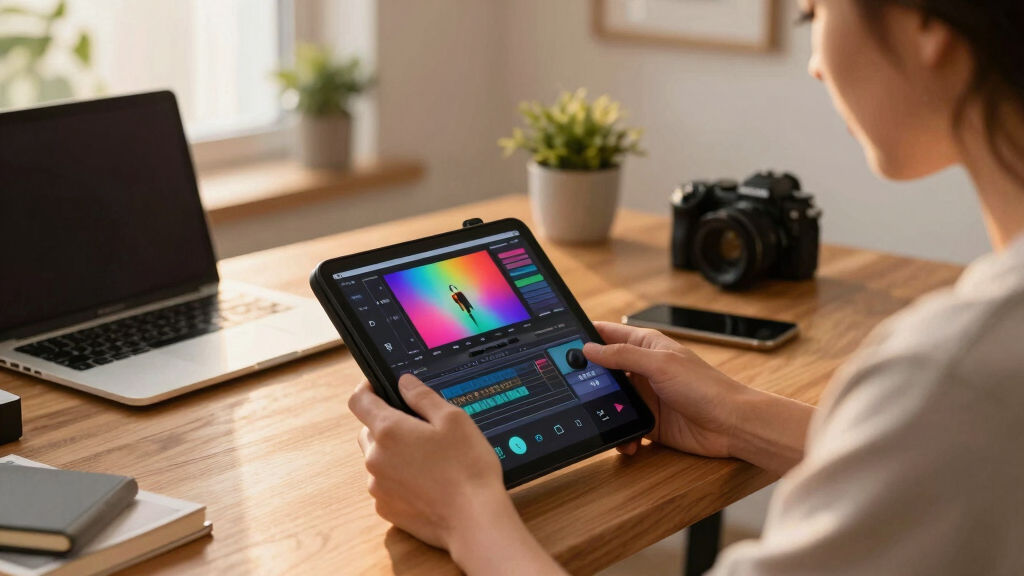
For example, a coach creates a 10-minute tutorial. Using a local tool, they generate a catchy title, a detailed description with chapters, a thumbnail concept, and snippets for TikTok and Instagram. All these assets are crafted on their own machine, ready to publish or send out—no external servers involved.
This process matters because it reduces dependency on internet speed and external platforms, which often introduce delays or limit control. Check out SEO and marketing strategies for more insights. By understanding how to generate these assets locally, creators can respond quickly to market opportunities, iterate on their messaging, and maintain full ownership of their content assets. The tradeoff is that initial setup and learning curve might be higher; however, the long-term benefits include faster turnaround times, enhanced privacy, and the ability to work in environments with limited or unreliable internet access.
As an affiliate, we earn on qualifying purchases.
Why offline-first workflows beat cloud tools every time
Offline workflows put you in the driver’s seat. You control every asset, every change, every version—without relying on API limits, internet speed, or third-party servers. Learn more about digital marketing and content control. Think about the frustration of waiting for a cloud app to process your video, only to lose access during an outage or suffer privacy breaches.
With local processing, your media stays on your machine. You can work faster, troubleshoot issues immediately, and keep sensitive information private. For instance, an indie publisher can prepare a launch kit, tweak the cover, and finalize metadata all offline—then upload everything once ready. That’s speed, control, and peace of mind.
Choosing offline workflows also means you’re less vulnerable to external failures—such as server outages or platform bans—that could delay or prevent your publishing. Moreover, privacy concerns are minimized since your data isn’t stored on external servers, reducing risks of leaks or unauthorized access. The tradeoff is that offline workflows may require more initial setup and familiarity with local tools, but they ultimately offer greater reliability and security, especially for sensitive or high-stakes projects.

As an affiliate, we earn on qualifying purchases.
What belongs in an author or creator media kit?
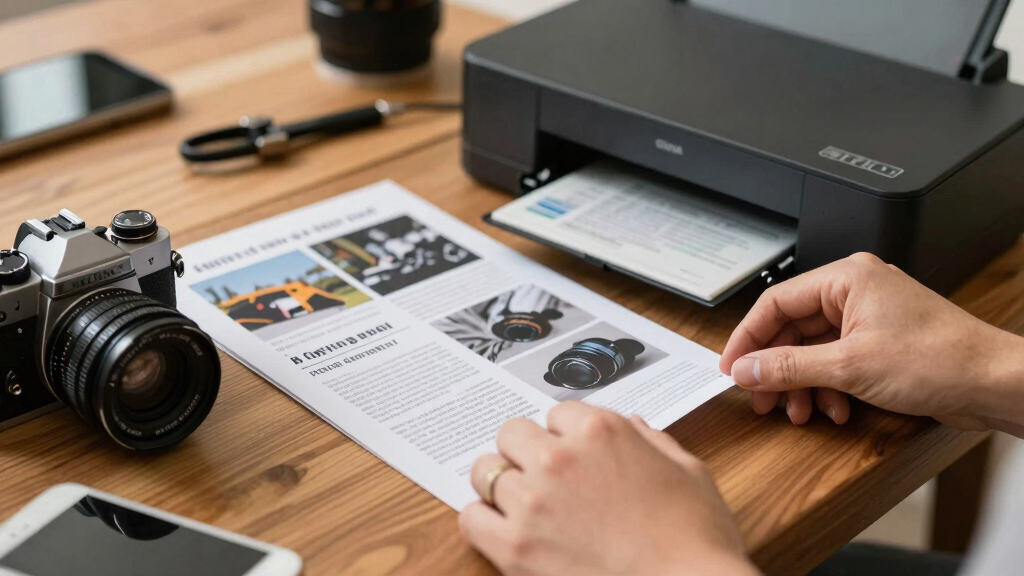
A media kit isn’t just a collection of files. It’s a strategic package designed to showcase your work effectively and efficiently. A well-crafted kit includes a one-sheet overview, high-res and low-res cover images, a compelling author or creator bio, key quotes, and social media assets. These components serve different purposes; high-res images are ideal for press releases or print, while low-res versions are better suited for quick sharing online.
For authors, this might mean generating a professional-looking one-page summary with the book cover, a captivating blurb, and key selling points—all derived from their video content or promotional materials. For content creators, it could include titles, thumbnails, and snippets optimized for various platforms. The power of a media kit lies in its ability to quickly communicate your value, facilitate media outreach, and streamline marketing efforts. When assembled offline, it also ensures your assets are consistent, customizable, and ready to deploy at a moment’s notice—without waiting for cloud-based approvals or uploads.
As an affiliate, we earn on qualifying purchases.
High-res vs low-res assets: when and why to use each
High-resolution images are crucial when quality matters—such as in print, large banners, or detailed promotional materials. They preserve clarity and detail, making your content look professional and polished. Low-res assets, on the other hand, are optimized for speed and convenience—perfect for social media posts, quick shares, or website thumbnails where loading times and bandwidth matter.
Having both versions generated during your offline process ensures flexibility. For example, a publisher might use high-res covers for press releases or print advertisements, where detail is paramount, while deploying low-res versions for Instagram or Twitter to ensure fast loading and optimal display. This dual approach enables you to adapt your assets quickly to different platforms, maintaining branding consistency and professionalism across all channels. The tradeoff is managing storage and ensuring the correct version is used in each context, but the benefits include a more versatile and prepared media kit that can respond to various publishing needs efficiently.

How to generate metadata, keywords, and descriptions offline
Metadata is critical for discoverability, search engine optimization, and organizing your content. Offline tools that analyze your video’s themes, on-screen text, and speech can suggest relevant keywords, categories, and descriptions. This process involves leveraging natural language processing, speech-to-text transcription, and thematic analysis to generate meaningful metadata.
For example, upload a video about digital marketing. The tool scans the content, identifies key topics like ‚SEO,‘ ‚content strategy,‘ and ’social media,‘ and drafts a description that captures the core message. You then review, tweak, and finalize this data—all offline—ensuring accuracy and privacy. This approach not only saves hours compared to manual keyword research but also reduces the risk of exposing sensitive content to third-party platforms. The tradeoff is that developing or choosing effective offline tools requires some technical understanding, but they empower creators to maintain control over their content’s discoverability and branding.

Comparison: Cloud vs offline publishing workflows
| Feature | Cloud Workflow | Offline Workflow |
|---|---|---|
| Control | Dependent on third-party servers | Full control over assets and processes |
| Speed | Limited by upload/download speeds | Instant processing on your machine |
| Privacy | Data stored externally | All data remains local |
| Customization | Limited by platform features | Unlimited, since you control the tools |
| Reliability | Subject to internet outages | Works offline, no dependency |
Real-world example: indie author uses local tools to launch a book
Sarah, an indie novelist, records a quick promo video. With her local system, she instantly generates a cover in both high and low-res, drafts a compelling blurb, and pulls keywords. She creates social snippets and a press one-sheet—all on her laptop, without uploading a single file to the cloud.
Once ready, she ships her assets directly to her website and social platforms. This offline approach saves her days of waiting and keeps her launch data private. It’s a game-changer for small creators who want full control.

How to set up your offline publishing pipeline
- Choose your local tools that process video, generate assets, and handle metadata.
- Drop your raw video or link into the system.
- Let the system analyze and prepare all assets in the background.
- Review drafts in your local interface, make edits, and approve.
- Export the complete package and upload it to your website or social platforms.
This process can be repeated, refined, and scaled without relying on cloud storage or services.

Ownership, privacy, and control: why they matter
When everything runs offline, your content and data stay on your own machine. That means no third-party access, no API leaks, and no dependency on external servers. For creators handling sensitive topics or private projects, this control is invaluable.
For example, a consultant preparing confidential training videos can generate all assets locally, then publish without worrying about leaks or privacy issues. Plus, offline workflows often mean faster iteration and fewer bottlenecks.
Maintaining ownership and privacy isn’t just about security; it also affects your ability to adapt quickly. When your data lives locally, you can implement changes, test new ideas, and respond to feedback without waiting for external approval or facing platform restrictions. This independence allows for a more agile, secure, and tailored content creation process, especially vital in sensitive or competitive environments.

Practical tips for building your offline publishing kit
- Invest in good local video analysis and asset generation tools.
- Organize your project folder structure for quick access.
- Keep a master template for assets like one-sheets and social snippets.
- Regularly back up your work to external drives or local servers.
- Test your workflow with small projects before scaling up.
Frequently Asked Questions
Yes. Offline tools can analyze your video and produce social snippets, titles, and descriptions locally. This saves time and keeps your assets private.
How does offline processing handle metadata and keywords?
Offline systems analyze your video’s content, on-screen text, and speech to suggest relevant keywords and categories. You can review and edit these before publishing.
Is this workflow suitable for authors, marketers, or both?
It’s ideal for both. Authors can generate press kits and promotional assets, while marketers and creators can produce social content and metadata, all offline.
What file formats are supported for exporting assets?
Most local tools support standard formats: JPEG, PNG for images, MP4 for clips, and DOCX or PDF for documents. You can customize based on your platform needs.
Does this process require technical skills?
Basic familiarity with video editing and file management helps, but many tools are designed to be user-friendly, with guided workflows and templates.
Conclusion
Turning one video into a full publishing kit without relying on the cloud isn’t just a dream—it’s a practical reality. It puts you in the driver’s seat, speeds up your workflow, and keeps your content private.
Embrace offline tools, build a repeatable process, and reclaim control over your content. Your next launch could be faster, cleaner, and more private—just by working smarter, not cloudier.