To test your device’s charging speed safely, use reputable apps like Ampere or AccuBattery to monitor voltage and current in real time. Make sure your charger matches your device’s specifications and use certified cables to prevent overheating. Keep your device cool and avoid long testing sessions to prevent damage. If you stick to proper tools and guidelines, you’ll avoid risks. Keep going to discover how to get accurate results and maintain safe charging habits.
Key Takeaways
- Use reliable apps like Ampere or AccuBattery to monitor real-time charging current, voltage, and wattage safely.
- Ensure your charger and cable support your device’s fast-charging protocols and have proper certifications (UL, CE).
- Avoid prolonged testing and extreme temperatures; limit testing sessions to prevent heat buildup and internal damage.
- Match charger wattage and voltage with device specifications to prevent overloading or underpowering.
- Regularly check device temperature and stop testing if it overheats or shows signs of damage.
Why Testing Your Charging Speed Safely Is Important

Testing your charging speed safely is essential because rushing the process or using improper methods can lead to damage or safety hazards. If you don’t take precautions, you risk accelerating battery degradation, which shortens your device’s lifespan. Overheating risks also increase when testing improperly, potentially causing your device to overheat or even catch fire. Pushing your device to test fast charging without proper procedures can damage internal components and reduce battery health over time. Safe testing ensures you avoid these issues, allowing you to monitor charging performance without compromising safety or device longevity. Additionally, employing proper testing methods can help preserve your device’s overall health and ensure consistent performance. Being aware of battery management practices can further support maintaining optimal battery condition during testing. Implementing temperature monitoring during testing can also help prevent overheating and ensure safer results, especially when monitoring device temperature to avoid dangerous heat buildup. Using accurate measuring tools designed for battery testing can enhance the reliability of your results and prevent unnecessary risks during the process.
Is Your Device and Charger a Good Match for Safe Testing?
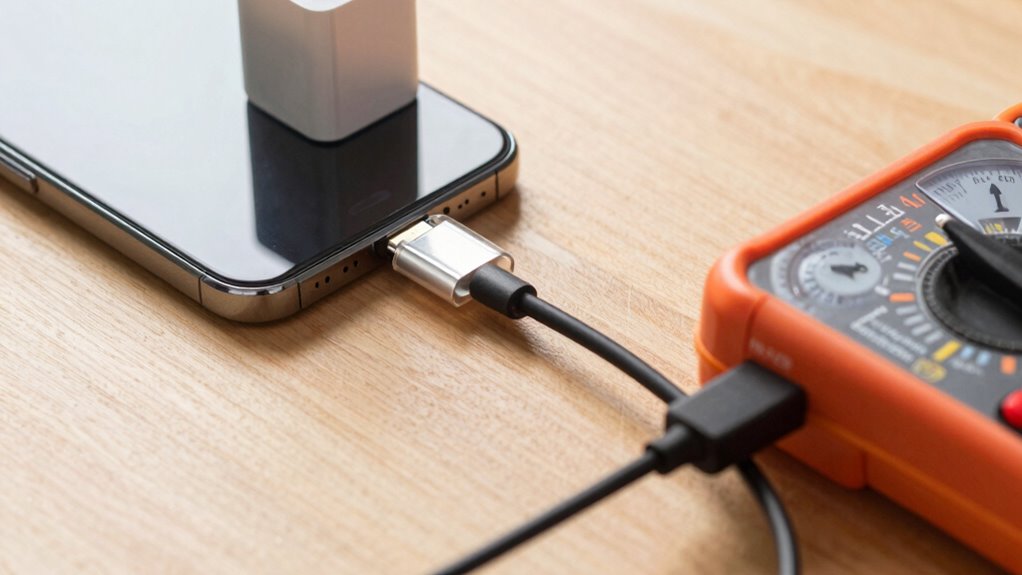
Before testing your charging speed, make sure your device and charger are compatible. Carefully match their power ratings to avoid damage or safety issues. Always use certified charging equipment to guarantee safe and accurate results. Additionally, selecting energy-efficient cloud servers can help optimize your overall device performance and reduce potential risks during testing. Proper cable quality also plays a vital role in ensuring safe and reliable charging. Ensuring that your device and charger compatibility is thoroughly checked can prevent unexpected malfunctions and extend the lifespan of your devices. Using high-quality cables can further minimize risks associated with poor connections or overheating. Furthermore, considering the floating on water principle can help in understanding how to keep devices safe from water-related hazards during testing environments.
Check Compatibility Beforehand
Making certain your device and charger are compatible is essential for safe charging speed testing. Mismatched components can lead to slow charging or damage. To verify compatibility:
- Check your device’s supported fast charging standards—some phones only support specific protocols.
- Confirm if your device supports wireless charging if you plan to test wireless charging speeds.
- Ensure the charger’s power output matches your device’s recommended wattage—overpowered chargers can cause overheating.
- Review the charger’s specifications to see if it supports the latest fast charging standards, such as USB Power Delivery or Qualcomm Quick Charge.
Matching these factors helps prevent risks and ensures accurate testing. Always use certified chargers and cables to avoid potential hazards and get reliable results.
Match Power Ratings Carefully
Matching the power ratings of your device and charger is essential for safe and effective charging tests. Power compatibility guarantees that your device receives the correct voltage and current, preventing overheating or damage. Before testing, check the charger’s output specifications and compare them with your device’s recommended input. Using a charger with a higher power rating than your device can deliver may cause safety issues, while a lower rating might result in slow charging or incomplete tests. Always follow safety precautions by verifying these ratings and avoiding makeshift solutions. Proper matching minimizes risks and ensures your testing process doesn’t compromise your device’s integrity or safety. Remember, careful attention to power ratings helps you conduct tests smoothly while avoiding dangerous situations. Ensuring your setup includes proper electrical connections is also key to a safe testing environment.
Use Certified Charging Equipment
Using certified charging equipment is essential for safe testing because uncertified chargers may not meet safety standards and can pose risks to your device. To guarantee compatibility and safety, verify that your charger supports your device’s wireless charging and fast charging standards. Here are four tips:
- Check for official certifications like UL, CE, or FCC labels.
- Use chargers that match your device’s power ratings to prevent overheating.
- Confirm the charger supports your device’s wireless charging protocols.
- Avoid third-party or unbranded chargers that claim fast charging but lack proper certification.
- Always ensure your charging equipment is compatible with your device’s safety guidelines to prevent potential damage or hazards. Ensuring that your certified equipment is used properly can significantly reduce the risk of electrical faults or safety issues. Properly matching your device with certified equipment minimizes risks like overheating or damage. Always use chargers that comply with your device’s fast charging standards and wireless charging capabilities for safe, effective testing. Additionally, choosing approved charging accessories helps maintain device longevity and safety during testing procedures.
Which Tools and Apps Can Help You Test Charging Speed Accurately?
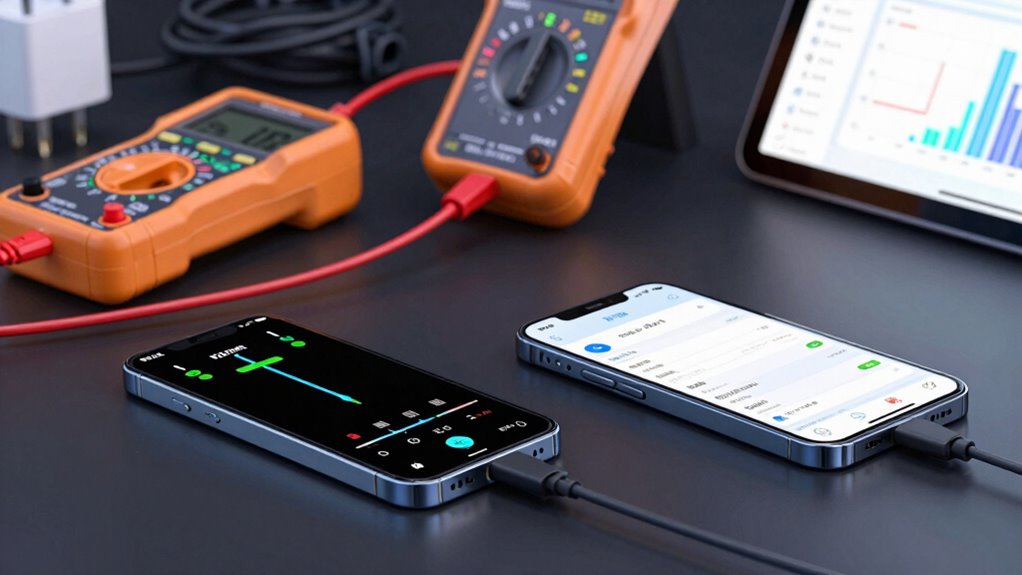
To test your charging speed accurately, you’ll need reliable tools and apps designed for this purpose. Use apps like Ampere or AccuBattery, which monitor charging current and provide real-time data, helping you assess the charging port’s performance. These tools can also give insights into your device’s battery health, indicating whether it’s holding charge effectively or needs attention. Connecting your device to the charger, open the app, and observe the charging rate in watts or milliamps. Confirm your device is on a stable surface and avoid multitasking to get precise readings. Remember, consistent readings over multiple tests help verify your charging setup’s efficiency. By using these tools, you can confidently monitor your charging speed without risking damage to your device.
How to Safely Test Your Device’s Charging Speed
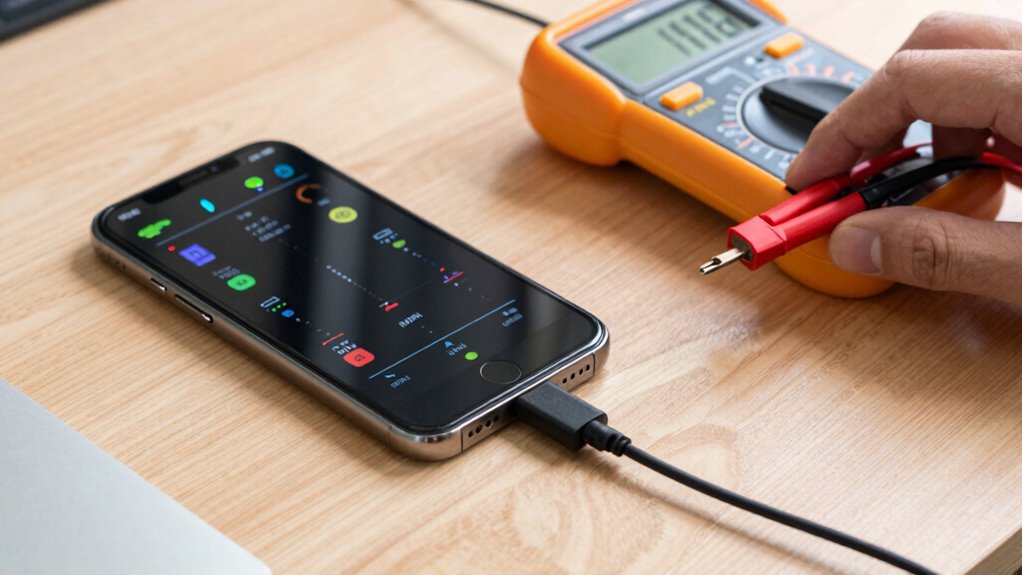
Before testing your device’s charging speed, make certain you follow safety precautions to protect both your device and yourself. Monitoring your battery health is key, as frequent testing can affect its longevity and charging cycles. To do this safely:
- Use a reliable charger and cable recommended by the manufacturer.
- Avoid testing during extreme temperatures, as heat can damage your battery.
- Keep an eye on the charging process; unplug if overheating or swelling occurs.
- Limit testing frequency to prevent excessive charging cycles that can degrade your battery over time.
- Regularly check your device’s battery health and follow manufacturer guidelines for maintenance to ensure optimal performance.
Common Mistakes That Could Damage Your Devices During Testing
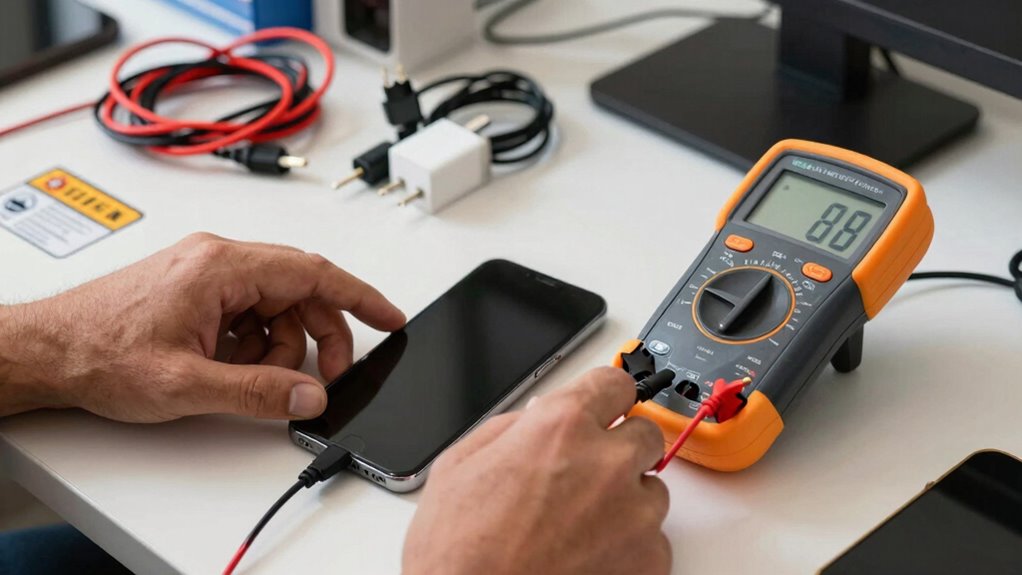
While testing your device’s charging speed, it’s easy to overlook certain mistakes that can cause damage. One common error is overcharging, which can lead to overheating and battery degradation. Using low-quality cables increases overcharging risks because they may not handle high currents safely. Always choose certified cables to ensure safe power transfer. Additionally, connecting incompatible chargers or mismatched power outputs can cause stress on your device’s battery and internal components. To visualize, consider this comparison:
| Factor | Potential Damage |
|---|---|
| Cable Quality | Increased risk of overheating and failure |
| Overcharging Risks | Battery damage and reduced lifespan |
| Power Compatibility | Internal damage from mismatched volts |
| Testing Duration | Excess heat buildup leading to harm |
Being aware of the power specifications of your charger helps prevent mismatched voltages that could harm your device. Always verify that your charger’s output ratings match your device’s requirements to avoid risks. Avoid these mistakes to protect your device during your charging speed tests.
How to Read Your Charging Speed Test Results and What They Mean
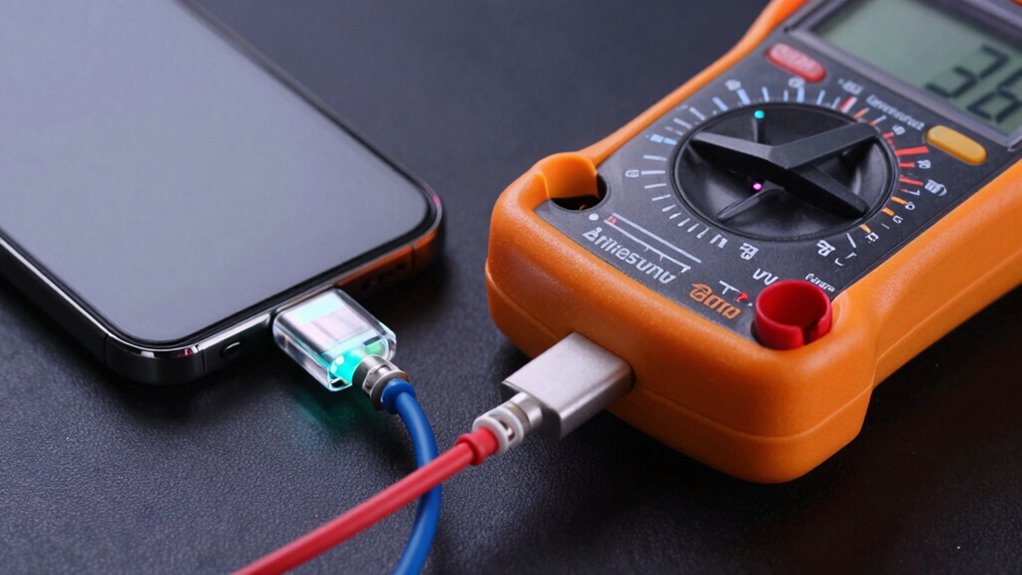
Understanding your charging speed test results is essential to determine if your device is charging efficiently. By analyzing charging metrics, you can assess battery performance and identify potential issues. Here’s how to interpret your results:
Analyzing charging metrics helps ensure your device charges efficiently and maintains battery health.
- Charging Rate (Wattage) – Higher wattage usually means faster charging; compare it to your device’s specifications.
- Charge Time – Shorter times indicate better efficiency, but watch for sudden drops that could signal problems.
- Voltage and Current – Stable readings suggest consistent power delivery; fluctuations may affect battery health. Monitoring power delivery can help improve clarity in your explanations.
- Battery Temperature – Excessive heat during charging can harm battery performance over time, so keep an eye on it. Monitoring passive voice detection can help improve clarity in your explanations. A proper understanding of battery health can help prevent long-term damage and improve your device’s longevity. Additionally, tracking charging consistency can provide insights into whether your device is receiving stable power, which is vital for maintaining optimal battery condition.
Tips to Maintain Safe Charging Habits and Keep Your Devices in Top Shape

To keep your devices safe and performing at their best, adopting good charging habits is essential. Prioritize maintaining your battery health by avoiding frequent full discharges and keeping your device between 20% and 80% charge whenever possible. Limit the number of charging cycles your battery undergoes by unplugging once it reaches full capacity. Use certified chargers and avoid cheap, incompatible cables that can cause overheating or damage. Don’t leave your device plugged in after it’s fully charged, as overcharging can degrade the battery over time. Regularly monitor your battery’s performance and replace it when you notice significant drops in capacity. Incorporating smart charging techniques can optimize battery longevity and performance. These habits help prolong battery lifespan, reduce wear and tear, and guarantee your device remains safe and efficient during everyday use. Additionally, paying attention to device temperature during charging can prevent overheating and safeguard your device’s internal components. Utilizing adaptive charging features can further enhance battery health by adjusting charging rates based on usage patterns.
Frequently Asked Questions
How Often Should I Test My Device’s Charging Speed?
You should test your device’s charging speed every few months, especially if you notice battery degradation or faster-than-normal charging cycles. Regular testing helps monitor battery health and catch issues early. Avoid excessive testing, as it can contribute to battery wear. Keep an eye on how quickly your device charges over time, and perform tests cautiously, ensuring you don’t push your device beyond safe limits to maintain ideal battery performance.
Can Testing Damage My Device’s Battery Permanently?
Testing your device’s charging speed won’t necessarily damage your battery, but it can contribute to battery degradation over time. Each charging cycle slowly wears down your battery’s capacity, like a river carving its bed. Repeated testing might accelerate this process, but if you’re careful and avoid extreme conditions, you won’t cause permanent harm. Keep an eye on your battery’s health to make certain it stays strong for as long as possible.
Are There Specific Safety Precautions for Wireless Charging Tests?
Yes, there are specific safety precautions for wireless charging tests. You should guarantee wireless safety by using certified chargers and following proper charging protocols to prevent overheating or damage. Avoid placing foreign objects on the charger, and keep your device on a stable surface. Always monitor the charging process, and unplug if you notice excessive heat or unusual behavior. Following these steps helps protect your device and ensures safe, efficient wireless charging tests.
What Signs Indicate My Device Is Overheating During Testing?
If your device shows signs of overheating during testing, it’s like a volcano about to erupt—look for battery swelling or unusual heat. These are the biggest warnings that your device is struggling with the charge. If you notice the battery feels swollen, hot to the touch, or emits a burning smell, stop immediately. Overheating can damage your device permanently, so always monitor for these signs and prioritize safety.
Is It Safe to Use Third-Party Apps for Testing Charging Speed?
Using third-party apps for testing charging speed can be safe, but you should choose reputable ones to guarantee testing accuracy. These apps often provide detailed data on charging performance, helping you monitor your device effectively. However, be cautious, as some apps may not be reliable or could compromise your device’s security. Always verify reviews and permissions before installing, and avoid apps that request unnecessary access.
Conclusion
Testing your charging speed safely is essential to prevent damaging your devices. Did you know that using incompatible chargers can decrease your battery lifespan by up to 50%? By following proper testing methods and avoiding common mistakes, you can guarantee your devices stay safe and perform well. Keep an eye on your results, maintain good habits, and enjoy faster, safer charging. Protect your investment and keep your devices in top shape with these simple, smart practices.