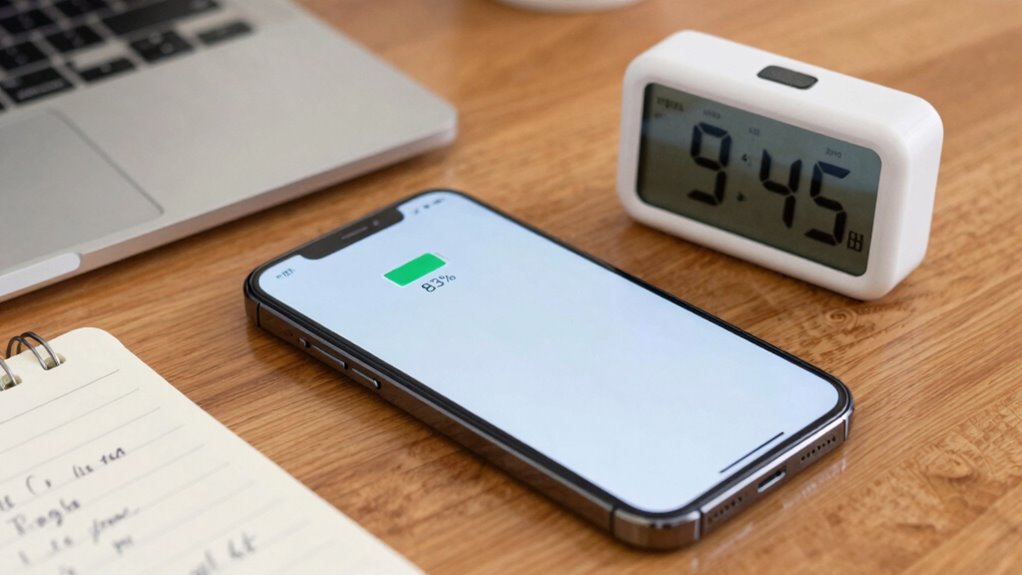

When a device claims “up to 10 hours” of battery life, it’s based on controlled tests that often don’t match actual use. These tests assume minimal activity, ideal conditions, and proper calibration, which rarely happen in reality. Activities like streaming or gaming drain power faster and accelerate wear. To get a more realistic view of your battery, you need to account for your habits and monitor its performance over time. If you want to understand more, keep exploring.
Key Takeaways
- “Up to” claims are based on ideal, controlled conditions, not typical real-world usage.
- Battery calibration and power management settings significantly impact actual battery life.
- Heavy activities like streaming or gaming drain power faster, reducing real-world duration.
- Long-term battery health degradation causes “up to” estimates to become less accurate over time.
- Real-world use usually involves variable activity levels, making continuous 10-hour use rare.
Why ‘Up to’ Battery Life Claims Can Be Misleading

Many manufacturers use “up to” battery life claims to showcase their products’ best performance, but these numbers can be misleading. They often rely on ideal conditions that don’t reflect real-world use. Proper battery calibration plays a vital role in providing accurate readings, ensuring your device reports the actual battery health. Without correct calibration, you might think your battery lasts longer than it does. Power management settings also heavily influence battery life; turning off unused features or lowering screen brightness can extend usage. Manufacturers may not account for these adjustments when claiming “up to” durations. As a result, the advertised numbers can give you a false sense of endurance, leading you to believe your device will last longer than it realistically will under typical conditions. Additionally, battery testing procedures can vary significantly, affecting the reported durations and making it essential to interpret these claims with caution. Understanding testing environments and how they differ from everyday usage can help set more accurate expectations. Recognizing standardized testing protocols can aid consumers in better assessing the reliability of battery life claims. Furthermore, awareness of vetted testing methods ensures a more realistic understanding of a device’s actual endurance, especially when considering the impact of different usage patterns.
How Are Battery Life Tests Conducted and What Do They Show?
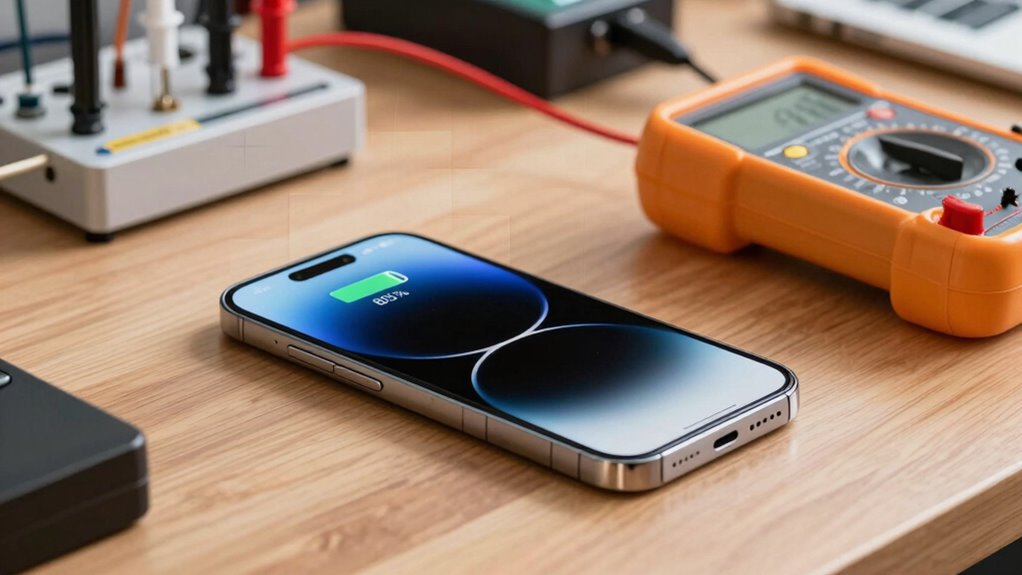
Battery life tests are performed under specific conditions and setup to guarantee consistent results. You’ll see different measurement metrics, such as total runtime and battery capacity, that help compare devices accurately. These tests also provide insights into how batteries perform in real-world use, revealing their actual longevity.
Testing Conditions and Setup
To accurately assess a battery’s performance, tests are conducted under carefully controlled conditions that mimic real‑world usage. You’ll find that testing setups maintain consistent ambient temperature, typically around 20–25°C, to prevent temperature fluctuations from skewing results. During tests, devices undergo multiple charging cycles to simulate typical user behavior, ensuring the battery’s capacity and endurance are accurately measured over time. The environment remains stable to avoid overheating or undercooling, which can impact performance. Testers often use standardized software to run specific tasks or playback scenarios, ensuring consistency across tests. These controlled conditions help reveal how a battery performs in everyday situations, providing more reliable data on its true longevity and helping you understand what “up to” claims really mean. Additionally, testing protocols are designed to minimize external influences, further enhancing the accuracy of the results. Incorporating environmental controls such as humidity regulation can also contribute to more consistent testing outcomes. Furthermore, maintaining a consistent testing environment ensures that external factors do not affect the results, making the data more dependable. Implementing these strict procedures allows manufacturers and consumers to better interpret battery life claims and set realistic expectations.
Measurement Metrics Used
Measuring a battery’s performance involves using specific metrics that quantify how long it lasts and how well it maintains its capacity under different conditions. One key metric is battery efficiency, which indicates how effectively a battery converts stored energy into usable power. This helps determine how long your device can operate on a single charge. Additionally, charge cycles measure how many full charges a battery can undergo before its capacity drops below a set threshold, usually around 80%. Tracking charge cycles reveals how the battery degrades over time, affecting overall lifespan. Regularly monitoring battery health can provide insights into remaining capacity and performance. Understanding how battery capacity fluctuates during use is crucial for assessing true performance. These metrics provide a clearer picture of a battery’s real-world performance, beyond simple runtime estimates. By understanding efficiency and charge cycles, manufacturers can better predict longevity and help you make informed choices about device usage and replacement. Accurate testing procedures also depend on controlling test conditions to ensure consistent and meaningful results.
Real-World Application Insights
Understanding how a battery performs in real-world conditions requires practical testing methods that simulate everyday device usage. These tests consider factors like battery degradation over time, which reduces capacity and shortens actual battery life. They also evaluate how effective power management features are at conserving energy during typical tasks, like browsing or streaming. In addition, these tests often include comprehensive performance assessments that account for variations in user behavior, providing a more complete picture of battery longevity. They can also measure how different devices respond to background processes, which can significantly impact battery drain during regular use. By replicating typical user behavior, these tests reveal how long your device will last under normal conditions, not just in ideal lab settings. These testing methodologies help identify how different devices respond to real-world usage scenarios, ensuring consumers can make informed decisions. They highlight the impact of background processes, screen brightness, and app activity on battery longevity. Accurate testing methods are essential to provide a more precise picture of real-world battery performance, helping you understand what to expect and how to optimize device settings for longer usage. Additionally, considering the influence of battery aging over time is crucial for understanding long-term device performance.
What Are the Limitations of These Tests in Real-World Use?
While laboratory battery tests provide valuable insights, they often fall short of capturing the complexities of real-world use. Variability in how you use your device can profoundly impact actual battery life. For example:
- Battery calibration: Over time, your device’s battery may become miscalibrated, leading to inaccurate estimates of remaining power.
- Usage variability: Different activities—like browsing, calls, or background apps—drastically change power consumption, unlike standardized tests.
- Environmental factors: Temperature and network conditions affect battery performance, which tests rarely simulate accurately.
- Battery health degradation over time can further skew expectations, making the “up to” claims less reliable. Additionally, the software optimization of your device can influence how efficiently power is used during everyday tasks, and manufacturer settings can also impact battery longevity. External factors such as power consumption patterns and background processes add further unpredictability to actual battery life. Recognizing the importance of real-world testing can help you better understand your device’s true battery performance under typical usage conditions.
Why Do Activities Like Streaming and Gaming Drain Your Battery Faster?

Activities like streaming videos or playing games quickly drain your battery because they demand intensive use of your device’s processor, screen, and network connections simultaneously. This high level of activity increases power consumption, causing your battery to deplete faster. Continuous heavy use accelerates battery degradation over time, reducing its overall capacity and lifespan. When you stream or game, your device works harder, generating more heat and stressing internal components, which can further impact battery health. As a result, these activities not only drain your battery quickly in the moment but also contribute to long-term wear. Understanding how power consumption spikes during such activities helps you grasp why your battery life drops so rapidly during intensive use. Proper maintenance of your device can help mitigate some of this wear and prolong battery health over time.
How Can You Better Estimate Your Device’s Actual Battery Life?
To get a realistic estimate of your device’s battery life, you need to look beyond simple percentage readings and consider how various activities impact power consumption. Proper battery calibration guarantees your device accurately reports remaining charge, preventing premature shutdowns. Additionally, managing power settings effectively can extend your battery life. Here are three ways to improve your estimates: 1. Perform regular battery calibration to sync your device’s indicator with actual capacity. 2. Monitor your usage patterns—note how different activities like streaming or gaming affect power drain. 3. Optimize power management settings** by disabling unnecessary features and reducing screen brightness. Understanding power consumption factors** can help you better estimate and manage your device’s actual battery life.
How to Monitor and Extend Your Battery’s Performance Over Time
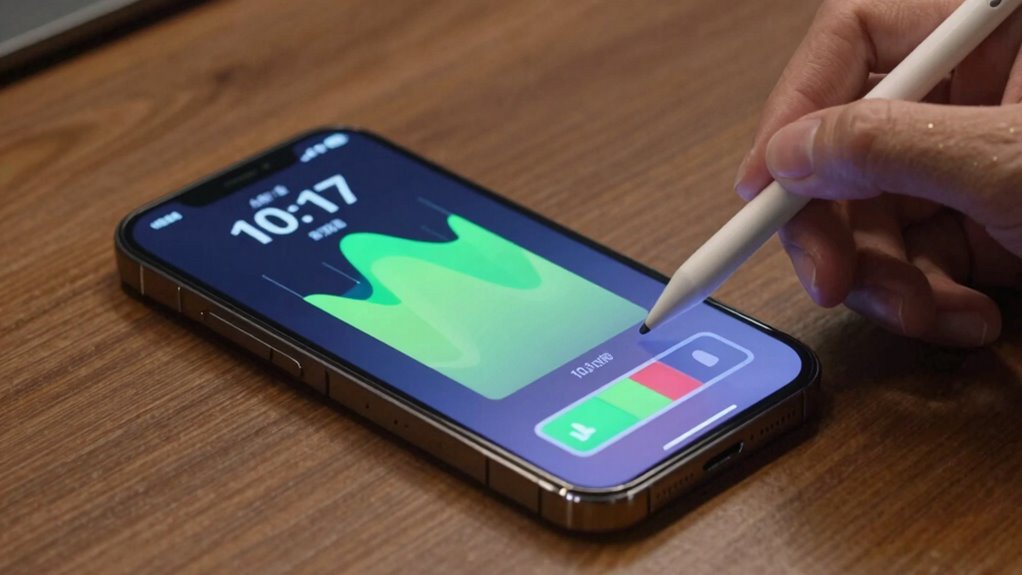
Ever wonder how your device’s battery performs over time? Monitoring your battery’s health helps you catch signs of battery degradation early. Use built-in tools or third-party apps to track capacity and cycle count regularly. Pay attention to how quickly your battery drains and note any sudden drops in performance. Your charging habits play a vital role; avoid constantly charging to 100% or letting the battery drain completely, as these habits accelerate degradation. Instead, aim for partial charges and keep your battery between 20% and 80%. Over time, these practices maintain battery health and extend its lifespan. Regular monitoring combined with mindful charging habits ensures your device stays reliable longer, preventing unexpected shutdowns and preserving overall performance.
Setting Realistic Expectations for Your Device’s Battery Life

Understanding your device’s battery performance requires setting realistic expectations. Battery life varies based on usage, background apps, and settings. To manage this, focus on effective battery optimization and power management.
Here are three tips to set realistic expectations:
- Recognize that advertised battery life often assumes minimal use; actual usage decreases this estimate.
- Use power management tools to extend battery life during heavy tasks.
- Track your typical daily use to better understand your device’s real-world performance.
Frequently Asked Questions
How Do Manufacturer Testing Conditions Differ From Everyday Usage?
Manufacturer testing often occurs under controlled conditions, which differ markedly from your real-world variables. They run tests in lab environments with minimal background activity, consistent screen brightness, and no multitasking. In contrast, your daily use involves fluctuating screen brightness, background apps, network activity, and other factors that can reduce battery life. So, the tested “up to” hours usually don’t reflect your actual experience, which is often shorter.
Can Software Updates Improve Real-World Battery Life?
Yes, software updates can improve your real-world battery life. They often include enhancements in power management, optimizing how your device uses energy. Additionally, updates may fix bugs that drain power unnecessarily and improve battery calibration, giving more accurate readings and better performance. By installing updates regularly, you help your device manage resources more efficiently, ultimately extending your battery life and ensuring you get the most out of every charge.
How Does Temperature Affect Battery Performance During Testing?
Temperature markedly affects battery performance during testing by causing thermal effects that impact capacity and efficiency. High temperatures can lead to faster battery degradation, skewing testing accuracy, while cold conditions may reduce performance temporarily. You need to control and monitor temperature closely during tests to guarantee reliable results. Proper thermal management helps provide a clearer picture of real-world battery life, avoiding misleading conclusions caused by temperature fluctuations.
Are There Specific Apps That Significantly Impact Battery Longevity?
Certain apps, especially those with high App Drain like streaming services or GPS navigation, can considerably reduce your battery life. Background Processes also play a big role, as they keep running even when you’re not actively using the app, draining power without you noticing. To extend your battery, close unnecessary apps and manage background activities through settings. Monitoring app usage helps identify which ones are the biggest culprits.
What Are the Signs of Battery Degradation Over Time?
Think of your battery as a sponge slowly losing its ability to hold water. Signs of battery wear include shorter usage times, unexpected shutdowns, and increased charging frequency. You’ll notice capacity fade as your device struggles to maintain full power, even after a full charge. Over time, this degradation hints that your battery’s health is declining, and it may soon need replacement to keep your device running smoothly.
Conclusion
While those “up to 10 hours” claims sound impressive, remember they’re often under ideal conditions, not your daily reality. Don’t let flashy numbers lead to disappointment when your actual experience falls short. Instead, embrace the unpredictability—your device’s true battery life varies with your habits, not just test results. By understanding these differences, you can set honest expectations and enjoy your device without frustration or false hope.