
Upgrading from Wi-Fi 5 to 6, 6E, or 7 means you’ll notice faster speeds, lower latency, and smoother performance, especially in busy homes with many devices. Wi-Fi 6E and 7 add more spectrum and support for higher data rates, making your internet more reliable and future-proof. Security also improves with each standard. To really understand how these changes could impact you, explore what each generation offers and how it fits your needs.
Key Takeaways
- You’ll notice faster speeds and lower latency with Wi-Fi 6, 6E, and 7 compared to Wi-Fi 5.
- Upgraded security features and better device compatibility are prominent in newer standards.
- Wi-Fi 6E and 7 provide more network capacity, supporting more devices simultaneously.
- Enhanced performance in crowded areas is evident with Wi-Fi 6E and 7.
- The biggest improvements are in speed, latency, and device support as you move from Wi-Fi 5 to Wi-Fi 7.
Why Wi-Fi Standards Matter: From 5 to 7 – What’s Changed
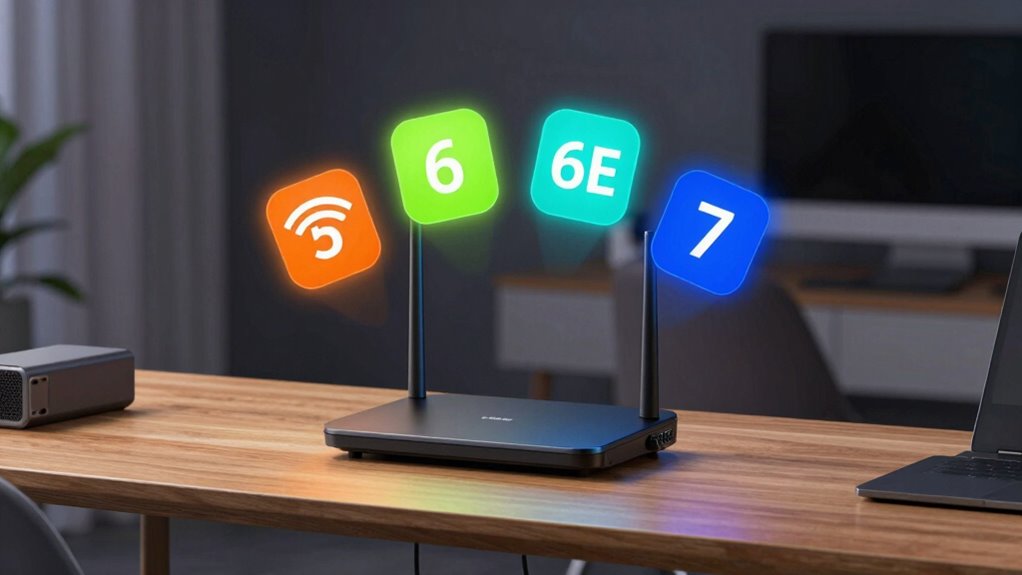
Understanding why Wi-Fi standards matter is essential because each new version brings significant improvements in speed, capacity, and reliability. Upgrading from Wi-Fi 5 to newer standards enhances security features, helping protect your data from potential threats. It also guarantees better device compatibility, so your gadgets work seamlessly with the latest technology. As standards evolve, they introduce stronger encryption protocols and more robust security enhancements, reducing vulnerabilities. Compatibility becomes more flexible, supporting a wider range of devices and smoother connections. This means you can connect more devices without sacrificing performance or security. Staying current with Wi-Fi standards ensures you benefit from the latest protections and compatibility improvements, making your network safer and more efficient overall. Additionally, European cloud innovation is driving the development of more secure and energy-efficient networking solutions that support these evolving standards. Keeping firmware and hardware updated ensures you maximize these security improvements and maintain optimal network performance.
How Wi-Fi 6E and 7 Boost Speed, Reduce Latency, and Improve Your Daily Use

Wi-Fi 6E and 7 deliver significant speed improvements and lower latency, making your daily online activities smoother and more responsive. Imagine streaming 4K videos seamlessly, engaging in lag-free gaming, or conducting smooth video calls. These advancements also support smart home integration, allowing multiple devices like security cameras and smart thermostats to operate effortlessly. In enterprise networking, faster data transfer and reduced lag improve productivity and support high-density environments. Picture a busy office or a smart home with dozens of connected devices working in harmony, all without slowdowns. Key enhancements include:
Wi-Fi 6E and 7 enable faster speeds, lower lag, and seamless connectivity for smart homes and busy offices.
- Faster data transfer rates for quick downloads and uploads
- Lower latency for instant responses during gaming or video calls
- Improved smart home device coordination
- Better performance in crowded networks
Connecting Multiple Devices and Covering Your Home : What Each Wi-Fi Generation Offers
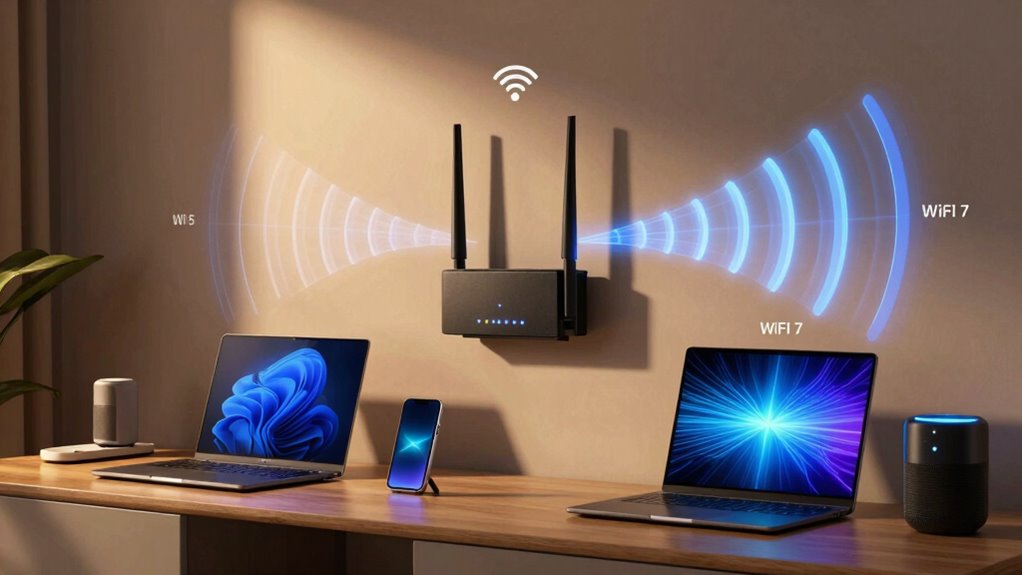
As Wi-Fi technology advances, each new generation offers better coverage and stronger connections for all your devices. Wi-Fi 5 handled basic homes well but struggled with multiple devices and large coverage areas. Wi-Fi 6 improves device compatibility, allowing more gadgets to connect simultaneously without slowing down. It also supports mesh networking, which helps eliminate dead zones and extend coverage throughout your home. Wi-Fi 6E expands on this with additional spectrum, making it easier to connect multiple devices without congestion. It introduces additional spectrum to accommodate even more devices and higher data rates. Wi-Fi 7 promises even better coverage and capacity, supporting more devices and faster speeds across larger areas. Each generation’s improvements mean you can connect more devices seamlessly and enjoy a more reliable Wi-Fi experience everywhere in your home. Enhanced network capacity ensures that even with many devices connected, your Wi-Fi remains fast and stable.
Should You Upgrade to Wi-Fi 6E or 7? Factors to Consider Before Making the Jump

Deciding whether to upgrade to Wi-Fi 6E or 7 depends on your specific needs and circumstances. Consider these factors before making the jump:
Choosing to upgrade depends on your needs and device compatibility.
- Future compatibility—will your devices support the new standards, or will you need new hardware?
- Device affordability—are new Wi-Fi 6E or 7 devices within your budget?
- Internet speed requirements—do your activities demand ultra-fast connections or low latency?
- Coverage and congestion—will upgrading markedly improve your network performance in crowded or large spaces?
- Understanding Free Floating—being aware of free floating wireless signals can help you optimize your network environment.
If your devices are compatible and you need better speed or coverage, upgrading makes sense. However, if device costs are high or your current setup suffices, waiting might be smarter. Weigh these factors carefully to decide if the investment aligns with your future needs.
Frequently Asked Questions
How Do Wi-Fi 6E and 7 Impact Battery Life on Devices?
Wi-Fi 6E and 7 can slightly increase battery drain because they require more power for higher speed and broader bandwidth. However, they also improve power efficiency through smarter technology, helping your device conserve energy when connected to compatible networks. Overall, if your device supports these standards well, you’ll notice minimal impact on battery life, and you’ll benefit from faster, more reliable connections that don’t markedly compromise power efficiency.
Are Older Devices Compatible With Wi-Fi 6E or 7?
Older devices generally aren’t compatible with Wi-Fi 6E or 7 out of the box. You might need device compatibility updates or firmware updates to improve support, but some hardware simply can’t connect to these newer standards. To guarantee your device works smoothly, check its specifications and manufacturer updates. Upgrading your device might be necessary if you want full access to the benefits of Wi-Fi 6E or 7.
What Are the Security Differences Between Wi-Fi 5, 6, 6E, and 7?
Think of your Wi-Fi as a fortress; newer standards strengthen its walls. Wi-Fi 6 and 6E introduce WPA3, boosting network encryption and making it harder for intruders to breach. Wi-Fi 7 builds on this with even advanced device authentication, locking down your connections tighter than ever. So, upgrading means your data’s safer, and your devices prove their identity more convincingly, giving you peace of mind in a digital world full of threats.
How Much Does Upgrading to Wi-Fi 7 Typically Cost?
Upgrading to Wi-Fi 7 can cost anywhere from $200 to $500, depending on the router brand and features. You’ll notice feature enhancements like faster speeds, lower latency, and better handling of multiple devices, which justifies the investment. Keep in mind, higher-end models with advanced tech tend to be pricier, but they also offer improved performance and future-proofing for your network.
Will My Existing Router Support Future Wi-Fi Advancements?
Your current router might not be fully ready for future Wi-Fi advancements. While some models support router compatibility with updates, others may need a hardware upgrade. Firmware updates can enhance performance and add new features, but they won’t turn an older router into a Wi-Fi 7 powerhouse. To stay ahead, check your router’s specifications and plan for an upgrade if it lacks Wi-Fi 6E or 7 support.
Conclusion
Think of Wi-Fi generations as upgrades to your home’s road system. Moving from 5 to 7 is like widening lanes and adding smart traffic lights—your data flows faster and smoother. If you’re tired of traffic jams or slow downloads, upgrading is like opening a new highway. But if your current road works fine, you might not need the new lanes. Choose based on your needs, and enjoy the ride through a smarter, faster network.