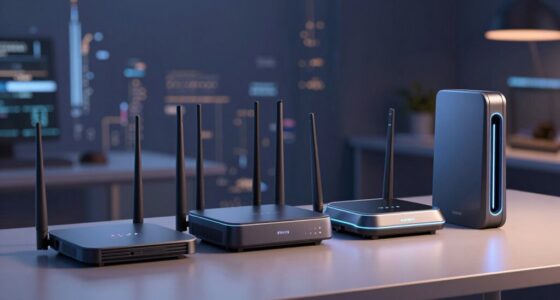
Not all USB‑C cables and chargers are equally fast—performance depends on their standards and quality, not just the connector type. Look for labels like “USB 3.1,” “Thunderbolt,” or “Power Delivery” to identify their capabilities. Higher wattage chargers support faster charging, but data transfer speeds depend on cable quality and supported protocols. To get the best results, understanding these details helps you choose the right accessories—keep going to discover how to decode them effectively.
Key Takeaways
- Check for labels like “Power Delivery” (PD) or “SS” icons indicating fast charging capabilities.
- Verify the wattage rating on chargers; higher wattage (e.g., 18W+) supports faster charging.
- Ensure cables support specific standards like USB 3.1, Thunderbolt, or fast data transfer protocols.
- Look for reinforced connectors or braided exteriors for durable, reliable high-speed data transfer.
- Use performance testing tools and power meters to confirm actual data speeds and charging power.
What Are USB‑C’s Core Functions? Data, Power, and Video
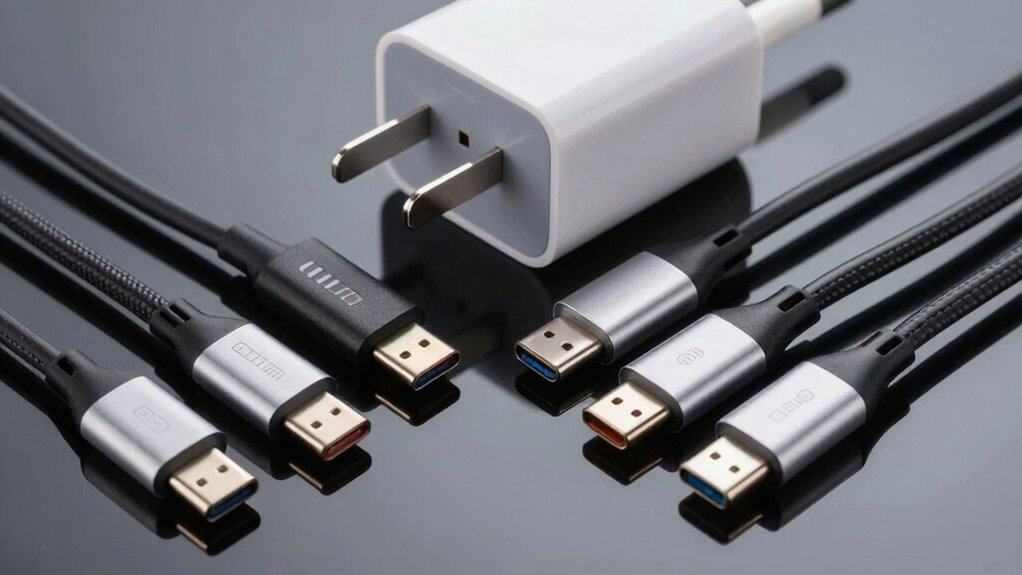
USB-C is a versatile connector that handles multiple functions, making it essential for modern devices. Its core roles include data transfer, charging compatibility, and video output. When it comes to data, USB-C supports fast transfer speeds, making file sharing quick and efficient. For charging, it offers universal compatibility with various power levels, ensuring your devices stay powered up. The connector also transmits video signals, allowing you to connect to external displays effortlessly. Cable durability is critical since USB-C cables endure frequent plugging and unplugging, and high-quality cables resist wear and tear better. Additionally, understanding the European standards for USB-C ensures compatibility and safety across devices. This versatility means you can rely on a single cable for multiple purposes, simplifying your setup and reducing clutter. Understanding these core functions helps you choose the right USB-C cable for your needs.
Understanding USB‑C Standards and Labels (USB 3.1, Thunderbolt, Power Delivery)
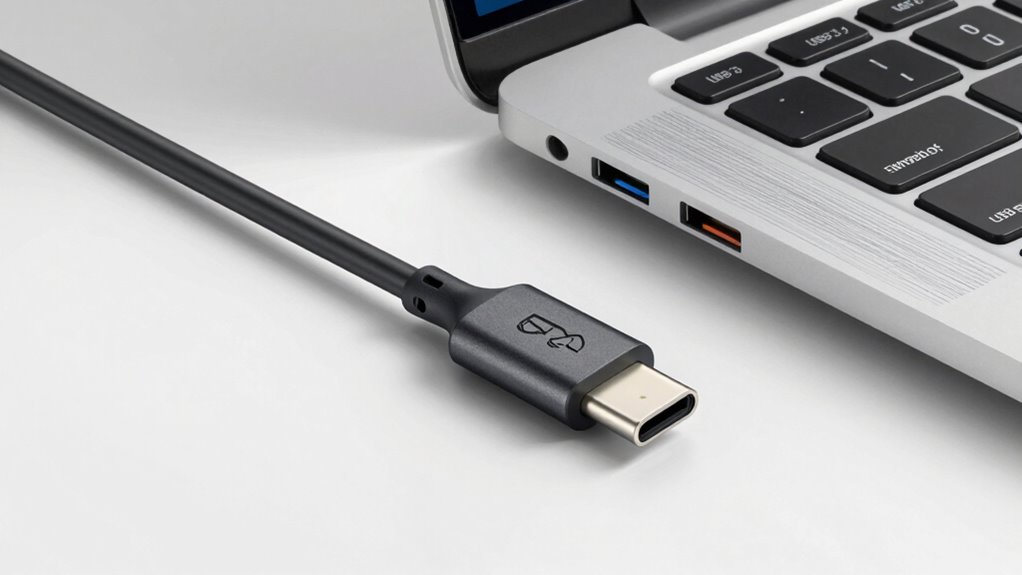
Ever wondered how to tell different USB-C cables apart or know which one suits your device best? Understanding USB‑C standards and labels helps you make informed choices. USB‑C standards like USB 3.1, Thunderbolt, and Power Delivery specify data transfer speeds, power delivery capacity, and compatibility. Labels and symbols on cables and chargers follow labeling conventions to indicate these features clearly. For example, a cable marked with “SS” signifies SuperSpeed USB, while Thunderbolt-compatible cables often display the lightning bolt icon. Power Delivery labels show wattage capacity, guiding you to select a charger that can safely power your device. Recognizing these standards and labels guarantees you pick the right cable and charger, maximizing performance without risking damage or slow charging.
How to Spot Fast Charging USB‑C Chargers and Cables
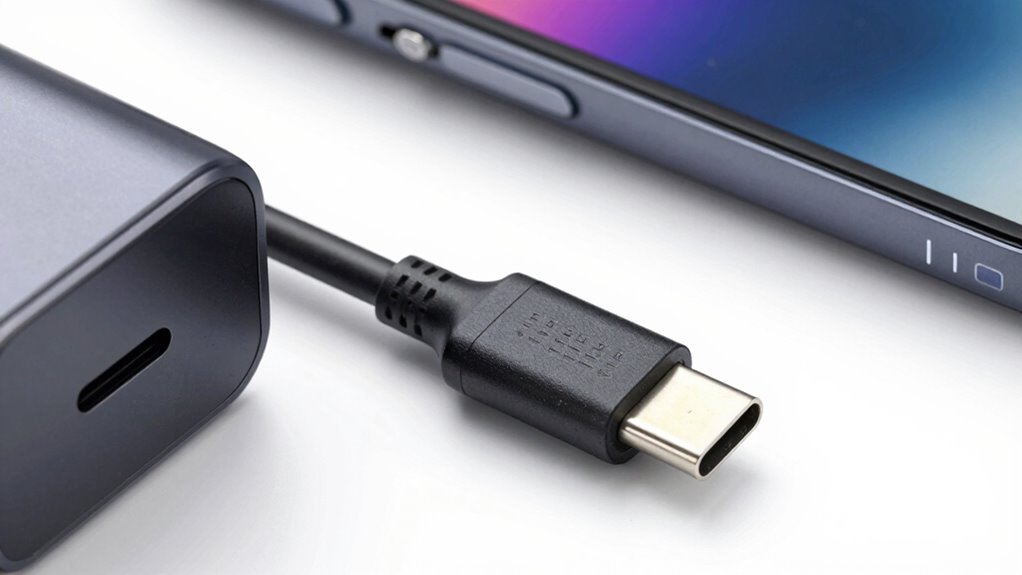
To identify fast charging USB‑C chargers and cables, look for specific labels and symbols that indicate higher power capacity and compatibility with fast charging standards. Check the charging port for markings like “Power Delivery” or “PD,” which signal support for fast charging protocols. Reliable cables often have reinforced connectors or braided exteriors, indicating better cable durability, which is essential for consistent fast charging performance. A charger with a higher wattage rating, such as 18W or above, typically supports faster charging speeds. Always verify the specifications on the packaging or product description to confirm compatibility with your device’s fast charging requirements. Understanding power ratings and the build quality of the cable and port, you can easily spot chargers that deliver the speed you need. Additionally, paying attention to certifications and standards can help ensure you are selecting a safe and effective fast charging solution.
Does Data Transfer Speed Depend on the Cable or Charger?

The speed of data transfer depends on more than just your device; both the cable quality and charger power play essential roles. A high-quality cable ensures faster, more reliable data movement, while a powerful charger can support higher transfer rates if your device allows it. Additionally, understanding internet safety and choosing certified accessories can prevent potential damage and ensure optimal performance. Knowing your device’s connectivity standards can also help you select the right cable and charger for maximum efficiency. Ultimately, your device’s compatibility also influences how quickly data moves between your gadgets.
Cable Quality Matters
Does the speed of data transfer truly depend on the quality of your cable or charger? Absolutely. High-quality cables ensure better data transfer and durability. Here are three key factors to consider:
- Cable quality: Well-made cables maintain consistent performance and reduce data errors.
- Material durability: Strong materials prevent internal damage and signal interference.
- Manufacturing standards: Certified cables meet safety and performance benchmarks, ensuring reliable speeds.
Choosing a cable with good material durability not only boosts transfer speeds but also extends its lifespan. Cheaper or poorly made cables may look similar but often lack these qualities, leading to slower speeds or failures over time. Investing in quality guarantees your data transfers are fast, safe, and dependable. Remember, a cable’s quality directly influences your overall experience with USB-C devices.
Charger Power Limits
Many assume that plugging in a faster charger automatically boosts data transfer speeds, but that’s not always the case. The power capacity of your charger determines how much energy it can deliver, mainly affecting charging speed rather than data transfer. Chargers must adhere to safety standards to prevent overheating or damage, which can limit maximum power output. A higher wattage charger doesn’t necessarily mean faster data transfers if your device or cable can’t handle it. Instead, the device and cable compatibility, along with safety regulations, set the actual limits. Using a charger with excessive power capacity won’t speed up data transfer; it just ensures your device charges efficiently and safely within its designed parameters. Always match your charger’s power limits with your device’s capabilities for ideal performance. For optimal data transfer, using compatible cables designed for high-speed data is crucial. Additionally, understanding the cable specifications can help you select the right one for your needs. Being aware of cable quality and adhering to device specifications can further prevent potential data transfer issues.
Device Compatibility Influences
While a higher wattage charger can safely supply more power, it doesn’t automatically mean you’ll get faster data transfer speeds. Your device compatibility and accessory integration play vital roles. Not all cables and chargers support the same data rates, regardless of power output. To understand how device compatibility affects transfer speeds, consider these factors:
- Supported Standards: Ensure your device and cable both support protocols like USB 3.1 or Thunderbolt 3 for fast data transfer.
- Cable Quality: Low-quality or incompatible cables may limit data speeds despite high wattage chargers.
- Charger Compatibility: Using a charger designed specifically for your device guarantees proper accessory integration, preventing bottlenecks.
Matching the right cable and charger with your device guarantees peak performance, not just power delivery.
Common Myths About USB‑C Speed and Performance
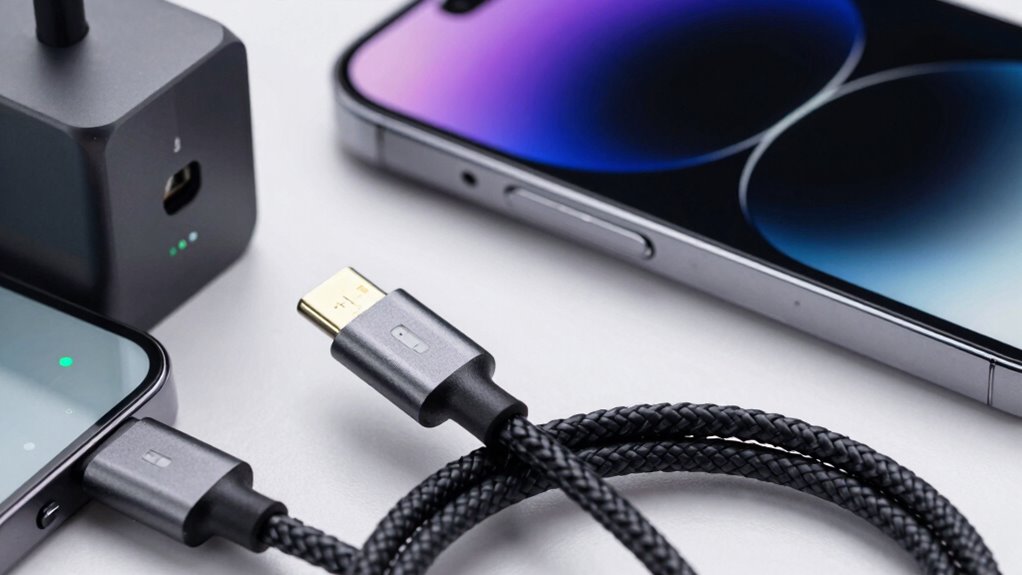
Despite the widespread belief that all USB-C cables and chargers deliver the same speed and performance, this isn’t the case. Many charging myths circulate, leading you to assume any cable or charger will work equally well. Cable misconceptions often cause confusion, making you think a cheaper cable can handle fast data transfer or quick charging when it can’t. Some believe that higher wattage chargers always mean faster charging, but that’s not true if your device or cable isn’t compatible. Speed isn’t solely about wattage; it depends on the cable’s quality and specifications. Recognizing the correct standards and certifications behind your cables and chargers is essential for optimal performance. Additionally, understanding performance standards can help you choose the right cable for your needs. Not all cables are created equal, and understanding cable quality can prevent potential damage to your devices. Don’t fall for the myth that all USB-C cables are equivalent. To get superb performance, you need to understand the specific capabilities and standards behind your cables and chargers.
Tips for Choosing the Right USB‑C Cable and Charger for Your Devices
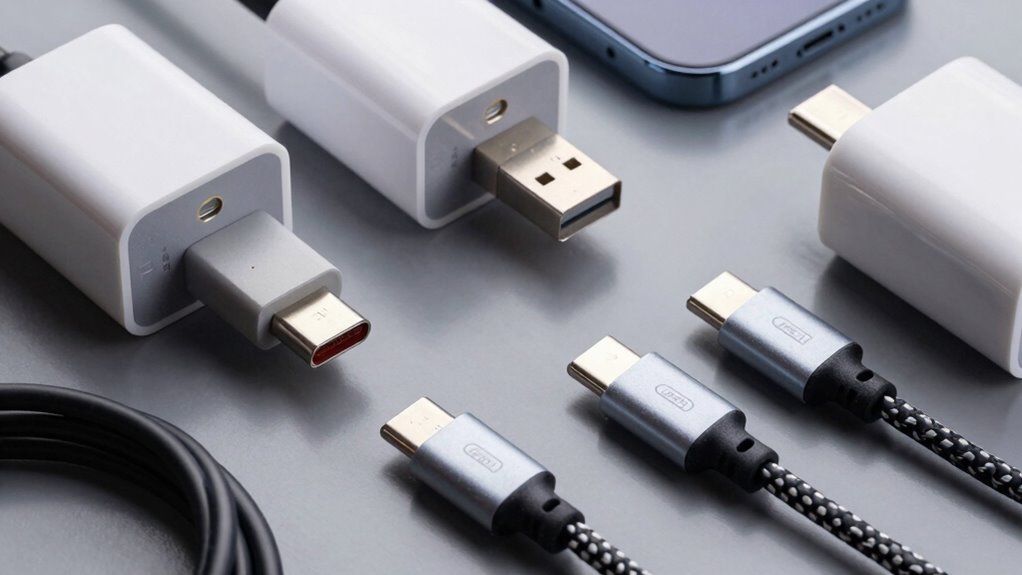
Choosing the right USB‑C cable and charger can make a significant difference in your device’s charging speed and data transfer performance. To get the best results, consider these tips:
- Prioritize cable durability: Look for cables with reinforced connectors and high-quality materials to withstand daily wear and tear. Durable construction can also help prevent safety issues caused by subpar cables. A well-made cable can also maintain its performance over time, reducing the need for frequent replacements.
- Match the aesthetic design: Select cables and chargers that complement your device’s look, ensuring they blend seamlessly into your setup.
- Verify compatibility and power ratings: Ensure the charger and cable support your device’s required wattage and data transfer speeds to avoid bottlenecks. Understanding compatibility can prevent performance issues and ensure safety. Recognizing the importance of power ratings helps you avoid under- or overpowered accessories that could harm your device or limit functionality.
- Be aware of Youngster Choice influence: Understanding the importance of choosing quality accessories can prevent issues caused by subpar cables and chargers, ensuring optimal performance and safety. Incorporating astrological insights into your choices is unnecessary for technical performance but may influence personal confidence in your device accessories.
Focusing on durability and aesthetic design helps you invest in reliable, visually appealing accessories that enhance your user experience without sacrificing performance.
How to Test Your USB‑C Cables and Chargers for Speed and Reliability

Ever wondered if your USB-C cables and chargers are performing at their best? To test their speed and reliability, start by checking cable durability—inspect for signs of wear, fraying, or damage that can impact performance. Use a compatible charger and device to guarantee connector compatibility; mismatched ports may limit speed or cause connection issues. Run data transfer tests with file transfer apps or benchmarks to measure actual transfer rates. For charging, use a power meter to verify if the charger delivers the claimed wattage. Also, try different cables and chargers to compare performance and identify any inconsistent or faulty components. Ensuring your cables and chargers are durable and compatible helps you achieve reliable, fast data transfer and charging every time. Additionally, consulting reliable power guidelines can help you select high-quality, safe accessories that meet your performance needs. Regularly testing your cables with performance measurement tools can further ensure they operate at optimal speeds and safety standards. Being aware of cable specifications and standards can also guide you in choosing the best accessories for your devices.
Frequently Asked Questions
Can a USB-C Cable Be Compatible With Multiple Device Types Simultaneously?
Yes, a USB-C cable can be compatible with multiple device types simultaneously, thanks to its multi-device compatibility and cable versatility. When choosing a cable, guarantee it supports the features you need, like power delivery or data transfer. This way, you can connect your phone, laptop, or other devices seamlessly. Just check the cable’s specifications to confirm it matches your device requirements for ideal performance and safety.
Are There Risks of Damaging Devices by Using Non-Certified USB-C Chargers?
Using non-certified USB-C chargers can pose safety concerns, risking damage to your devices or even personal injury. Without proper certification, the charger might not meet safety standards, leading to issues like overheating or power surges. It’s vital to prioritize certification importance when choosing chargers to guarantee they’re safe and compatible with your devices. Always opt for certified chargers to protect your gadgets and avoid potential risks.
How Do Environmental Factors Affect USB-C Cable Performance Over Time?
Environmental factors can considerably impact your USB-C cable’s performance over time. Exposure to moisture causes corrosion degradation, which can disrupt electrical signals and reduce charging efficiency. Additionally, insulation wear from extreme temperatures or physical stress can lead to short circuits or data transfer issues. To keep your cables working well, avoid harsh environments, store them properly, and regularly inspect for signs of corrosion or insulation damage.
Is It Possible to Upgrade a Device’s USB-C Port for Better Performance?
Sure, you can upgrade a device’s USB-C port, but don’t expect miracles. A port upgrade isn’t like swapping out a part in a car—it’s often limited by your device’s internal design. To truly boost performance, you might need a new device or external solutions. So, while a port upgrade offers some performance enhancement, it’s usually more about marginal gains than a complete overhaul.
Do All USB-C Cables Support Both Fast Charging and High-Speed Data Transfer?
Not all USB‑C cables support both fast charging and high-speed data transfer. You need to check the cable’s construction and color coding—usually, thicker cables with specific color markings (like red or orange) are designed for fast charging, while others may prioritize data transfer. Always verify the specifications or look for labels indicating USB Power Delivery or SuperSpeed support to guarantee the cable meets your needs.
Conclusion
Remember, not all USB‑C cables and chargers are created equal. Only about 30% of cables support fast charging and high-speed data transfer, so choosing the right one matters. By understanding the standards and labels, you can guarantee your devices perform their best. Don’t settle for slower speeds when the right cable can deliver up to 100W power and 10Gbps data transfer—making your tech faster and more efficient.