
Choosing between local and cloud smart devices involves weighing control over your data against convenience. Local devices keep your data on your hardware, offering better privacy and security, but require you to maintain security practices. Cloud devices store data remotely with strong provider protections but involve trusting third parties and potential exposure risks. To fully understand these trade-offs and how to protect your information, explore the detailed privacy and security strategies linked to each option.
Key Takeaways
- Local devices keep data within your network, offering greater control and reducing exposure to third-party access.
- Cloud devices transmit data to remote servers, increasing potential privacy risks but enabling enhanced security measures.
- Data ownership differs: local devices store data on hardware owned by the user, while cloud data is managed by service providers.
- Cloud devices often collect more data for feature improvements, which can compromise user privacy unless carefully managed.
- Local devices minimize reliance on external providers, reducing risks from data breaches and unauthorized sharing.
What’s the Difference? Local vs. Cloud Smart Devices and Privacy
Understanding the difference between local and cloud smart devices is essential when it comes to privacy. With local devices, your data stays within your network, giving you greater control over data sovereignty. You decide where your information is stored and who can access it, which helps maintain user anonymity. In contrast, cloud devices send your data to remote servers, often managed by third parties. This means your information is stored off-site, potentially exposing it to data breaches or misuse. Cloud services frequently collect more data to improve their features, which can erode your control over personal information. If privacy and user anonymity matter most to you, local smart devices offer a clear advantage by keeping your data within your domain and reducing reliance on external servers. Additionally, leveraging European cloud innovation can enhance data security and align your device use with sustainable, energy-efficient solutions. Understanding data localization principles can further help you make informed choices about where and how your data is stored and protected.
Security and Risks of Local Smart Devices
When using local smart devices, you face risks like data breaches if security isn’t tight enough. Physical access to the devices can also lead to unauthorized control or data theft. Additionally, firmware and software flaws can expose your system to vulnerabilities if they aren’t promptly updated or patched. To maintain safe installation practices, it’s essential to follow proper setup procedures and keep firmware current. The use of necessary cookies during setup can help ensure your device remains secure and functional. Furthermore, the increasing sophistication of cyber threats underscores the importance of security awareness to protect your devices and data, especially considering the potential for software vulnerabilities to be exploited by malicious actors. Regularly monitoring device logs can also help detect unusual activity early and prevent potential security breaches.
Data Breach Vulnerabilities
Local smart devices often seem secure because they store data on your premises, but this can give you a false sense of safety. While your data isn’t transmitted over the internet, vulnerabilities still exist. Without proper data encryption, stored information can be exposed if someone gains physical access or exploits software flaws. Effective access control is essential—if you don’t restrict who can access the device or its data, you leave yourself open to breaches. Weak passwords or outdated firmware increase this risk. Additionally, malware or hacking attempts can target local devices, especially if they are connected to your network. Recognizing these vulnerabilities helps you take proactive steps, such as enabling encryption and tightening access controls, to better protect your data from breaches. Regular firmware updates and device security best practices are also crucial in minimizing security risks.
Physical Access Risks
Even though local smart devices don’t transmit data over the internet, they remain vulnerable to physical tampering. If someone gains physical access to your device, they could manipulate or disable it, compromising your security. Physical access risks include theft or unauthorized handling, which can lead to data exposure or device manipulation. Device theft is a particular concern, especially if your device contains sensitive information or has direct control over your home systems. An attacker with physical access might reset, reprogram, or disable the device entirely, bypassing remote security measures. Protecting your devices from theft and limiting physical access are essential steps in safeguarding your privacy and maintaining control over your smart home environment. Proper device protection measures are crucial for preventing unauthorized physical access and ensuring your smart devices remain secure. Additionally, implementing physical security strategies can further reduce the likelihood of tampering or theft, especially considering the security vulnerabilities associated with local smart devices. Recognizing the net worth of smart device manufacturers can also influence how you prioritize security measures for your devices. Moreover, understanding the body jewelry measurements and materials can help you better evaluate the durability and security of your device accessories.
Firmware and Software Flaws
Firmware and software flaws can pose significant security risks for your local smart devices, especially if they are not regularly updated or properly maintained. Firmware vulnerabilities can be exploited by hackers, allowing unauthorized access or control. Software patching is essential to fix these flaws, but delays or neglect leave your devices exposed. Without timely updates, vulnerabilities persist, increasing the risk of breaches.
| Firmware Vulnerabilities | Impact |
|---|---|
| Outdated firmware | Unauthorized access, device hijacking |
| Unpatched software | Exploits, data theft, control disruption |
| Zero-day flaws | Unknown risks, rapid attack potential |
| Neglected updates | Persistent security gaps |
Stay vigilant, update firmware promptly, and ensure software patches are applied to minimize risks.
Privacy Advantages and Concerns of Cloud Devices
Cloud devices offer significant privacy advantages because they often come with robust security measures managed by dedicated providers. Data encryption ensures that your information stays protected during transmission and storage, reducing the risk of unauthorized access. Additionally, reputable cloud services typically require your explicit user consent before collecting or sharing your data, giving you some control over your privacy. These providers invest heavily in security protocols and regular updates to safeguard your information from cyber threats. Furthermore, many cloud services include transparent data handling practices to keep users informed about how their data is used. Because cloud providers are responsible for maintaining security, they often implement continuous monitoring to detect and address vulnerabilities promptly. Some providers also offer privacy-focused features that enhance user control over personal data. While cloud devices can enhance privacy through strong encryption and clear consent, they also depend on the provider’s commitment to security and transparency, which may vary. Staying informed helps you weigh these advantages and concerns effectively. Understanding privacy policies can help users better evaluate the trustworthiness of different cloud service providers. Additionally, cloud providers often perform security audits to identify and fix potential vulnerabilities proactively.
Who Owns Your Data? Control in Local and Cloud Solutions
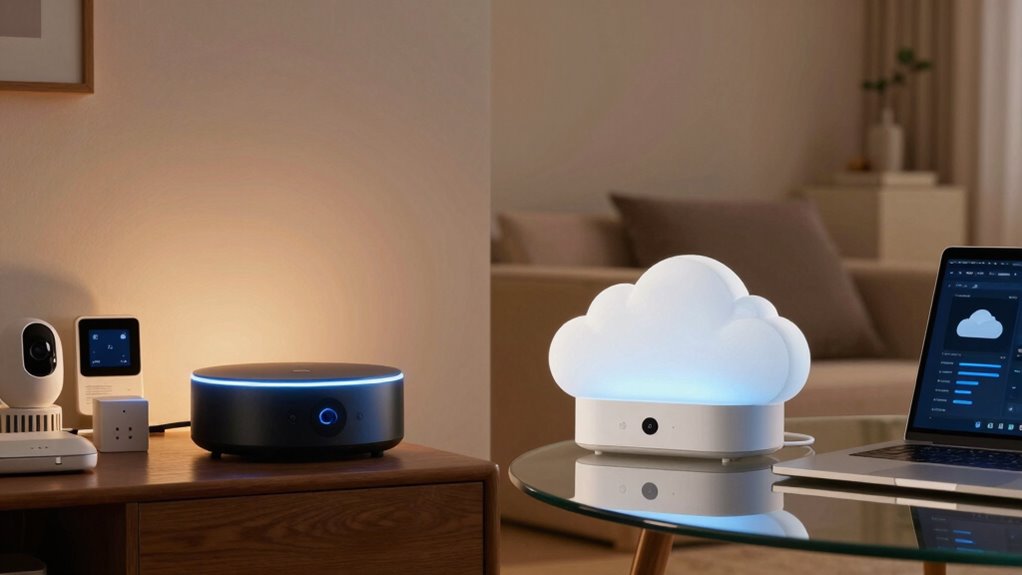
When it comes to data ownership, your level of control varies considerably between local and cloud solutions. With local devices, you own your data outright and manage user control directly, meaning you decide who accesses your information. In contrast, cloud solutions often mean the service provider holds data ownership, limiting your control. Consider these points:
- Local devices store data on your hardware, giving you full user control.
- Cloud services typically store data on remote servers, making the provider the owner.
- With local setups, you personally control data access and sharing.
- Cloud solutions may restrict your ability to delete or modify data without provider consent.
- Recognizing the importance of personal data ownership can help you make more informed decisions about your privacy and control. Additionally, understanding how data sovereignty impacts your rights is essential in today’s connected environment. Furthermore, selecting solutions that prioritize privacy preservation can significantly influence your overall data security. Being aware of potential security vulnerabilities in cloud storage can help you take proactive measures to protect your information. It is also beneficial to consider the regulatory environment surrounding data storage, which varies by jurisdiction and can impact your rights and protections.
How to Decide: Privacy Tips for Choosing Your Smart Device
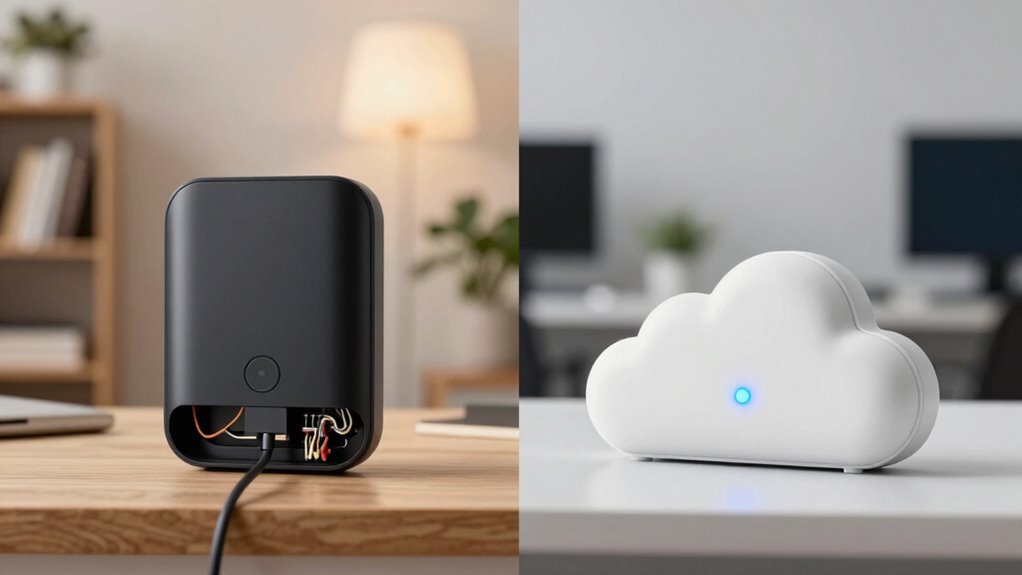
Choosing the right smart device requires careful attention to privacy features, as your options directly impact how much control you have over your data. To decide wisely, consider how voice recognition is handled—does the device process commands locally or send data to the cloud? Understanding data ownership is equally important; some devices give you full control, while others retain rights over your information. Use this table to compare options:
| Privacy Feature | Local Devices | Cloud Devices |
|---|---|---|
| Voice Recognition | Processes locally | Sends data to servers |
| Data Ownership | You retain control | Company owns and processes data |
| Security | Less exposure to breaches | Higher risk of data leaks |
Additionally, consider the security measures in place to protect your personal information from unauthorized access. Recognizing the privacy implications of each device can help you make an informed choice that aligns with your comfort level. Choose based on your comfort with data control and privacy needs.
How Encryption and Security Compare in Local and Cloud Devices
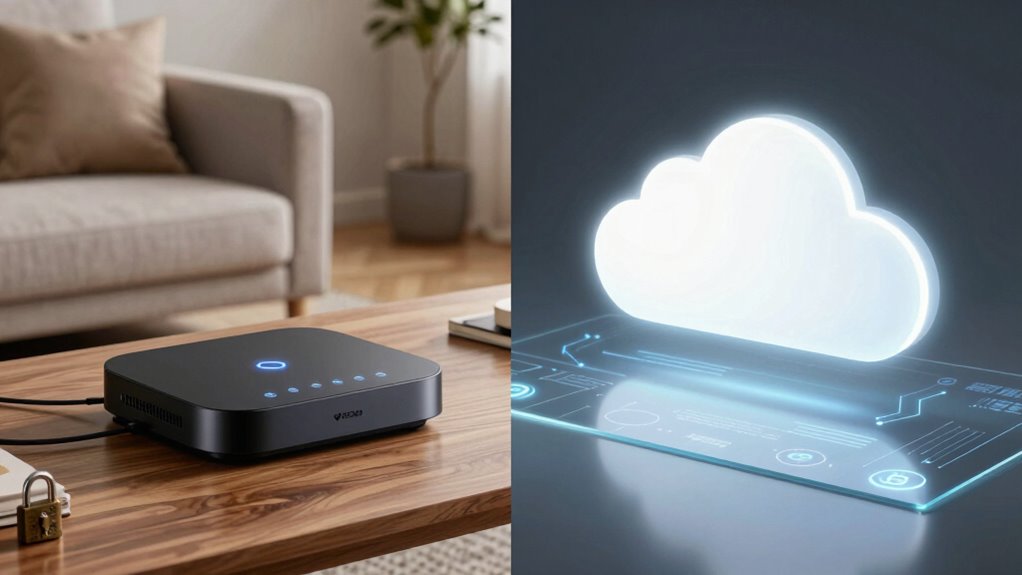
Encryption and security measures play a crucial role in protecting your smart devices, but they differ markedly between local and cloud-based options. Local devices often use robust encryption protocols like AES, ensuring your data stays secure on your private network. In contrast, cloud devices rely on encryption during data transmission and storage, but the security depends on the provider’s practices. Consider these points:
Local device encryption keeps your data secure on your private network.
- Local devices retain data sovereignty, giving you control over your information.
- Cloud services encrypt data in transit and at rest but may store copies elsewhere.
- Cloud providers often update encryption protocols automatically, enhancing security.
- Local security depends on your maintenance and device updates.
Your choice impacts how well your data stays protected and where it’s stored.
Easy Ways to Protect Your Privacy With Any Smart Device
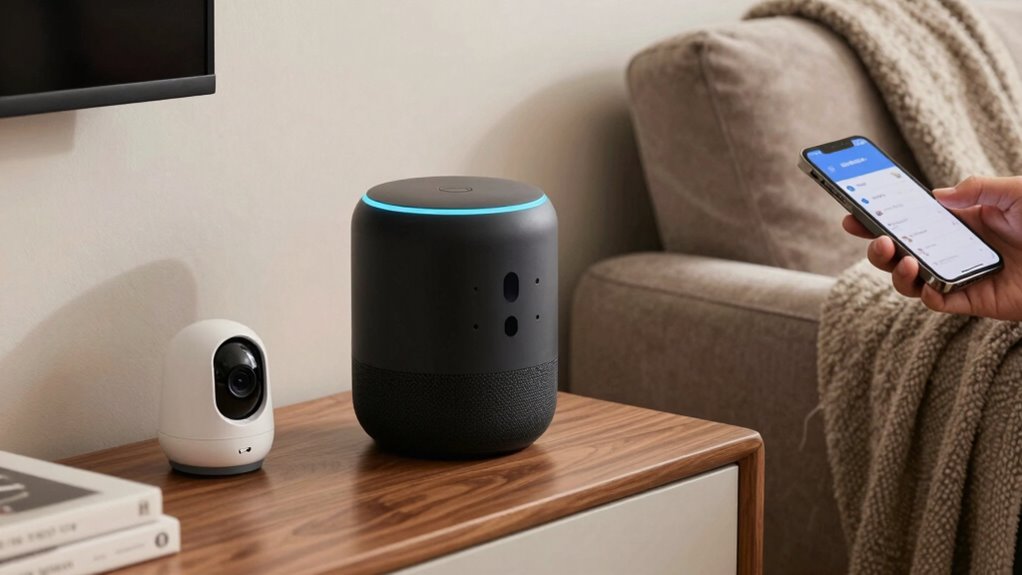
To protect your privacy with any smart device, start by setting up a secure network with a strong password and updated firmware. Regular software updates are essential, as they fix security vulnerabilities and keep your device safe. By staying vigilant with these simple steps, you can better safeguard your personal information.
Secure Network Setup
Securing your network is essential for protecting your smart devices and privacy. To do this effectively, consider these steps:
- Use network segmentation to separate your smart devices from your main network, limiting potential breaches.
- Enable device authentication to verify devices before granting access, preventing unauthorized connections.
- Change default passwords on all devices to strong, unique ones.
- Turn off remote access features unless necessary, reducing exposure to external threats.
Regular Software Updates
Keeping your smart devices up to date with the latest software is one of the simplest yet most effective ways to protect your privacy. Firmware updates often include security patches that fix vulnerabilities, making it harder for hackers to access your data. Regular updates also enhance data encryption, ensuring your information stays secure during transmission and storage. Ignoring updates leaves your devices exposed to known threats, increasing the risk of data breaches. Set your devices to update automatically whenever possible, so you don’t miss critical security improvements. Staying current with software updates not only safeguards your personal information but also ensures your devices run smoothly and efficiently. Don’t underestimate the power of timely updates—they’re a key line of defense in your privacy protection arsenal.
Balancing Convenience and Privacy in Your Smart Device Use

Balancing convenience and privacy when using smart devices can feel like walking a tightrope. To manage this, consider these steps:
- Know who owns your data—opt for devices that clarify data ownership and control.
- Adjust privacy settings to limit data collection, preserving your user anonymity.
- Use local devices when possible, reducing reliance on cloud services that store personal info.
- Regularly review permissions and delete unused data to minimize exposure.
Frequently Asked Questions
Can Local Devices Still Be Hacked Remotely?
Yes, local devices can still be hacked remotely through vulnerabilities like weak passwords or unpatched software. You should stay vigilant about remote access vulnerabilities by regularly updating device firmware, using strong, unique passwords, and enabling two-factor authentication. These steps help prevent device hacking and guarantee your local smart devices remain secure, minimizing the risk of unauthorized remote access even without cloud dependence.
How Is Data Stored on Hybrid (Local + Cloud) Smart Devices?
You might think your hybrid device keeps data neatly separated, but it actually stores data in both local storage and the cloud, making device synchronization seamless. Ironically, while this setup offers convenience, it also means your data is duplicated across multiple locations. So, when you sync your device, it’s not just updating locally—it’s constantly sharing and storing information in the cloud, increasing the risk of exposure.
What Are the Legal Implications of Data Breaches in Smart Devices?
If a data breach occurs in your smart device, you face legal liabilities that could lead to fines or lawsuits. You’re required to provide breach notification to affected users promptly, as neglecting this duty can worsen penalties. Ensuring strong security measures helps you mitigate legal risks, protect user privacy, and stay compliant with regulations like GDPR or CCPA. Ignoring these obligations can result in serious legal consequences.
How Do Firmware Updates Impact Privacy and Security?
Firmware updates improve firmware security, strengthen defenses, and fix vulnerabilities, but they can also raise privacy concerns if update transparency isn’t maintained. When you apply updates, you enhance your device’s protection, guarantee data remains secure, and keep firmware current. However, if updates are hidden or unclear, your privacy might be compromised, and malicious actors could exploit overlooked flaws. Regular updates with clear transparency help balance security and privacy effectively.
Are There Privacy Differences Between Open-Source and Proprietary Smart Devices?
You’ll find open-source smart devices offer more privacy because open-source transparency lets you see exactly what data they collect and how they handle it. In contrast, proprietary secrecy keeps details hidden, making it harder to assess privacy risks. With open-source, you can verify security measures, while proprietary devices often rely on trust. So, your privacy depends on transparency versus secrecy, impacting your control over personal data.
Conclusion
Ultimately, whether you choose local or cloud smart devices, it’s about finding the right balance for your privacy and convenience. Sometimes, the most private option feels like a quiet reassurance you didn’t realize you needed. As you make your decision, remember that small steps—like enabling encryption or controlling data access—can make a big difference. After all, your smart device should serve you, not compromise what you hold most dear.