Blue light from screens and indoor lighting can harm your eyes and disrupt your sleep. Screen protectors block some blue light physically, but their effectiveness varies. Software solutions like night mode or f.lux adjust color warmth and brightness to reduce blue exposure. Proper room lighting with warm, dim lights can also help. To find the best option for your lifestyle, explore how each approach works—and you’ll discover ways to protect your eyes and sleep better.
Key Takeaways
- Screen protectors physically block blue light but vary in effectiveness based on material quality and coverage.
- Software solutions like night mode and apps adjust color temperature to reduce blue light exposure digitally.
- Proper room lighting with warm, dimmable lights minimizes eye strain and supports better sleep hygiene.
- Combining methods—physical filters, software, and lighting—offers the most comprehensive blue light protection.
- Choice depends on device type, lifestyle, and personal preference for convenience, cost, and effectiveness.
Why Blue Light Is Harmful to Your Eyes and Sleep
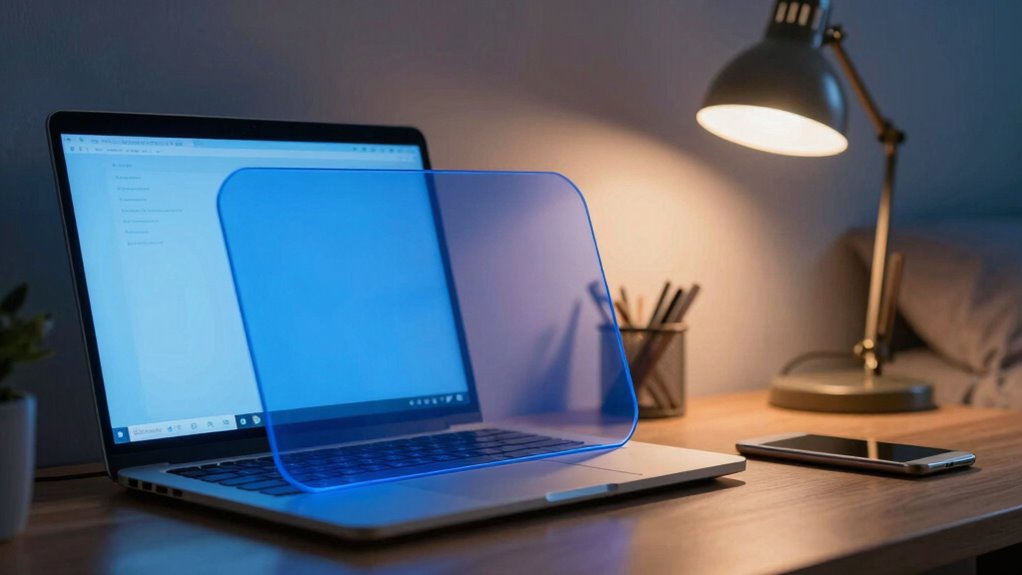
Blue light, which is emitted by screens from smartphones, computers, and tablets, can cause significant strain on your eyes. Prolonged exposure leads to eye strain, causing discomfort, headaches, and blurred vision. Additionally, blue light interferes with your circadian rhythm, disrupting your sleep patterns. When you’re exposed to blue light at night, your body struggles to produce melatonin, the hormone responsible for regulating sleep. This circadian disruption can make it harder to fall asleep and reduce overall sleep quality. Over time, poor sleep can affect your mood, focus, and health. Recognizing blue light’s impact on sleep is essential for maintaining healthy sleep habits and overall well-being. It’s essential to be aware of how blue light impacts your eyes and sleep cycles and take steps to minimize its effects, especially during evening hours. Using blue light filters can help reduce exposure and protect your eye health and sleep quality. Implementing proper screen time management can further mitigate these risks and support better sleep hygiene. Additionally, managing ambient lighting in your environment can help reduce overall blue light exposure during evening hours.
Do Blue Light Screen Protectors Really Make a Difference?

Many people wonder if blue light screen protectors truly reduce eye strain and improve sleep quality. While they can alter blue light perception, their overall effectiveness varies. Some users notice less eye fatigue, but others see minimal difference. The key is understanding that screen protector effectiveness depends on the product’s quality and the specific wavelength it filters. It’s important to remember that not all protectors block enough blue light to make a meaningful impact. Research shows they may help, but aren’t a complete solution. Consider these factors:
Blue light screen protectors can help reduce eye strain but vary in effectiveness based on quality and coverage.
- Quality of the filter material
- Range of blue light wavelengths blocked
- Fit and coverage on your device
- Compatibility with your screen
- Your personal sensitivity to blue light
Additionally, the contrast ratio of a projector significantly influences the perceived sharpness and clarity of images, which can also affect viewing comfort. Environmental factors like screen brightness can also impact how effective blue light filters are. Moreover, understanding the market options for blue light filtering products can help consumers choose higher-quality solutions. It is also beneficial to understand how blue light wavelength varies and the extent to which different filters block these specific ranges. Recognizing the blue light transmission characteristics of each filter can help set realistic expectations. Ultimately, screen protectors can contribute, but their impact isn’t guaranteed.
Which Software Tools Can Help Reduce Blue Light on Your Devices?
Software tools can effectively reduce blue light exposure by adjusting your device’s display settings, making it easier to use screens comfortably, especially in the evening. These tools allow you to modify screen brightness to lower levels that are easier on your eyes, reducing strain. They also let you change the color temperature—shifting it toward warmer tones—so the screen emits less blue light. Many operating systems, like Windows and macOS, have built-in night mode features that automatically adjust these settings based on the time of day. Additionally, third-party apps such as f.lux or Iris offer customizable options to fine-tune your display’s color temperature and brightness. Using these tools helps you minimize blue light exposure without sacrificing visibility or screen clarity. Understanding display adjustments is essential for optimizing your screen’s settings for comfort and eye health. Incorporating blue light reduction techniques into your routine can further enhance your visual comfort during prolonged screen use.
How Can Adjusting Your Room Lighting Improve Sleep and Eye Comfort?
Adjusting your room lighting plays a significant role in improving both sleep quality and eye comfort. Proper ambient lighting reduces eye strain and creates a calming environment, helping your body prepare for rest. By using softer, warmer lights in the evening, you signal to your brain that it’s time to wind down. Ideal ambient lighting also minimizes glare and contrast, which can cause discomfort. Consider these strategies:
- Use dimmable lamps to control brightness
- Choose warm-colored bulbs for relaxing atmospheres
- Avoid harsh overhead lights before bed
- Incorporate indirect lighting for softer illumination
- Keep lighting levels consistent to prevent eye fatigue
Making these adjustments promotes healthier sleep patterns and enhances eye comfort, reducing the risk of digital eye strain caused by excessive screen time. Proper room lighting complements blue light reduction efforts effectively. Additionally, creating a calming environment with appropriate lighting can make a noticeable difference in overall comfort and sleep quality. Incorporating appropriate lighting techniques can further optimize your sleep and eye health, especially when combined with strategies like blue light filters.
How to Choose the Best Blue Light Reduction Method for Your Needs
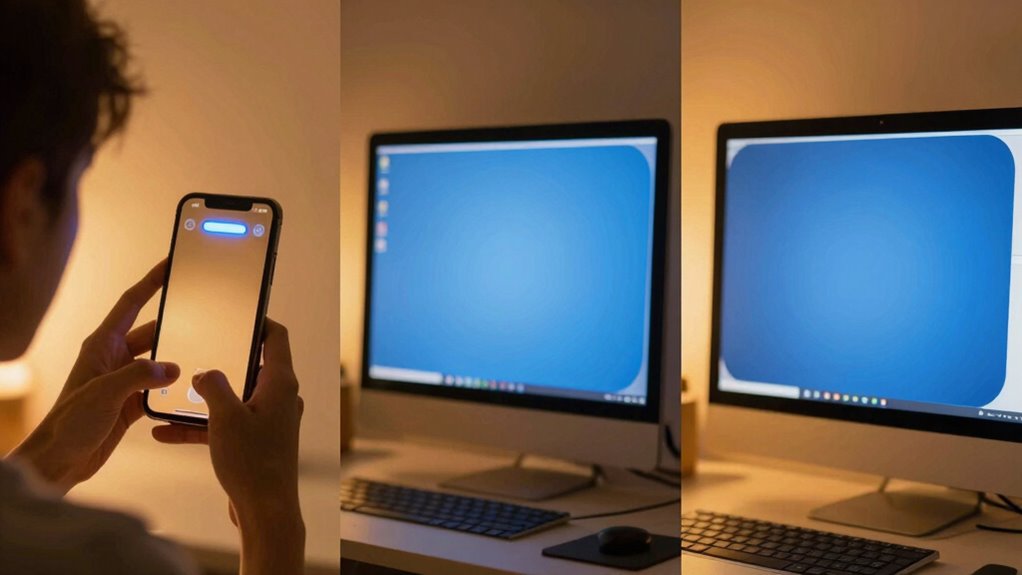
Choosing the right blue light reduction method depends on your lifestyle, devices, and specific needs. To decide, consider factors like cost, convenience, and effectiveness. Some prefer screen protectors for physical barriers, while others favor software for flexibility. Lighting adjustments are simple and cost-effective but less targeted. Assessing the effectiveness of each method can help you choose the most suitable option for your daily routine and device usage. Additionally, understanding the effectiveness of each method can help you choose the most suitable option for your daily routine and device usage. Evaluating the passive voice detection capabilities of different tools can further improve your writing clarity and engagement. Moreover, considering the type of device you use can influence which blue light reduction method works best for you. Recognizing the reliance on cloud services that many modern devices depend on can also inform your choice, especially if you want to minimize disruptions caused by outages or technical issues.
Frequently Asked Questions
Are Blue Light Filters Effective for All Age Groups?
Blue light filters can be effective across all age groups, offering age-specific benefits like reducing eye strain for adults and supporting healthy development in children. They help lessen digital eye fatigue and may improve sleep quality. However, developmental concerns in young kids mean filters should be used carefully, and it’s best to combine them with other eye health practices. Overall, blue light filters are a useful tool for everyone, tailored to individual needs.
Can Blue Light Filters Cause Color Distortion on Screens?
Blue light filters can sometimes cause noticeable color distortion, making your screen look like it’s been painted with a filter of sunset hues. This affects color accuracy and display calibration, especially with software filters that tint the screen. However, quality filters minimize this issue, so you rarely experience significant distortion. If you notice color changes, try adjusting your display settings or choosing a higher-quality filter to maintain accurate colors.
How Long Should I Use Blue Light Filters Daily?
You should use blue light filters for about 2 to 4 hours daily to promote healthy screen time management and prevent eye strain. Take regular breaks every 20 minutes, and consider adjusting the filter’s intensity based on your environment. Limiting continuous use helps reduce eye fatigue and discomfort, especially if you spend long hours in front of screens. Remember, balancing screen time with other activities is key for eye health.
Do Blue Light Filters Impact Screen Brightness or Clarity?
Did you know that 78% of users report minimal impact on screen visibility when using blue light filters? These filters can slightly reduce brightness or clarity, but quality screen protectors and software are designed to minimize this effect. Keep in mind, filter durability varies, so high-quality options maintain consistent performance without compromising visibility. You can enjoy eye protection without sacrificing the sharpness and clarity of your display.
Are There Health Risks Associated With Blue Light Exposure?
You might face health risks like eye strain and sleep disruption from blue light exposure. Blue light can tire your eyes and make focusing difficult, leading to discomfort. It also interferes with your sleep by suppressing melatonin production, making it harder to fall asleep. To protect yourself, consider using blue light filters on screens or adjusting lighting, especially before bedtime. These steps help reduce eye strain and improve your sleep quality.
Conclusion
So, now you know the options to protect your eyes from blue light, but which method truly makes a difference? Will a screen protector, software adjustment, or lighting change be your best bet? The answer isn’t simple, and the choice might surprise you. As you weigh your options, remember—sometimes the most effective solution is the one you least expect. Are you ready to discover what truly safeguards your sleep and vision? The answer awaits.