When choosing between Bluetooth and dongle wireless scanners, Bluetooth offers easy pairing and greater convenience but usually only reaches about 10 meters. Dongles can extend your range up to 100 meters under ideal conditions, providing more stability—especially in busy environments. However, obstacles and interference can markedly reduce these ranges. To optimize your scanner’s performance, it’s helpful to understand environmental factors and device settings—more details await if you continue exploring.
Key Takeaways
- Bluetooth scanners typically have a practical range of 10 meters, reduced further by obstacles and interference.
- Dongle-based scanners can reach up to 100 meters under ideal conditions, but real-world factors often shorten this.
- Environmental obstacles, electronic interference, and building materials significantly impact the actual effective wireless range.
- Bluetooth offers greater convenience and mobility but may suffer from stability issues in interference-heavy environments.
- Proper setup, environmental management, and device optimization are essential to maximize wireless scanner range and stability.
Bluetooth vs Dongle: Which Wireless Scanner Connection Is Better?
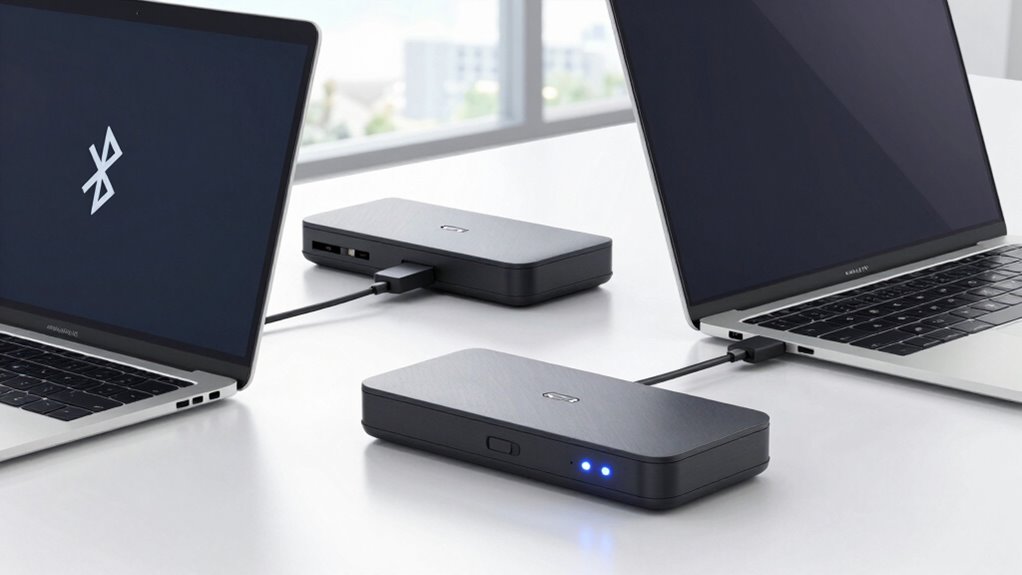
When choosing a wireless scanner connection, it’s important to understand the differences between Bluetooth and dongle options. Bluetooth offers greater user convenience because it pairs easily with multiple devices and doesn’t require a separate port. It also tends to have better battery life, as modern Bluetooth technology is designed for low power consumption, allowing you to scan longer without frequent recharging. On the other hand, dongle connections usually provide a more stable and faster link, which can be indispensable in high-demand environments. While dongles might consume more power, they often deliver a more reliable connection in challenging interference conditions. Additionally, the European cloud infrastructure ensures that these wireless solutions can be integrated securely and sustainably. Furthermore, the connection stability of a dongle can be especially important in professional settings where data transfer reliability is critical. Ultimately, your choice depends on whether you prioritize user convenience and battery efficiency (Bluetooth) or connection stability (dongle).
What Range Can You Expect From Wireless Scanners?
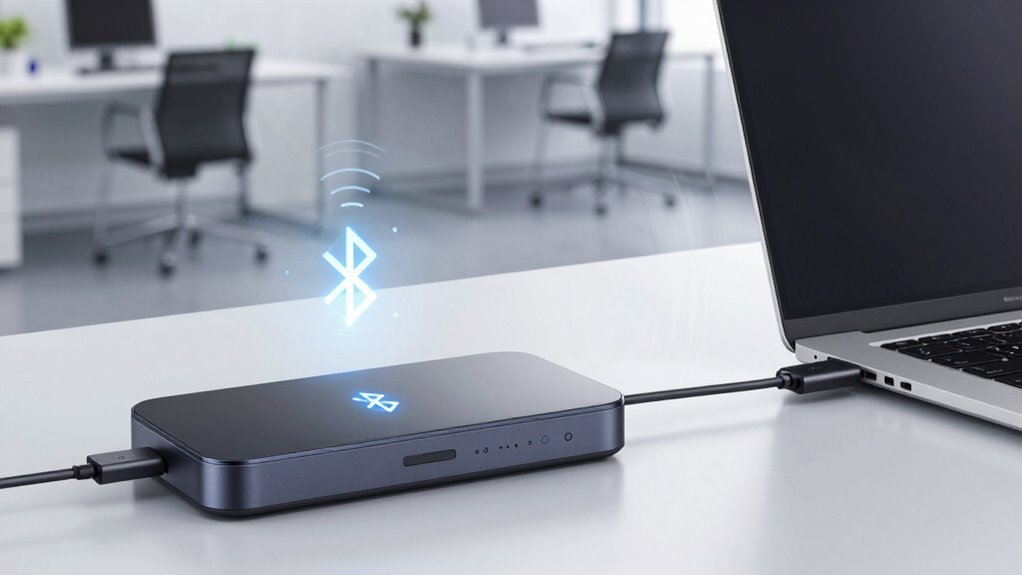
Wireless scanners typically offer a range that varies depending on the connection type and environment. Bluetooth scanners usually reach about 10 meters, while dongle-based models can extend up to 100 meters under ideal conditions. Walls, interference, and signal encryption can reduce these ranges markedly. For example, strong signal encryption may slightly impact range but enhances security. Battery life also influences effective usage; a scanner with a longer battery can maintain stable connections longer. Additionally, wireless signal strength can fluctuate based on obstacles and interference, further affecting performance. Understanding wireless frequency bands is essential for optimizing range and reliability. Optimizing signal quality by choosing the right antenna type can also improve overall performance. Being aware of environmental factors can help you select the best setup for your specific needs. For example, interference from other wireless devices can significantly impact connection stability and range. Here’s a quick comparison:
| Connection Type | Typical Range | Key Considerations |
|---|---|---|
| Bluetooth | 10 meters | Limited by obstacles |
| Wireless Dongle | 100 meters | Better for open spaces |
| Both | Varies | Environment affects performance |
In real-world use, expect about 20-30% less range than maximums due to environmental factors.
What Factors Affect Your Wireless Scanner’s Effective Range?
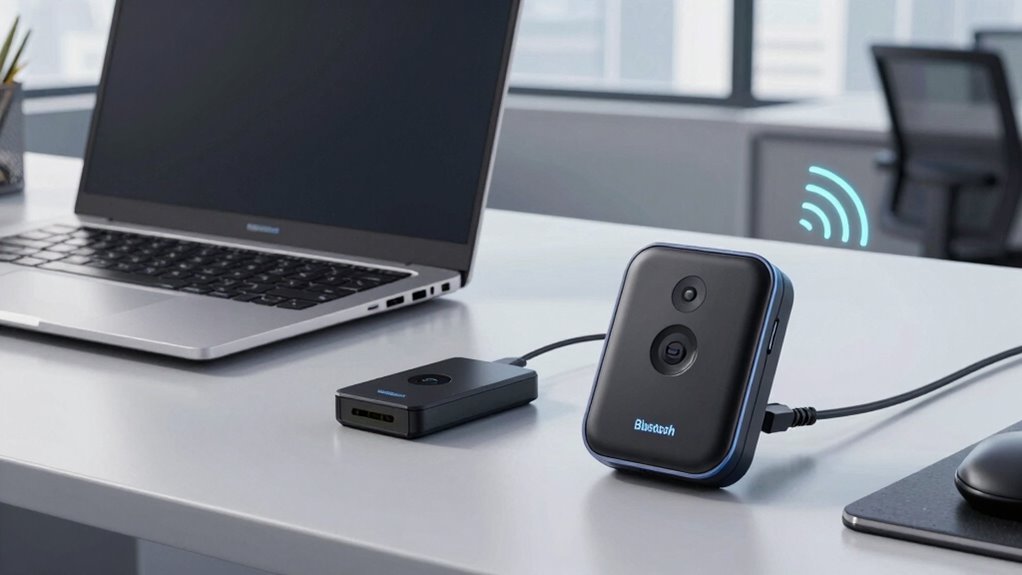
Your wireless scanner’s effective range depends largely on its power levels and the environment around you. Higher device power can extend the distance, but interference from other electronic devices or obstacles can shorten it. Understanding these factors helps you optimize your scanner’s performance in any setting. Additionally, the presence of electromagnetic interference can significantly impact signal stability and range. Proper ventilation and minimizing electronic clutter can also help reduce interference and improve signal consistency. Being aware of market standards for wireless devices can guide you in selecting equipment with better range capabilities. Knowing the performance specifications of your scanner can further help you achieve optimal results. Moreover, considering environmental factors such as building materials and layout can also influence effective range and signal clarity.
Device Power Levels
Device power levels play a essential role in determining how far your wireless scanner can effectively operate. The key factors are the power output and battery capacity, which directly influence signal strength and duration. Higher power output can extend your scanner’s range, but it may drain the battery faster. Conversely, a larger battery capacity allows longer usage without recharge, maintaining consistent performance. Visualize these factors as:
- A powerful transmitter pushing signals further
- A large battery providing sustained energy
- A balanced setup optimizing range and battery life
Keep in mind that increasing power might generate more heat, and battery capacity determines how long your scanner stays active. Device power levels are also influenced by environmental factors like interference and obstructions, which can significantly impact real-world performance. Additionally, understanding wireless communication standards can help in selecting the optimal setup for your needs.
Environmental Interference Factors
Environmental interference can markedly reduce your scanner’s effective range by disrupting signal transmission. Physical obstructions like walls, metal shelves, or machinery can block or weaken signals, leading to signal interference. These obstacles force your scanner to work harder to maintain a connection, often shortening its effective range. Additionally, understanding wireless communication principles can help you optimize placement for better performance.
| Obstacle Type | Effect on Signal |
|---|---|
| Metal objects | Strongly block or reflect signals |
| Thick walls | Reduce signal strength |
| Electronic devices | Cause signal interference |
| Dense materials | Absorb or weaken signals |
Understanding these factors helps you position your scanner for ideal performance. Keep interference sources away, and use open, clear paths to maximize your wireless scanner’s range.
Pros and Cons of Bluetooth Wireless Scanners in Real Life
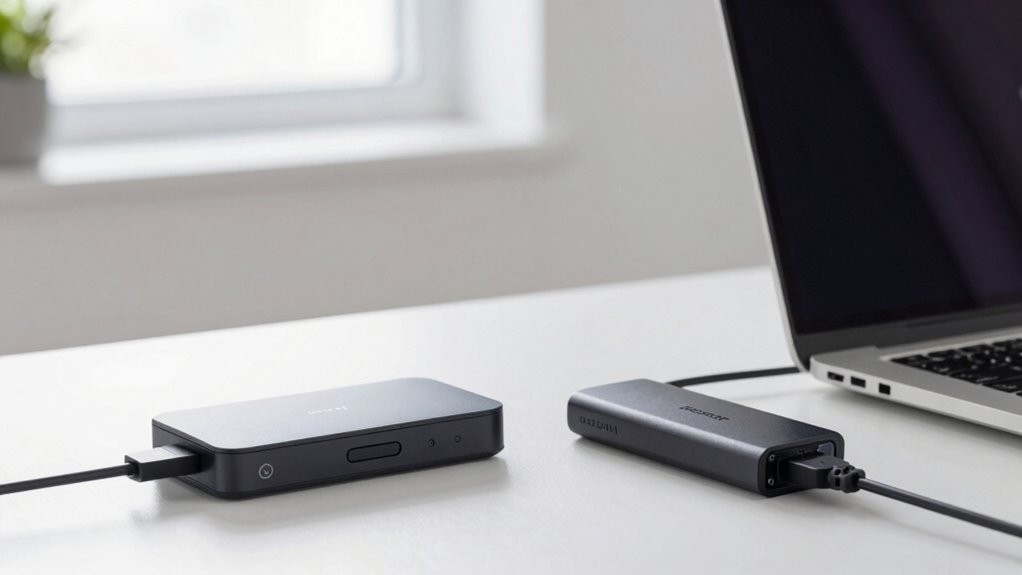
Bluetooth wireless scanners offer convenience, but you should consider their range limits, which can restrict flexibility. You might also face stability issues with connections, especially in busy environments. Additionally, higher power consumption can reduce battery life, affecting how long you can use the scanner without recharging. As the demand for AI cybersecurity jobs grows, understanding the importance of reliable wireless technology becomes even more critical. Moreover, environmental factors such as interference from other wireless devices can further impact performance and wireless communication stability. Being aware of wireless signal interference sources can help optimize scanner placement and maintain consistent connectivity, especially as sustainable brands emphasize eco-friendly practices that can also influence device durability and energy efficiency.
Furthermore, the presence of electromagnetic interference from nearby electronic devices can significantly degrade signal quality, making awareness essential for operational efficiency.
Wireless Range Limitations
Have you ever wondered why your wireless scanner sometimes loses connection or struggles to reach distant shelves? The answer often lies in wireless range limitations, influenced by factors like frequency bands and signal penetration. Bluetooth operates mainly on 2.4 GHz, which can be hampered by obstacles and interference, reducing effective distance.
Imagine:
- Walls and metal shelving blocking your signal, making range unpredictable.
- High-frequency bands bouncing off surfaces, limiting penetration into dense materials.
- Interference from other devices crowded around, causing signal drops.
These issues mean your scanner’s range isn’t just about distance; it’s about how well the signal penetrates barriers and avoids interference. Understanding these limitations helps you set realistic expectations for Bluetooth scanners in real-world environments.
Bluetooth Connectivity Stability
While Bluetooth offers convenient wireless connectivity for scanners, its stability can vary markedly depending on the environment and usage conditions. In some settings, you might experience consistent device pairing, ensuring smooth operation. However, interference from other wireless devices, obstacles, or thick walls can disrupt the connection, leading to dropped signals or lag. This instability can affect your workflow, especially if the scanner needs to reconnect frequently. Additionally, Bluetooth’s impact on battery life is notable; frequent reconnections or maintaining a persistent connection can drain your device’s battery faster. Understanding wireless interference can help you optimize your setup for better performance. Furthermore, in complex environments, the presence of multiple wireless signals can further complicate the stability of Bluetooth connections, underscoring the importance of wireless communication awareness. Being aware of ear wax odor and other environmental factors can also help in troubleshooting connectivity issues, as they may influence device performance unexpectedly. Recognizing personality traits that affect user behavior can assist in choosing the most reliable connection type for your needs.
Power Consumption Concerns
Connectivity issues can often lead users to prioritize stable, reliable connections over power efficiency. Bluetooth scanners can drain batteries quickly, reducing overall battery life. This is especially true during continuous use or in environments with interference. Consider these power consumption factors:
- Extended scanning sessions that drain batteries faster
- Frequent reconnections that increase energy use
- Lower power efficiency in older Bluetooth versions
Additionally, battery drain can be exacerbated by environmental factors and device age, making it essential to choose the right Bluetooth version for your needs. While Bluetooth offers convenience, it can compromise your scanner’s battery life if not managed carefully. You might find yourself charging more often or carrying extra batteries. To optimize performance, balancing connectivity stability with power efficiency becomes vital, especially if you rely on wireless scanners for long shifts. Understanding these trade-offs helps you select a device that fits your real-world needs without sacrificing usability. Furthermore, selecting newer Bluetooth standards can improve both power efficiency and connection stability, helping to extend battery life. Incorporating power management techniques can further enhance your device’s performance and longevity.
When Should You Use a Dongle for Better Wireless Range?
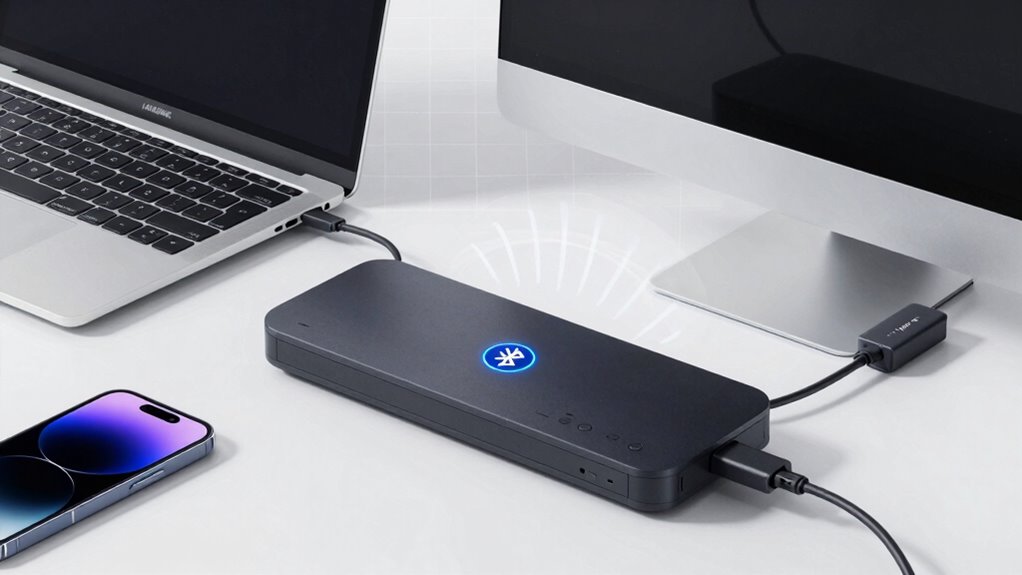
Wondering when a dongle can actually boost your wireless range? If you’re working in industrial environments or need consistent signal strength, a dongle can be your best bet. When your scanner needs to cover larger areas or penetrate walls, the extra power and antenna design of a dongle improve performance. Keep in mind, though, that using a dongle might impact battery life, so consider your workflow. Here’s a quick comparison:
| Scenario | Advantage of Dongle | Consideration |
|---|---|---|
| Industrial environments | Better signal penetration | Increased power consumption |
| Long-range scanning | Extended coverage | Shorter battery life |
| Difficult obstacles | Improved connectivity | Need for extra hardware |
| Frequent movement | Stable connection over distance | Potential portability issues |
Use a dongle when your environment demands more robust range or stability.
How to Maximize Your Wireless Scanner’s Range and Performance
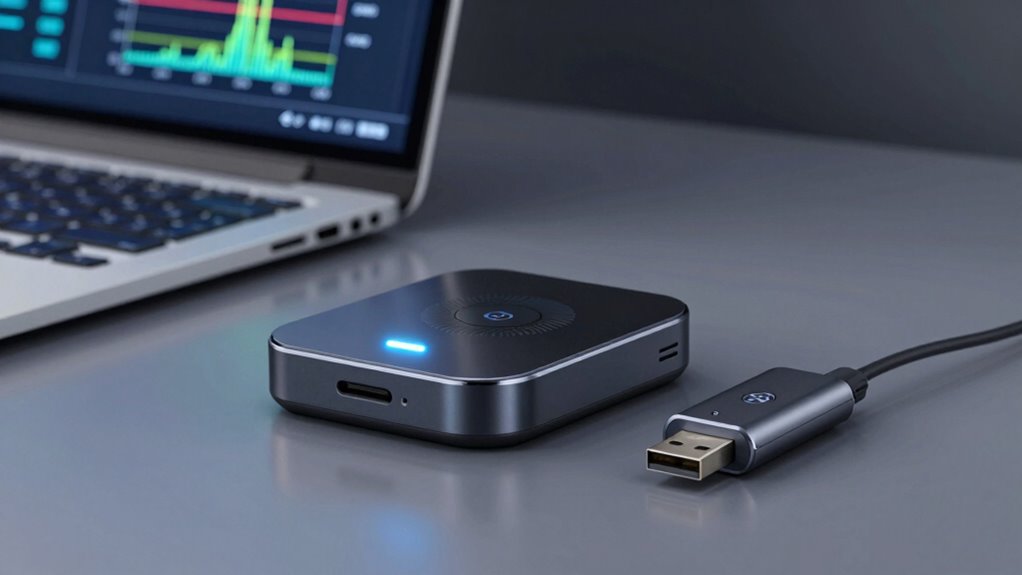
To maximize your wireless scanner’s range and performance, you need to optimize both your device settings and environment. Start by adjusting the scanner’s transmission power and ensuring the firmware is up to date, which can improve battery longevity and signal strength. Improve device ergonomics by holding the scanner steady and avoiding obstructions that weaken signals. To enhance performance, consider these factors:
Optimize your scanner’s range by updating firmware, adjusting transmission power, and maintaining a clear line of sight.
- Keep the scanner within a clear line of sight, reducing interference from metal or electronics
- Use a high-quality, fully charged battery to maintain consistent power and range
- Position yourself in open areas, avoiding cluttered or enclosed spaces that limit signal reach
Frequently Asked Questions
How Does Interference Impact Wireless Scanner Range?
Interference from other devices can considerably reduce your wireless scanner’s range. Radio frequency signals can clash with nearby electronics, causing signal interference that muddles communication. As a result, your scanner’s effective distance might shrink, leading to missed scans or slow performance. To minimize this, keep your scanner away from Wi-Fi routers, microwaves, and other electronic devices that emit similar radio frequencies, ensuring a clearer, more reliable connection.
Are There Differences in Durability Between Bluetooth and Dongle Scanners?
You’ll find that durability varies between Bluetooth and dongle scanners, with material resilience playing a key role. Generally, Bluetooth scanners often feature rugged designs with reinforced casings, making them more resistant to drops and impacts. Dongle scanners may use lighter materials, which can be less durable. Your choice depends on the environment—if you need a scanner that withstands tough conditions, opt for one with a higher durability comparison and robust construction.
Can Environmental Factors Extend or Limit Wireless Scanner Signals?
Sure, environmental factors can totally boost or crush your wireless scanner’s signal—if you’re into extreme sports. Signal attenuation happens when obstacles like metal shelves or walls absorb or weaken signals, while obstacle interference causes chaos, making your scanner’s range unpredictable. So, don’t rely solely on technology; instead, consider your environment’s quirks and barriers, because they might just turn your seamless scan into a frustrating treasure hunt.
What Are the Security Considerations for Bluetooth Versus Dongle Connections?
You should consider that Bluetooth connections often use encryption protocols like AES, making them more secure during device pairing and data transfer. However, if not properly safeguarded, they can be vulnerable to eavesdropping. Dongle connections typically rely on secure wired protocols, reducing some risks, but you must still ensure proper device pairing and security settings. Always keep firmware updated and verify pairing processes to protect sensitive data.
How Compatible Are Wireless Scanners Across Various Devices and Operating Systems?
You’ll find that wireless scanners generally offer good device compatibility, working with a variety of devices and operating systems like Windows, macOS, Android, and iOS. However, software integration can vary; some scanners require specific drivers or apps to function seamlessly. Before purchasing, verify the scanner supports your device’s OS and check for available software updates to avoid compatibility issues and maximize performance.
Conclusion
Choosing between Bluetooth and dongle wireless scanners isn’t just about immediate range—there’s more at stake. As technology evolves and obstacles shift, your scanner’s performance could surprise you in unexpected ways. Will you discover the hidden limits of your setup or unseal new potential? The next move could redefine how far and effectively you scan. Stay tuned—your ultimate wireless scanning experience might be closer than you think. Don’t miss what’s coming next.