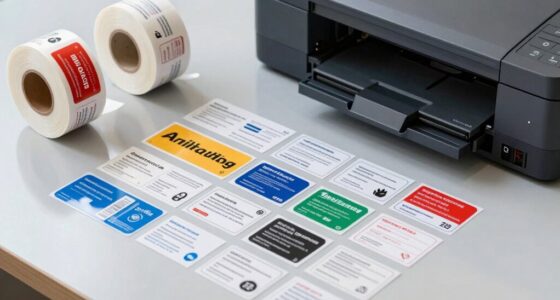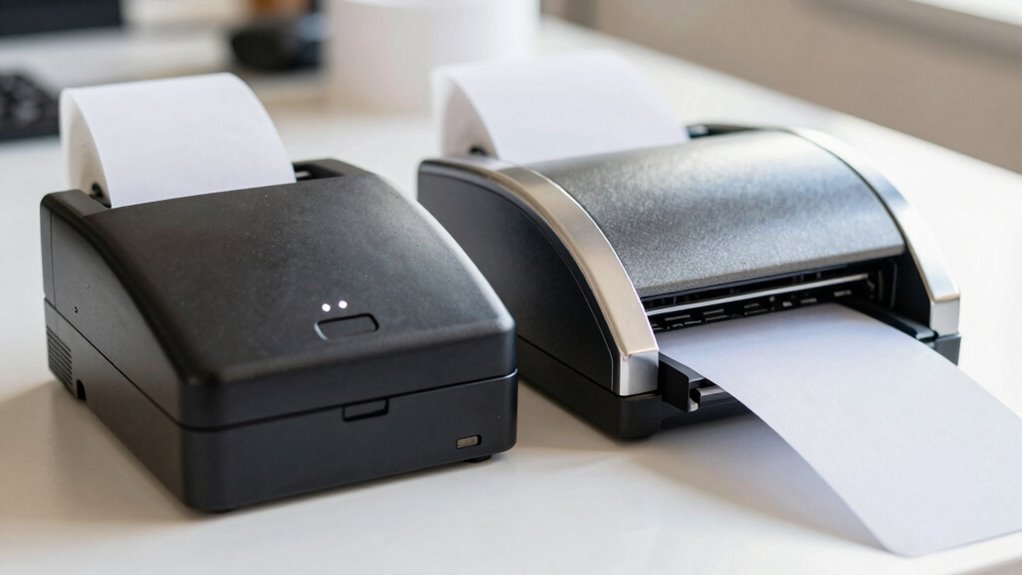

Thermal and thermal-transfer label printers both use heat, but they work differently. Thermal printers activate heat-sensitive paper to produce labels without ink or ribbons, making them quick and cheap. Thermal-transfer printers melt ink from a ribbon onto durable materials, ideal for long-lasting labels in tough environments. Choosing the right one depends on your labeling needs, budget, and durability requirements. Keep going to discover which option fits your projects best.
Key Takeaways
- Thermal printers use heat to activate special paper, producing labels without ink or ribbons, while thermal-transfer printers use heat to transfer ink from a ribbon onto the label.
- Thermal labels are less durable and suitable for short-term use, whereas thermal-transfer labels are more resistant to environmental factors, ideal for long-term applications.
- Cost-wise, thermal printers generally have lower upfront costs but less durability; transfer printers are more expensive initially but produce more durable labels.
- Thermal-transfer printing creates smudge-resistant, high-quality labels suitable for harsh environments, unlike thermal printing which may fade or degrade over time.
- Choosing between them depends on durability needs, environmental conditions, label longevity, and budget considerations.

Custom Print Employee ID Badge, Double Sided with Name, Photo, Logo, and Barcode – Unique Photo ID Card Solution (ID Vertical)
Personalization: Add a custom name, department, role, or unique text to the back side, and include a photo.
As an affiliate, we earn on qualifying purchases.
How Do Thermal and Thermal-Transfer Label Printers Work?
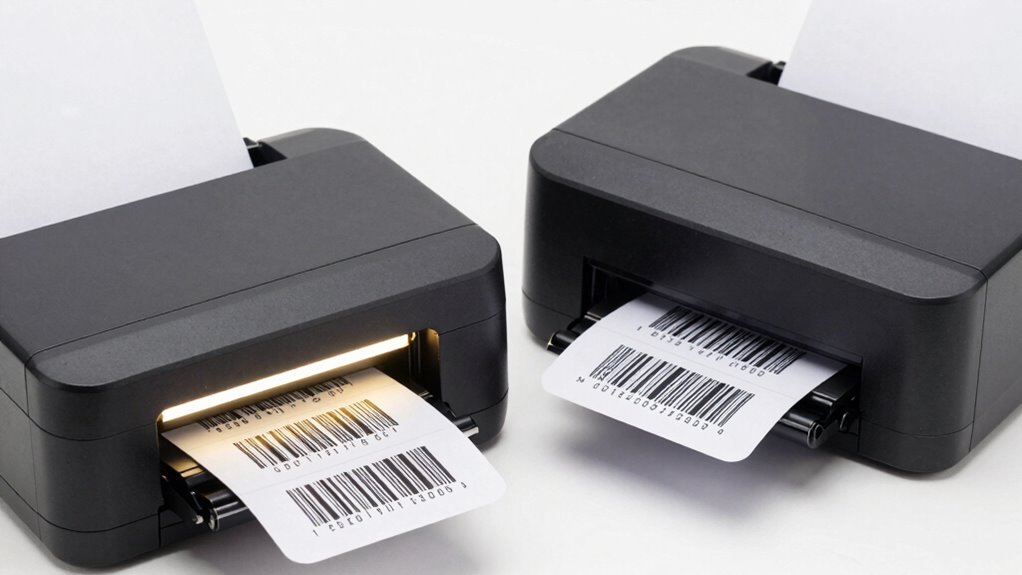
Thermal and thermal-transfer label printers operate using different mechanisms to produce printed labels. In a thermal process, the printer uses heat to activate special heat-sensitive paper, turning it black where heated. This direct method requires no ink, toner, or ribbon. Conversely, the transfer mechanism involves a ribbon coated with ink that melts onto the label material when heated. The print head applies precise heat to transfer ink from the ribbon onto the label surface. This thermal-transfer process creates durable, smudge-resistant labels suitable for harsher environments. While both methods rely on heat, the key difference lies in how the image forms: direct activation of the label versus transferring ink from a ribbon. Understanding these mechanisms helps you choose the right printer for your specific labeling needs. Additionally, contrast ratio plays a significant role in the visibility and clarity of printed images, especially in varying lighting conditions. Recognizing the different applications of each technology can help you select the most appropriate printer for your industry requirements. Furthermore, considering the environmental impact of each method can guide sustainable choices in labeling solutions.

Custom Print Employee ID Badge with Vertical Side Text, Double Sided Print with Name, Photo, Logo, and Barcode – Unique Photo ID Card Solution (ID Vertical)
Personalization: Customize with your name, department, role, or emphasize with bold side text, complemented by a photo inclusion.
As an affiliate, we earn on qualifying purchases.
What Are the Main Differences Between These Printer Types?
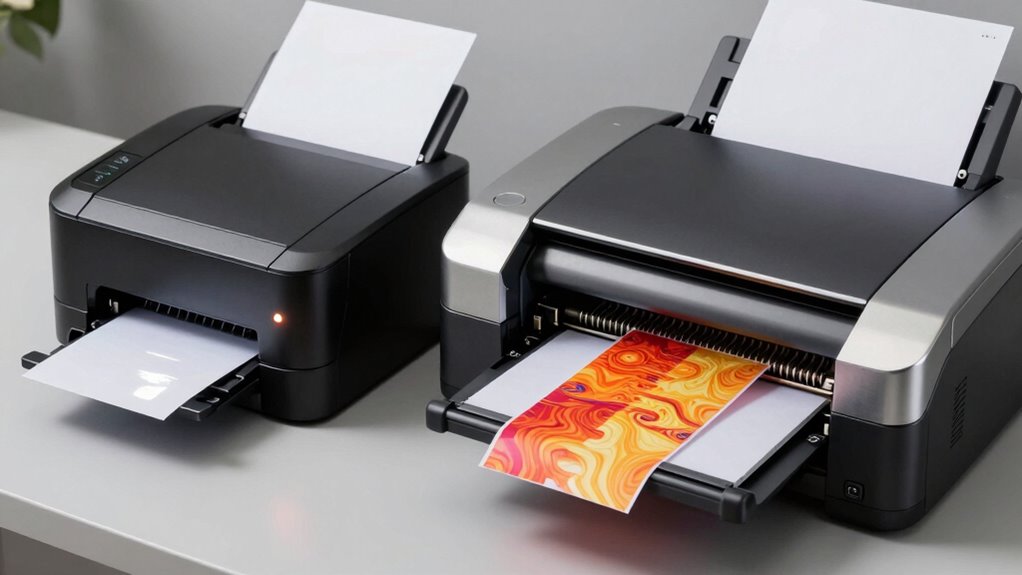
The main differences between thermal and thermal-transfer label printers lie in how they create images and their suitability for various applications. Thermal printers use heat-sensitive paper, so they don’t require ribbons, making them ideal for short-term labels. Thermal-transfer printers, on the other hand, use ribbons to transfer ink onto various labeling materials, resulting in more durable labels. This makes them better suited for long-lasting labels used in harsh environments. Printer compatibility also varies: thermal printers work best with specific heat-sensitive media, while thermal-transfer printers can handle a wider range of labeling materials, including plastic and polyester. media compatibility is crucial for selecting the right printer type for your specific labeling needs. Understanding cost considerations can also influence your decision, especially for high-volume labeling tasks. Additionally, considering the application environment can help determine whether durability or speed is more important for your labels.
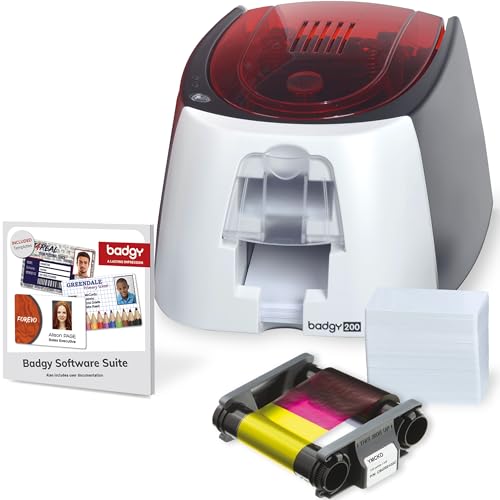
Badgy200 Plastic Card Printer with Badge Studio+ ID design software for full color, custom, tamper proof ID badges in seconds
The Badgy200 all-in-one solution, includes all you need to quickly design and print full color professional tamperproof plastic...
As an affiliate, we earn on qualifying purchases.
Which Printer Is Right for Your Labeling Needs?
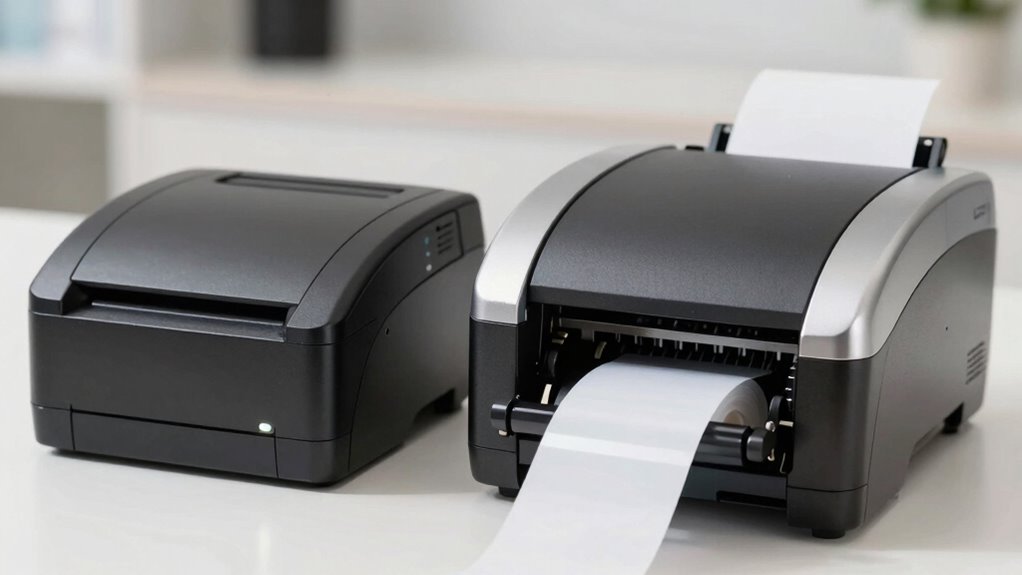
Choosing the right label printer depends on your specific needs and working environment. To determine the best fit, consider these factors:
- Printer compatibility: Ensure the printer works with your existing hardware and label types. Thermal printers are often more versatile for different materials.
- Software integration: Check if the printer easily integrates with your current software systems for seamless label creation and management.
- Label volume and durability: For high-volume or outdoor labels, thermal-transfer printers offer longer-lasting prints, while direct thermal printers suit short-term needs.

Cardholdir ID Easy Badges Solid 210 ID Badge Printer | with Beginner Software, & Everything Needed to Design and Print 200 ID Cards, | Single Sided Employee & Student ID Card Printer
Everything Included - IDP Solid 210 is a simple hand fed ID badge printer that makes single sided...
As an affiliate, we earn on qualifying purchases.
How Much Do Thermal and Thermal-Transfer Printers Cost?
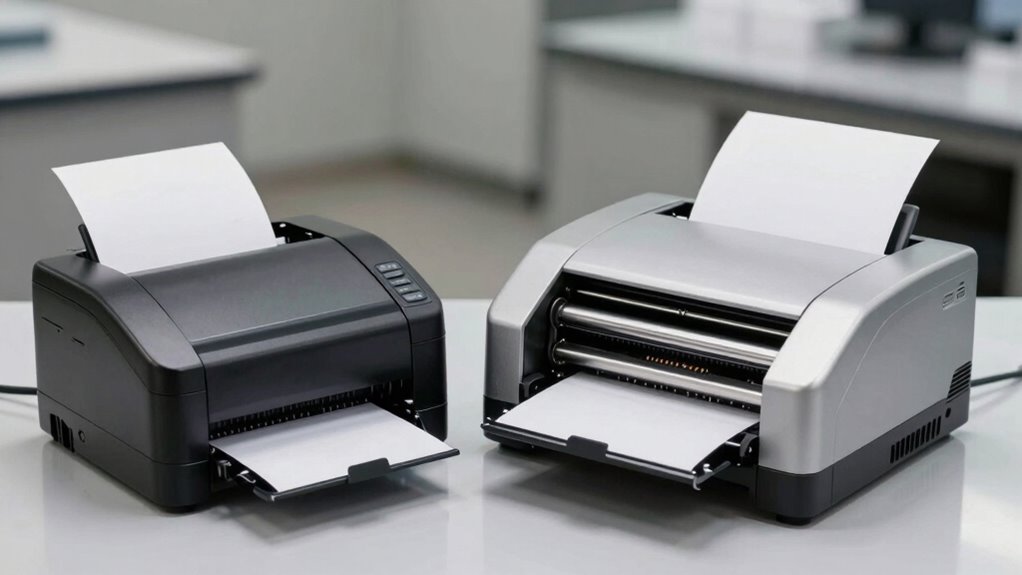
Understanding the cost differences between thermal and thermal-transfer printers helps you make an informed decision that fits your budget. Thermal printers generally have lower upfront pricing options, making them attractive for small businesses or those with tight budgets. Thermal-transfer printers tend to be more expensive initially due to their advanced technology and higher-quality components. However, consider your ongoing budget considerations, such as the cost of supplies like ribbons and labels, which can vary between the two types. Thermal printers typically have lower operating costs but may require more frequent label replacements. On the other hand, thermal-transfer printers often have higher initial costs but can be more economical over time if durability and label quality are priorities. Additionally, understanding the regional availability of supplies and support can influence your long-term costs. Knowing these pricing options helps you select a printer that balances upfront investment and ongoing expenses.
How Durable and High-Quality Are Labels From Each Printer?
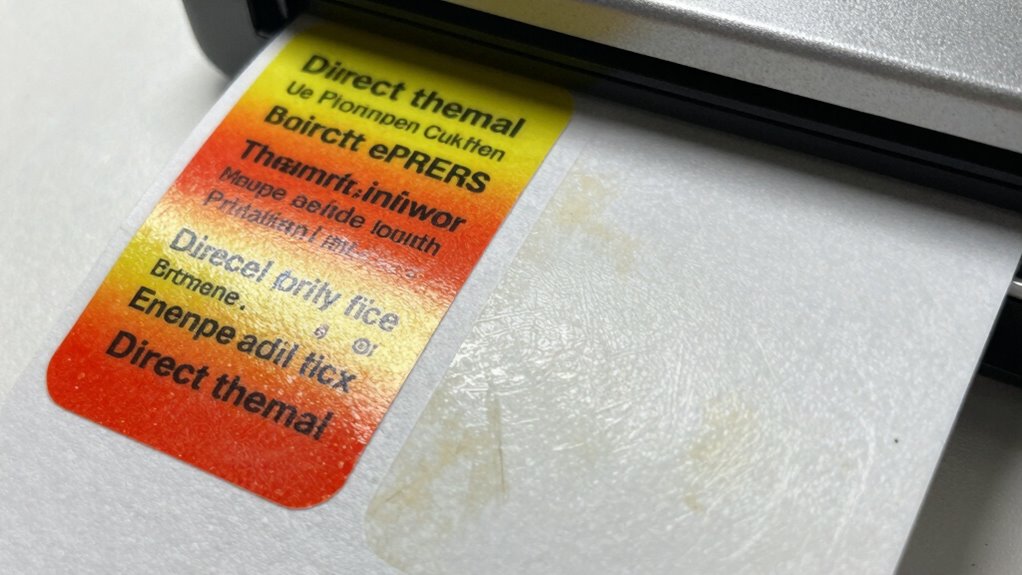
Labels produced by thermal and thermal-transfer printers differ markedly in durability and quality, impacting their suitability for various applications. Thermal labels generally have lower label durability, especially in environments with heat, moisture, or chemicals, making them less ideal for outdoor or industrial use. In contrast, thermal-transfer labels offer superior print quality and durability, thanks to their resin or wax-based ribbons, which resist smudging and fading. Additionally, understanding the material properties of each label type can help determine their performance in specific conditions.
Consider these points:
- Thermal labels are suitable for short-term applications but may degrade quickly.
- Thermal-transfer labels maintain high print quality over time and harsh conditions.
- The choice depends on your need for label durability versus immediate, cost-effective printing.
Is Setting Up and Using These Printers Easy for Beginners?
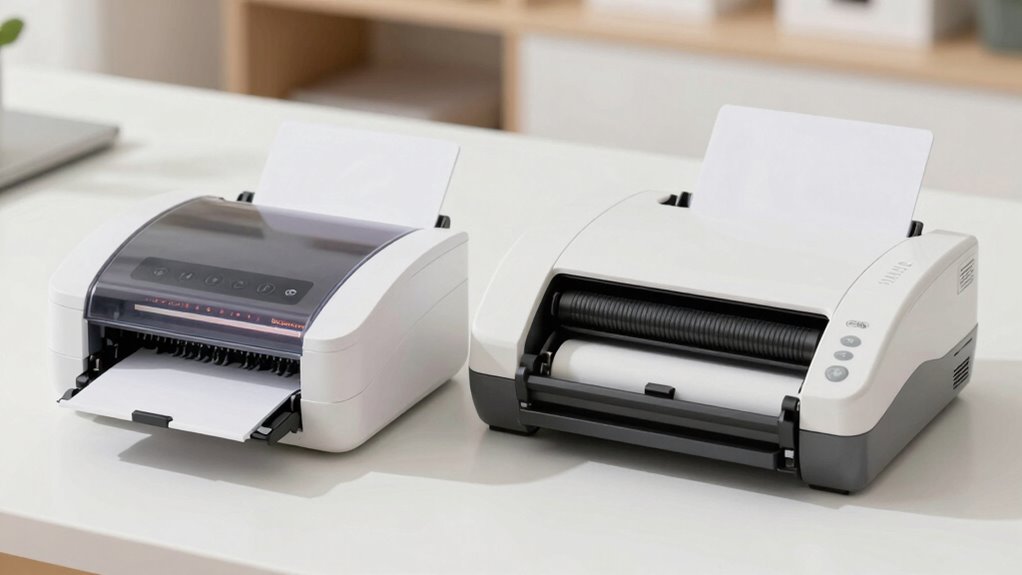
Setting up and using thermal and thermal-transfer printers is generally straightforward, even for beginners. Most models come with user-friendly interfaces and clear instructions. Your first step is connecting the printer to power and ensuring reliable printer connectivity, whether via USB or network. Once connected, installing compatible labeling software is simple, often involving just a few clicks. The software guides you through configuring label sizes, print settings, and print quality. Many printers also offer automatic calibration, making setup faster. Proper setup procedures can help identify and correct passive constructions in your instructions, improving clarity. Day-to-day operation usually involves loading the correct label rolls and adjusting settings within the software. Overall, these printers are designed for ease of use, so even newcomers can get started quickly without extensive technical knowledge.
What Common Problems Occur With These Printers, and How Can You Fix Them?
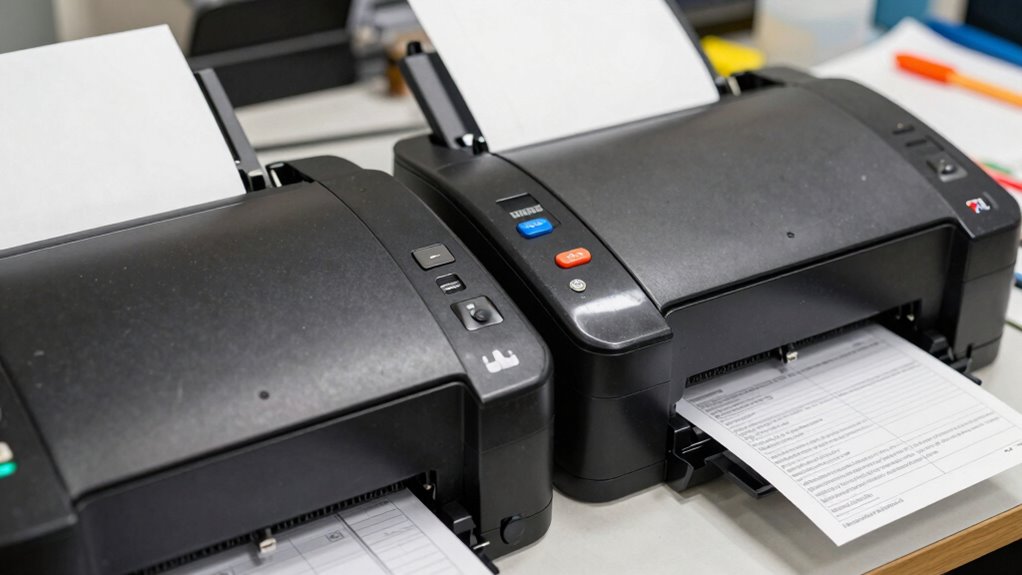
You might encounter common printer errors like poor print quality or paper jams. Troubleshooting these issues often involves checking the settings, cleaning the print head, or replacing worn parts. Knowing how to quickly identify and fix these problems helps keep your printer running smoothly. Additionally, ensuring your printer is compatible with modern kitchen technology can enhance overall efficiency.
Common Printer Errors
Despite their efficiency, thermal and thermal-transfer label printers can encounter common issues that disrupt printing quality and workflow. These problems often relate to print speed and print resolution, affecting the clarity and accuracy of labels.
- Faded or blurry prints – Usually caused by low-quality thermal paper or incorrect temperature settings, reducing print resolution.
- Print head clogs or scratches – Dirt or debris on the print head can cause streaks or incomplete images, impacting overall print quality.
- Paper jams or misfeeds – Incorrect loading or incompatible paper can slow print speed and cause errors, requiring realignment or paper replacement.
Addressing these issues promptly helps maintain suitable performance and prevents further damage or delays.
Troubleshooting Techniques
Troubleshooting thermal and thermal-transfer label printers involves identifying common issues quickly and applying targeted solutions. One frequent problem is poor print quality, often caused by incorrect label design or dirty print heads. Another issue is inconsistent printing, which can result from worn-out ink or ribbon and improper ink replacement. To resolve these, check the label design for proper alignment and clarity. Regularly clean the print head and replace ink or ribbons when needed. Here’s a quick reference:
| Issue | Solution |
|---|---|
| Faint or uneven printing | Clean print head, replace ink/ribbon |
| Smudged prints | Adjust print settings, clean head |
| Labels not feeding smoothly | Check for jams, realign labels |
| Incorrect label alignment | Adjust printer settings |
| No print at all | Verify ink replacement, connection |
Following these tips guarantees smooth operation and high-quality prints.
How to Choose the Best Printer for Your Labeling Projects

Choosing the right printer depends on your labeling environment and specific needs. You’ll also want to contemplate the initial costs, ongoing maintenance, and how often you’ll use the printer. Making informed choices now can save you time and money in the long run. Considering the best airless paint sprayer options can also help you select the most efficient and durable equipment for your projects.
Labeling Environment Considerations
Selecting the right label printer depends heavily on the environment in which you’ll be using it. Environmental factors influence printer durability, label quality, and printer material compatibility.
Consider these key points:
- Temperature and Humidity: High moisture or extreme temperatures can affect print quality and equipment longevity.
- Industrial vs. Office Settings: Heavy-duty environments may require robust printers resistant to dust, chemicals, and physical wear.
- Label Material Compatibility: Confirm your printer supports the types of labels and ribbons suitable for your environment, such as waterproof or heat-resistant materials.
Cost and Maintenance Factors
When evaluating label printers, cost and maintenance requirements play a essential role in finding the best fit for your projects. For various labeling applications, understanding the ongoing expenses helps you make informed decisions. Thermal printers generally have lower maintenance costs because they lack ink or ribbon replacements, making them ideal for high-volume tasks. Conversely, thermal-transfer printers may involve higher costs due to ribbon replacements but offer greater durability and print quality, which can reduce re-labeling over time. Printer compatibility is also important; ensure the device works seamlessly with your existing systems and label materials to avoid costly upgrades. Considering the initial investment, ongoing supplies, and ease of maintenance will help you choose a printer that balances affordability with reliable performance for your labeling needs. Additionally, selecting the right filtering and pump protection accessories can extend the lifespan of your equipment and maintain optimal printing quality.
Frequently Asked Questions
Can Thermal and Thermal-Transfer Printers Print on Different Label Materials?
Yes, thermal and thermal-transfer printers can print on different label materials. Your choice depends on label material compatibility and ink absorption properties. Thermal printers work best with coated or heat-sensitive labels, which activate with heat. Thermal-transfer printers need compatible materials that absorb the wax or resin-based ink from their ribbons. Always verify the label’s compatibility to ensure durability and print quality for your specific application.
What Maintenance Is Required to Keep These Printers Functioning Properly?
To keep your thermal and thermal-transfer printers running smoothly, follow regular maintenance routines. Perform calibration routines to guarantee print quality stays sharp and accurate. Implement cleaning protocols by gently removing dust and label residue from the print head and rollers, using recommended cleaning solutions. Regularly inspecting and replacing worn parts helps prevent jams and maintains ideal performance, saving you time and avoiding costly repairs.
Are There Environmental Considerations When Choosing Between These Printers?
When choosing between thermal and thermal-transfer printers, you should consider environmental factors. Eco-friendly options, like using biodegradable labels or energy-efficient models, help reduce your sustainability impact. Look for printers with low power consumption and consider their compatibility with recyclable materials. By making mindful choices, you support sustainability efforts and minimize environmental harm, ensuring your printing processes align with eco-conscious goals.
How Does Print Speed Impact Productivity for Each Printer Type?
You’ll notice that a faster print speed boosts productivity, especially with thermal-transfer printers, which typically have a higher print speed comparison. While quick printing speeds mean labels are produced faster, consider label durability too; thermal-transfer labels are more resistant to environmental factors. Balancing print speed and label durability helps you choose the right printer, ensuring efficiency without sacrificing label quality or longevity.
What Are the Long-Term Cost Differences Between Thermal and Thermal-Transfer Printing?
You’ll find that thermal-transfer printers often have higher initial costs but lower long-term expenses due to their durability factors, especially for labels exposed to harsh conditions. Conducting a thorough cost analysis shows that their longer-lasting labels reduce reprints and waste. Thermal printers, while cheaper upfront, may incur higher costs over time because of label replacement and limited durability, making thermal-transfer options more economical for demanding applications.
Conclusion
Choosing between thermal and thermal-transfer printers is like selecting the right instrument for a symphony—you need the perfect harmony for your needs. Each has its unique tune, offering different durability and cost. By understanding their differences, you’re composing a masterpiece tailored to your labeling needs. Trust your instincts, tune in to your requirements, and you’ll craft labels that resonate with quality and efficiency, turning your labeling project into a harmonious success.