Built-in humidistats are generally accurate but can drift over time, meaning their sensors may become less reliable. To verify if yours works properly, compare its readings with a high-quality hygrometer in the same environment—wait about 15 minutes for stability. If there’s a significant difference, calibration might be needed. Regular checks ensure precise humidity control, and if you’re curious about how to do this effectively, keep reading for helpful tips.
Key Takeaways
- Built-in humidistats can drift over time, reducing accuracy and necessitating regular calibration.
- Comparing the humidistat reading with a reliable hygrometer verifies sensor accuracy.
- Proper verification involves placing both devices in a stable environment for at least 15-30 minutes.
- External hygrometers offer more precise measurements, serving as effective calibration references.
- Regular calibration and verification ensure the humidistat maintains accurate humidity control and prevents malfunctions.
Amazon Product B0FFTJZBCX
As an affiliate, we earn on qualifying purchases.
What Is a Built-In Humidistat and How Does It Work?
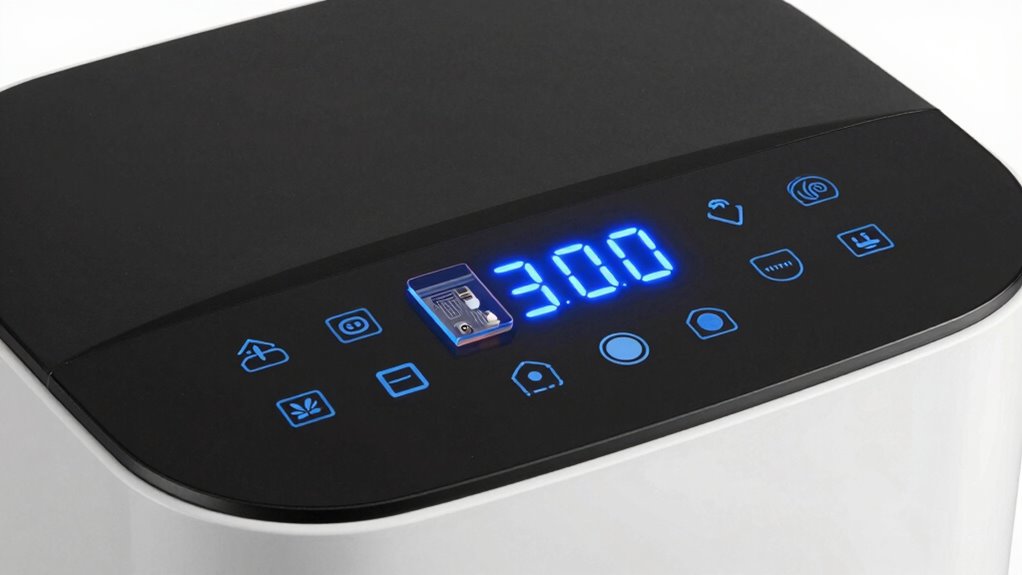
Have you ever wondered how some appliances automatically maintain ideal humidity levels? That’s where a built-in humidistat comes in. It’s a device integrated into your dehumidifier or humidifier that manages humidity control by sensing moisture levels in the air. When the humidity rises above or drops below your set point, the humidistat adjusts the appliance’s operation accordingly. Proper sensor calibration is essential for accurate readings, ensuring your environment stays comfortable and protected. The built-in humidistat continuously monitors moisture levels, making real-time adjustments to keep humidity within the desired range. This automation simplifies climate control, saves energy, and prevents issues caused by excess or insufficient moisture. Additionally, regular sensor calibration ensures ongoing accuracy and reliability of your humidistat. Understanding the sensor’s performance helps you troubleshoot and maintain optimal device function over time. Recognizing the impact of sensor accuracy on overall device efficiency can also extend the lifespan of your appliance, emphasizing the importance of proper maintenance and sensor testing. Regularly inspecting and maintaining your humidistat components can further enhance its accuracy and reliability, ensuring consistent climate management.
Amazon Product B0FJR6QY4G
As an affiliate, we earn on qualifying purchases.
How Do You Know If Your Humidistat Is Working Properly?
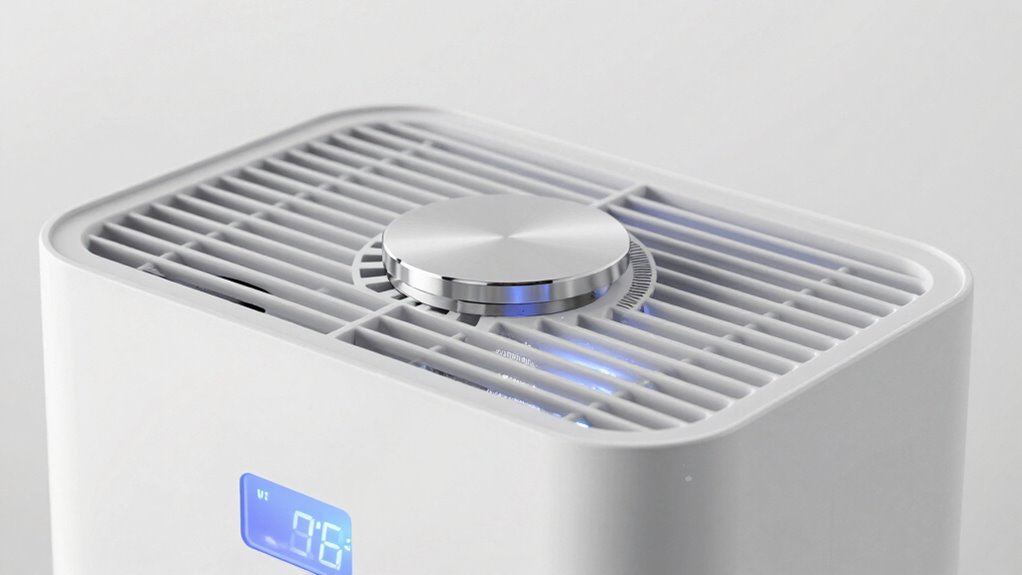
To guarantee your humidistat functions correctly, start by checking its reading to see if it matches the current humidity level. Next, test the sensor’s response by adjusting the humidity and observing how quickly it reacts. Additionally, you can use a humidity meter to verify the accuracy of the humidistat’s readings against an independent measurement. This comparison can help identify any discrepancies caused by sensor drift, which may affect performance over time. Finally, watch how your dehumidifier behaves to confirm it activates and deactivates as needed. Understanding sensor accuracy is essential for reliable performance and effective humidity control. Additionally, regularly calibrating your humidistat ensures ongoing measurement precision and optimal operation over time. Keeping track of these factors can help prevent issues caused by improper sensor function, ensuring your home remains comfortable and well-controlled.
Check Humidistat Reading
You can quickly determine if your humidistat is functioning properly by checking its reading against a reliable hygrometer. This simple step helps verify if your device’s humidity control is precise. If the readings differ markedly, it may indicate the need for sensor calibration or that your humidistat isn’t working correctly. To compare, note the hygrometer’s reading and the humidistat’s display. If they match closely, your humidistat is likely fine. Use the table below to interpret your results:
| Hygrometer Reading | Humidistat Display | Action |
|---|---|---|
| 30% | 30% | Humidistat is accurate |
| 45% | 40% | Sensor calibration recommended |
| 55% | 55% | Humidistat is functioning well |
| 60% | 55% | Check for sensor issues |
| 70% | 70% | Humidistat is accurate |
This check helps ensure your humidity control system works effectively. Regularly monitoring sensor accuracy can help maintain optimal humidity levels and extend the lifespan of your dehumidifier. Additionally, understanding sensor calibration can improve your ability to troubleshoot humidity issues effectively.
Test Sensor Response
After verifying that your humidistat’s reading matches a reliable hygrometer, the next step is to test its sensor response. You want to see how quickly and accurately the sensor reacts to changes in humidity. Start by adjusting the environment’s humidity level—use a humidifier or dehumidifier nearby—and observe how long it takes for the humidistat to register the change. A well-calibrated sensor should respond promptly, indicating good response time. If it lags or doesn’t react at all, your sensor may need recalibration or replacement. Understanding sensor response is essential for maintaining optimal humidity control. To ensure your device is functioning correctly, consider performing a sensor response test, which can reveal if your humidistat reacts appropriately to environmental changes and maintains accurate readings. Additionally, being aware of sensor accuracy helps in diagnosing potential issues early and maintaining reliable humidity levels. Regularly monitoring sensor performance can help prevent long-term malfunctions and ensure your device remains dependable. Consistent testing of the sensor response can help you identify gradual declines in performance before they become major problems.
Observe Dehumidifier Behavior
How can you tell if your dehumidifier’s humidistat is working properly? Observe its behavior over time. When humidity levels rise, your dehumidifier should turn on to improve humidity control. If it stays off even as the air feels damp, the sensor may need calibration or replacement. Conversely, if it runs continuously without reducing moisture, the sensor might be faulty, or the calibration is off. Pay attention to whether the unit cycles on and off at consistent intervals, matching your desired humidity setting. Proper sensor calibration ensures accurate readings, preventing over- or under-humidification. If the dehumidifier’s behavior seems inconsistent, check that the humidistat responds correctly to changes in humidity. This observation helps confirm whether the sensor functions correctly and maintains ideal humidity control.
Amazon Product B0DBLKHJC1
As an affiliate, we earn on qualifying purchases.
Signs Your Humidistat Might Be Giving False Readings

Sometimes, your humidistat may produce inaccurate readings without any obvious signs. You might notice the humidity levels seem off—either too dry or too damp—even though your dehumidifier runs consistently. This could indicate a sensor calibration issue, causing the humidistat to misjudge the actual humidity in the room. If your dehumidifier cycles frequently or runs constantly despite stable conditions, it’s a sign that the sensor might be giving false readings. Keep an eye out for inconsistent responses to changes in humidity, like not adjusting when you increase or decrease moisture levels. These signs suggest your humidistat isn’t accurately monitoring humidity, which could lead to improper comfort and energy waste. Proper sensor calibration is essential for the humidistat’s reliability.
Amazon Product B0D1C6HWFF
As an affiliate, we earn on qualifying purchases.
How to Test Your Humidistat’s Accuracy at Home
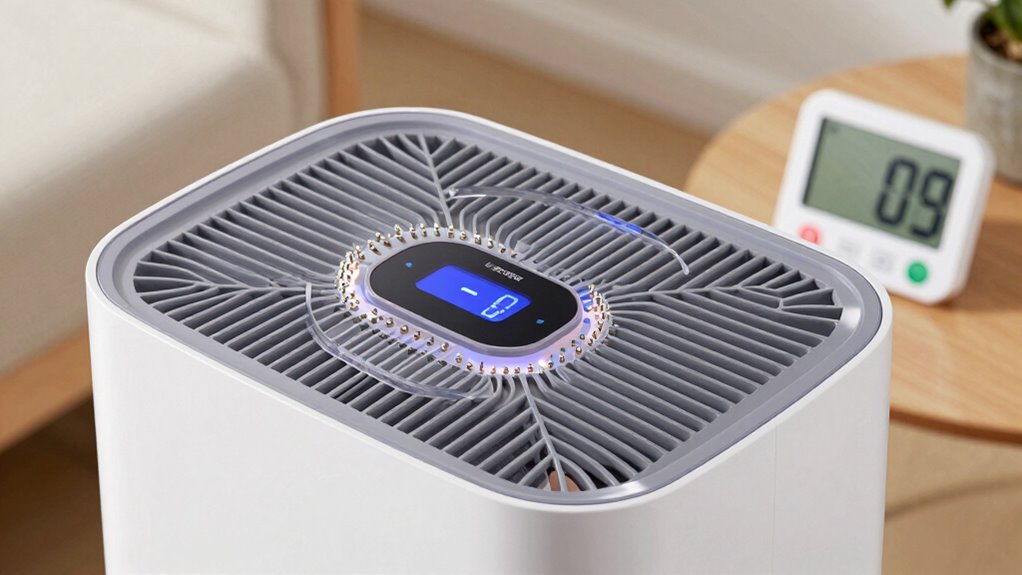
To test your humidistat’s accuracy at home, start by preparing a stable testing environment with consistent temperature and humidity. Use a reliable hygrometer correctly, following the manufacturer’s instructions, to get accurate readings. Then, compare the hygrometer’s readings to your humidistat to see if they align. Additionally, understanding home energy integration can help you better interpret environmental changes that may affect humidity levels. Ensuring your environment remains stable during testing is crucial for obtaining meaningful results, especially because sensor calibration can drift over time. Regularly checking and recalibrating your humidistat can help maintain its accuracy, similar to how electric dirt bikes require maintenance to sustain optimal performance. Monitoring sensor performance can also help identify when calibration adjustments are necessary for continued reliability.
Prepare Testing Environment
Before you start testing your humidistat’s accuracy at home, it’s essential to create a controlled environment where you can make precise adjustments. Set up a testing environment free from drafts, direct sunlight, or sources of moisture that could skew readings. Use a stable container or sealed space to help maintain consistent humidity levels. This ensures accurate sensor calibration and reliable results. Keep your dehumidifier in a location with minimal temperature fluctuations. Having a clean, well-ventilated space helps prevent external factors from affecting the test. Ensure your testing environment is quiet and free from disturbances, so you can observe changes closely. A controlled setting will give you confidence that any discrepancies in your humidistat are genuine and not caused by external influences.
Use a Hygrometer Properly
How can you accurately test your humidistat at home? Start by using a reliable hygrometer to measure humidity levels. Make sure the hygrometer is properly calibrated for precise readings—some models allow for sensor calibration. Place the hygrometer and dehumidifier in the same environment, ideally in a central location away from direct sources of moisture or heat. Allow both devices to stabilize for at least 30 minutes. Then, compare the hygrometer’s reading with your dehumidifier’s display. If there’s a discrepancy, note the difference to determine if the humidistat’s sensor calibration is off. This method helps you verify whether your built-in humidistat maintains accurate humidity levels, ensuring ideal comfort and energy efficiency.
Compare Sensor Readings
Comparing the sensor readings of your built-in humidistat and a reliable hygrometer is the key to testing its accuracy at home. To do this, place both devices in the same environment and let them stabilize for at least 15 minutes. Record the humidity levels displayed on each device. If there’s a significant difference, your humidistat may need sensor calibration to match humidity standards. Consistent discrepancies could indicate sensor drift or malfunction. Make sure your hygrometer is calibrated correctly beforehand to ensure accurate comparisons. Additionally, understanding the performance of your dehumidifier’s sensor helps ensure it functions as intended and maintains a healthy environment. Regularly comparing sensor readings helps you understand your humidistat’s accuracy and whether it needs adjustment or replacement. Monitoring sensor accuracy over time allows you to maintain optimal indoor humidity levels. This simple method keeps your dehumidifier functioning effectively and can help identify when sensor calibration is necessary. Performing periodic sensor checks can also extend the lifespan of your device and improve its reliability.
Simple Ways to Calibrate Your Humidistat

Calibrating your humidistat is a straightforward process that guarantees it accurately measures and maintains your desired humidity levels. To improve humidity control, you can perform simple sensor calibration. First, place a reliable hygrometer in the room. Adjust your humidistat to match the hygrometer’s reading, then wait a few hours for the system to stabilize. If the readings differ, recalibrate the sensor by following your device’s instructions or using the calibration mode. Here’s a quick visual:
| Humidistat Setting | Hygrometer Reading |
|---|---|
| 50% RH | 45% RH |
| Calibration Step | Adjust Sensor |
| 55% RH | 55% RH |
This process helps guarantee your humidistat provides accurate humidity control. Regular calibration ensures your device’s sensor accuracy remains reliable over time.
Common Causes of Humidistat Errors and How to Fix Them
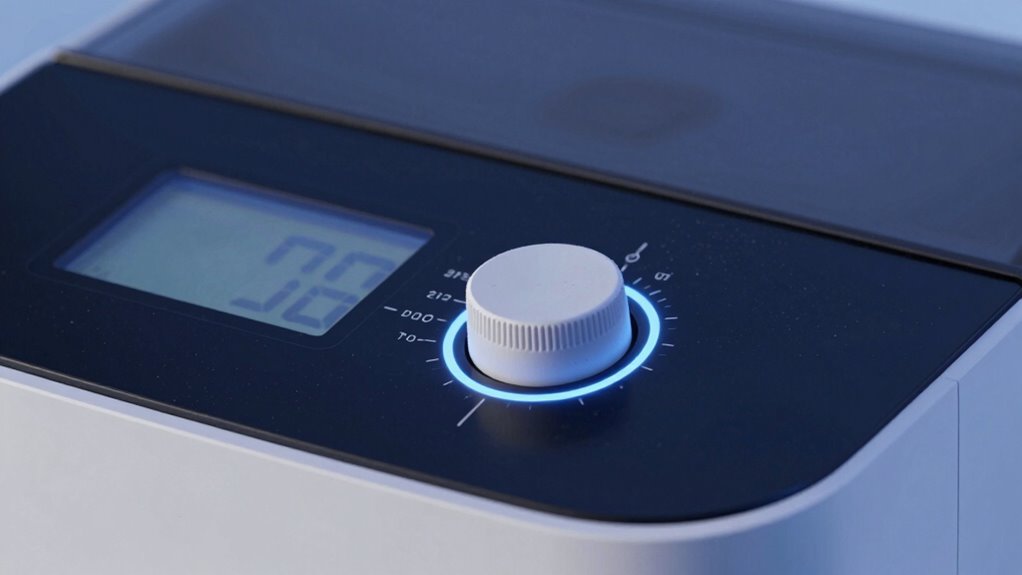
Many common issues can cause your humidistat to give inaccurate readings or malfunction, often stemming from environmental factors or device wear. Humidity sensors can become dirty or coated with dust, leading to false readings. Additionally, temperature fluctuations or drafts can interfere with sensor accuracy. Calibration techniques help correct these errors, ensuring your humidistat stays reliable. If your sensor isn’t responding correctly, cleaning it gently with a soft cloth can improve accuracy. For persistent issues, recalibrating the device using the manufacturer’s method may be necessary. Sometimes, humidity sensors degrade over time, causing errors. Regular maintenance, including checking sensor placement and cleaning, can prevent malfunctions. Understanding these common causes helps you troubleshoot and maintain your humidistat’s accuracy effectively. Proper sensor maintenance is essential for accurate readings and long-term device performance.
When to Replace Your Humidistat or Dehumidifier
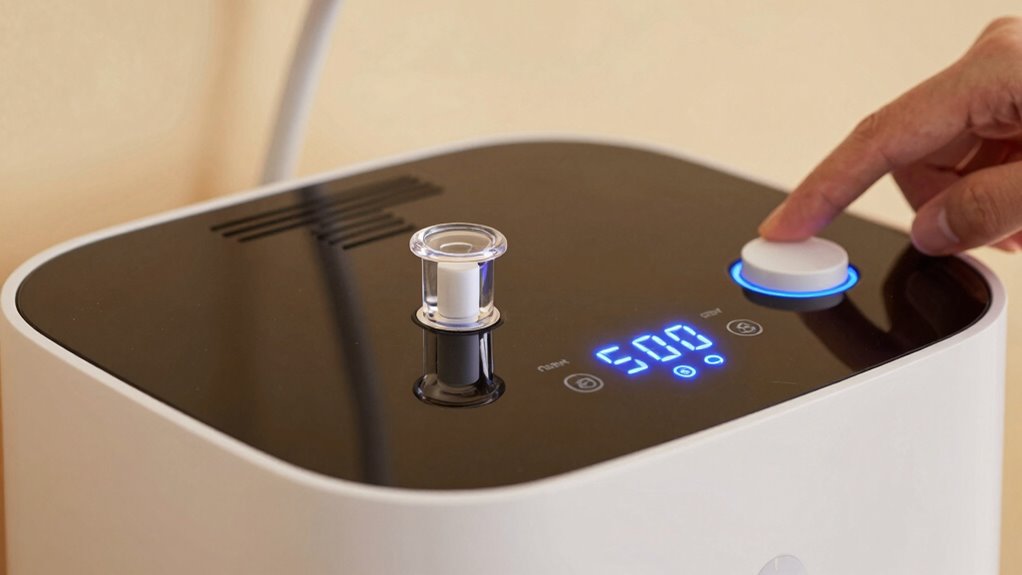
Knowing when to replace your humidistat or dehumidifier is essential for maintaining ideal indoor air quality. If you notice persistent inaccuracies despite proper sensor calibration and routine maintenance tips, it’s time to contemplate a replacement. Faulty sensors can cause your device to misread humidity levels, leading to inefficient operation or mold growth. Look for signs like constant running, failure to activate, or inconsistent readings. Regularly check the unit’s performance and ensure it responds correctly during calibration tests. If these issues persist after cleaning and calibration, replacing the humidistat or entire dehumidifier may be necessary. Staying attentive to your device’s performance helps prevent indoor air problems and ensures your home remains comfortable and healthy.
Tips to Keep Your Humidistat Accurate Over Time
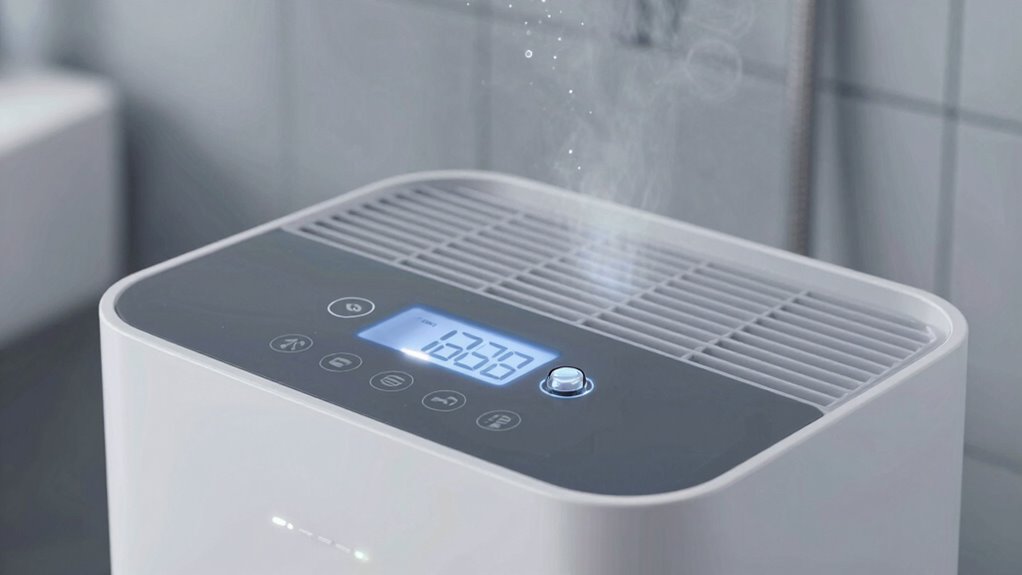
To keep your humidistat accurate over time, regular maintenance is essential. Proper humidity regulation depends on a well-calibrated sensor that reacts accurately to changes in moisture levels. Start by checking the sensor periodically for dust or debris, as buildup can skew readings. Gently clean it with a soft cloth or a brush if needed. Ensure the dehumidifier is placed away from sources of heat, vents, or direct sunlight, which can affect sensor performance. If you notice inconsistent humidity regulation, consider recalibrating the sensor following the manufacturer’s instructions. Keeping the sensor clean and properly positioned helps maintain accurate readings, reducing the need for frequent adjustments. Consistent care guarantees your humidistat provides reliable data, supporting ideal humidity levels in your space.
Should You Rely on Built-In Humidistats or Use an External Hygrometer?
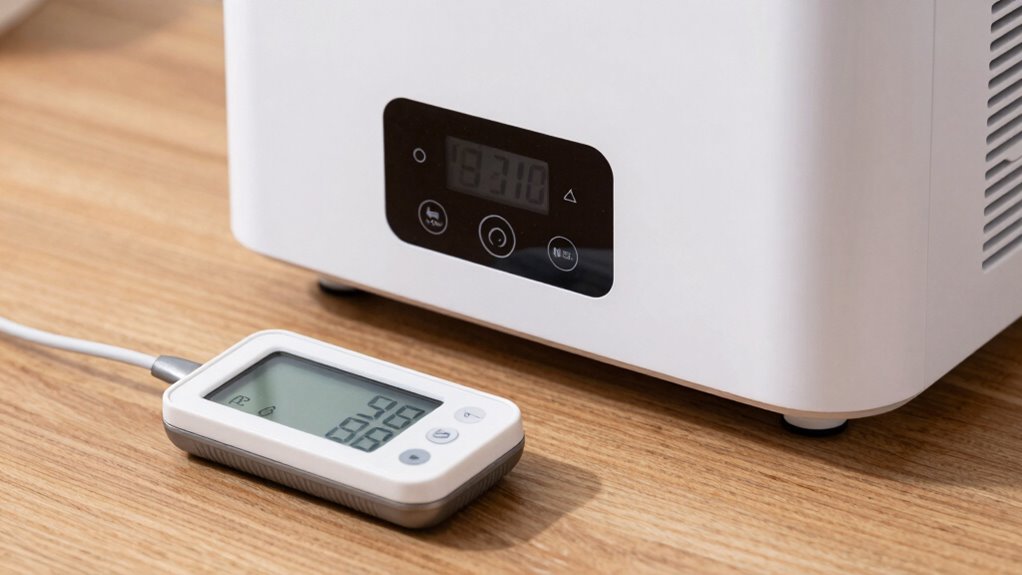
When deciding whether to rely on your built-in humidistat or use an external hygrometer, it’s important to contemplate their respective accuracy and convenience. Built-in sensors can drift over time, affecting humidity level readings, which highlights the need for sensor calibration. External hygrometers often provide more precise measurements, especially if you verify their accuracy regularly. Using an external device allows you to cross-check your dehumidifier’s sensor calibration and ensure your desired humidity levels are maintained. Consider the following:
| Advantage | Limitation |
|---|---|
| Built-in humidistat | Less precise over time, may need calibration |
| External hygrometer | Higher accuracy, extra step for reading |
Frequently Asked Questions
How Often Should I Calibrate My Built-In Humidistat?
You should calibrate your built-in humidistat about once a year to guarantee humidity calibration stays accurate. Regular sensor maintenance helps maintain its performance, especially if you notice the dehumidifier isn’t responding properly. Keep an eye on changing humidity levels and perform calibration more often if needed. Proper maintenance and timely calibration ensure your device accurately monitors humidity, keeping your space comfortable and protected from excess moisture.
Can External Hygrometers Improve Humidity Accuracy?
Using an external hygrometer can definitely improve your humidity accuracy. You can compare its readings with your dehumidifier’s built-in humidistat for humidity calibration. If discrepancies appear, adjust your dehumidifier settings or consider replacing the sensor. An external hygrometer provides a more precise measurement, helping you maintain ideal humidity levels, especially if you suspect your built-in system isn’t reliable. Regularly checking with an external hygrometer ensures better control over your environment.
Are Digital Humidistats More Reliable Than Analog Ones?
Digital humidistats are generally more reliable than analog ones because they use digital sensors that provide precise readings. You’ll find that digital models maintain consistent accuracy over time, whereas analog accuracy can drift due to wear and environmental factors. With digital sensors, you get easier calibration, clearer readings, and better control, making them a smarter choice for managing your home’s humidity levels effectively.
What Environmental Factors Affect Humidistat Sensor Accuracy?
Environmental factors like humidity drift and sensor aging can impact your humidistat’s accuracy. Rapid changes in temperature or exposure to dust and pollutants cause the sensor to become less reliable over time. High humidity levels can also lead to calibration issues, making readings inconsistent. To maintain accuracy, keep the sensor clean, avoid extreme conditions, and replace aging components. Regular checks ensure your humidistat provides precise humidity control.
How Does Temperature Impact Humidistat Readings?
Temperature directly impacts your humidistat readings by affecting plant humidity and indoor air quality. When temperatures rise, the sensor may register higher humidity levels, even if the actual moisture isn’t increasing. Conversely, cooler temperatures can cause the sensor to underreport humidity. This fluctuation can lead to improper dehumidifier operation, disrupting your indoor air balance and affecting plant humidity. Regular calibration helps guarantee your sensor provides accurate readings despite temperature changes.
Conclusion
While built-in humidistats are convenient, they may not always be perfectly accurate. Regularly testing and calibrating them guarantees your dehumidifier works effectively. Don’t rely solely on their readings—use an external hygrometer for peace of mind. Investing a few minutes now can save you money and prevent mold or damage later. Remember, maintaining proper humidity levels is vital for your comfort and health, so stay proactive about your device’s accuracy.