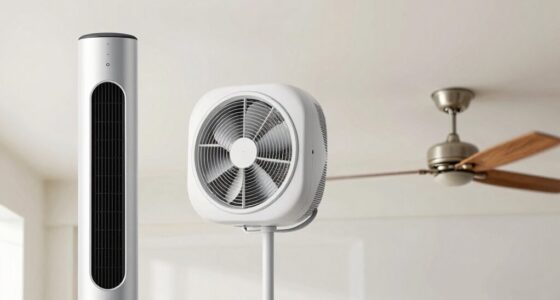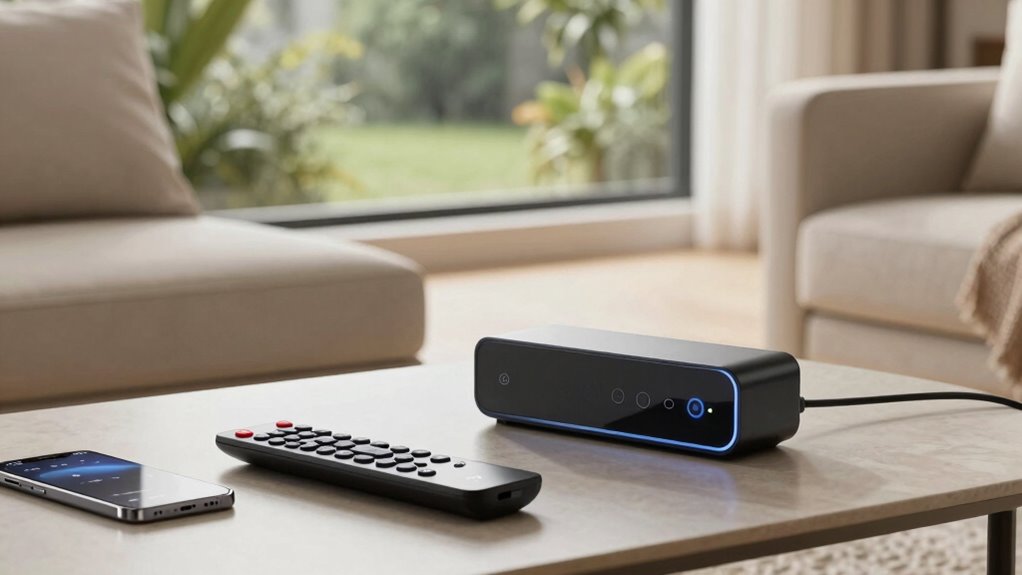

Remote controls are simple and easy to use for quick adjustments, making them ideal if you want straightforward operation without tech fuss. Smart fans offer advanced features like scheduling, voice control, and remote access, which can save energy and boost convenience over time. Both options have their perks—if you want automation and custom control, a smart fan is worth it. Want to see how each feature can benefit your home? Keep exploring to find out more.
Key Takeaways
- Smart fans offer scheduling, automation, and remote access features that enhance energy efficiency and convenience beyond basic control.
- Physical remotes provide quick, tactile control ideal for users seeking simplicity without learning new apps or technology.
- Voice command integration in smart fans allows hands-free adjustments, which are especially useful in multi-tasking situations.
- The initial setup for smart fans can be complex, but they enable remote control from anywhere, unlike limited-range remote controls.
- For straightforward, immediate fan operation, remote controls are more practical; smart fans excel in customization and automation features.
What Are the Main Differences Between Remote Controls and Smart Fans?
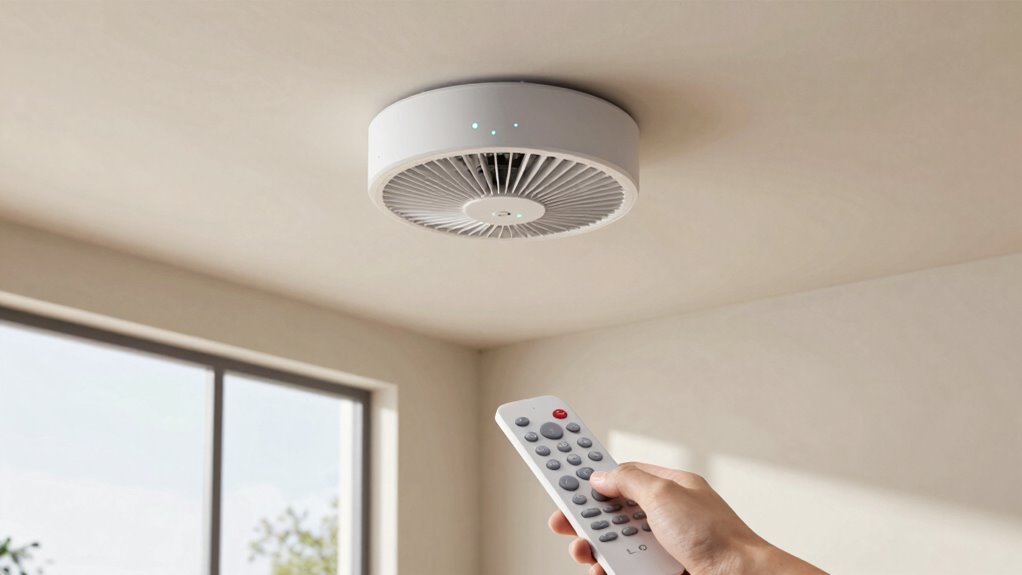
While both remote controls and smart fans allow you to adjust your fan’s settings conveniently, they differ considerably in functionality and connectivity. Remote controls offer simple, wired or wireless options to change speed and mode without much fuss. Smart fans, however, connect to your Wi-Fi or Bluetooth, enabling you to control them via smartphone apps or voice commands. When it comes to energy efficiency, smart fans often include features like schedules and automation that help reduce energy consumption. Aesthetic appeal also varies; remote controls are usually basic and unobtrusive, while smart fans often feature sleek, modern designs that integrate seamlessly into contemporary decor. Additionally, incorporating European cloud solutions into smart fan systems can enhance their connectivity and security, providing more reliable and sustainable control options. Overall, smart fans provide enhanced control and efficiency, but remote controls remain a straightforward, cost-effective choice.
How Do Remote Controls and Smart Fans Compare in Ease of Use?
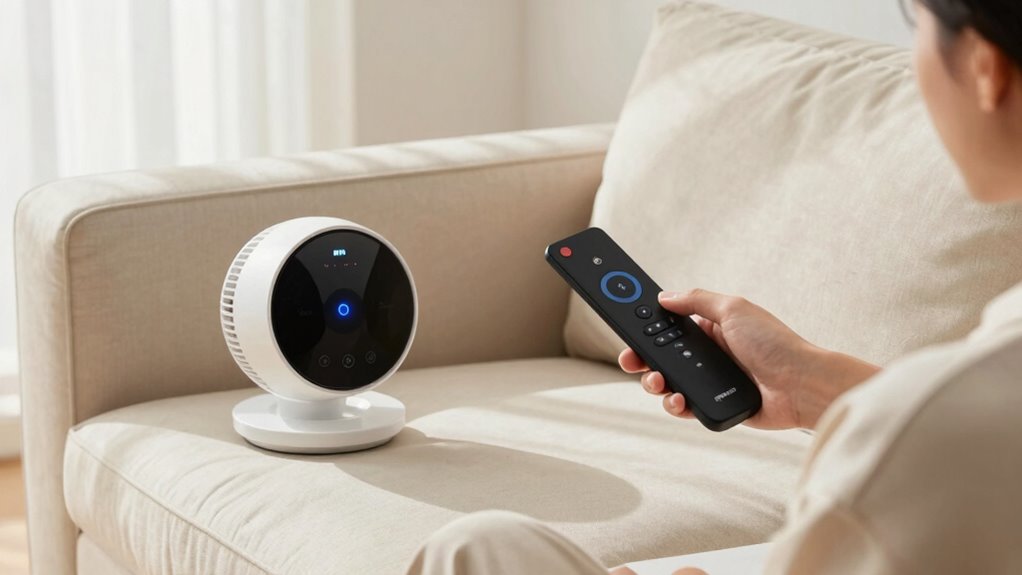
When comparing remote controls and smart fans, setup and connectivity play a big role in ease of use. Remote controls are simple and require no internet, making daily operation straightforward. Smart fans, on the other hand, may need initial setup and app navigation but offer more flexibility once connected. Additionally, wireless connectivity can influence how smoothly the smart fan integrates with other devices and systems in your home. For optimal performance, understanding the contrast ratio of your smart fan’s display or controls can also enhance user experience, especially in dimly lit environments. Moreover, local automation options can streamline control and improve responsiveness without relying solely on internet connectivity. Understanding how home energy management systems interact with smart devices can help optimize overall convenience and efficiency. Incorporating interoperability standards can further ensure your smart fan works seamlessly within a broader smart home ecosystem.
Setup and Connectivity
Setting up remote controls is generally straightforward, often involving inserting batteries and syncing with your device or fan using simple button presses. However, installation challenges can arise if the remote isn’t compatible with your fan model or if the batteries aren’t properly inserted. Smart fans, on the other hand, require a Wi-Fi connection and app setup, which can be more complex. Compatibility issues may occur if your home Wi-Fi isn’t compatible or if the app isn’t supported on your device. To streamline setup, consider these factors:
- Clear instructions provided by manufacturers
- Compatibility with existing devices
- Ease of connecting to Wi-Fi
- Need for firmware updates
- Potential network configuration challenges
Daily Operation Ease
Remote controls typically offer quick and intuitive operation—you press a button, and your fan responds immediately. This manual operation is simple, requiring no setup or tech knowledge. You can easily turn the fan on or off, adjust speed, or change modes with minimal effort. You might also find that simple controls enhance overall usability, especially for users unfamiliar with technology. You can also benefit from quick response time, which ensures immediate adjustments without lag, making daily use more efficient. Smart fans, on the other hand, often involve app control, voice commands, or automation settings, which can streamline daily use but might require initial setup and updates. While smart fans can provide more advanced features, they may complicate routine adjustments, especially if connectivity is unreliable. In *regarding* maintenance ease, remote controls usually need little upkeep—just fresh batteries—whereas smart fans might demand software updates or troubleshooting. Overall, remote controls make everyday operation straightforward, whereas smart fans excel in automation but can be less convenient for quick manual changes. Ease of use is a key factor for many caregivers when choosing appliances for seniors, ensuring their daily routines remain manageable. Additionally, user-friendly design can significantly impact how easily users adapt to new technology. According to the security standards, relying on simple, reliable controls can also reduce the risk of malfunction or frustration.
Which Smart Fan Features Are Worth the Investment?
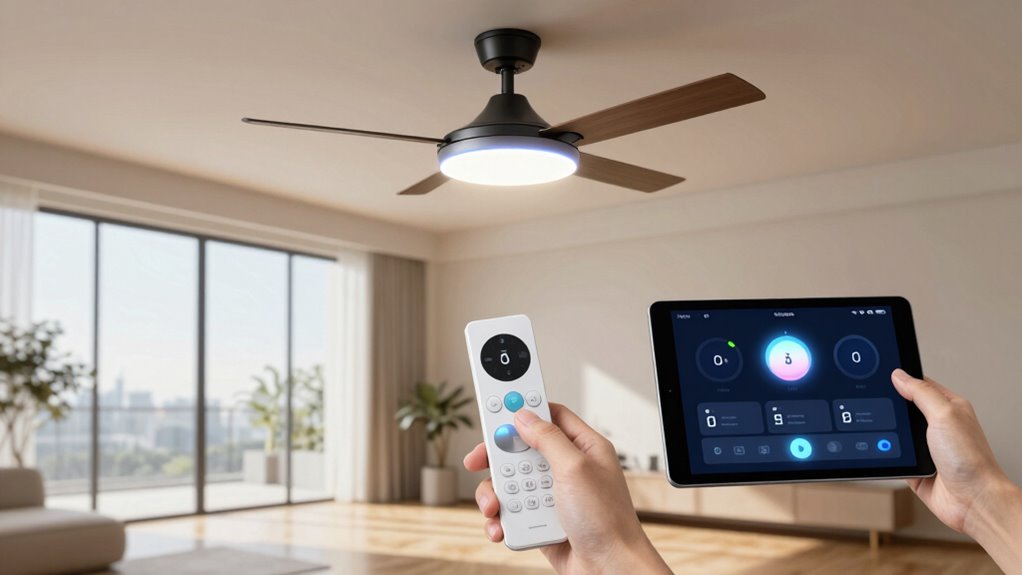
Are all smart fan features equally worth the investment? Not necessarily. Some features truly boost convenience and energy efficiency, while others may add little value. Consider these key features:
- Smart scheduling to optimize energy use
- Voice control for hands-free adjustments
- Automatic temperature sensors that adjust fan speed
- Remote access via smartphone for control anywhere
- Energy consumption monitoring to track efficiency
While these features can enhance your comfort and save money, check the installation complexity first. Some smart fans require minimal setup, but others might need a more involved installation process. Investing in features that improve energy efficiency and ease of use makes sense, but avoid paying extra for bells and whistles that don’t add significant value. Focus on what truly enhances your experience and saves you money in the long run. Additionally, understanding the local energy regulations can help you choose features that align with your energy-saving goals. Being aware of energy-saving regulations in your area can ensure your smart fan setup complies and maximizes efficiency. Moreover, selecting features that support connected home integration can streamline your overall smart home ecosystem. It’s also worthwhile to evaluate the installation requirements before making a purchase to ensure the setup process matches your technical comfort level. Considering customer reviews and expert recommendations can further guide you toward the most reliable and beneficial features.
Is a Physical Remote Easier Than a Smartphone App?
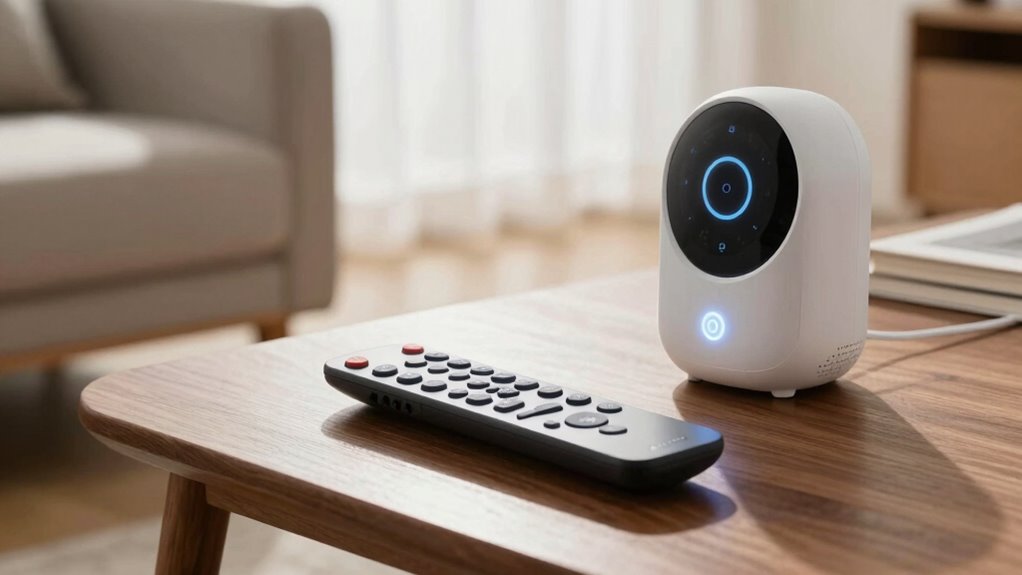
Using a physical remote can often feel more straightforward than maneuvering a smartphone app, especially if you’re not tech-savvy. Remotes are designed with ergonomics in mind, fitting comfortably in your hand and offering intuitive button layouts. This convenience allows you to quickly find the controls you need without digging through menus or waiting for updates. Plus, with a remote, there’s no need to access your phone or open an app, saving time and reducing frustration. For many users, the tactile feedback of buttons makes it easier to operate the fan, especially from across the room. Overall, a physical remote provides a simple, hassle-free experience that’s often more accessible for everyday use. Incorporating Free Floating features can also enhance the ease of control, making your experience even more seamless.
How Do Customization and Control Options Differ?

You’ll notice that remote controls typically have a limited range, usually just within your room, while smart fans can be controlled from anywhere using your phone. When it comes to customization, smart fans often offer more flexible options, like setting schedules or adjusting speed precisely. This allows for more personalized comfort and energy savings. Additionally, smart fans utilize connected technology to enable seamless integration with other smart home devices, enhancing overall convenience. Furthermore, many smart fans include advanced control features, such as voice activation and usage analytics, to further improve user experience. The integration of home automation systems can also enable scenes and routines that automatically adjust fan settings based on time of day or occupancy, providing a more automated environment.
Range of Control Options
While remote controls typically offer basic options like turning the fan on or off and adjusting speed, smart fans provide a much broader range of control choices. You can use voice commands to manage settings hands-free, or rely on app integration for remote adjustments from anywhere. Smart fans often include features like scheduling, temperature-based automation, and multi-user control.
- Voice commands for quick adjustments
- App integration for remote control
- Customizable timers and schedules
- Multiple user profiles
- Integration with smart home ecosystems
These options give you flexibility and convenience, letting you tailor your fan’s operation to your lifestyle and preferences. The expanded range of control options makes smart fans a versatile choice for modern living.
Customization Flexibility
Smart fans not only offer a wider range of control options but also provide greater flexibility in how you customize their operation. With voice commands, you can easily adjust fan speed, set schedules, or switch modes without lifting a finger. App customization allows you to fine-tune settings, create personalized schedules, and monitor energy usage from your smartphone. Unlike remote controls, which generally limit you to basic functions, smart fans let you tailor their performance to suit your daily routines. This level of customization makes it easier to optimize comfort and efficiency. Whether you prefer voice control or app-based adjustments, smart fans give you the freedom to configure their features exactly how you want, enhancing convenience and user experience. Additionally, outdoor fan materials ensure durability and longevity, making these customizable options even more worthwhile. Understanding user preferences can help you choose the best features to suit your lifestyle, especially when considering smart technology integration for seamless operation. To maximize your setup, many smart fans also include energy-saving features, helping you reduce long-term operational costs. Incorporating user-friendly interfaces can further simplify managing your smart fan settings for all users.
Which Control Method Saves You More Money Long-Term?
Choosing the most cost-effective control method depends on how efficiently each option manages energy consumption over time. Smart fans often lead to greater energy savings because they optimize operation based on usage patterns and schedules. While remote controls are simpler and may have lower upfront costs, they typically don’t offer advanced energy management features, potentially increasing long-term energy bills. Smart fans also tend to have lower maintenance costs since they often include durable components and remote diagnostics.
- Reduced energy bills with automated scheduling
- Better control over fan speed and operation
- Longer-lasting components due to optimized use
- Fewer repairs and replacements
- Overall lower maintenance costs over time
Tips for Choosing the Best Control Method for Your Home
Selecting the right control method for your home depends on your specific needs, budget, and how you use your fan. Consider whether you prioritize energy efficiency, aesthetic design, or ease of use. To help decide, review this comparison:
| Control Type | Energy Efficiency | Aesthetic Design |
|---|---|---|
| Remote Control | Moderate | Compact, simple |
| Smart Fan | High | Sleek, modern |
| Wall Switch | Varies | Built-in, seamless |
If you want a clean look and advanced features, a smart fan offers excellent energy efficiency and modern aesthetics. For simplicity, remote controls are practical, but may lack energy-saving capabilities. Choose based on what aligns best with your lifestyle and home style.
Should You Stick to a Remote or Upgrade to a Smart Fan?
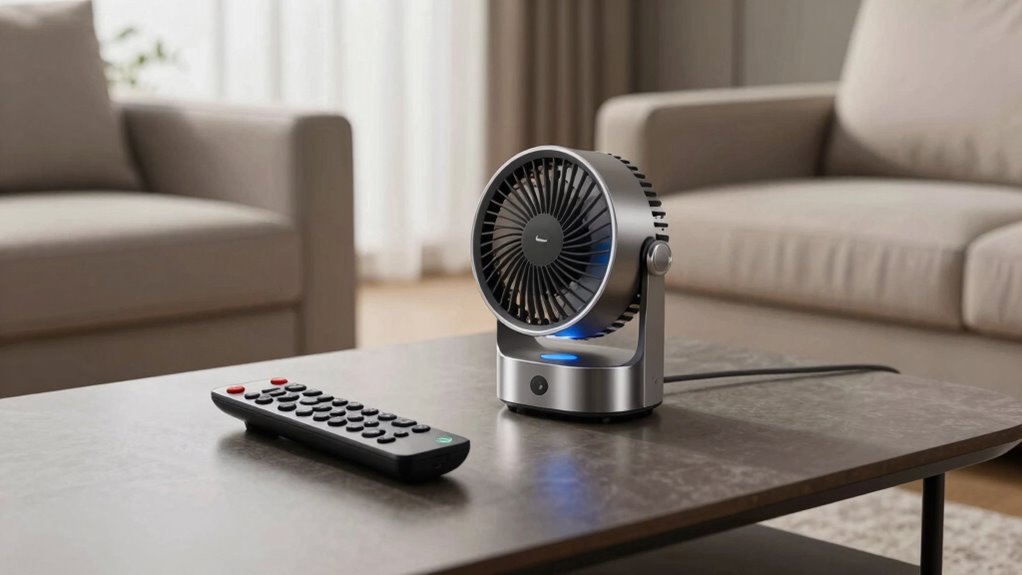
Deciding whether to stick with a remote control or upgrade to a smart fan depends on your priorities and how you use your space. If you value convenience and modern features, a smart fan offers benefits like voice control, scheduling, and remote access. Plus, smart fans often provide better energy efficiency, helping you save on utility bills. On the other hand, if you prefer simplicity and a sleek aesthetic appeal, a traditional remote might suit you better. Consider these factors:
- Ease of use and setup
- Home automation integration
- Cost and long-term savings
- Aesthetic appeal of design
- How often you need to adjust settings
Ultimately, your decision hinges on whether you want advanced functionality or straightforward control.
Frequently Asked Questions
Can Smart Fans Be Integrated With Existing Home Automation Systems?
Yes, smart fans can be integrated with your existing home automation system. You just need to check the device compatibility beforehand. Most smart fans work with popular platforms like Alexa, Google Home, or Apple HomeKit, making it easy to control them alongside other smart devices. By integrating your smart fan, you gain convenience and improved energy efficiency, all while maintaining seamless control within your home automation setup.
Are There Security Concerns With Controlling Fans via Smartphone Apps?
Controlling fans via smartphone apps can raise privacy concerns and hacking risks, but you’re typically protected by strong encryption and regular updates. To stay safe, use secure Wi-Fi networks, change default passwords, and enable two-factor authentication. While no system is completely invulnerable, these measures considerably reduce risks, letting you enjoy remote control convenience without worrying about privacy breaches or unauthorized access.
How Reliable Are Remote Controls Versus Smart Fan Connectivity?
Remote controls are generally more reliable than smart fans because they don’t depend on app connectivity or Wi-Fi signals, which can sometimes drop. With a remote, you can use voice commands easily, but smart fans offer more control through apps. However, if you experience connectivity issues, a remote control provides a more consistent and dependable way to operate your fan, ensuring you stay comfortable without interruptions.
What Maintenance Differences Exist Between Remote-Controlled and Smart Fans?
Think of your fan as a garden; it needs regular tending to stay healthy. With remote-controlled fans, maintenance is straightforward—just replace batteries and keep the remote clean. Smart fans require occasional software updates and app troubleshooting, making them slightly more demanding. Overall, remote fans offer easier installation and user-friendliness, while smart fans might need extra attention for connectivity issues. Choose based on your comfort level with tech upkeep.
Do Smart Fans Require Professional Installation or Setup Assistance?
Smart fans generally don’t require professional installation, but their setup can vary in complexity. You might find that user setup is straightforward if the fan comes with clear instructions and Wi-Fi or Bluetooth connectivity. However, some models with advanced features may need a bit more effort or technical knowledge. Overall, most smart fans are designed for easy installation, allowing you to enjoy their benefits without needing a professional.
Conclusion
Ultimately, choosing between a remote control and a smart fan mirrors your desire for simplicity or sophistication. A remote offers a tangible, familiar connection—like holding tradition in your hand—while a smart fan symbolizes modern innovation, embracing a future where control is seamless and personalized. Whichever you select, let it reflect your lifestyle’s rhythm, balancing convenience with comfort, and turning your home into a space where technology and everyday life dance in harmony.