
To choose a fan suitable for light sleepers, focus on models with quiet motor types like brushless DC or permanent magnet motors, which reduce vibrations and noise. Look for adjustable settings and sleep modes to customize airflow and sound levels, ensuring a peaceful environment. Consider fan blade design and placement to minimize turbulence and vibrations further. For more tips on creating a quiet sleep space, keep exploring ways to optimize your fan options.
Key Takeaways
- Choose fans with low-vibration motors like brushless DC or permanent magnet motors for quieter operation.
- Opt for fans with aerodynamic, smooth-edged blades to reduce turbulence and noise during sleep.
- Select models with adjustable speed settings and sleep modes to customize airflow and minimize disturbances.
- Position the fan away from the sleeper and consider room sound insulation to lower ambient noise.
- Prioritize fans with sound-dampening features or casings for enhanced quietness during light sleep.
What Makes a Fan Quiet and Suitable for Light Sleepers?
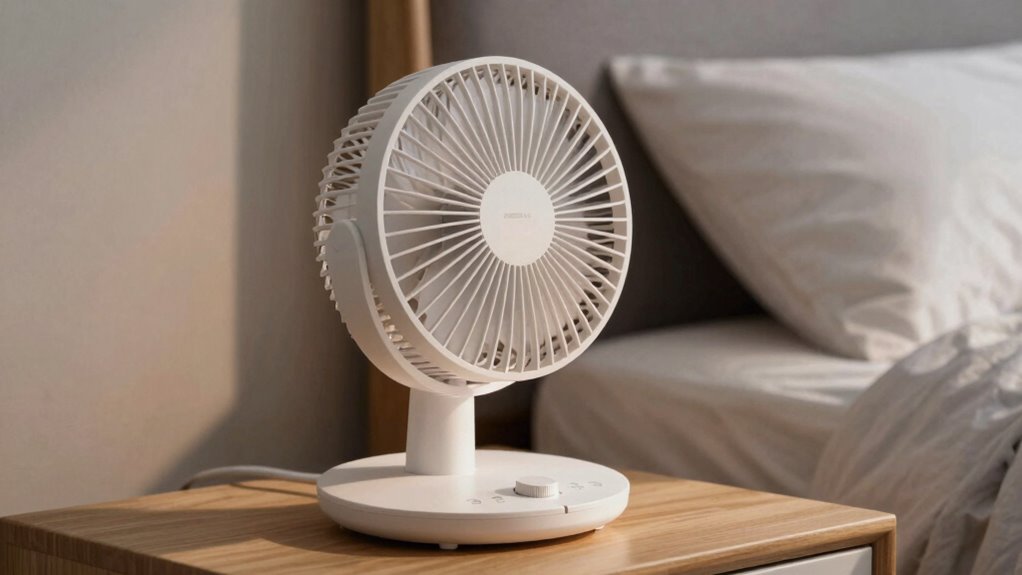
When choosing a fan for light sleepers, quiet operation is essential to avoid disrupting sleep. Look for fans with a well-designed fan blade structure, which minimizes noise by reducing turbulence and vibrations. A fan with aerodynamically optimized blades produces smoother airflow and quieter operation. Additionally, casing insulation plays a vital role; a fan with insulated casing absorbs vibrations and dampens noise, preventing it from transmitting through surfaces. These features work together to keep sound levels low, ensuring your sleep remains undisturbed. Avoid fans with poorly balanced blades or exposed motor parts, as they tend to generate more noise. Prioritizing blade design and casing insulation helps you find a fan that provides effective cooling without disturbing your rest.
How Do Fan Vibrations and Noise Impact Your Sleep Quality?
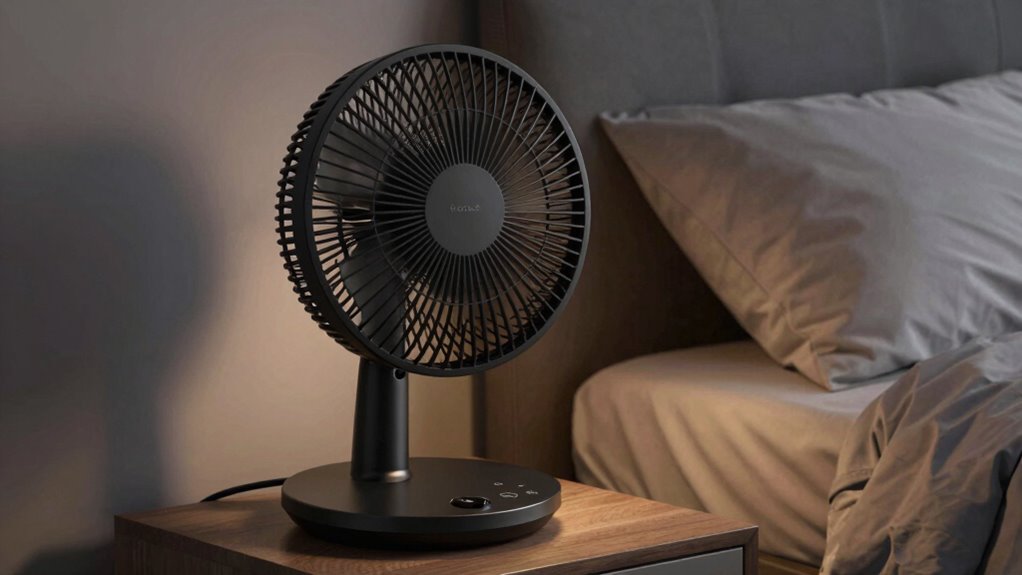
Even a quiet fan can produce vibrations and subtle noises that interfere with your sleep. These vibrations often stem from fan blade materials, such as plastic or metal, which can create slight rattles or hums. Additionally, airflow patterns generated by the fan influence noise levels; irregular or turbulent airflow can cause inconsistent sounds that disturb your rest. Even minor vibrations can amplify through surfaces, making the noise seem louder and more disruptive. Over time, these disturbances can prevent you from reaching deep sleep stages, leaving you tired and unrested. Choosing a fan with stable blade materials and smooth airflow patterns helps minimize vibrations and noise, ensuring your sleep remains undisturbed and more restorative. Moreover, selecting a fan with advanced noise reduction features can significantly enhance sleep quality by further decreasing disruptive sounds. Incorporating fans with engineered vibration damping can also help reduce the transmission of vibrations to surrounding surfaces, providing a quieter environment for restful sleep. Paying attention to fan design considerations like motor placement and blade balance can make a noticeable difference in maintaining quiet and vibration-free operation. Additionally, selecting fans with European innovation standards can guarantee high-quality components that reduce unwanted vibrations and noise. Recognizing how fan construction materials impact noise and vibration levels is essential for making an effective choice.
Which Fan Motor Types Are the Quietest and Why?

When choosing a quiet fan, the motor type makes a big difference. Brushless DC motors and permanent magnet motors are often the quietest options because they produce less vibration and noise. Understanding the differences between synchronous and asynchronous motors can help you pick the most peaceful fan for light sleep. Additionally, features like variable speed settings can further reduce noise levels and improve comfort. Some models incorporate noise-reduction technology, making them even more suitable for sensitive sleepers. Incorporating advanced motor designs can further enhance quiet operation and overall comfort. Moreover, selecting a fan with proper insulation can mitigate additional noise caused by external factors, and considering vibration dampening features can contribute to a more tranquil sleeping environment.
Brushless DC Motors
Brushless DC motors (BLDCs) are among the quietest options for light sleepers because they operate smoothly with less vibration and noise compared to traditional brushed motors. Their design eliminates brushes, reducing mechanical contact and wear, which leads to quieter performance. Because of their high motor efficiency, BLDCs generate less heat and operate more smoothly, minimizing vibrations that can disturb sleep. This efficiency also means they use less electricity, making them a practical choice for energy-conscious users. You’ll notice that fans equipped with brushless dc motors tend to run quietly and reliably over time. Their smooth operation ensures minimal noise and vibration, making them ideal for creating a peaceful sleeping environment. If quietness is your priority, BLDC fans are an excellent option.
Permanent Magnet Motors
Permanent magnet motors are another excellent choice for light sleepers seeking quiet operation. They operate smoothly with minimal vibration, reducing noise that can disturb your sleep. These motors are highly energy-efficient, helping you save on electricity bills. Plus, their compact design allows for sleek, aesthetic fans that blend seamlessly into your room decor. The vibration-free performance minimizes mechanical noise, making them ideal for sensitive sleepers. Consider the following features:
| Feature | Benefit |
|---|---|
| Energy efficiency | Lower power consumption and costs |
| Aesthetic design | Sleek, modern look that enhances decor |
| Quiet operation | Minimal noise for restful sleep |
| Vibration reduction | Less mechanical noise and disturbance |
| Compact size | Fits easily into various spaces |
Synchronous vs. Asynchronous
Choosing the right fan motor can substantially impact noise levels, especially if you’re sensitive to sound while sleeping. Synchronous motors, which rely on motor synchronization, tend to run more smoothly with less vibration, reducing noise and vibration reduction. They operate at a constant speed and often produce less mechanical noise, making them quieter overall. Asynchronous motors, on the other hand, can generate more vibration due to their slip mechanism, leading to increased noise levels. While they’re generally simpler and more durable, their vibration can be noticeable, especially in low-speed settings. For light sleepers, a synchronous motor is usually the quieter choice because its stable operation minimizes disturbances. Understanding these differences helps you select a fan that keeps noise at a minimum while providing effective airflow.
How to Choose Fans With Adjustable Settings and Sleep Modes
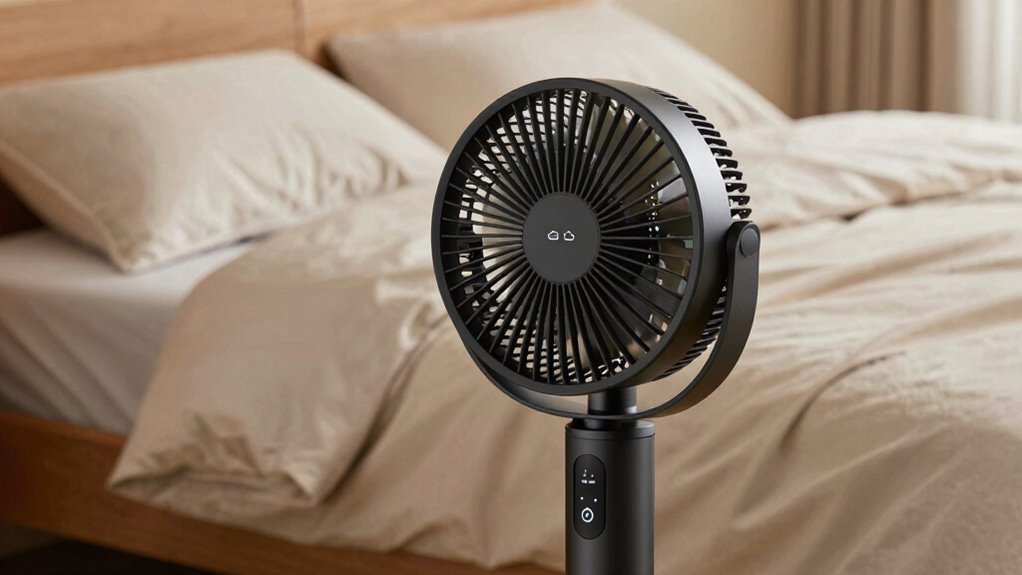
Choosing a fan with adjustable settings and sleep modes helps you customize noise levels to suit your comfort. By fine-tuning these options, you can create a quieter environment that promotes better sleep. This customization can also reduce disruptive noise, ensuring a more restful night. Additionally, some fans incorporate noise-canceling technology, which further minimizes sound disturbances. Using these features effectively allows you to tailor your sleeping environment and optimize sleep quality, leading to a more refreshed waking experience. Incorporating fans with variable speed controls can also help you find the perfect balance between airflow and sound for your individual needs. Being aware of market trends and news can help you stay informed about new fan technologies that enhance sleep quality.
Customizing Noise Levels
To guarantee a peaceful night’s sleep, selecting a fan with adjustable noise levels is essential. Look for models that offer customizable settings, so you can fine-tune the sound to your comfort. Fan blade design plays a significant role in controlling noise; quieter blades often have smoother edges and specific shapes that reduce turbulence. This design influences airflow patterns, helping the fan operate more quietly while maintaining effective cooling. Some fans include sleep modes that lower noise further or shift to a gentle hum, perfect for light sleepers. By choosing a fan with these adjustable features, you can create a sleep environment tailored to your preferences, minimizing disturbances and promoting restful sleep. Additionally, selecting fans with noise-reducing features can further enhance your sleep quality by minimizing ambient disturbances. Proper motor types and settings can also contribute significantly to reducing noise levels, ensuring a tranquil sleeping environment. Considering fan placement can also help optimize noise levels and airflow for a more peaceful sleep environment, especially when mindful of sound insulation. Using fans with sound-dampening technology can further improve comfort by reducing vibrations and noise transmission.
Optimizing Sleep Comfort
When selecting a fan to enhance your sleep comfort, prioritizing models with adjustable settings and sleep modes makes a significant difference. Look for fans with a well-designed fan blade design, which can improve airflow efficiency and create a gentle, consistent breeze. Fans with adjustable speed controls allow you to fine-tune airflow, helping you find the perfect balance between cooling and noise levels. Sleep modes often feature quieter operation and automatic adjustments to maintain comfort throughout the night. These features help minimize disturbances, ensuring you stay asleep longer. By choosing a fan with these customizable options, you maximize airflow efficiency while reducing vibrations and noise, creating an ideal sleep environment tailored just for light sleepers. Incorporating connected equipment and smart technology can further enhance your sleep environment by providing real-time adjustments and personalized settings. Additionally, selecting fans with low-vibration motors can significantly reduce noise and vibrations, further improving sleep quality. Using fans with noise-reduction features can also help create a quieter environment conducive to restful sleep and vibration-minimizing technology can help prevent sleep disruptions caused by unwanted movements.
What Features Should You Look for in a Quiet Fan?
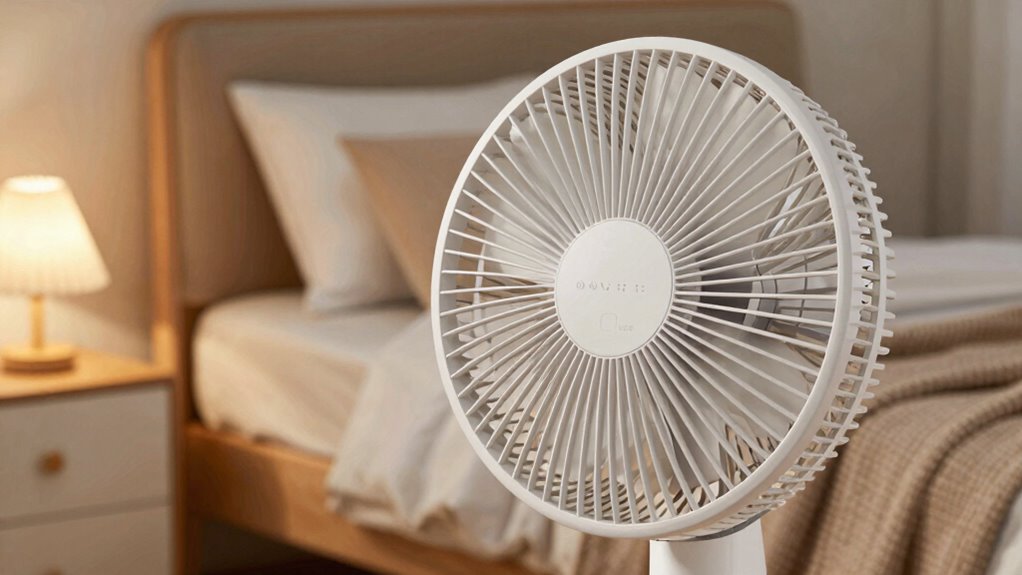
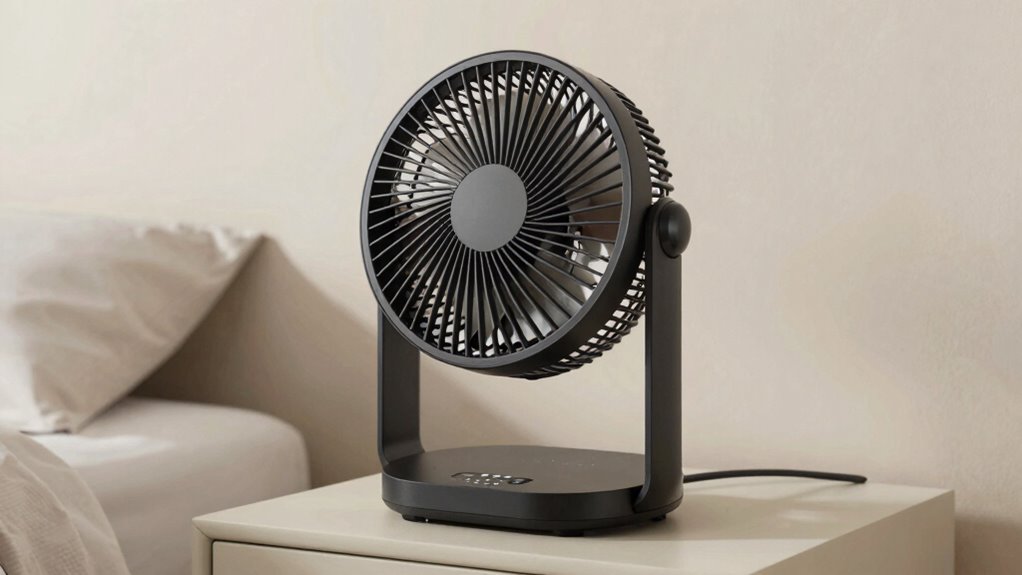
If you want a fan that won’t disturb your sleep, focusing on specific features can make all the difference. Look for a fan with smooth airflow patterns that distribute air quietly and evenly, reducing sudden gusts or fluctuations. A fan with adjustable speed settings allows you to find a balance between airflow and noise level. Consider fan size—smaller fans tend to be quieter and more compact, perfect for bedside use, while larger fans may produce more noise but provide broader airflow. Some models feature whisper-quiet motors designed specifically for light sleepers. Additionally, check for noise-reducing features like insulated blades or sound-dampening casings. Understanding fan motor types can help you choose models that operate more quietly. Prioritizing these features helps guarantee your fan quietly enhances your sleep without causing disruptions. Moreover, selecting a fan with ventilation considerations in mind ensures optimal airflow and noise management in your space.
How to Test and Set Up Your Fan for the Most Peaceful Sleep
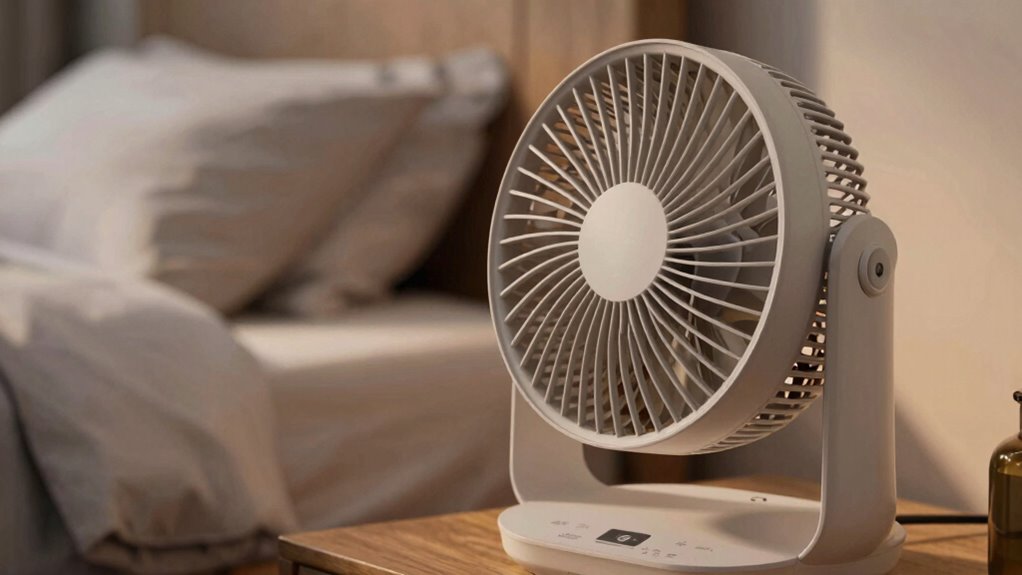
Testing and setting up your fan properly can substantially improve your sleep environment. Start by observing the fan’s fan blade design—look for blades that promote smooth airflow and minimize vibrations, reducing noise and disturbance. Next, check the fan’s settings to find the quietest yet effective speed, balancing airflow with minimal noise. Test the fan in your bedroom during different speeds to identify which setting produces the least vibration and noise. Consider energy efficiency when setting up; a fan with good energy efficiency consumes less power and can run quietly for longer periods. Position the fan so it doesn’t blow directly on you, but still circulates air effectively. Proper testing and adjustments ensure your fan creates a peaceful, restful sleep environment.
Frequently Asked Questions
Can Fan Placement Affect Noise Levels During Sleep?
Yes, fan placement can impact noise levels during sleep. If you position the fan near walls or furniture, it can amplify sound through room acoustics, making it louder. Placing the fan farther away from your bed and in an open area reduces noise and minimizes disturbance. Adjusting the fan’s orientation and using quiet models also help create a peaceful sleep environment by managing how sound travels in your room.
Are Bladeless Fans Quieter Than Traditional Models?
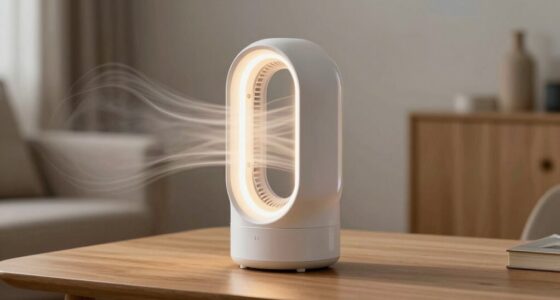
Yes, bladeless fans are generally quieter than traditional models. Thanks to bladeless technology, they reduce noise markedly, making them ideal for light sleepers. Their smooth, aerodynamic design minimizes vibrations and noise during operation. You’ll notice less disruptive sound, especially at lower settings. If you prioritize peace and quiet at night, a bladeless fan offers superior noise reduction, helping you sleep more soundly without the constant hum of traditional fans.
How Does Fan Speed Impact Vibration and Noise?
As you turn up the fan speed, imagine the fan blades slicing through air more rapidly, causing subtle vibrations that ripple through the unit. Faster speeds often increase motor sound levels, making your sleep environment noisier. A well-designed fan blade minimizes vibrations, but higher speeds can still amplify noise. To keep your sleep peaceful, opt for a fan with a smooth blade design and quieter motor at lower settings.
Do Remote Controls Contribute to Fan Noise?
Remote controls generally don’t contribute to fan noise directly. However, remote control interference can cause the fan to cycle on and off unexpectedly, creating minor noise fluctuations. Some fans with advanced features might synchronize their operation with remote signals, potentially adding slight clicking or clicking sounds. Overall, remote controls are designed to operate quietly, so any noise from remote control use is usually minimal and unlikely to disturb light sleepers.
Are There Specific Brands Known for Ultra-Quiet Fans?
Yes, some brands are known for ultra-quiet fans. You can rely on brands like Dyson, Honeywell, and Vornado, which have a strong reputation for quiet operation. Checking product reviews helps confirm their performance for light sleepers. These brands prioritize noise reduction, ensuring you get a fan that won’t disturb your sleep. Look for models with good reviews and solid reputation to find the quietest options.
Conclusion
Choosing the right fan is like finding a gentle breeze on a warm night—calm, soothing, and unobtrusive. When you pick a quiet fan with the right motor and settings, it becomes your loyal guardian of peaceful sleep, softly warding off discomfort. Embrace the quiet comfort, and let your sleep become a tranquil voyage, free from the storm of noise and vibration. Your perfect night’s rest awaits, just a gentle fan away.