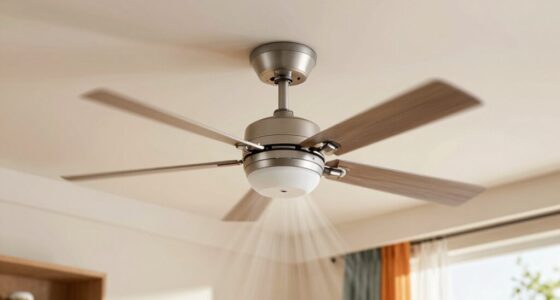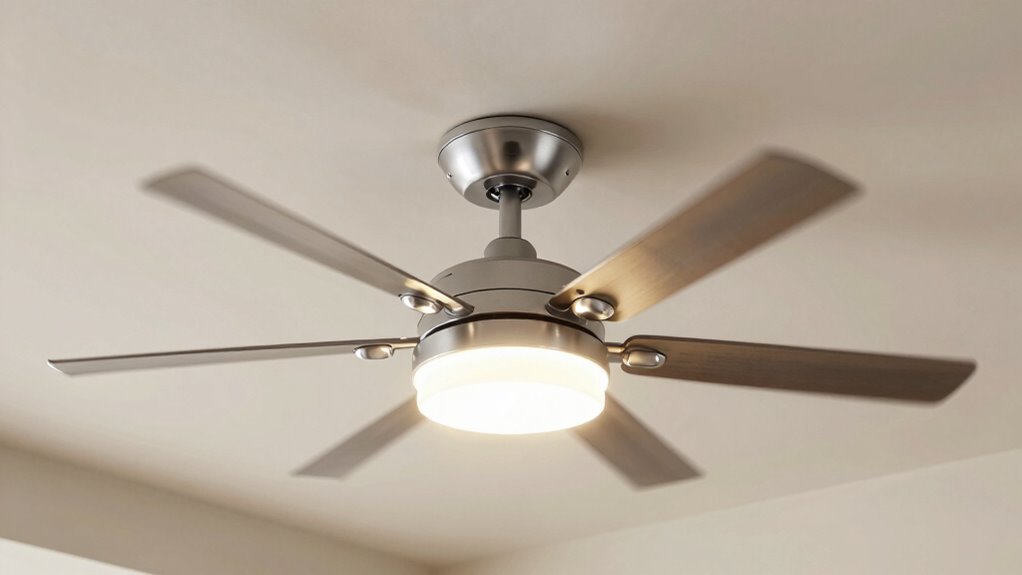

To avoid flickering and select the right brightness for your ceiling fan lights, check that your bulbs are compatible with your fixture and dimmer switches. Use high-quality LED bulbs designed for dimming, and make certain all wiring connections are secure and proper. Regular maintenance, like tightening loose connections and replacing faulty bulbs, helps keep the lights stable. If you want to learn more about troubleshooting and optimizing your ceiling fan lights, keep exploring the options.
Key Takeaways
- Use compatible LED bulbs and dimmer switches designed for LED lighting to prevent flickering.
- Ensure all wiring connections are secure, properly grounded, and match fan specifications.
- Regularly inspect and tighten loose bulbs, sockets, and wiring to maintain stable brightness.
- Choose high-quality bulbs with appropriate lumens and color temperature for desired brightness and ambiance.
- Turn off power before installation or maintenance to avoid electrical issues and ensure safety.
Why Do Ceiling Fan Lights Flicker? Causes and Solutions
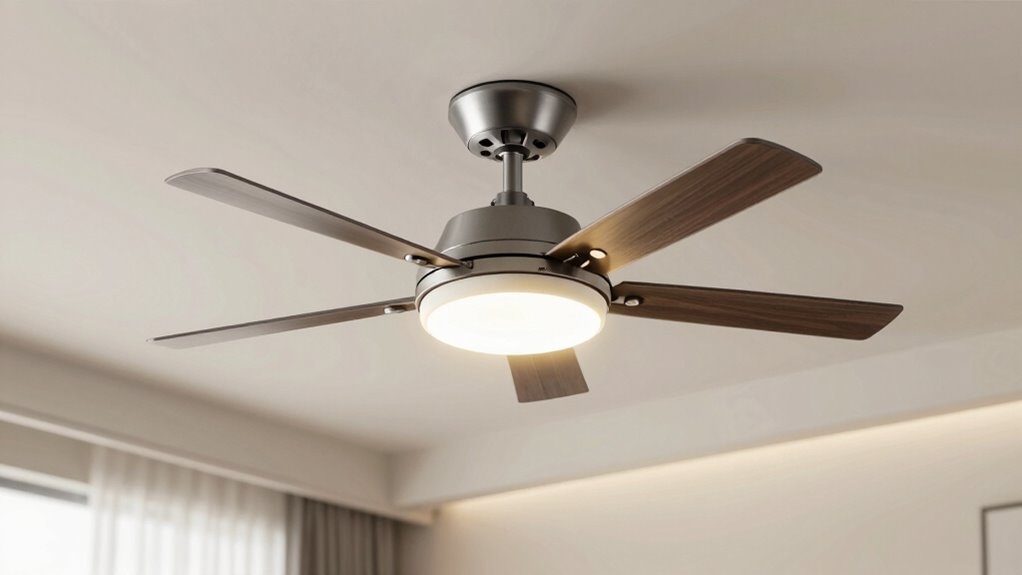
Flickering ceiling fan lights can be frustrating and sometimes indicate a wiring or fixture issue. If you use wireless controls, loose connections or incompatible switches could cause the flickering. Check that your fixture is properly installed and that the wiring is secure, especially if you recently replaced or added decorative fixtures. Sometimes, a loose bulb or poor contact in the socket can also cause flickering. Additionally, dimmer switches or incompatible controls might not work well with certain bulbs, leading to unstable lighting. If your ceiling fan has integrated or smart controls, ensure they’re functioning correctly and updated. Addressing these issues promptly can improve your lighting stability, making your space more comfortable and visually appealing. Incorporating innovative cloud solutions can also help manage your home’s electrical systems more effectively, reducing the chances of flickering caused by power fluctuations. Regular maintenance and troubleshooting can further prevent ongoing issues and ensure consistent illumination. Understanding modern electrical systems allows homeowners to better diagnose and resolve flickering problems efficiently.
How to Prevent Flickering in Your Ceiling Fan Lights
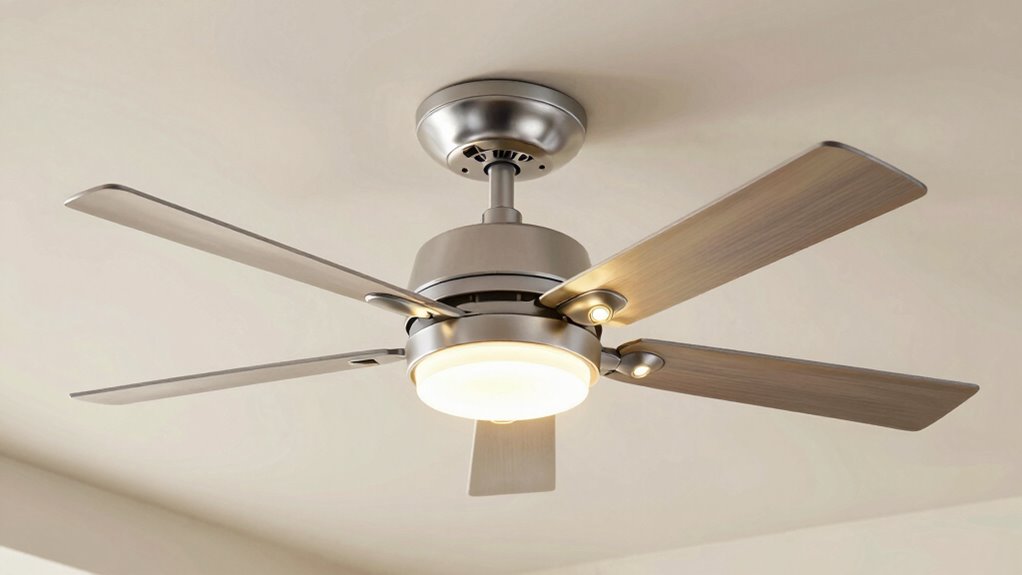
Are you tired of dealing with unstable lighting from your ceiling fan? To prevent flickering, start by ensuring your fan’s light fixture is compatible with LED bulbs, as some older fixtures or incompatible LEDs can cause flickering. If you want dimming capabilities, use a dimmer switch designed specifically for LED compatibility; standard dimmers often don’t work well with LEDs and can lead to flickering or buzzing. Always check the manufacturer’s recommendations for both bulbs and switches before installing. Additionally, make sure the wiring connections are secure and that the dimmer switch is compatible with your fan’s lighting system. Proper lighting technology choices can significantly reduce flickering issues, ensuring consistent illumination. Using high-quality LED bulbs and switches can also help maintain lighting stability, preventing flickering and buzzing. Selecting compatible components designed for LED lighting can further improve fixture performance and reduce troubleshooting. Furthermore, choosing components with certifications and quality standards can enhance safety and reliability. Implementing quality electrical wiring practices can also contribute to more stable lighting performance. By choosing the right LED bulbs and a compatible dimmer switch, you’ll enjoy flicker-free, stable lighting from your ceiling fan.
Choosing the Best Bulb Types for Ceiling Fans
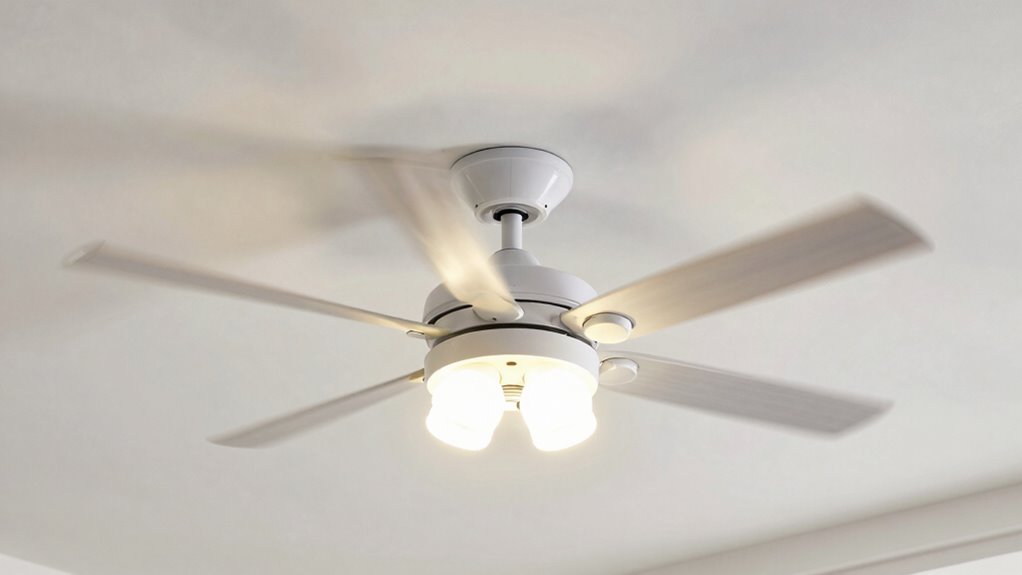
Picking the right bulb for your ceiling fan guarantees ideal performance and safety. You need to take into account compatibility with your fixture, how bright and efficient the bulb is, and whether it offers dimming options. Making the right choice helps you enjoy comfortable lighting tailored to your needs. Additionally, understanding lighting system compatibility ensures that you select bulbs that will function properly and prevent issues like flickering or reduced lifespan. Being aware of factors contributing to bitter taste of green tea can also guide you in choosing bulbs that minimize heat emissions, which could affect bulb longevity and performance. Proper bulb selection is also influenced by art care principles, ensuring your lighting choices support the preservation of artwork and interior decor. Incorporating smart lighting technology can further enhance your control over brightness and ambiance, improving overall comfort and energy efficiency.
Compatibility With Fixture
Choosing the right bulb type for your ceiling fan depends largely on the fixture’s compatibility, which can vary substantially between models. First, check the fixture size to ensure the bulb fits properly without overcrowding or loose fit. An oversized bulb may cause wobbling or damage, while a too-small bulb might not provide enough light. Additionally, consider color matching; select bulbs that complement the fixture’s finish and your room’s decor for a cohesive look. Some fixtures require specific bulb shapes or bases, so verify these specifications before purchasing. Compatibility also involves wattage limits; exceeding these can cause flickering or damage. By paying attention to fixture size and color matching, you’ll guarantee safe, effective, and aesthetically pleasing lighting for your ceiling fan.
Brightness and Efficiency
Selecting the right bulb for your ceiling fan involves balancing brightness and energy efficiency to meet your needs. You want a bulb that provides ample light without consuming excessive energy. LED bulbs are ideal because they offer high brightness with low energy consumption, making them cost-effective and eco-friendly. When choosing bulbs, consider light distribution; a wider beam spreads light evenly across the room, reducing shadows and dark spots. Brightness is measured in lumens, so select a bulb with the right lumen output for your space—brighter rooms need higher lumens. Avoid overly bright bulbs that cause glare, and opt for energy-efficient options to save on electricity bills. Additionally, selecting bulbs with good flicker reduction features can help prevent flickering issues and create a more comfortable lighting environment. Incorporating color temperature considerations can also enhance the ambiance, making your space more inviting and comfortable. Proper bulb installation ensures optimal performance and prevents flickering or uneven lighting.
Dimming Capabilities
If you want to adjust your ceiling fan’s brightness to suit different moods or activities, your bulb’s dimming capabilities become essential. Not all bulbs are compatible with dimmer switches, so choosing bulbs with proper dimming compatibility guarantees smooth light control without flickering.
To optimize your experience, consider these options:
- Use LED bulbs designed for dimming to prevent flickering and ensure consistent light control.
- Verify that your dimmer switch is compatible with the bulb type you select, especially for smart or incandescent bulbs.
- Test the dimming range to make sure you achieve the desired brightness levels without humming or flickering.
This approach guarantees seamless dimming capabilities, enhances light control, and enhances your overall comfort.
What Brightness Level Is Right for Your Room?
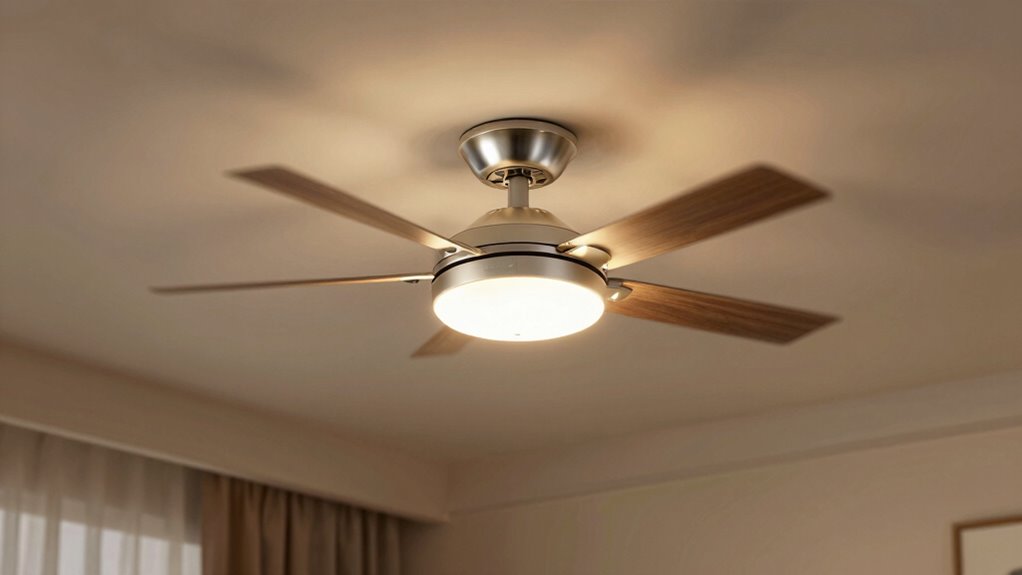
Ever wondered how much brightness is just right for your room? The key depends on your room size and natural light. For small spaces like bedrooms or offices, a softer, lower brightness creates a cozy atmosphere without glare. Larger rooms or living areas benefit from brighter settings to ensure adequate illumination. Consider the amount of natural light entering the space; rooms with plenty of sunlight may require less artificial brightness, while darker areas need higher levels. Think about your activities—reading, relaxing, or entertaining—and adjust accordingly. Using dimmable ceiling fans with lights helps you find the perfect balance. Understanding lighting needs and how they vary by space can help you make better choices. Additionally, being aware of how to measure room brightness with simple tools can guide you in selecting the appropriate fixtures. Knowing how to evaluate lighting quality can further enhance your room’s ambiance. Being mindful of light distribution ensures that light is spread evenly, reducing shadows and dark spots. Ultimately, the right brightness level enhances comfort, visibility, and ambiance, making your room both functional and inviting.
How to Install or Upgrade Your Ceiling Fan Lighting Safely
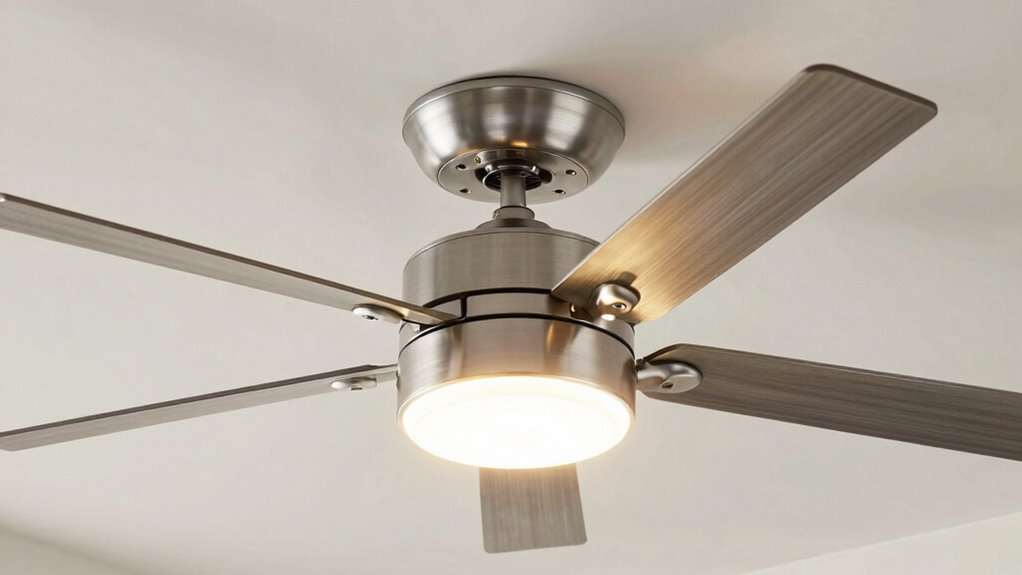
Installing or upgrading your ceiling fan lighting requires careful attention to safety. First, turn off the power supply at the circuit breaker to prevent electric shock. Second, verify the wiring connections match the fan’s specifications, confirming proper grounding for safety and ideal ceiling fan aesthetics. Third, use the correct tools and follow manufacturer instructions closely to avoid damaging components or creating fire hazards. Additionally, consider energy saving tips by selecting LED bulbs for efficiency and durability. When installing, ensure the fan’s weight is supported properly and the mounting is secure. Proper installation not only enhances the ceiling fan aesthetics but also minimizes flickering and maximizes lighting brightness. Furthermore, understanding the fan’s navigation and mapping can help optimize positioning for even light distribution and noise reduction. Always prioritize safety to enjoy a well-lit, attractive, and energy-efficient upgrade.
Troubleshooting Common Issues: Dim or Flickering Lights
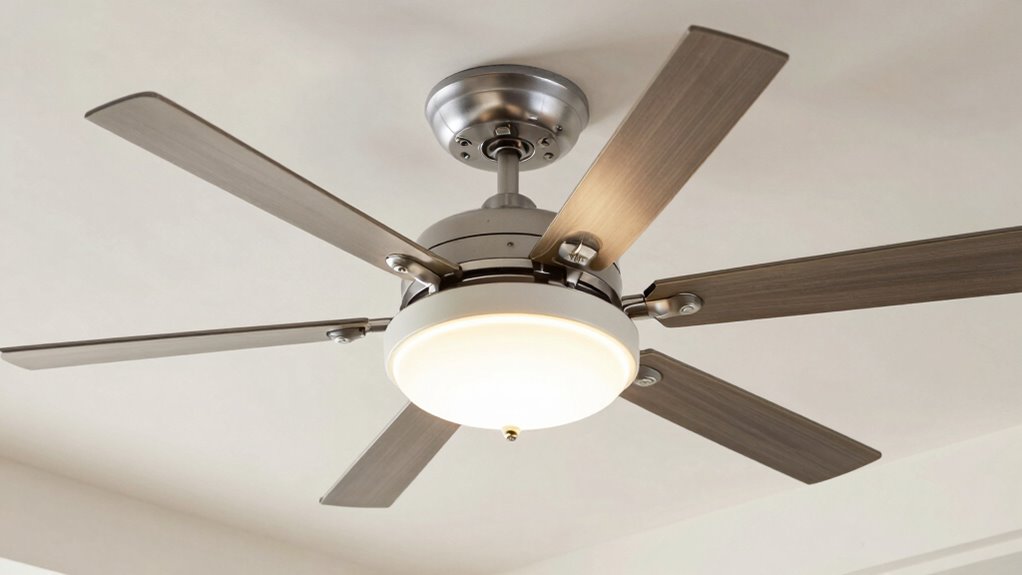
When your ceiling fan lights flicker or stay dim, start by checking the wiring connections to make sure everything is secure. Next, verify if your dimmer switch is compatible with your lights, as incompatible switches can cause issues. Finally, inspect the light bulbs, replacing any that are burned out or faulty to restore proper brightness. Additionally, consider the type of bulbs you are using, as certain LED or incandescent bulbs may have specific compatibility requirements with dimmer switches or fixtures for optimal performance. Ensuring your bulbs are compatible with dimmer switches can help prevent flickering and dimming issues. Understanding lighting compatibility and proper installation can significantly improve your ceiling fan lighting experience.
Check Wiring Connections
Flickering or dim lights on your ceiling fan often stem from loose or faulty wiring connections. To fix this, start by turning off the circuit breaker to ensure safety. Then, carefully inspect the wiring connections at both the fan and switch.
- Check that all wiring connections are tight and secure, especially where wires connect to the fan’s motor and light kit.
- Look for any signs of damaged or frayed wiring that may cause poor contact.
- Verify that the circuit breaker isn’t tripped or faulty, as an inconsistent power supply can cause flickering.
- Regularly inspect your electrical connections as part of the safety and maintenance to prevent ongoing issues and ensure safe operation.
Confirming that the wiring connections are solid and the circuit breaker is functioning properly can eliminate flickering issues and improve your ceiling fan’s performance.
Assess Dimmer Compatibility
Dimmer switches can sometimes cause your ceiling fan lights to flicker or appear dim, especially if they’re not compatible with the type of bulbs or the fan itself. To fix this, you need to assess dimmer compatibility carefully. Not all dimmers work with LED or CFL bulbs, so check that your dimmer is rated for your bulb selection. Using an incompatible dimmer can result in flickering, buzzing, or insufficient brightness. Look for dimmers specifically designed for LED or CFL bulbs if that’s what you have installed. Also, verify that the dimmer matches your ceiling fan’s specifications. Upgrading to a compatible dimmer switch ensures smooth operation and consistent lighting, eliminating flicker and dimness issues caused by incompatible dimmer and bulb combinations. Additionally, dimmer switch compatibility plays a crucial role in ensuring your lighting functions properly without flickering or dimming issues.
Inspect Light Bulbs
Are your ceiling fan lights flickering or appearing too dim? Start by inspecting the light bulbs. First, turn off the fan and carefully remove the bulbs for a close-up light bulb inspection. Look for signs of damage, such as blackened filaments or broken glass. Second, check if the bulbs are compatible with your fixture; using the wrong wattage or type can cause flickering or dimness. Refer to the fixture’s specifications to guarantee proper fit. Third, replace any outdated or incompatible bulbs with new ones that match the fixture’s recommended wattage and type. This simple step often solves flickering issues and improves brightness. Ensuring fixture compatibility and proper bulb inspection helps your ceiling fan lights operate smoothly and safely.
Tips to Maintain Brightness and Performance Over Time
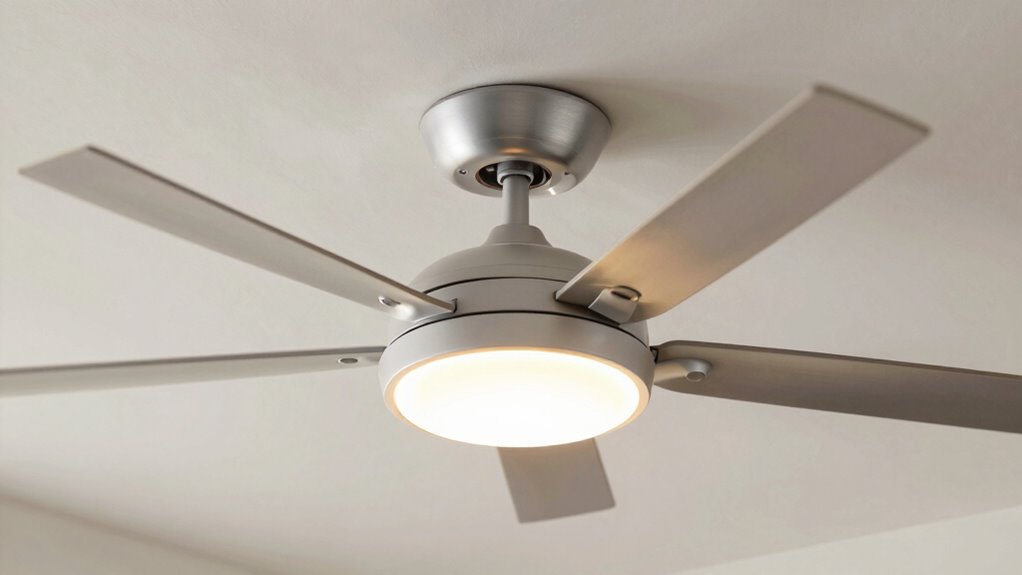
To guarantee your ceiling fan with lights stays bright and performs well over time, regular maintenance is essential. Start by checking your lamp maintenance routine; replacing burnt-out bulbs promptly ensures consistent brightness. Clean the light fixtures and bulbs to remove dust and debris that can dim the light. Additionally, monitor your fan speed settings and ensure they function smoothly; fluctuating speeds can impact performance and lighting stability. Keep the fan blades clean to prevent wobbling, which can cause flickering or uneven light distribution. Tighten any loose connections and inspect wiring periodically for safety and ideal operation. By staying on top of lamp maintenance and maintaining proper fan speed, you’ll enjoy steady brightness and reliable performance over the long term.
Questions About Ceiling Fan Lighting? Here’s What to Know

Understanding your ceiling fan lights can sometimes be confusing, especially when issues arise or you’re contemplating upgrades. You might wonder how to improve design aesthetics or maximize energy savings. Here are key points to consider:
Navigating ceiling fan lights can be tricky when upgrading or troubleshooting issues.
- Lighting Compatibility: Choose fixtures that complement your fan’s style and fit your room’s decor for better design aesthetics.
- Bulb Choices: LED bulbs offer energy savings and longer lifespan, reducing maintenance and lowering electricity bills.
- Adjustable Brightness: Dimmers or remote controls allow you to customize lighting levels, enhancing ambiance and efficiency.
Frequently Asked Questions
Can LED Bulbs Cause Ceiling Fan Flickering Issues?
Yes, LED bulbs can cause ceiling fan flickering issues if they’re not compatible with your dimmer switch or fan. Poor LED dimming compatibility often leads to flickering or buzzing sounds, and it might increase fan motor noise. To fix this, verify your LED bulbs are compatible with dimmer switches and designed for ceiling fans. Upgrading to high-quality LEDs can also reduce flickering and keep your fan running smoothly.
How Does Dimmer Switch Compatibility Affect Fan Light Flicker?
Your flickering issues depend on dimmer switch compatibility and switch types. If you use a dimmer incompatible with your fan lights, flickering is common. Make certain you select a dimmer rated for LED bulbs and designed for fan lights. Switch types matter too; choose a compatible dimmer designed specifically for ceiling fans. Always check the packaging or manufacturer instructions to prevent flickering and guarantee smooth brightness control.
What Are the Safety Considerations When Upgrading Ceiling Fan Lights?
Upgrading your ceiling fan lights is a big deal; safety is no exaggeration! You must carefully check electrical wiring to prevent shocking surprises and guarantee proper grounding. Also, prioritize fixture stability—securely mounted fixtures prevent catastrophic falls. Always turn off power at the circuit breaker, use a voltage tester, and follow manufacturer instructions. When in doubt, consult a licensed electrician to avoid dangerous mishaps and keep your home safe.
Do Ceiling Fan Lights Affect Energy Consumption Significantly?
Ceiling fan lights do impact energy consumption, but choosing energy-efficient upgrades can minimize this effect. LED fixtures use considerably less power than incandescent bulbs, saving you money and energy. Always guarantee fixture compatibility before upgrading to avoid flicker or malfunction. By selecting the right bulbs and compatible fixtures, you can enjoy bright illumination without a substantial increase in energy use, making your space both efficient and well-lit.
How Often Should I Replace Bulbs in My Ceiling Fan for Optimal Performance?
You should replace your ceiling fan bulbs based on their bulb lifespan, typically every 1-2 years for incandescent bulbs or up to 10-15 years for LEDs. Follow a regular replacement schedule to guarantee peak performance and brightness. Keep an eye on flickering or dimming, which can indicate it’s time for a new bulb. Regularly checking and replacing bulbs keeps your ceiling fan lighting efficient and consistent.
Conclusion
By understanding flickering causes and choosing the right bulbs, you can enjoy stable, bright lighting in your ceiling fan. For example, Sarah upgraded her old fan with LED bulbs and a proper dimmer switch, eliminating flicker and creating a cozy, well-lit living room. Taking these simple steps guarantees your ceiling fan lights stay consistent and functional, making your space more comfortable and inviting for everyday activities or relaxing evenings.