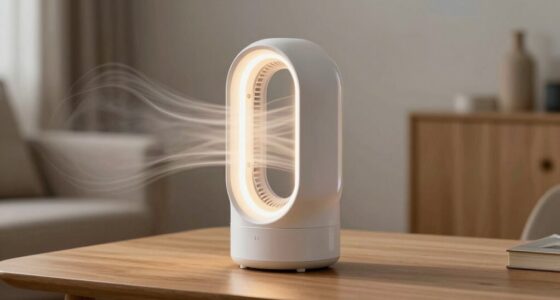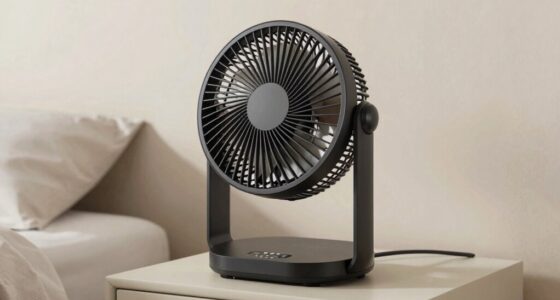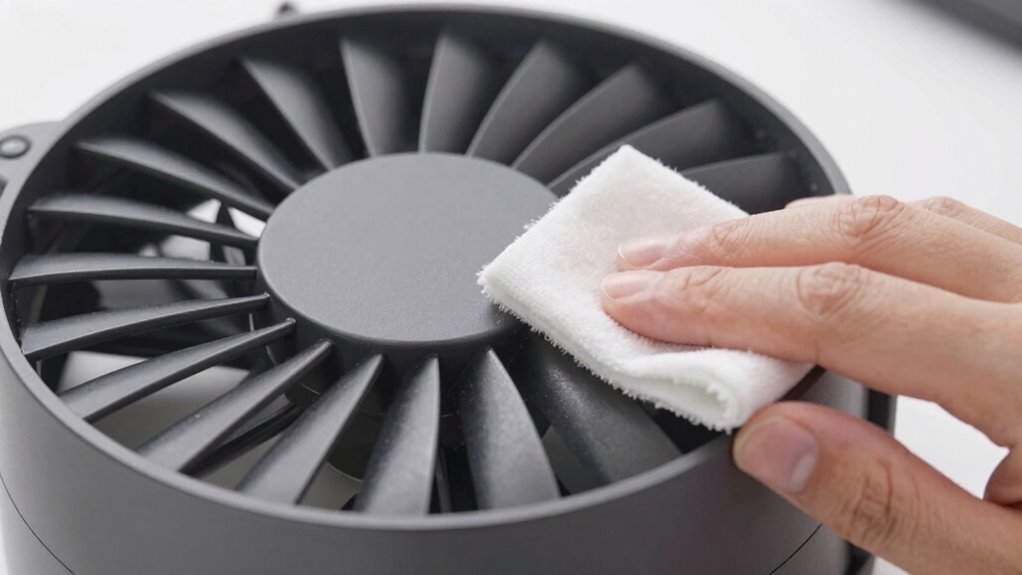

To clean your bladeless fan’s intake without causing damage, always turn off and unplug the device first. Carefully remove the intake cover or filter using soft tools like microfiber cloths or plastic pry tools to avoid breaking delicate parts. Gently dust or wash the filter with mild soap, ensuring it’s fully dry before reassembling. By following these safe steps, you can maintain ideal airflow and extend your fan’s lifespan; stay tuned to learn more essential tips.
Key Takeaways
- Always unplug the fan and allow it to cool before cleaning to prevent electrical hazards and damage.
- Gently remove the intake cover using plastic pry tools to avoid breaking or scratching components.
- Use a soft brush, microfiber cloth, or compressed air to carefully clean dust and debris from the intake screen.
- Wash washable filters with mild soap and water, then dry thoroughly before reinstalling.
- Follow manufacturer guidelines for cleaning frequency and avoid forcing or bending parts to prevent damage.
Why Regularly Cleaning Your Bladeless Fan’s Intake Is Important
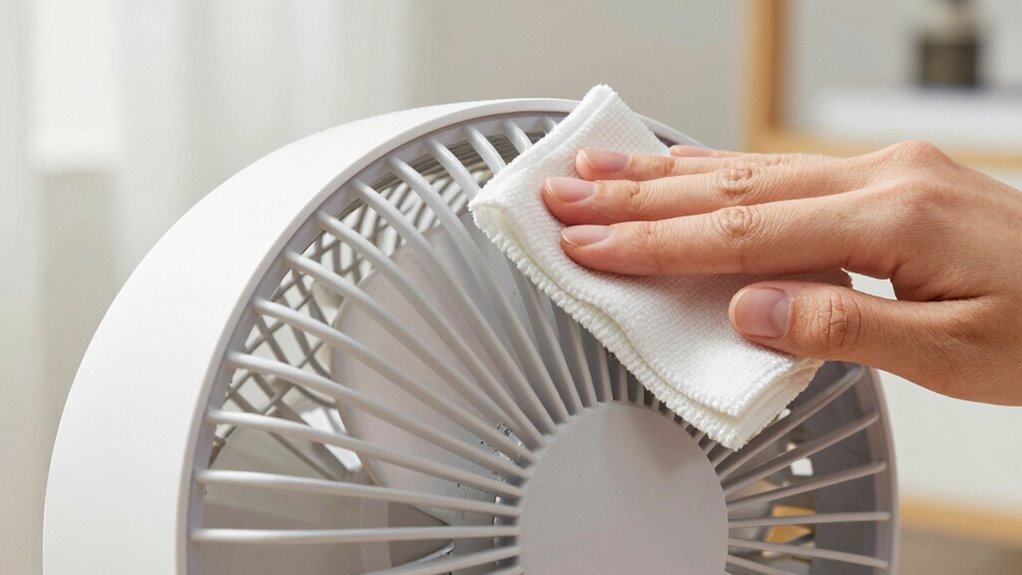
Regularly cleaning your bladeless fan’s intake is essential because dust buildup can happen fast, leading to airflow obstruction. When dust and debris collect, they block the air intake, making it harder for the fan to operate efficiently. This reduced airflow not only diminishes the cooling effect but can also strain the motor, potentially shortening its lifespan. Keeping the intake clean ensures unobstructed airflow, allowing your fan to work at peak performance. It also helps prevent dust from circulating back into the room, maintaining better air quality. By maintaining a regular cleaning routine, you minimize the risk of buildup that hampers airflow and keeps your bladeless fan running smoothly and efficiently over time. Additionally, understanding simple systems for maintenance can make routine cleaning quicker and more effective. Establishing a maintenance schedule can help you stay on top of cleaning tasks and prolong your fan’s lifespan, especially by recognizing dust accumulation patterns that indicate when cleaning is needed.
How to Turn Off and Prepare Your Fan for Cleaning Safely
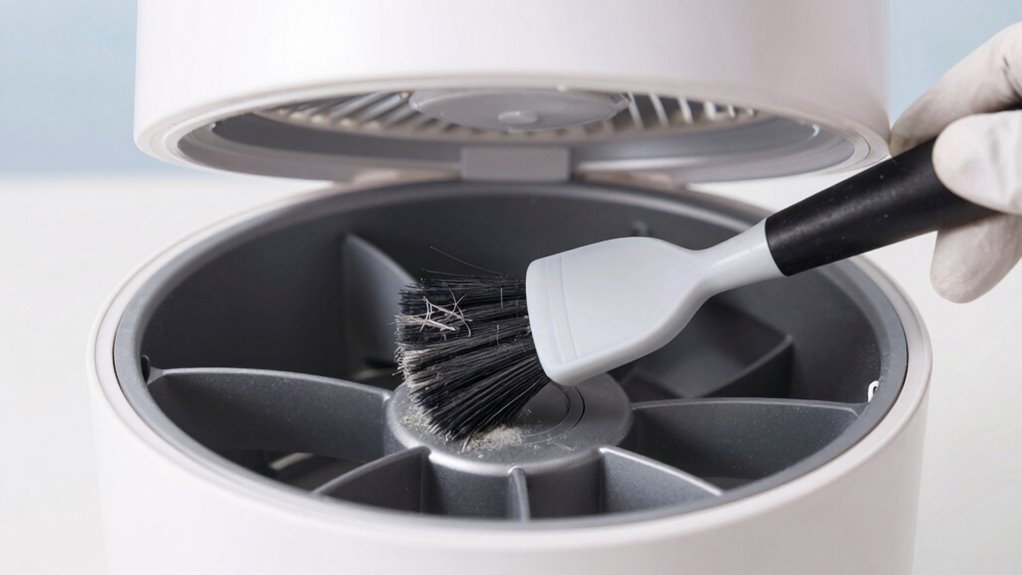
Before cleaning your fan, make sure to unplug it to avoid electrical hazards. Allow the fan to cool down completely to prevent burns or damage. Taking these steps guarantees you can clean safely and effectively. For optimal performance, ensure that you also check the intake area for dust buildup to maintain proper airflow. Regular maintenance of the airflow pathways helps sustain energy-efficient operation and prolongs the lifespan of your fan. Additionally, understanding the art care principles can assist in handling your fan gently and preventing accidental damage.
Unplug Before Maintenance
To guarantee your safety and prevent damage, always unplug your bladeless fan before starting any maintenance or cleaning. This step helps avoid electric shock and prevents accidental fan damage. Follow these steps for a safe process:
- Locate the power cord and unplug it from the electrical outlet.
- Make certain the fan is completely powered off before handling.
- Avoid pulling the cord roughly to prevent damage to the plug or cord.
- Wait a few moments for any residual power to dissipate before proceeding.
Unplugging your fan is essential to eliminate the risk of electric shock and protect the internal components from harm. Never skip this step, as working on an energized fan can be dangerous and may lead to costly repairs.
Allow Fan to Cool
Have you ever noticed how your bladeless fan feels warm after extended use? Allow it to cool down before cleaning to prevent damage and assure safety. When the fan cools, the fan noise decreases, making it easier to handle. Giving it time to cool also helps improve airflow when you restart it, as components aren’t affected by heat buildup. To do this safely, turn off the fan and unplug it from the power source. Wait at least 10-15 minutes, or until it feels completely cool to the touch. This pause helps prevent accidental electrical issues or damage to internal parts. Proper maintenance practices include allowing the fan to cool, which not only protects its internal components but also extends its lifespan. Additionally, understanding heat dissipation techniques can further help prevent overheating during prolonged use. Effective ventilation around the fan can aid in efficient heat removal, reducing the risk of overheating. Ensuring good airflow around your device can also support its cooling process. Once cooled, you can proceed with cleaning the intake confidently, knowing you’ve minimized the risk of causing harm or reducing airflow performance.
Choosing Safe, Effective Tools for Cleaning Your Fan’s Intake

Choosing the right tools is key to cleaning your fan’s intake safely and effectively. You want options that remove dust without damaging delicate parts, like soft brushes or microfiber cloths. Using the proper devices guarantees a thorough clean while keeping your fan in good shape. Additionally, employing creative storytelling techniques can help you better understand and remember the cleaning process, making maintenance more engaging. Learning from biographical examples of dedicated individuals can also inspire patience and precision during maintenance tasks. Incorporating vetted wave and wind cleaning methods ensures that your approach is both safe and effective, reducing the risk of damage. For example, understanding the importance of security zone info can help you recognize the significance of thorough maintenance in safeguarding your home environment. Furthermore, understanding the importance of privacy policies helps ensure your personal information remains protected during online research or purchasing cleaning tools.
Safe Tools for Removal
Selecting the right tools is essential for safely and effectively cleaning your bladeless fan’s intake. You want tools that prioritize tool safety and won’t damage delicate components. Use cleaning accessories specifically designed for electronics or fans, which help prevent accidents. Here are four recommended tools:
- Soft microfiber cloths for gentle wiping
- Plastic pry tools to remove grilles without scratching
- Compressed air cans for dust removal without contact
- Small brushes with soft bristles to dislodge dirt safely
These tools minimize the risk of damaging the fan or voiding warranties. Stick to cleaning accessories that are non-abrasive and easy to control, ensuring a safe, effective removal process every time.
Effective Cleaning Devices
To effectively clean your bladeless fan’s intake, it’s essential to use devices that are both safe and efficient. Soft-bristled brushes or microfiber cloths are ideal for removing dust without damaging delicate components, ensuring airflow optimization. A gentle vacuum cleaner with a brush attachment can also help eliminate stubborn debris, maintaining maximum airflow and energy efficiency. Compressed air is another effective tool; it blasts dust from hard-to-reach areas without risking damage. Avoid harsh tools like steel brushes or abrasive cleaners, which can harm the intake surface and reduce airflow. Choosing the right cleaning devices keeps your fan operating smoothly, conserving energy, and extending its lifespan. Proper tools make maintenance safer, easier, and more effective, ensuring your bladeless fan performs at its best. Additionally, understanding the essential oils for airways can help improve overall indoor air quality, supporting a healthier environment around your appliance. Regular cleaning with these safe tools also prevents buildup that can reduce airflow efficiency, helping your fan work as intended. Incorporating knowledge about airflow dynamics can further optimize your cleaning routine and ensure consistent performance. Being aware of digital safety practices can also prevent accidental damage during maintenance, ensuring your safety and the longevity of your device.
How to Remove and Clean Your Fan’s Intake Screen or Filter

Removing and cleaning your fan’s intake screen or filter is a straightforward process that helps guarantee ideal airflow and performance. Start by turning off the fan and unplugging it for safety. Carefully remove the intake cover, then extract the filter or screen. To clean, follow these steps:
Regularly clean your fan’s intake screen to ensure optimal airflow and performance.
- Use a soft brush or vacuum to remove dust and debris.
- Wash the filter with mild soap and water if it’s washable.
- Rinse thoroughly and let it dry completely.
- Reinstall the filter, ensuring it’s securely in place for maximum airflow.
- Regular filter cleaning or replacement is essential for airflow optimization and maintaining efficient operation. This simple routine prolongs your fan’s lifespan and ensures consistent cooling performance. Proper maintenance helps prevent dust buildup that can impact airflow efficiency, performance, and overall operation, especially considering the importance of regular maintenance routines in prolonging device longevity. Regular inspections and timely replacements are crucial for optimal airflow, which maintains the fan’s efficiency and prevents unnecessary wear. Incorporating preventive maintenance can further extend the lifespan of your device and keep it operating at peak performance.
Tips to Clean Your Fan’s Intake Without Damaging It
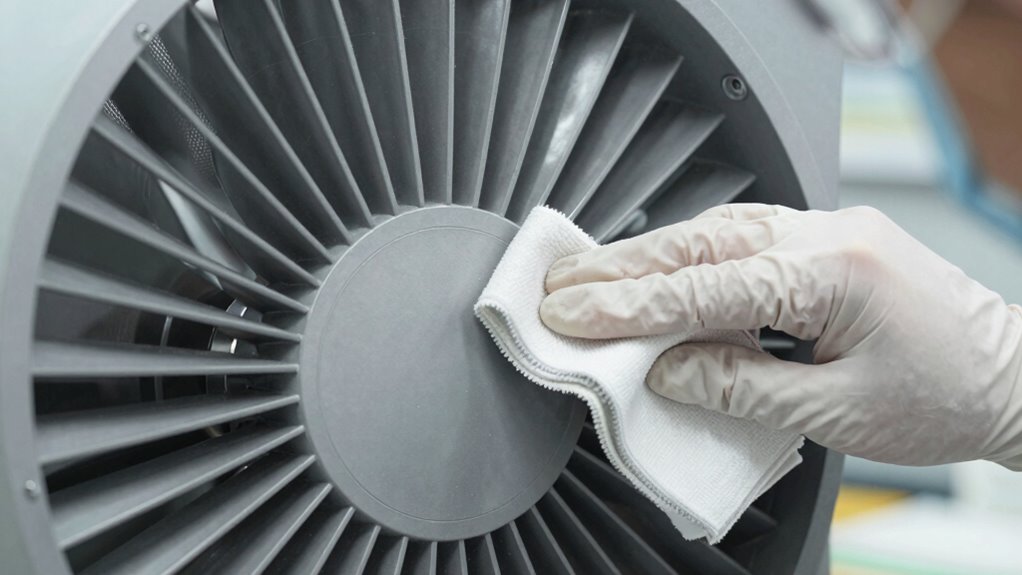
Cleaning your fan’s intake carefully is essential to prevent damage and guarantee it functions properly. Start by turning off the fan and unplugging it. Gently remove any accessible covers or filters, being cautious not to force or bend the fan blade. Use a soft cloth or a small brush to remove dust and debris from the intake area. Avoid using harsh cleaners that could damage sensitive components. When cleaning the fan blade, be gentle to prevent warping or scratches that could impair airflow. Maintaining a clean intake ensures airflow optimization, allowing your bladeless fan to operate efficiently. Regular, careful cleaning keeps the fan working smoothly without risking damage to its delicate parts. Always follow manufacturer instructions for specific cleaning guidelines. Additionally, understanding power tool safety and proper maintenance routines can help extend the lifespan of your fan and prevent accidental damage during cleaning.
How Often Should You Clean Your Bladeless Fan’s Intake?

Regularly maintaining your bladeless fan’s intake guarantees it runs efficiently and lasts longer. How often you should clean depends on your environment and usage. Typically, you should inspect the intake every 2–4 weeks and clean it when dust or debris accumulate, which affects airflow enhancement.
Regularly check and clean your bladeless fan’s intake every 2–4 weeks for optimal performance.
Consider these guidelines:
- If you have pets or live in dusty areas, clean weekly.
- For general use, every 3–4 weeks suffices.
- Replace filters as recommended by the manufacturer, usually every 6–12 months.
- Regular cleaning prevents clogging, ensuring consistent airflow and peak performance.
Consistent maintenance reduces strain on the motor, prolongs lifespan, and keeps your fan operating quietly and efficiently.
Troubleshooting Common Cleaning Problems and When to Call a Professional
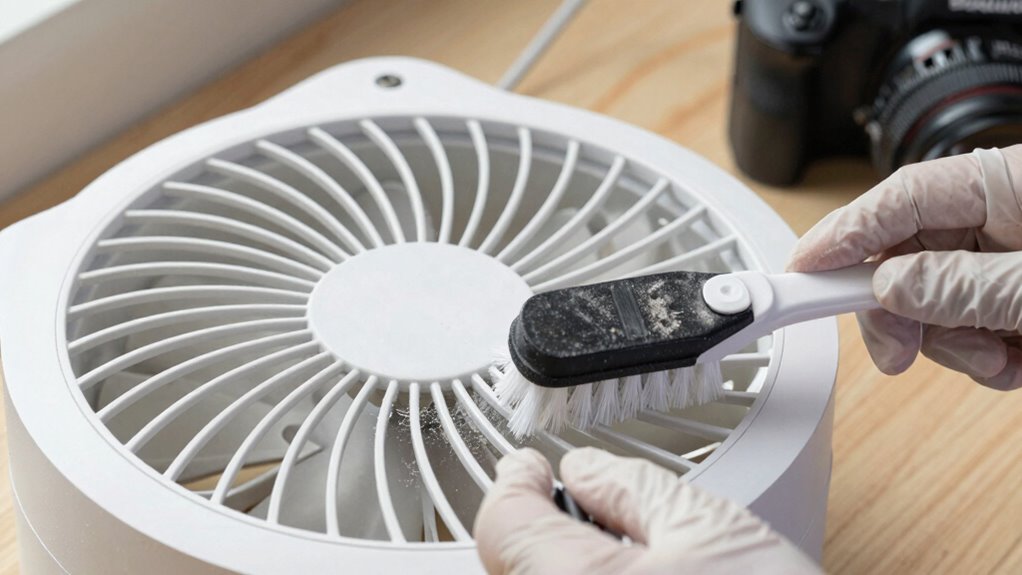
Even with careful cleaning, you might encounter issues like persistent dust buildup, strange noises, or reduced airflow. If dust keeps accumulating despite your efforts, it could be time for filter replacement or a thorough airflow inspection. Strange noises might indicate loose parts or motor issues, which are best handled by a professional. Reduced airflow could result from blockages or dirt affecting internal components; in this case, avoid further cleaning that might cause damage. If simple troubleshooting doesn’t resolve these problems, it’s wise to call a technician. Professionals can safely disassemble the fan, perform detailed airflow inspection, and replace filters or worn parts. Recognizing when to seek expert help guarantees your bladeless fan remains efficient and safe to use.
Frequently Asked Questions
Can I Use Household Cleaners on My Bladeless Fan Intake?
You shouldn’t use household cleaners on your bladeless fan intake, as they can damage the delicate parts. Instead, opt for a soft, damp cloth to gently wipe away dust and debris. Avoid harsh chemicals or abrasive materials that might harm the fan’s sensitive components. Regular cleaning with a gentle approach preserves your fan’s performance and longevity, ensuring it stays safe and efficient without risking damage to its delicate parts.
What Precautions Prevent Accidental Damage During Cleaning?
You should prioritize electrical safety and use proper tools to prevent damage. Always unplug your fan before cleaning, and avoid metal or abrasive brushes that could harm components. Use a soft, damp cloth or compressed air for cleaning intake areas. Be gentle, steady, and avoid forcing parts. These precautions protect your fan from accidental damage, ensuring safe and effective maintenance without risking electrical issues or breaking delicate parts.
Are There Specific Tools Recommended for Delicate Parts?
You should use special tools designed for delicate parts, like soft brushes or microfiber cloths, to clean your bladeless fan’s intake. Avoid using metal tools or abrasive materials that could damage sensitive components. A small, gentle brush helps remove dust without risking breakage, while a microfiber cloth guarantees a thorough, scratch-free clean. Using the right tools keeps your fan operating smoothly without causing any accidental damage.
How Can I Tell if My Fan’s Intake Needs Professional Repair?
You can tell if your fan’s intake needs professional repair by doing a visual inspection for dust buildup or damage. Listen for unusual noises like grinding or rattling during operation, which indicate issues. If cleaning the intake doesn’t improve performance or noise persists, it’s time to consult a professional. Addressing these signs early prevents further damage and guarantees your fan works efficiently.
Is It Safe to Clean the Intake While the Fan Is Plugged In?
It’s not safe to clean the intake while your fan is plugged in because you risk electric shock and potential fan malfunction. Always unplug the fan first to prevent accidents. Handling the intake with the power off reduces the chance of damaging internal components and guarantees your safety. Never work on electrical appliances while they’re connected to power, especially when cleaning sensitive parts like the intake.
Conclusion
Regularly cleaning your bladeless fan’s intake keeps it running efficiently and extends its lifespan. Did you know that dust buildup can reduce airflow by up to 30%? By following safe cleaning tips and doing it every few months, you’ll ensure your fan stays quiet and effective. Don’t neglect this simple maintenance step—it’s a small effort that makes a big difference in your comfort and your fan’s performance.