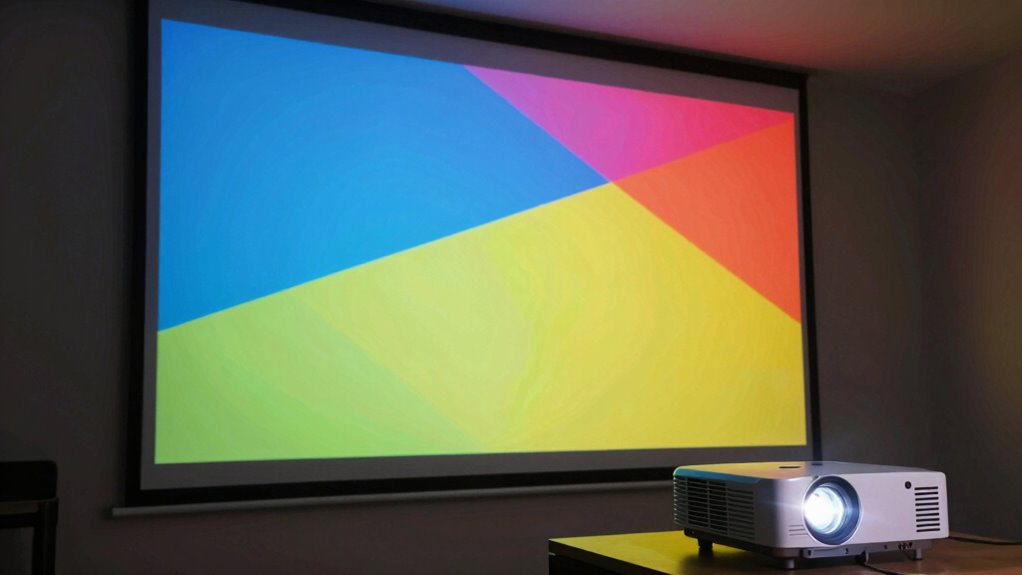
Projector brightness, measured in lumens, indicates how much light the device emits to display images clearly. Higher lumens are essential in rooms with ambient light or outdoor settings, ensuring your picture remains vivid and sharp. Brightness needs vary based on room size and light conditions—smaller, darker rooms require fewer lumens, while larger or bright environments need more. Keep exploring to discover exactly what brightness level suits your space and setup.
Key Takeaways
- Lumens measure the total light output of a projector, directly affecting image brightness and clarity.
- Higher ambient light conditions require projectors with increased lumens for visible, vibrant images.
- Room size and lighting environment dictate the recommended lumen range for optimal viewing experiences.
- Brightness needs vary: 1000-2000 lumens for dark rooms, 4000+ lumens for bright or large spaces.
- Proper setup, screen choice, and ambient light control are essential for achieving real-world projection results.
What Does Projector Brightness Mean and Why Is It Important?
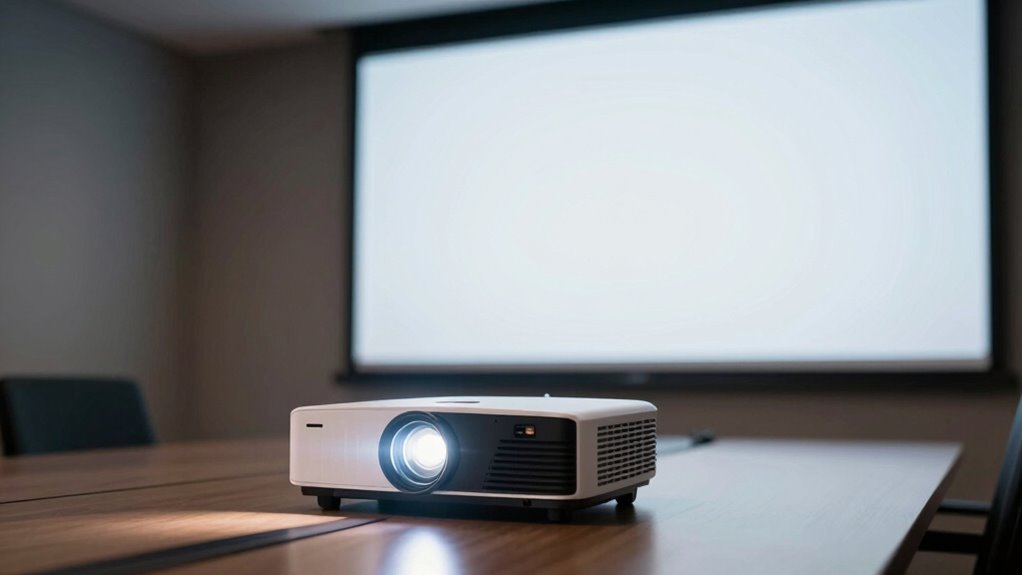
Projector brightness refers to how much light the projector emits to display an image, which directly impacts how clear and visible the picture appears. A higher brightness helps overcome ambient light, making images sharper. The projection angle also influences brightness perception; a wider angle can spread light over a larger area, potentially reducing image clarity. Additionally, contrast ratio plays a role in visual quality, as it determines the difference between the darkest blacks and brightest whites. When brightness is insufficient, even a high contrast ratio won’t prevent a dull or washed-out image. Understanding these factors helps you choose a projector that performs well in your environment, ensuring your images are vibrant, sharp, and easy to see from different angles. Brightness uniformity is also important, as uneven light distribution can cause parts of the image to appear dimmer or distorted. Furthermore, energy efficiency is a key aspect to consider, especially for prolonged use and sustainability.
How Do Lumens Measure Projector Brightness?
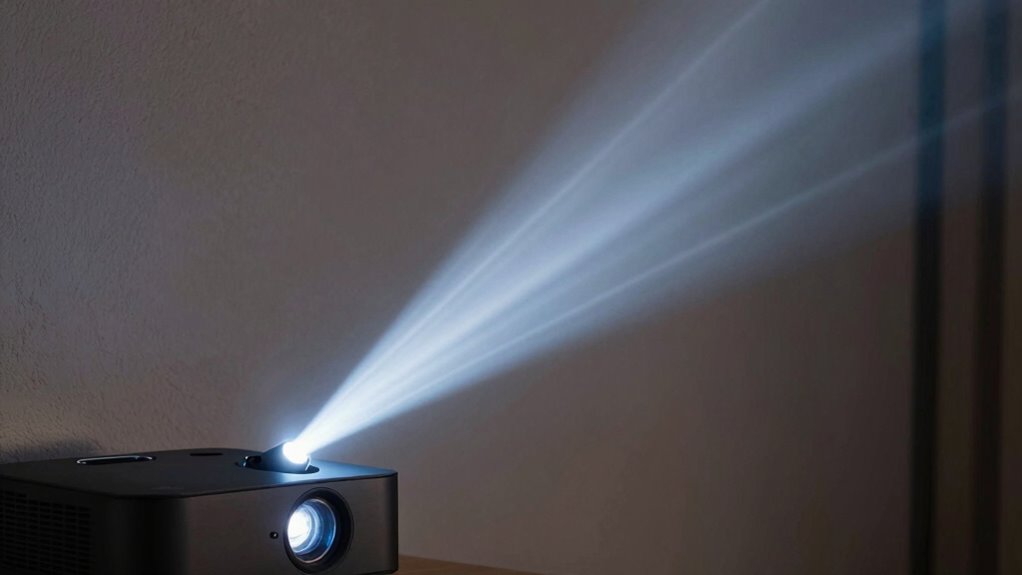
Have you ever wondered how the brightness of a projector is measured? It’s primarily done using lumens, which indicate the total amount of visible light the projector emits. Higher lumens mean a brighter image, making it easier to see in well-lit rooms. But brightness isn’t the only factor; color accuracy also plays a role in how vivid and true-to-life the image appears. Additionally, contrast ratios matter because they determine the difference between the darkest blacks and brightest whites, affecting perceived brightness and overall picture quality. So, while lumens give you a numeric measure of brightness, consider how color accuracy and contrast ratios influence the overall viewing experience. These factors are especially important in environments where connected home fitness technology is integrated to create an optimal viewing setup. Understanding projector specifications can help you make a more informed decision when selecting the right device for your needs. Together, these factors help you choose a projector that performs well in your specific environment.
How Does Ambient Light Affect Your Projector’s Brightness?
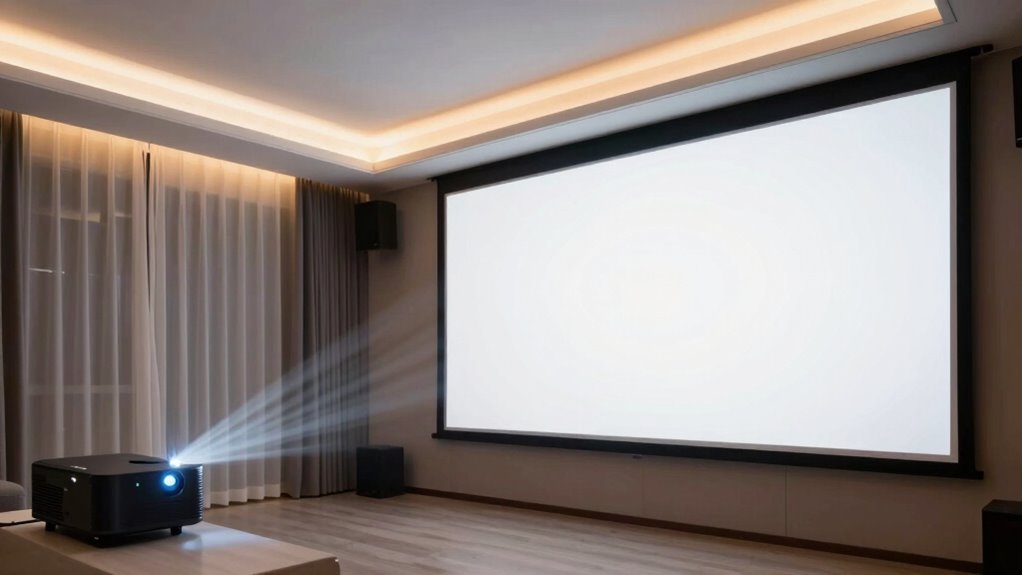
Ambient light from sources like streetlights or sunlight can markedly reduce your projector’s visibility. Bright room conditions and light pollution create challenges for clear images and sharp details. Understanding how room lighting impacts brightness helps you choose the right projector and setup for your space. Additionally, managing lighting conditions effectively can significantly improve your viewing experience in various environments, especially when considering factors like ambient light and its influence on contrast and color accuracy.
Light Pollution Impact
When there’s a lot of light pollution nearby, your projector’s image can become considerably harder to see. Light pollution from streetlights, neon signs, and other outdoor sources diminishes outdoor visibility, making your projected image less vibrant and clear. This excess ambient light competes with your projector’s brightness, forcing you to contemplate higher lumen ratings to compensate. Without sufficient brightness, details fade, colors look dull, and the overall image quality suffers. In areas with high light pollution, even a powerful projector may struggle to produce a sharp, visible picture. To improve outdoor visibility, you need to consider both your projector’s lumens and the level of ambient light pollution. Reducing outdoor light sources or choosing a brighter projector can help maintain clear, crisp images. Additionally, understanding the impact of indoor and outdoor light sources can help you better manage your projection environment for optimal results. Recognizing how ambient light affects perceived brightness can help you make more informed decisions to enhance your viewing experience.
Room Lighting Conditions
Room lighting conditions directly impact how well your projector’s brightness performs. Bright ambient light can wash out images, making it harder to see details clearly. To optimize your setup, consider these factors:
- Adjust projection angles to minimize glare and reflections from windows or lights.
- Position speakers thoughtfully so they don’t block light sources or create shadows that affect visibility.
- Control room lighting by dimming or turning off lights near the projection area to improve contrast and clarity.
- Being aware of ambient light levels helps you better understand how your environment influences projected image quality.
Screen Visibility Challenges
Bright light from windows or nearby lamps can considerably diminish your projector’s screen visibility by washing out images and reducing contrast. To combat this, consider ideal projection angles that minimize direct light hitting the screen. Adjusting your setup can prevent glare and improve clarity. The choice of screen materials also plays a vital role; matte surfaces or specialized ambient light-rejecting screens absorb stray light and maintain brightness. Keep in mind that glossy screens may reflect ambient light, making images harder to see. Properly positioning your projector and selecting the right screen material can greatly improve visibility, even in challenging lighting conditions. By managing projection angles and using suitable screen surfaces, you’ll guarantee your images stay vibrant and clear despite ambient light challenges.
How to Match Projector Brightness to Your Room Size and Lighting
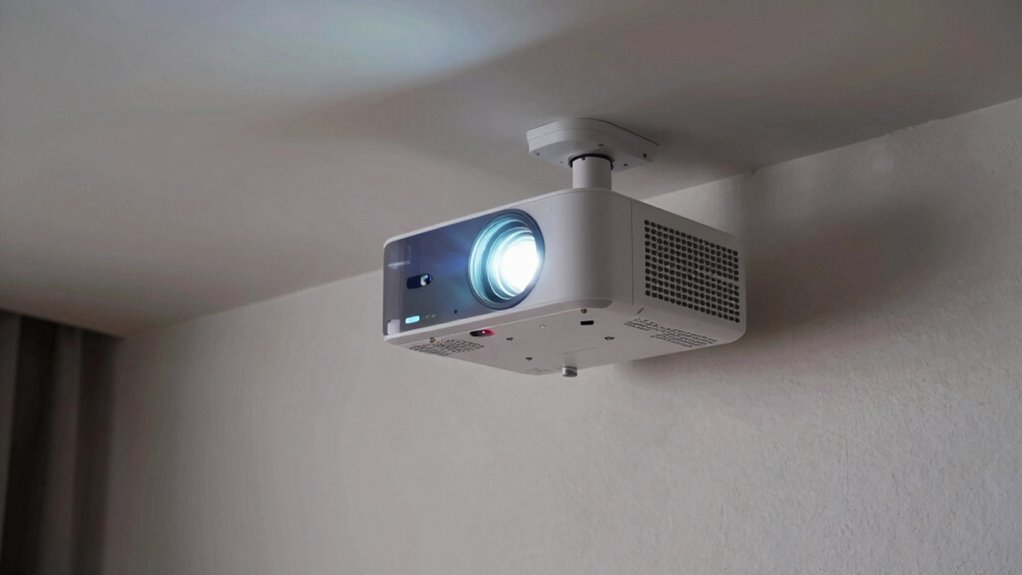
Choosing the right projector brightness depends on your room size and lighting conditions. Larger rooms or those with more ambient light require higher lumens for a clear picture. Understanding these factors helps you pick a projector that delivers ideal image quality. Additionally, considering simple systems for setup and adjustment can make maintaining optimal brightness easier and more effective.
Room Size Considerations
When selecting a projector, matching its brightness to your room size is essential for a clear and vibrant image. A larger room or higher ceiling height requires more lumens to fill the space without losing detail. Consider these factors:
- For a room with a large screen size, choose a projector with higher lumen output to ensure brightness remains consistent across the entire image.
- In rooms with high ceilings, you’ll need extra brightness to compensate for the distance and diffuse light.
- Smaller rooms with lower ceilings can often use projectors with fewer lumens, but still need enough brightness to overcome ambient light and maintain clarity.
Matching projector brightness to your room’s dimensions ensures your image stays sharp, vibrant, and immersive.
Ambient Light Impact
Ambient light considerably affects how bright your projector needs to be; the more ambient light in your room, the higher the lumen output required to keep images clear and vibrant. To combat this, consider your projector placement carefully—position it where ambient light is minimized, such as away from windows or bright lamps. Wall color also plays a role; darker walls absorb light better, making images appear brighter and more vivid even with less brightness. Conversely, light-colored walls can reflect ambient light, diminishing contrast and clarity. Adjusting projector placement and wall color helps optimize the existing ambient light conditions, reducing the need for an ultra-bright projector. Additionally, understanding projector brightness fundamentals can help you choose the right device for your space, ensuring your images stay sharp, colorful, and engaging without unnecessary expense or setup complexity.
For example, ambient light management strategies can significantly improve your viewing experience by reducing the need for higher brightness levels.
Brightness Recommendations
Matching your projector’s brightness to your room size and lighting conditions is essential for achieving clear, vibrant images. To optimize your viewing experience, consider these recommendations:
- For small, dark rooms, a projector with 1000-2000 lumens suffices, emphasizing high contrast ratios and better color accuracy. Room size and lighting play a crucial role in determining the appropriate brightness level.
- Medium-sized rooms with some ambient light should have 2500-3500 lumens to maintain brightness without sacrificing contrast.
- Large or well-lit rooms require 4000 lumens or more to ensure images stay vivid and detailed, especially when balancing contrast ratios.
- Additionally, understanding projector specifications and how they relate to your specific environment can help you select the most effective brightness level for your needs, as the brightness and contrast capabilities directly impact image clarity in different settings.
Real-World Examples of Brightness Levels for Clear Images
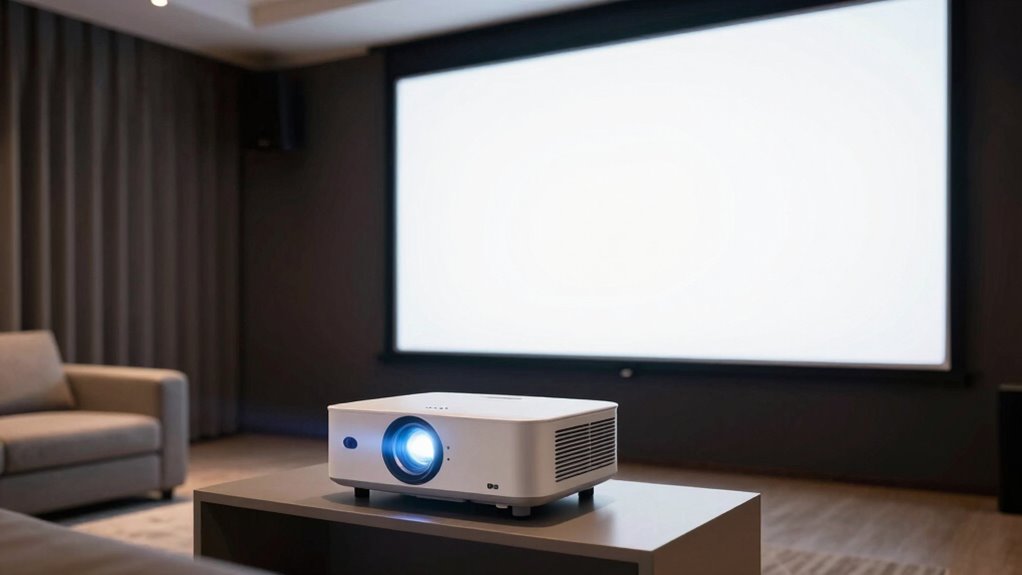
Have you ever wondered why some projectors produce crisp images in bright rooms while others struggle? The key lies in choosing the right brightness level for your environment. For example, a 2,500-lumen projector works well in a dimmed home theater, but a 4,000-lumen model is better for well-lit conference rooms. Proper projector placement and screen material also make a difference. A high-gain screen reflects more light, making images clearer even with lower lumens. Conversely, in bright spaces, a matte screen can diffuse ambient light. Understanding projector brightness helps you select the appropriate equipment for your needs and ensures clear images in various environments. Additionally, considering the ambient light conditions can greatly improve your viewing experience. Optimizing ambient lighting can enhance image clarity and reduce glare, making your projection more enjoyable. Being aware of free floating lighting sources can also prevent unwanted glare and improve picture quality. Recognizing ambient light sources in your environment allows you to better control reflections and shadows that can impact visibility.
How to Choose the Right Brightness for Your Viewing Space
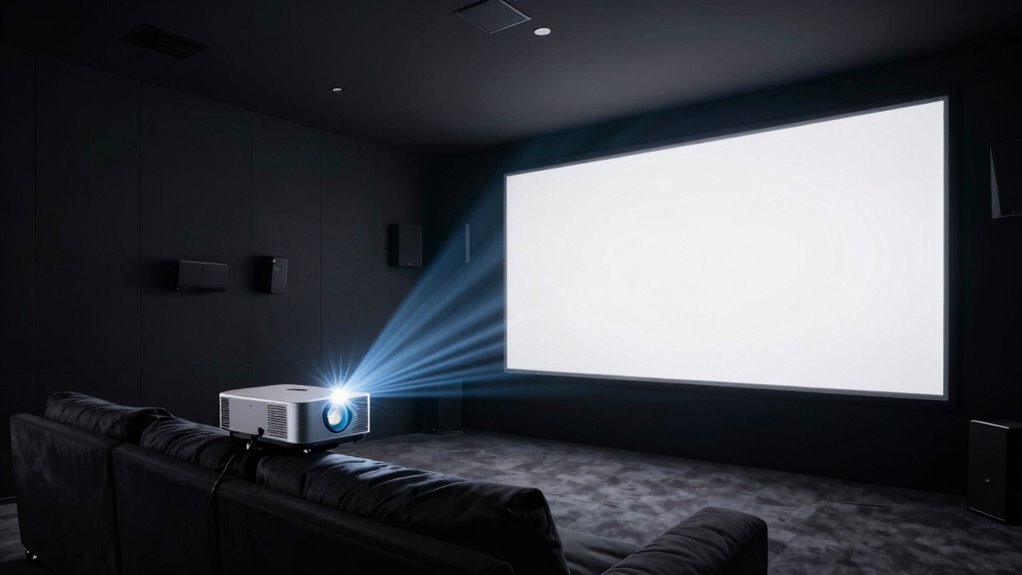
Choosing the right projector brightness depends on evaluating your specific viewing environment. First, consider your room’s ambient light; brighter rooms need higher lumens to ensure clear images. Next, think about your screen resolution—higher resolutions can appear sharper with appropriate brightness levels. Additionally, consider projector placement, as it affects perceived brightness and image quality. For example, a ceiling-mounted projector in a dark room requires fewer lumens, while a portable unit in a well-lit space demands more. By appraising these factors, you can select a projector with the optimal brightness to provide a vibrant, clear image tailored to your viewing space’s conditions. Furthermore, understanding ambient light conditions is crucial in this process, as it directly impacts the effectiveness of your chosen projector brightness. Recognizing vetted vacuum features such as adjustable brightness settings can also help optimize your viewing environment for the best possible picture quality. Incorporating smart home automation can also help control lighting and improve your overall viewing experience. Additionally, evaluating ambient light levels ensures that your projector performs effectively across different times of day and lighting scenarios.
Frequently Asked Questions
Can Higher Lumens Compensate for a Bright Room?
Yes, higher lumens can help make up for a bright room, but it’s not a complete fix. When you have lots of ambient lighting, you’ll need a projector with higher lumens to ensure a clear, visible image. Proper projector placement also matters—position it away from direct light sources and closer to your screen to maximize brightness. Combining high lumens with strategic placement gives you the best results in a bright environment.
How Does Projector Brightness Impact Image Lifespan?
Think of your projector’s brightness as the heartbeat of its image—run it too high, and it wears out faster. Increased brightness can shorten lamp longevity because it pushes the lamp to work harder, accelerating wear. Plus, higher brightness usually means higher power consumption, which can generate more heat and stress the components. So, balancing brightness preserves your lamp’s lifespan and keeps your projector running smoothly longer.
Are There Benefits to Choosing Lower Brightness Models?
Choosing a lower brightness projector can offer benefits like improved energy efficiency, which reduces your power consumption and lowers your electricity bills. It also enhances cost savings over time, especially if you primarily use it in controlled lighting environments. Additionally, lower brightness models generally generate less heat, potentially extending the device’s lifespan. If ambient light isn’t a concern, opting for a lower brightness projector makes sense and can save you money.
Does Projector Brightness Influence Color Accuracy?
Did you know that higher brightness projectors often enhance color fidelity, especially in well-lit environments? Brightness influences color accuracy because it allows the projector to display more vibrant, true-to-life images. To achieve ideal color calibration, choosing a projector with adequate lumens is essential. When the brightness matches your room’s lighting, you’ll enjoy richer colors and better overall image quality, making your viewing experience more immersive.
How Does Screen Size Affect Perceived Brightness?
You’ll notice that as screen size increases, perceived brightness seems to decrease because the same light spreads over a larger area. Larger screens require higher lumens to maintain brightness levels, or your image might look dimmer, especially in well-lit rooms. To keep your viewing sharp and vibrant, consider the size of your screen carefully and choose a projector with enough brightness to compensate for the increased surface area.
Conclusion
So, next time you pick a projector, remember that more lumens don’t always mean better. It’s funny how we chase brightness like it’s a magic fix, only to find out that ambient light often steals the show. Don’t fall for the hype—match your projector’s brightness to your space, and enjoy clear images without the glare. After all, sometimes less is more, especially when it comes to bright ideas and bright screens.