
To avoid dropouts with dual wireless mic systems, focus on smart placement of antennas, transmitters, and receivers. Elevate antennas and position them with clear line of sight, ensuring they’re away from obstructions, metal objects, and interference sources like Wi-Fi and Bluetooth. Use multiple antennas and diversity techniques to improve stability, and always scan for clear channels to prevent conflicts. For more detailed tips on maximizing reliability, keep exploring the best placement practices.
Key Takeaways
- Position transmitters on performers with minimal obstructions to maintain clear signal paths.
- Elevate and angle receivers for direct line of sight, reducing interference and improving stability.
- Keep antennas spaced several feet apart and use diversity techniques to prevent channel interference.
- Avoid placing receivers near metal objects or electronic devices that can cause signal reflection or absorption.
- Conduct spectrum scans and select non-overlapping channels to minimize frequency conflicts and dropouts.
Why Dropouts Happen in Dual Wireless Microphone Systems
Dropouts in dual wireless microphone systems often occur because the two transmitters compete for the same limited spectrum. When both transmitters operate on overlapping frequencies, interference increases, causing signal interruptions. Proper frequency selection is crucial to minimize this risk; choosing clear, non-overlapping channels reduces the chance of dropouts. Additionally, battery life plays a role—if a transmitter’s battery weakens, its signal quality drops, increasing dropout chances. Regularly monitoring and replacing batteries ensures consistent performance. Knowing your system’s available frequencies and assigning them wisely helps prevent conflicts. Understanding spectrum management can further optimize your system’s reliability. Implementing frequency coordination techniques can also aid in reducing interference and dropout incidents. Using monitoring tools to track spectrum usage in real-time can help detect potential conflicts before they cause issues. By carefully selecting frequencies and maintaining healthy batteries, you considerably reduce the likelihood of dropouts, ensuring your dual system works smoothly without interruptions. Incorporating innovative cloud management tools can also help monitor and optimize wireless spectrum usage for more reliable operation.
How Signal Pathways Can Cause Dropouts

Your signal path can cause dropouts if obstructions block signals or if interference from other devices disrupts the connection. Poor antenna placement can weaken the signal and lead to interruptions. Understanding these factors helps you maintain a reliable wireless microphone system. Additionally, ensuring proper antenna positioning can significantly improve signal strength and stability. Proper cable management also minimizes potential signal loss and interference issues. Paying attention to signal flow can further help identify and resolve issues that cause dropouts. Being aware of interference sources, such as other wireless devices, can help you take proactive measures to prevent signal disruptions. Regular system maintenance can also detect problems before they affect performance.
Obstructions Block Signals
Obstructions between wireless microphones and their receivers can substantially disrupt signal transmission, leading to dropouts during performances or recordings. Physical barriers like walls, furniture, or even people can block the direct line of sight, weakening the signal. This is especially problematic if your wireless system lacks proper wireless security measures, making it vulnerable to interference and interruptions. To minimize this, choose a frequency allocation that reduces congestion and ensures a clear pathway. Also, position receivers in open, elevated spots with minimal obstructions between them and the microphones. Avoid placing equipment behind large objects or inside metal cabinets, as these can reflect or absorb signals. Smart placement not only enhances signal integrity but also maintains reliable wireless security, ensuring your performance stays uninterrupted. Additionally, understanding wireless signal pathways can help you optimize placement for maximum reliability. Being aware of interference sources in your environment can further improve your system’s stability and performance. Proper environmental awareness can help you identify and mitigate potential sources of signal disruption, leading to more consistent operation. Regularly testing your system’s signal strength can help you detect issues early and make adjustments before a critical event.
Interference From Devices
Devices such as Wi-Fi routers, Bluetooth gadgets, and cordless phones operate on similar frequencies as wireless microphones, which can lead to interference that disrupts signal pathways. This wireless signal interference can cause dropouts or audio cutouts during performances or recordings. Ensuring device compatibility is vital; incompatible devices may emit signals that clash with your mic system. To minimize issues, keep these gadgets away from your wireless mics or switch to frequency bands less crowded. Regularly scan for interference sources and update your system’s firmware to improve resilience against signal disruptions. Being aware of nearby electronic devices helps you create a stable environment, reducing the risk of dropouts caused by wireless signal interference. Understanding signal pathways and proper placement and device management are essential for reliable wireless microphone performance. Additionally, understanding interference mitigation techniques can further enhance signal stability and reduce dropout incidents. Implementing antenna placement strategies can also significantly improve overall signal consistency and performance reliability, especially when considering frequency coordination to avoid overlapping channels.
Antenna Placement Matters
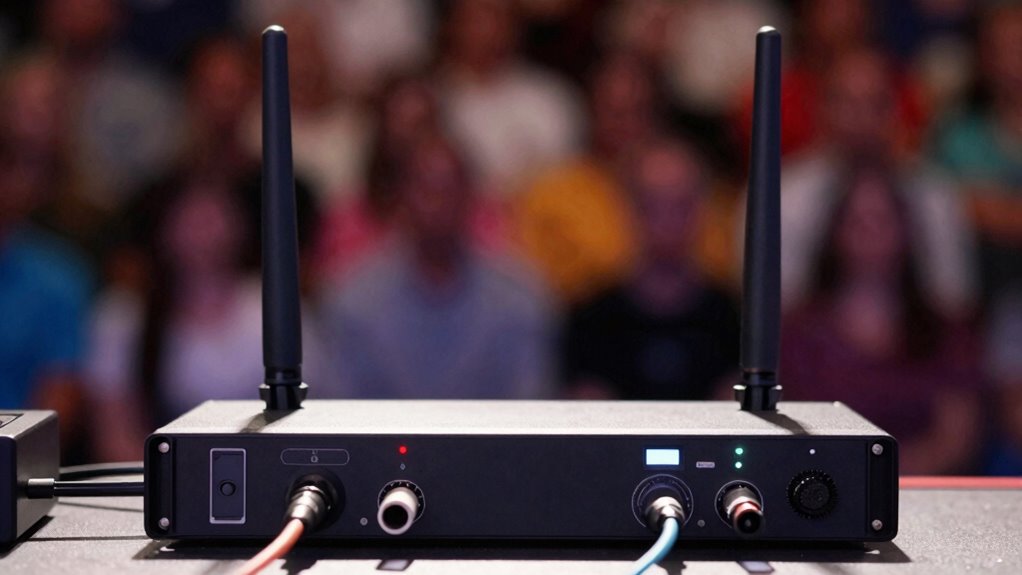
Proper antenna placement is key to maintaining strong, reliable signals with wireless microphone systems. The right antenna types can substantially improve signal strength and reduce dropouts, especially when using various wireless protocols. Position antennas so they have a clear line of sight to the transmitters, avoiding obstructions like walls or metal objects that can cause signal degradation. Keep antennas elevated and oriented correctly—directional antennas focus signals, while omnidirectional ones distribute them evenly. Different wireless protocols may require specific antenna placements for peak performance. Testing different positions helps identify the best setup for your environment. Remember, even slight adjustments can make a big difference in signal stability. Smart placement ensures your dual wireless mic system performs smoothly without interruptions.
Best Practices for Wireless Microphone Antenna Placement
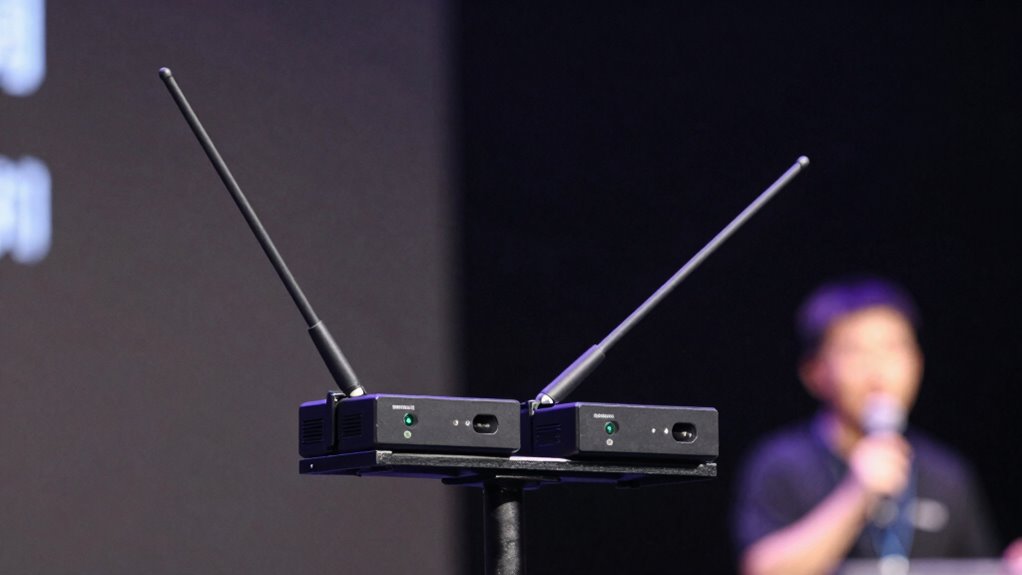
To get the best signal, focus on ideal antenna orientation and keep antennas positioned to maximize coverage. Always maintain a clear line of sight between your transmitters and receivers to avoid dropouts. Additionally, guarantee proper antenna spacing to prevent interference and maintain reliable connections. Incorporating smart placement techniques can further optimize wireless microphone performance in various environments. Ensuring proper antenna grounding can also help reduce signal interference and improve overall reliability. Proper waterproofing of antennas can also protect them from environmental factors that may degrade signal quality. When designing your backyard space, consider Free Floating setups to allow flexible placement of equipment without permanent installations. Using environmental considerations can help adapt antenna placement to different outdoor conditions, keeping your signal strong.
Optimal Antenna Orientation
Achieving the best wireless microphone performance hinges on correct antenna orientation, which can markedly reduce signal dropouts and interference. Start by understanding your antenna types—whether omnidirectional or directional—and position them accordingly. Omnidirectional antennas should be oriented upright to evenly distribute signals in all directions, ideal for dynamic environments. Directional antennas, on the other hand, should be aimed directly at the receiver to maximize gain and minimize interference. Always consider the wireless standards your system uses; some standards are more sensitive to orientation and placement than others. Proper antenna positioning ensures ideal signal strength and stability. Regularly adjust and test your antennas during setup, keeping in mind the specific antenna types and wireless standards to achieve the best possible performance with minimal dropouts. Additionally, antenna placement can influence how well your system resists interference from other electronic devices or obstacles, further enhancing signal reliability and overall system stability. Proper antenna orientation is essential to maintaining a strong, consistent connection, especially in environments with potential sources of electronic interference. Incorporating knowledge about load calculations, environmental factors, and signal propagation can further optimize your antenna setup for stable, high-quality audio transmission.
Maintain Clear Line of Sight
Maintaining a clear line of sight between your wireless microphones and their receivers is key to ensuring stable, interference-free audio. When your signal is unobstructed, you improve both audio quality and signal strength. To achieve this, consider these best practices:
- Keep microphones and receivers in open spaces, avoiding walls or furniture that block signals.
- Elevate antennas and microphones to minimize obstructions.
- Position receivers away from metal objects and electronic devices that can cause interference.
Proper Antenna Spacing
Ensuring proper antenna spacing is essential for maximizing signal quality and minimizing interference in wireless microphone systems. If antennas are too close, you risk excessive signal overlap, which can cause dropouts or audio issues. To prevent this, space your antennas evenly, ideally at least a few feet apart, depending on your system’s range. This helps maintain clear signal paths and reduces the chance of interference from adjacent antennas. Be mindful of obstacles and electronic devices that could disrupt the signal, and adjust antenna placement accordingly. Proper antenna spacing ensures each transmitter transmits its signal without competing or overlapping excessively, resulting in more reliable performance. Regularly check your setup and tweak antenna positions to optimize signal strength and minimize dropouts.
Where to Place Transmitters and Receivers for Reliability
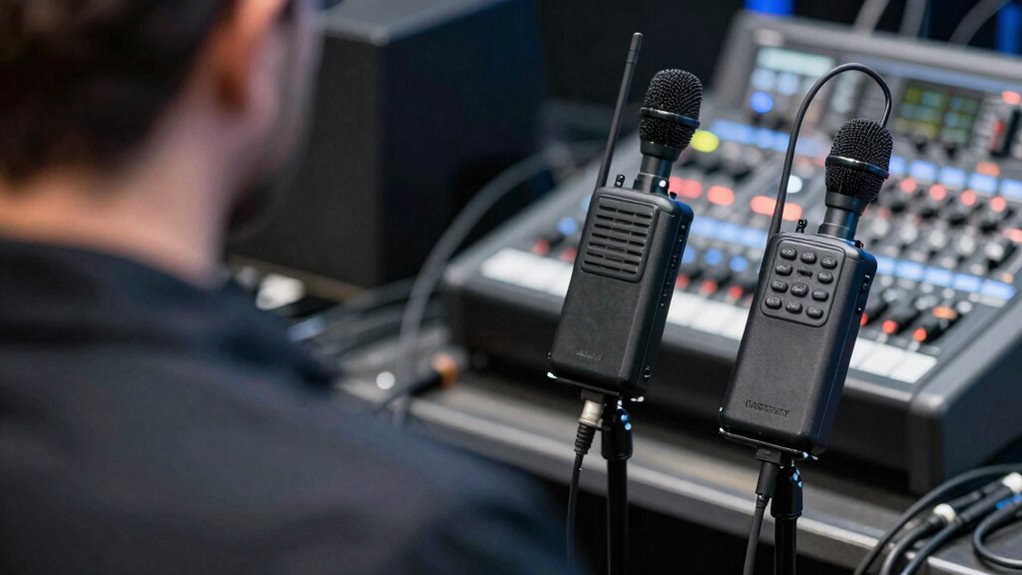
Placement of transmitters and receivers is crucial for maintaining reliable wireless microphone performance. Proper microphone placement minimizes obstructions and maximizes signal strength. For ideal receiver positioning, keep it elevated and clear of interference sources. To guarantee dependable connections, consider these tips:
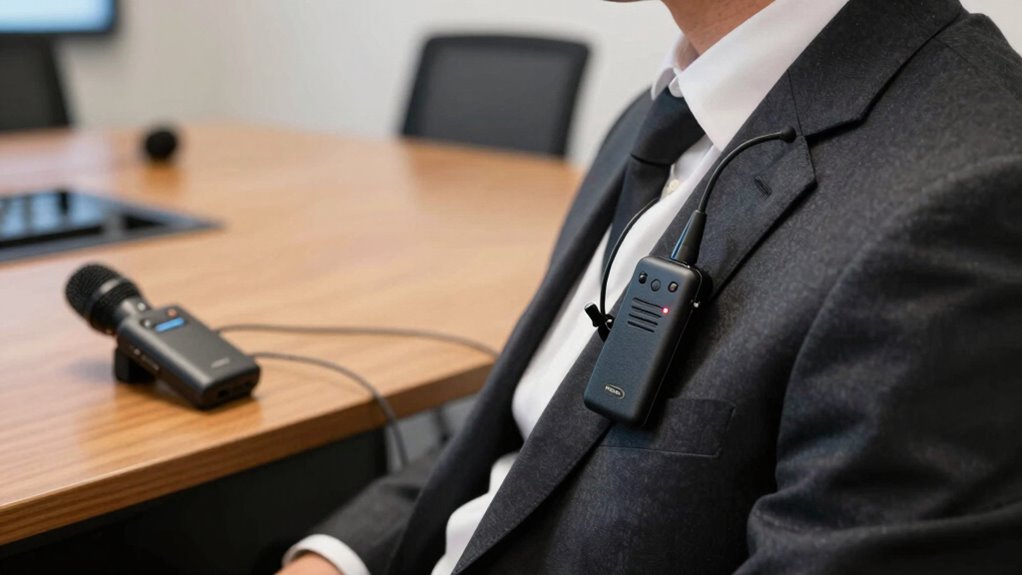
- Place transmitters on the performer’s body where they won’t be obstructed by clothing or accessories.
- Position receivers at a height, ideally above head level, and away from metal objects or electronic devices.
- Maintain a direct line of sight between microphone and receiver whenever possible, avoiding walls or barriers that can weaken signals.
How Multiple Antennas and Diversity Improve Signal Stability
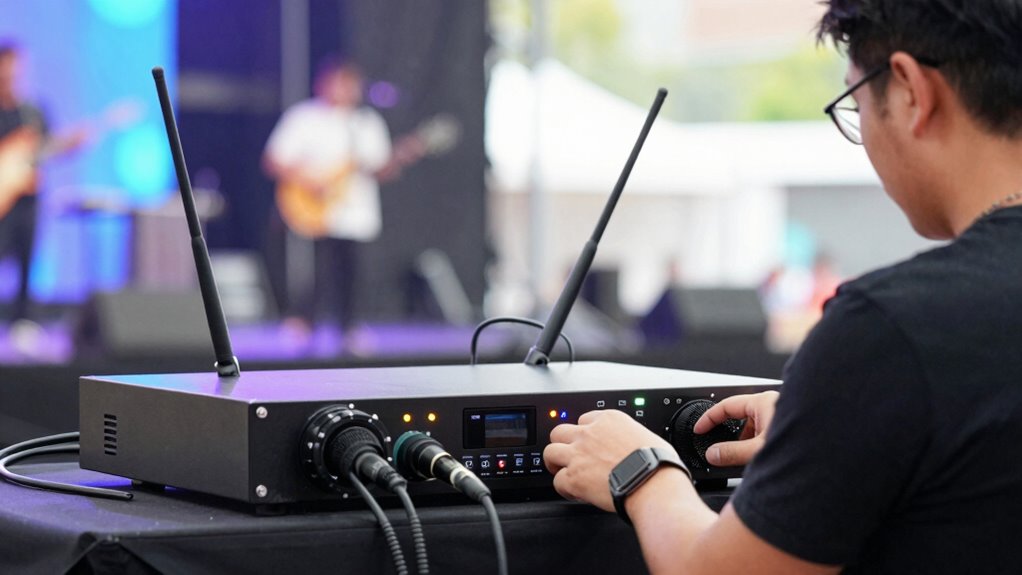
Using multiple antennas and diversity techniques markedly enhances the stability of wireless microphone signals. Antenna diversity allows your system to select the best signal pathway among multiple antennas, reducing the chance of dropouts caused by obstructions or signal fading. By deploying antennas in different locations or orientations, you create alternative signal pathways that improve overall reliability. This setup helps guarantee a consistent connection even when one pathway becomes compromised. Diversity techniques also minimize the impact of multipath interference, which can cause signal degradation. As a result, your system maintains clearer audio quality and fewer dropouts. Implementing multiple antennas and diversity is a smart way to boost signal stability, especially in challenging environments where external interference or obstacles might otherwise cause disruptions.
How to Minimize External Interference Sources
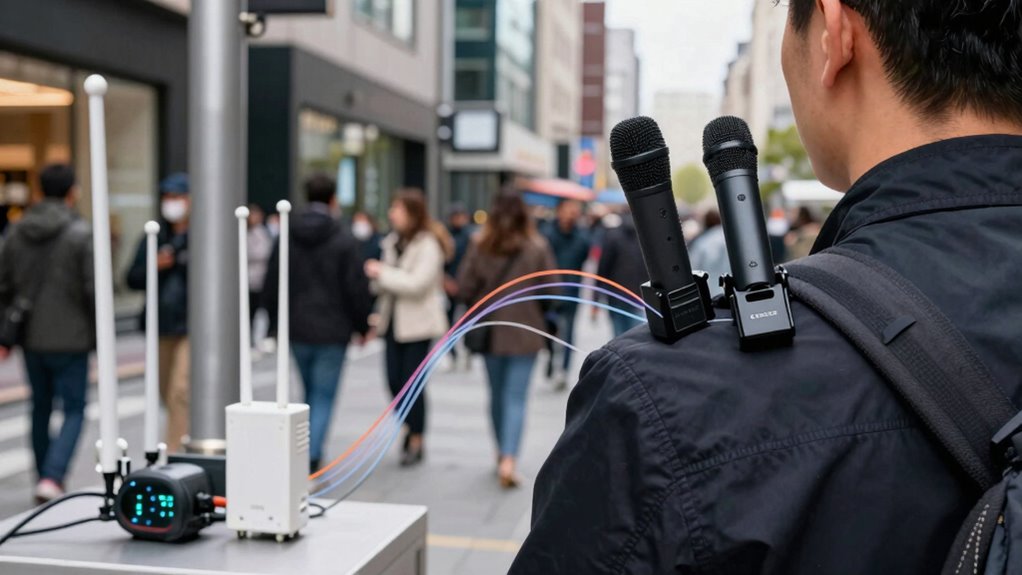
External interference sources such as Wi-Fi networks, Bluetooth devices, and nearby electronic equipment can disrupt your wireless microphone signals. To minimize these issues, start by checking grounding issues, as improper grounding can cause noise and signal loss. Next, evaluate your power sources: use grounded outlets and avoid sharing circuits with high-power devices that create electrical noise. Additionally, consider these steps:
External interference like Wi-Fi and Bluetooth can disrupt wireless microphone signals; ensure proper grounding and shielded cables.
- Keep wireless devices away from routers, Bluetooth gadgets, and other electronic equipment.
- Use shielded cables and proper grounding to reduce electromagnetic interference.
- Position your microphone receivers and transmitters away from power sources and potential interference sources.
Coordinating Frequencies to Prevent Channel Conflicts

To guarantee your wireless microphones operate smoothly without interference, coordinating their frequencies is essential. Proper frequency coordination involves selecting channels that don’t overlap or cause conflicts. Start by scanning available spectrum to identify clear frequencies, then assign channels that are sufficiently spaced apart. Effective channel selection minimizes the risk of dropouts caused by channel clashes. Use your system’s frequency coordination tools or software to optimize channel assignments, especially in crowded environments. Always double-check for potential overlaps with other wireless devices or nearby systems. Keeping your frequencies well-coordinated ensures stable, reliable audio during performances. Remember, proactive channel selection reduces interference and improves overall sound quality, making your dual wireless mic setup more dependable in any setting.
Troubleshooting Dropouts During Live Performances and Long-Term Solutions

Dropouts during live performances can be frustrating, but understanding their common causes helps you troubleshoot effectively. To improve audio quality and user ergonomics, start by checking your microphone placement—ensure antennas are positioned correctly and avoid obstructions. Next, verify that your systems are on clear, non-overlapping channels to reduce interference. Finally, consider long-term solutions like upgrading to systems with better shielding or more advanced frequency agility. Regularly testing your gear before shows can catch issues early, and maintaining batteries ensures consistent performance. Being proactive with these steps minimizes dropouts, improves audio quality, and keeps your setup user-friendly. Consistent troubleshooting and strategic planning help you deliver smooth performances without interruptions.
Frequently Asked Questions
How Often Should I Check My Wireless System’s Firmware Updates?
You should check your wireless system’s firmware updates at least once a month to guarantee peak performance. Regular firmware updates enhance performance monitoring and fix bugs that could cause dropouts. Staying current with updates also improves compatibility with other gear. Set a reminder to check for updates regularly, especially before important events. This proactive approach keeps your dual wireless mic system running smoothly and minimizes the risk of signal dropouts.
Can Environmental Changes Affect Wireless Microphone Performance Over Time?
Ironically, environmental changes can quietly sabotage your wireless microphone’s signal stability. Interference sources like Wi-Fi, Bluetooth devices, or even physical barriers can cause unexpected dropouts over time. You might think your system’s fine, but as conditions shift, so does performance. Regularly check for new interference sources and adjust placement accordingly. Staying vigilant helps prevent those embarrassing moments when your audio suddenly cuts out amid your big performance.
What Are the Signs of Impending Signal Dropout During a Performance?
You’ll notice signs of impending signal dropout when audio interference increases or the signal strength weakens noticeably. You might hear crackling, buzzing, or interruptions in the sound, especially if the microphone suddenly cuts out or becomes muffled. Keep an eye on your wireless monitor or receiver display; if you see fluctuating signal strength or interference patterns, it’s time to adjust your mic placement or frequency to prevent dropouts during your performance.
How Does Battery Life Impact Wireless Microphone Reliability?
Battery life directly impacts your wireless microphone’s reliability, just like a car’s fuel gauge. When you neglect battery maintenance and power management, you risk sudden dropouts mid-performance. Keeping batteries charged, using fresh ones, and turning off unused mics conserve power, ensuring your system stays stable. Proper power management minimizes unexpected failures, so you perform confidently without worrying about losing audio mid-show.
Are There Specific Brands or Models Known for Fewer Dropouts?
You should look for brands with a strong reputation for reliability, like Sennheiser, Shure, or Audio-Technica. These brands offer models with advanced features such as frequency agility, interference resistance, and multiple channels, which help reduce dropouts. Check the specific model features to verify they support smart placement strategies and have a proven track record of consistent performance, especially in challenging environments.
Conclusion
By understanding the causes of dropouts and implementing smart placement strategies, you can dramatically improve your system’s reliability. But even with the best setup, unexpected issues can still pop up when you least expect them. Are your antennas truly optimized? Can you identify lurking interference sources? Keep experimenting, stay vigilant, and never settle. The key to flawless performance lies in your hands—are you ready to access it?