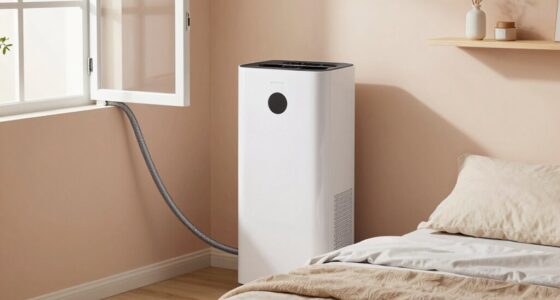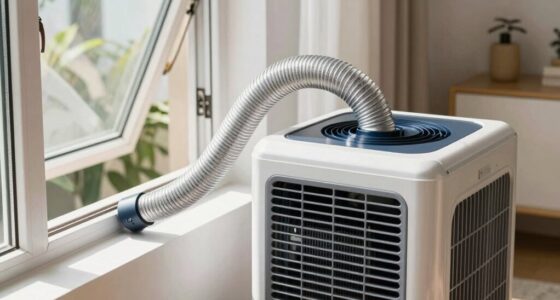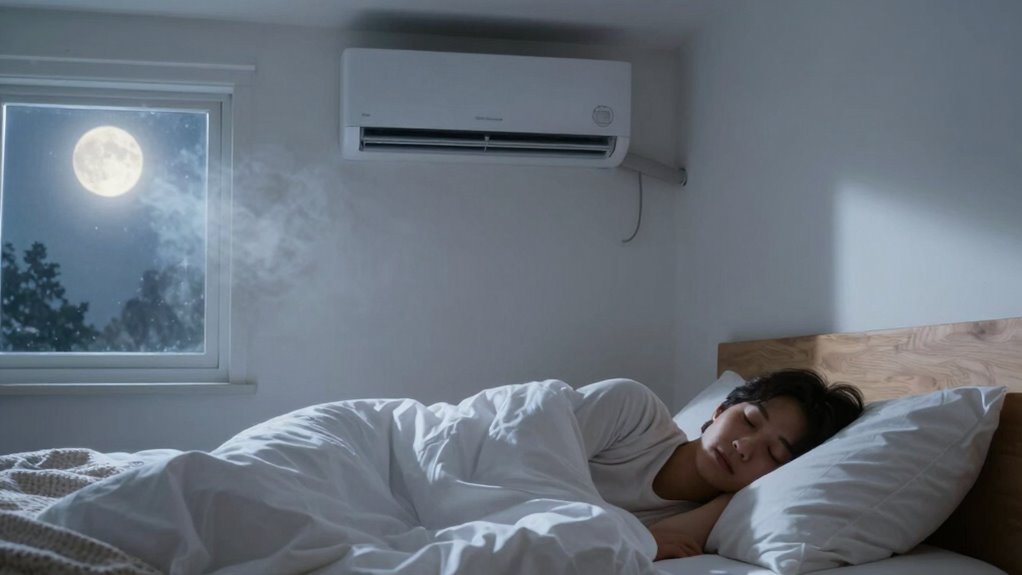

To avoid waking up dry, cold, or stuffed up with the AC on, keep your room temperature between 60-67°F and use sleep mode for consistent cooling. Adjust airflow away from your face, and consider a humidifier to add moisture. Use breathable bedding and loose pajamas to stay comfortable. Seal drafts and improve air circulation to maintain a stable environment. Learn more tips to optimize your sleep with AC without discomfort.
Key Takeaways
- Set your AC to sleep mode and maintain a temperature between 60-67°F to prevent cold drafts and dryness.
- Use a humidifier or vaporizer to keep indoor humidity around 40-60%, reducing dryness and congestion.
- Position vents away from your face and body, and adjust fan speed for gentle airflow and even cooling.
- Wear breathable, moisture-wicking pajamas and use lightweight, layered bedding to stay comfortable.
- Minimize noise with white noise or earplugs, and ensure proper room sealing to maintain stable, draft-free conditions.
Why Does Sleeping With the AC Cause Dryness, Coldness, or Congestion?
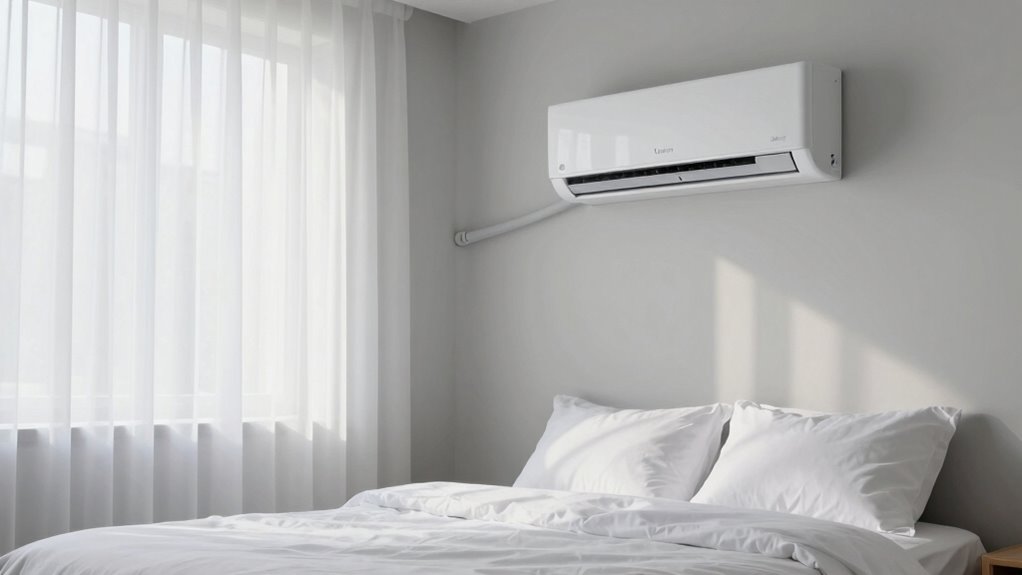
When you sleep with the AC on, it often leads to dryness, coldness, or congestion because the air conditioner removes moisture from the air and cools your environment. This impacts air quality, making the air feel stale and less breathable, especially if ventilation is poor. The reduced moisture can dry out your nasal passages and skin, causing congestion and discomfort. Additionally, high noise levels from the AC can disturb your sleep, making it harder to rest peacefully. Over time, these factors can contribute to waking up feeling stuffy or unrefreshed. Understanding how the AC affects both air quality and noise levels helps you recognize why these issues occur and highlights the importance of managing your sleeping environment for better rest. Incorporating energy-efficient solutions can help mitigate some of these effects by maintaining a comfortable and healthy sleep environment. Proper ventilation can also improve air circulation and reduce the buildup of stale air, further enhancing sleep quality. Ensuring good air circulation can prevent the accumulation of stale, dry air in your sleeping space. Using an air purifier with appropriate maintenance can also help improve indoor air quality and reduce airborne irritants that contribute to congestion.
How to Set Your AC for Comfortable, Sleep-Friendly Temperatures
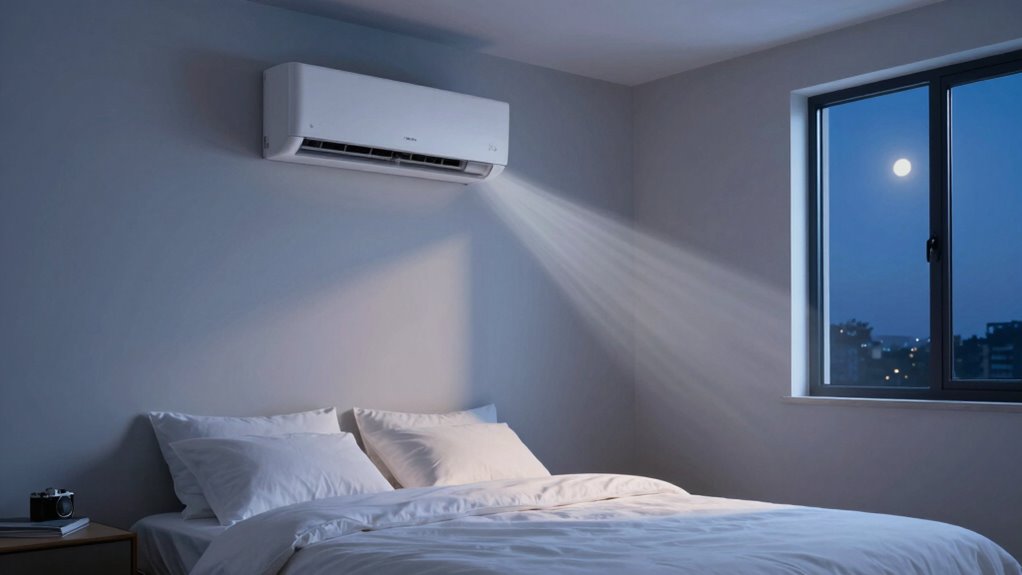
To get a good night’s sleep, set your AC to a comfortable temperature, usually between 60-67°F. Use sleep mode to maintain consistent cooling without noise or drafts, and adjust the fan speed to suit your preferences. These simple steps help create the ideal environment for restful, cool sleep. Additionally, maintaining proper air circulation ensures even cooling and reduces humidity, further enhancing sleep quality. Optimizing climate control settings with smart features can automatically adjust temperatures based on your sleep patterns, providing a more personalized and comfortable experience. Integrating local automation allows your smart system to adapt seamlessly to your nightly routine, ensuring consistent comfort. Ensuring proper ventilation also prevents stale air buildup, promoting a fresher sleeping environment.
Optimal Temperature Settings
Finding the right temperature setting on your AC can make a significant difference in your sleep quality. Aim for a temperature between 60 and 67°F (15-19°C) to promote comfort optimization. Cooler temperatures help you fall asleep faster and stay asleep longer, but setting it too cold can cause discomfort or dry skin. Trust your body’s signals; if you wake up feeling cold or dry, adjust the temperature slightly upward. Conversely, if you wake up feeling stuffy or too warm, lower it a bit. Consistent, moderate cooling creates an environment that supports restorative sleep without causing dryness or congestion. Remember, everyone’s comfort zone varies, so fine-tune your settings until you find that perfect balance for invigorating, uninterrupted sleep. Additionally, maintaining appropriate humidity levels can help prevent dryness and congestion, contributing to more restful sleep. Incorporating air circulation strategies can also improve airflow and comfort, enhancing overall sleep quality. Proper air filtration can further reduce allergens and irritants, promoting clearer breathing during sleep. Ensuring ventilation helps in maintaining fresh air, which can further improve sleep conditions. Regularly checking and adjusting your smart thermostat settings can optimize your sleep environment and adapt to seasonal changes.
Use Sleep Mode
Using Sleep Mode on your AC is an effective way to maintain a comfortable, sleep-friendly temperature throughout the night. It gradually adjusts the temperature, preventing sudden chills or overheating, which is especially helpful if your bedroom insulation isn’t perfect. Sleep Mode also helps with AC noise mitigation by reducing the fan speed and compressor activity, making the unit quieter and less disruptive to your rest. This creates a more peaceful environment, reducing wake-ups caused by loud or uneven cooling. By setting your AC to Sleep Mode, you conserve energy and avoid temperature fluctuations that can disturb your sleep cycle. It’s an easy way to ensure consistent comfort, even if your bedroom insulation varies or if you’re sensitive to noise at night. Understanding your AC’s charging practices can help you optimize its efficiency and lifespan while you sleep. Additionally, familiarizing yourself with your unit’s temperature adjustment features can further enhance your sleep comfort. Regular maintenance also ensures the AC operates smoothly and quietly throughout the night. Being aware of your AC’s performance limits can help prevent overuse or damage during extended use.
Adjust Fan Speed
Ever wonder how adjusting your fan speed can make your sleep environment more comfortable? Setting the fan to a lower speed helps improve ventilation techniques, ensuring a gentle airflow that maintains a consistent temperature without creating drafts. This reduces the risk of waking up cold or feeling stuffy. Additionally, slower fan speeds considerably cut down noise, promoting better sleep quality. If your AC offers an “auto” or “sleep” mode, use it to auto-adjust fan speeds for ideal comfort. Higher fan speeds might cool the room faster but can cause disruptive noise and uneven airflow. So, find a balance that keeps the air fresh and quiet, helping you sleep more soundly through the night. Proper fan speed settings are key to a peaceful, comfortable sleep environment. Understanding at‑home skincare devices can also help improve overall sleep quality by addressing skin and health concerns that affect rest. Adjusting your fan settings to match your personal comfort level can make a significant difference in your sleep experience, especially when combined with other sleep-friendly techniques. Incorporating ventilation control strategies can further enhance comfort and air quality during sleep, and implementing smart climate management can optimize temperature regulation for healthier sleep.
Managing Fan Speed and Airflow for a Cooler, More Comfortable Sleep
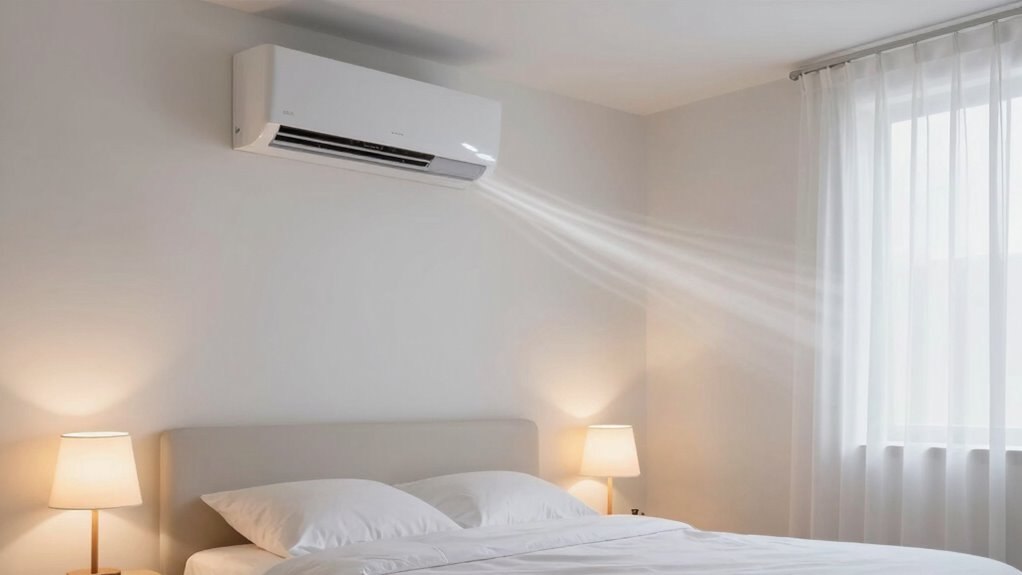
Adjusting your fan speed and airflow settings can make a significant difference in creating a cooler, more comfortable sleep environment. Lowering the fan speed reduces fan noise, helping you sleep more peacefully without constant background noise. Meanwhile, controlling airflow direction ensures the cool air isn’t blowing directly on you, which can cause discomfort or dryness. Position the vents away from your face and body to distribute the air evenly across the room. Using a gentle airflow avoids drafts that can wake you or trigger congestion. Experiment with different settings to find the right balance between cooling and comfort. Properly managing fan speed and airflow creates a more restful sleep without the disruptive noise or cold spots that can disturb your rest. Understanding airflow management can help optimize your sleep environment for maximum comfort. Additionally, being aware of airflow patterns can help you prevent uneven cooling and improve overall sleep quality. Incorporating ventilation strategies can further enhance your control over indoor air circulation and temperature.
How to Use Humidifiers and Other Devices to Add Moisture to Your Room
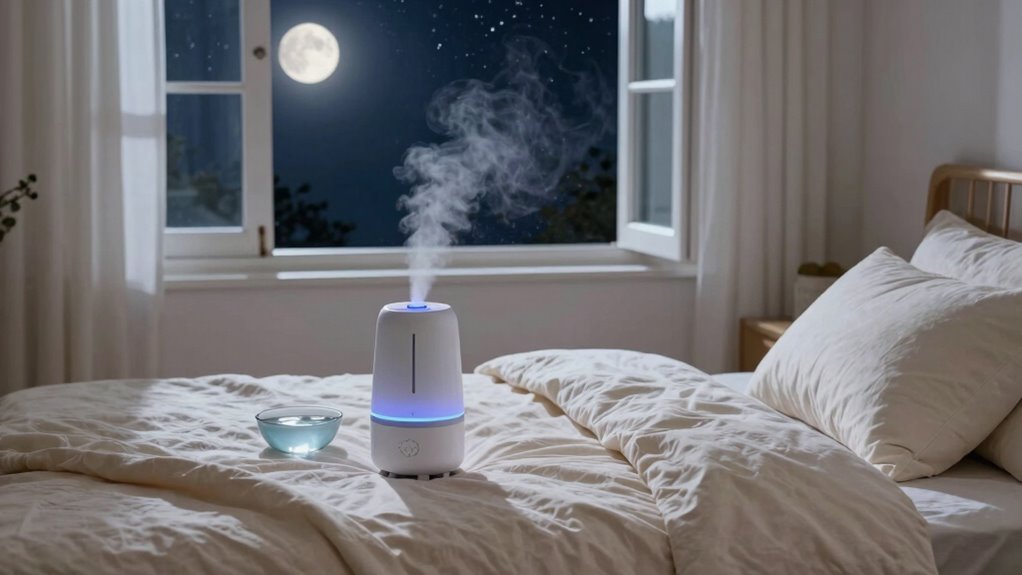
Adding moisture to your room can considerably improve your sleep quality, especially in dry environments. Using a humidifier or vaporizer helps maintain ideal humidity levels, reducing dryness that causes discomfort. When placing your humidifier, position it on a flat, elevated surface away from walls and electronics to guarantee even moisture distribution and prevent water damage. Vaporizers benefit your sleep by adding warm or cool mist, which soothes irritated nasal passages and keeps your throat moist. Regularly clean your device to prevent mold and bacteria buildup. Adjust the humidity level to around 40-60%, balancing moisture without making the room overly humid. Proper humidity not only eases breathing but also prevents waking up with a dry nose or throat, making your sleep more restful.
Best Bedding and Clothing Tips to Stay Warm Without Overheating
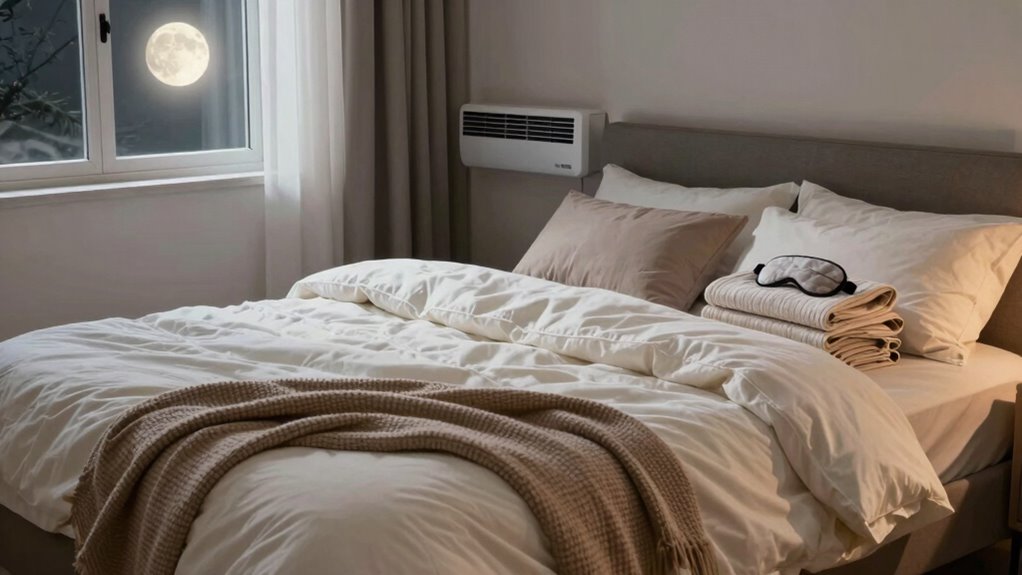
Staying warm throughout the night without overheating requires choosing the right bedding and clothing that regulate your body temperature. Opt for bedding materials like breathable cotton, linen, or lightweight wool, which wick away moisture and prevent overheating. Avoid heavy, insulating blankets that trap too much heat. Instead, layer your bedding with a lightweight duvet or comforter that can be easily adjusted if you feel too warm or cold. For sleep clothing, choose moisture-wicking, breathable fabrics such as cotton or bamboo. Wear loose-fitting pajamas that allow air circulation and prevent sweating. By selecting appropriate bedding materials and sleep clothing, you create a comfortable, temperature-regulated environment that keeps you warm without the risk of overheating during your sleep with the AC on.
How to Create a Stable Sleep Environment to Prevent Cold and Congestion

To prevent cold and congestion while sleeping with the AC on, you need to create a stable environment. Keep your room at a comfortable temperature, and use humidifiers or vaporizers to add moisture to the air. Sealing drafts and insulating your space also helps maintain consistent conditions throughout the night.
Maintain Optimal Room Temperature
Maintaining the right room temperature is essential for a comfortable and restful night’s sleep. Keep your room cool, ideally between 60-67°F (15-19°C), to prevent overheating and congestion. Proper air circulation helps distribute cool air evenly and reduces stagnant spots that could cause discomfort. Use a fan or adjust your AC settings to promote steady airflow without creating drafts that might wake you. Noise reduction is also vital; choose a quieter setting or use white noise to mask any disruptive sounds from the AC or outside. Consistent temperature control helps your body regulate itself naturally, minimizing cold and congestion symptoms. By creating a stable environment, you’ll enhance your sleep quality and wake up feeling refreshed and less stuffed up.
Use Humidifiers or Vaporizers
Using humidifiers or vaporizers can substantially improve your sleep environment by adding moisture to the air, which helps prevent dryness that can irritate your nasal passages and throat. Humidifier benefits include easing congestion, reducing coughing, and maintaining skin hydration, all of which support restful sleep. When choosing a device, prioritize vaporizer safety by keeping it clean to prevent mold and bacteria buildup. Regular cleaning also ensures you’re not inhaling any harmful contaminants. While both options add moisture, vaporizers heat water, so be cautious to avoid burns or leaks. Incorporating a humidifier or vaporizer into your bedroom can create a more comfortable, stable environment, helping you avoid waking up stuffy, dry, or cold due to dry air caused by your AC.
Seal Drafts and Insulate
When you add a humidifier to combat dry air, it helps keep your nasal passages moist, but drafts and leaks can still undermine your efforts. To create a stable sleep environment, focus on draft sealing and insulation techniques. Start by identifying gaps around windows, doors, and vents, then use weatherstripping or draft stoppers to block cold air from entering your room. Consider adding thermal curtains or insulating window film to improve temperature retention. Seal cracks in walls or floors with caulk or foam sealant. These steps prevent cold drafts from disrupting your sleep and reduce the chances of congestion caused by sudden temperature shifts. A well-insulated space keeps your room warmer and more consistent, supporting better breathing and comfort throughout the night.
Common Sleep Disruptions From AC Use and How to Fix Them
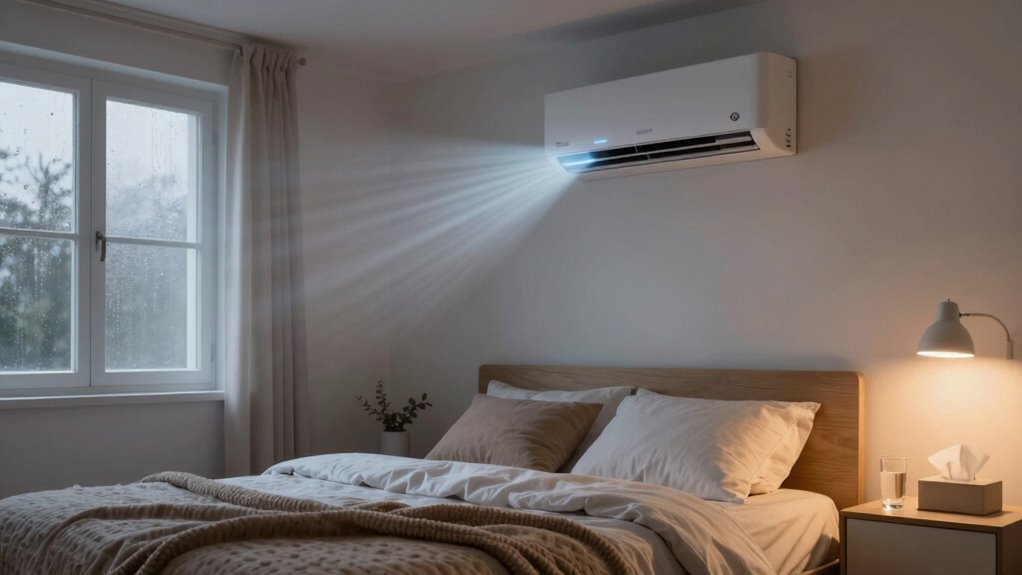
One common sleep disruption from AC use is feeling too cold or experiencing sudden temperature fluctuations during the night. This can wake you up and disturb your rest. To fix this, focus on maintaining consistent air quality and noise reduction. Poor air quality can cause congestion, making it harder to breathe comfortably, while loud noises from the unit can interrupt sleep. Here are some tips:
- Use a programmable thermostat to keep temperatures steady
- Install air purifiers to improve air quality
- Use a white noise machine or earplugs to reduce noise disruptions
- Keep vents properly maintained to minimize drafts and uneven airflow
These adjustments help create a quieter, cleaner sleeping environment, reducing disruptions and helping you wake up refreshed.
Frequently Asked Questions
Can Sleeping With the AC Cause Long-Term Health Issues?
Sleeping with the AC can cause long-term health issues if you’re not careful. Poor air quality from constant AC use might lead to respiratory problems, and frequent sleep disruption can weaken your immune system. Over time, these effects could impact your overall health. To minimize risks, make certain of good ventilation, use air purifiers, and maintain a comfortable temperature. Proper care helps you enjoy the benefits of AC without compromising your health.
How Often Should I Clean or Replace My AC Filters?
In this day and age, you should clean your AC filters every 1 to 3 months to maintain ideal filter maintenance. Replacing filters when they appear dirty or clogged ensures better air quality and efficient cooling. Regular upkeep prevents dust, allergens, and mold buildup, helping you breathe easier and extending your unit’s lifespan. Don’t forget—neglecting filter maintenance can compromise your indoor environment and overall health.
Is It Better to Use a Fan or AC for Sleeping Comfortably?
Using a fan is often better for sleeping comfortably because it provides good airflow without the disadvantages of AC, like dryness and coldness. Fans help circulate air, keep you cool, and are less likely to cause stuffy nose or dry skin. While AC can cool rooms quickly, it can also dry out your skin and cause discomfort. So, opt for a fan if you want a more natural, comfortable sleep environment.
What Are the Signs of Dehydration Caused by Sleeping With AC?
You might notice dehydration symptoms like a dry throat, cracked lips, or dark urine when sleeping with AC. These ac-related dryness signs could signal you’re losing too much moisture overnight. If you wake up feeling tired, have a headache, or your skin feels tight, dehydration could be the culprit. Stay alert—these subtle hints are your body’s way of telling you to hydrate better or adjust your AC usage.
Can Adjusting Room Humidity Levels Improve Sleep Quality?
Yes, adjusting room humidity levels can improve your sleep quality. By using a humidifier or dehumidifier, you control humidity levels, preventing your air from becoming too dry or too moist. Proper humidity control maintains ideal moisture levels in your environment, reducing dryness in your throat and nasal passages. This creates a more comfortable sleeping environment, helps you breathe easier, and minimizes waking up feeling stuffed up or dehydrated.
Conclusion
Sleeping with the AC can improve your comfort, but it’s essential to prevent dryness, cold, and congestion. By adjusting your settings, managing airflow, and adding humidity, you create a healthier sleep environment. Did you know that over 60% of people experience disrupted sleep due to indoor air quality? Taking these simple steps helps you enjoy cool, restful nights without discomfort, ensuring you wake up refreshed and ready for the day.