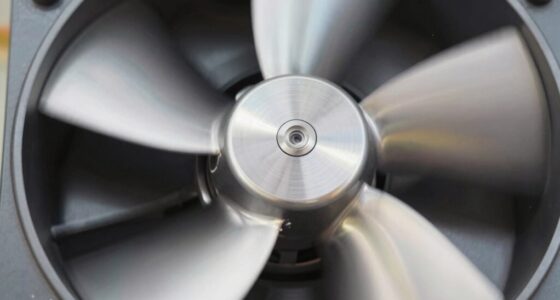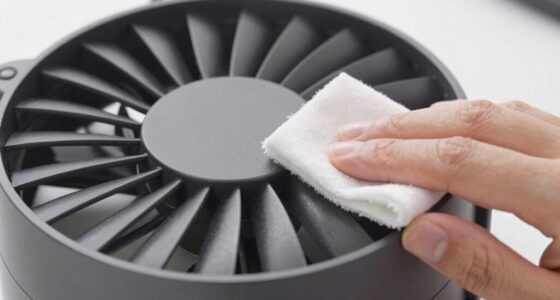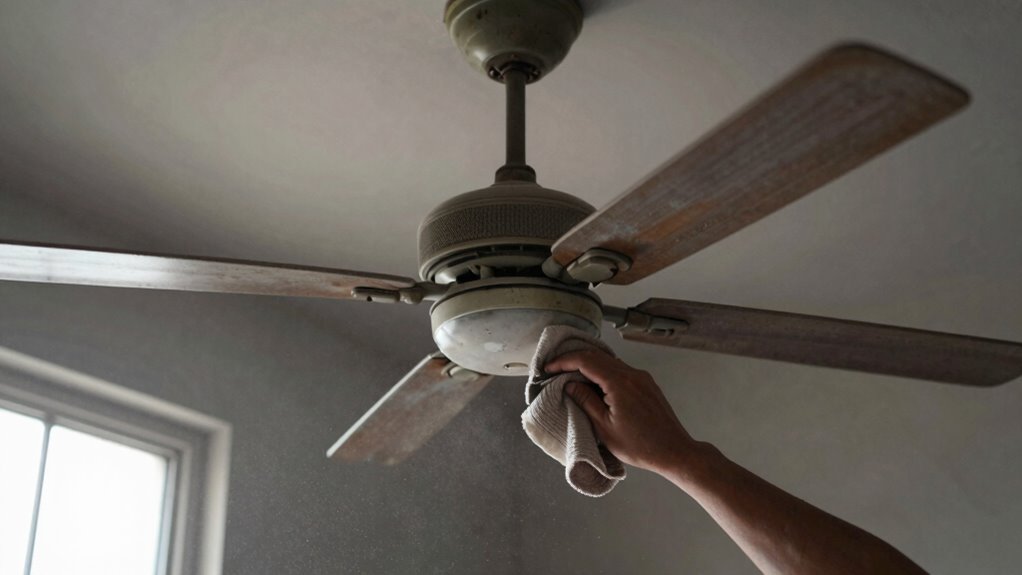

If your fan isn’t cooling effectively, dust buildup might be blocking airflow. To fix this, turn off and unplug the fan, then carefully remove the grille and blades. Use a soft cloth, compressed air, or brushes to gently clean dust from all components, paying attention to blades and motor areas. Regular cleaning can restore airflow and efficiency. Keep in mind, following a detailed routine can keep your fan working smoothly — so keep going for more tips.
Key Takeaways
- Regularly unplug the fan and remove the grille and blades for thorough cleaning.
- Use a soft microfiber cloth and compressed air to gently remove dust from all components.
- Check for and clean dust buildup on motor housing and airflow pathways to restore efficiency.
- Replace or clean filters and clear surrounding clutter to improve overall airflow.
- Schedule routine maintenance to prevent dust accumulation and maintain optimal cooling performance.
As an affiliate, we earn on qualifying purchases.
How Do I Know When My Fan Needs Cleaning?
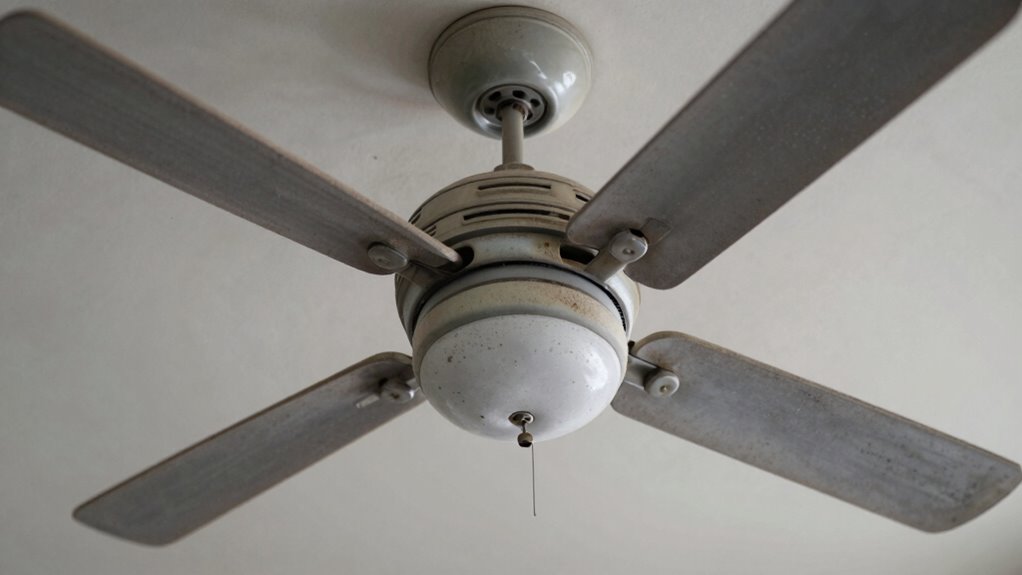
Wondering if your fan needs cleaning? Pay attention to fan noise, as increased noise often signals dust buildup or motor strain. If your fan suddenly sounds louder or squeaks more than usual, it’s time to check for dust and debris. Poor airflow is another clue; if the air feels weaker or uneven, dust may be obstructing the blades or vents. Additionally, dust accumulation can impact air quality, causing allergies or respiratory issues. Regularly inspecting your fan for visible dust or dirt buildup helps you catch these signs early. When you notice these symptoms—noisy operation, reduced airflow, or declining air quality—it’s time for a thorough cleaning. Keeping your fan dust-free ensures it runs quietly and maintains good air quality in your space. Routine maintenance can prevent these issues from worsening over time.
As an affiliate, we earn on qualifying purchases.
Why Dust Buildup Can Make Your Fan Less Effective
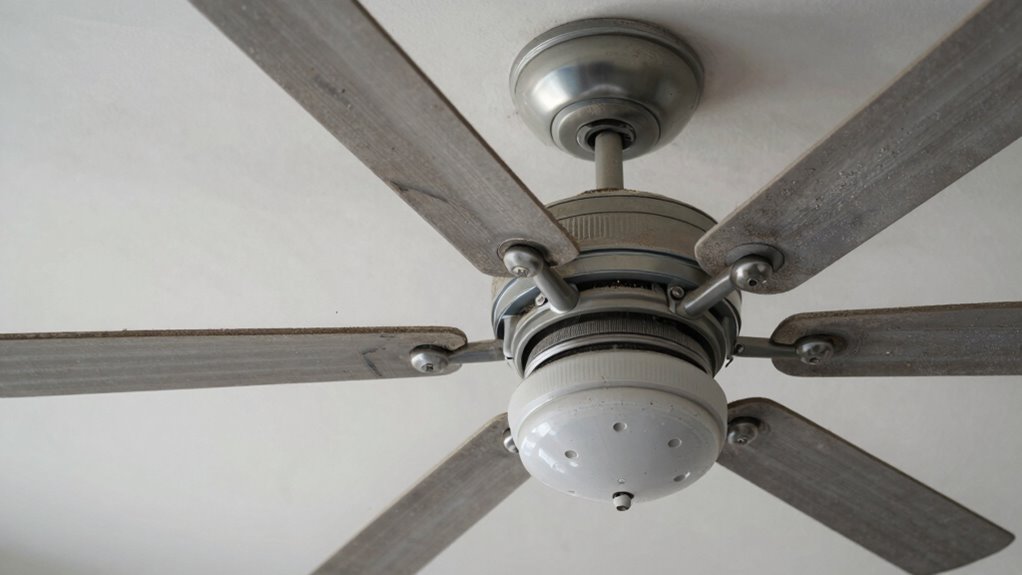
Have you noticed your fan isn’t cooling as effectively as before? Dust accumulation on the blades and grill creates airflow obstruction, reducing how well air circulates. When dust builds up, it forms a barrier that hampers the fan’s ability to move air freely. This obstruction forces the motor to work harder, which can lead to decreased performance and even overheating. Over time, dust settles into the motor and other components, further impairing efficiency. The result is weak airflow, making your fan less effective at cooling your space. Regularly cleaning away dust prevents buildup from blocking airflow, helping your fan operate smoothly. Keeping your fan dust-free restores ideal airflow, ensuring it cools your room effectively and lasts longer. Additionally, proper maintenance includes checking for dust buildup in motors, which can significantly impact overall airflow and cooling efficiency. Regular inspections and airflow obstruction prevention measures maintain optimal fan performance, especially when combined with outdoor backyard transformation practices that keep the environment clean and dust-free.
As an affiliate, we earn on qualifying purchases.
Getting Ready: Tools and Space for Fan Cleaning
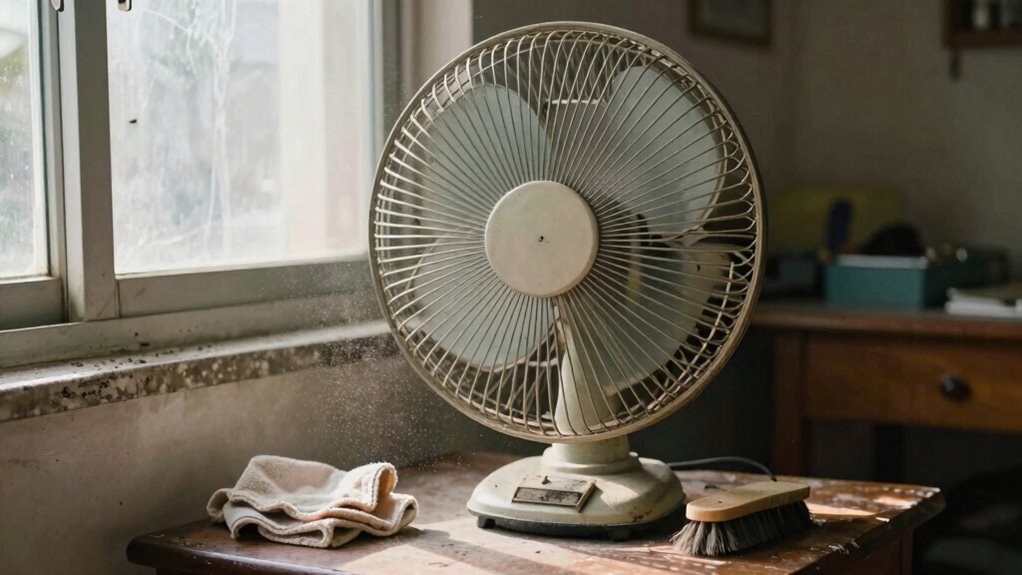
Before you start cleaning your fan, gather the necessary tools and prepare your workspace. Ensuring your area is organized helps maintain airflow efficiency during the process and minimizes dust accumulation elsewhere. Keep in mind these essentials:
Gather your tools and prepare a clean, organized workspace for efficient fan cleaning.
- Soft microfiber cloth for gentle cleaning
- Screwdriver for removing fan components
- Compressed air canister to blow out dust
- Mild cleaning solution for stubborn grime
- Towel or drop cloth to protect surfaces
Choose a well-ventilated space with ample lighting, so you can see dust buildup clearly. Clear the area around the fan to avoid knocking over objects, and lay down a cloth to catch falling debris. Preparing your tools and space streamlines the cleaning and keeps dust from spreading, restoring your fan’s airflow efficiency effectively. Additionally, using essential oils for respiratory health like eucalyptus or peppermint can help improve air quality in your space while you clean. Incorporating proper dust management techniques during cleaning helps prevent recontamination and ensures thorough maintenance. Being mindful of airflow pathways can also help you identify areas needing extra attention during the cleaning process. Moreover, paying attention to energy-efficient practices can enhance the overall sustainability of your cooling system.
microfiber cloth for electronics
As an affiliate, we earn on qualifying purchases.
As an affiliate, we earn on qualifying purchases.
Step-by-Step: How to Safely Clean Your Fan
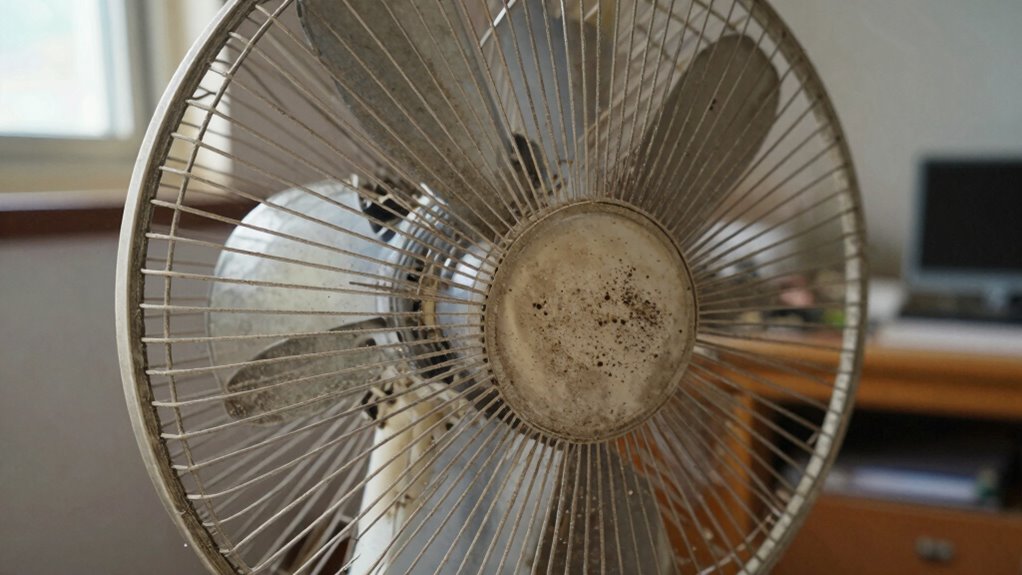
To safely clean your fan, start by unplugging it from the power source to prevent any risk of electrical shock. Once disconnected, carefully remove the grille and blades, inspecting for dust buildup that hampers fan motor maintenance. Use a soft cloth or brush to gently remove debris, ensuring your airflow improves without damaging components. Handling your fan properly reduces wear and tear, extending its lifespan and maintaining ideal cooling performance. Regular cleaning can also prevent dust accumulation that impairs airflow and motor function, supporting fan efficiency over time. Additionally, following a consistent cleaning routine helps maintain optimal airflow and prevents dust from settling deeply into the motor components. Properly storing your fan when not in use during off-seasons can further prevent dust accumulation and prolong its lifespan. Remember, a clean fan operates more efficiently, saving energy and reducing noise. Here’s an emotional reminder of your effort:
| Satisfaction | Frustration | Relief |
|---|---|---|
| Clear airflow | Dust clog | Quieter operation |
| Efficient cooling | Overheating | Peace of mind |
| Easy maintenance | Poor airflow | Comfort restored |
Best Products and Methods for Cleaning Different Fan Types
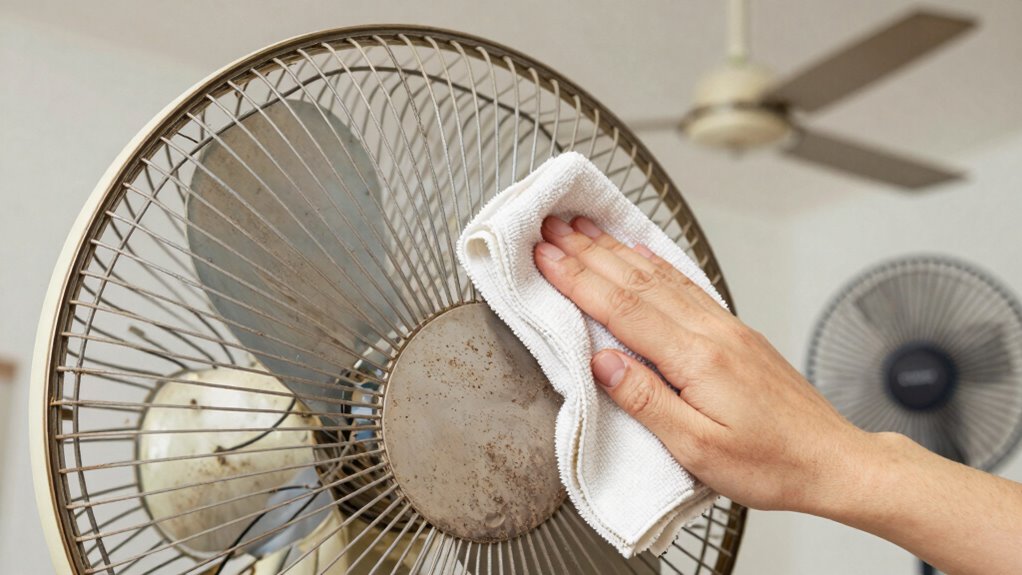
To keep your fans working efficiently, choosing the right cleaning methods is essential. For ceiling fans, gentle dusting and careful cleaning with a damp cloth work best, while portable fans benefit from specific cleaning products that target dust buildup. Knowing which products and techniques suit each fan type will ensure you maintain ideal airflow and cooling performance. Incorporating regular fan maintenance can also help monitor airflow levels and optimize your fan’s operation over time. Additionally, understanding safe cleaning practices can prevent damage and ensure your fans stay in top condition. Regular airflow assessment can help identify potential issues early, ensuring your fans deliver consistent cooling performance. Implementing proper auditory processing techniques during maintenance routines can also reduce noise and improve overall fan performance.
Cleaning Methods for Ceiling Fans
Cleaning ceiling fans effectively depends on choosing the right methods and products for your specific fan type. Knowing fan blade materials and dust accumulation patterns helps determine the best approach. For example, plastic blades may need a damp cloth, while wooden blades require gentle cleaning to avoid damage. Use microfiber cloths or soft brushes to prevent scratches. For stubborn dirt, a mixture of mild detergent and water works well. Extend your reach with a telescoping duster or use an oscillating fan blade cleaner. Be mindful of delicate motor parts and avoid excessive moisture. Regular maintenance and dust buildup prevention are key to keeping airflow strong and consistent.
Best Products for Portable Fans
Choosing the right products for cleaning portable fans is essential to keep them performing at their best. Using gentle cleaning solutions, like a mixture of mild soap and water, helps loosen dust without damaging components. Microfiber cloths are ideal for wiping down blades and grills, preventing scratches that could affect fan speed. For stubborn dirt, a soft brush or compressed air can remove debris from vents and motor parts, improving airflow enhancement. Regular cleaning with these products ensures your fan runs smoothly, maintains ideal fan speed, and delivers strong airflow. Additionally, proper maintenance practices can prevent the buildup of dust and prolong the lifespan of your fan. When fans are regularly cleaned and maintained, they operate more efficiently and consume less energy. Ensuring that the fan components are in good condition can also help prevent unexpected breakdowns. Remember, a clean fan not only cools better but also lasts longer, saving you money and hassle in the long run. Proper cleaning routines can also help prevent dust accumulation, which can impede airflow and reduce cooling efficiency over time. Incorporating filter checks into your routine can further enhance airflow and overall performance.
Tips to Prevent Dust Buildup and Keep Your Fan Running Smoothly
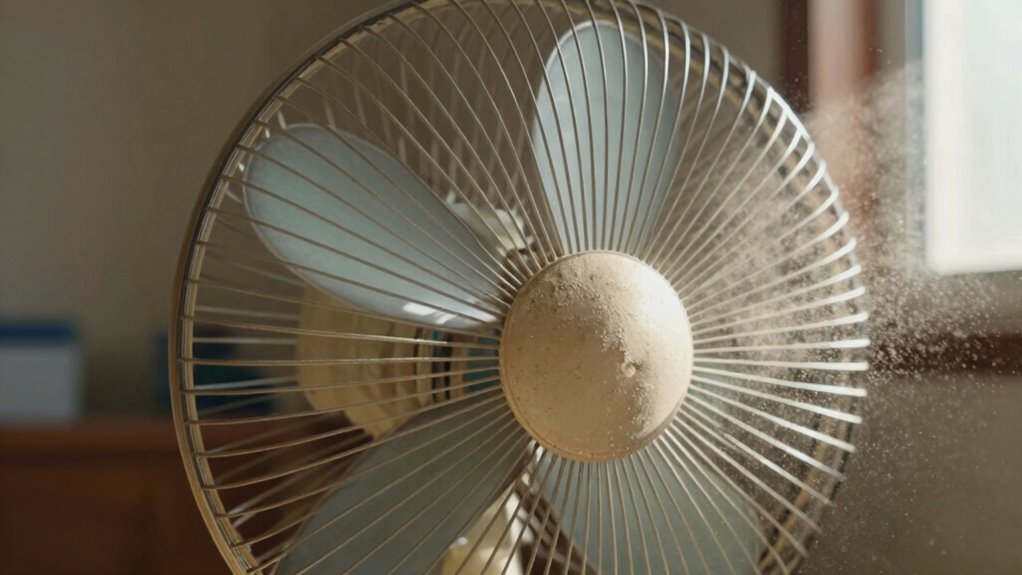
Dust can quickly accumulate on your fan blades and motor, reducing airflow and causing it to work harder. To improve airflow and prevent dust buildup, establish a routine cleaning schedule and keep your environment dust-free. Regularly wiping down blades, motor housing, and grilles prevents dust from settling. Use a microfiber cloth or soft brush for effective dust removal. Maintain good air quality by replacing filters and reducing clutter around the fan. Also, consider these tips:
- Position fans away from dusty areas
- Use air purifiers to reduce airborne particles
- Keep windows closed during dust storms
- Clean surrounding surfaces frequently
- Store fans in dust-free storage when not in use
Implementing these dust prevention strategies ensures your fan runs smoothly, boosting airflow improvement and prolonging its lifespan. Additionally, understanding filtration systems can help you select the best options to keep airborne dust at bay and maintain optimal air quality indoors. Regular maintenance and choosing the right filters can significantly enhance the effectiveness of your air purification efforts by filtering out pollutants.
When to Call a Professional or Consider Replacing Your Fan
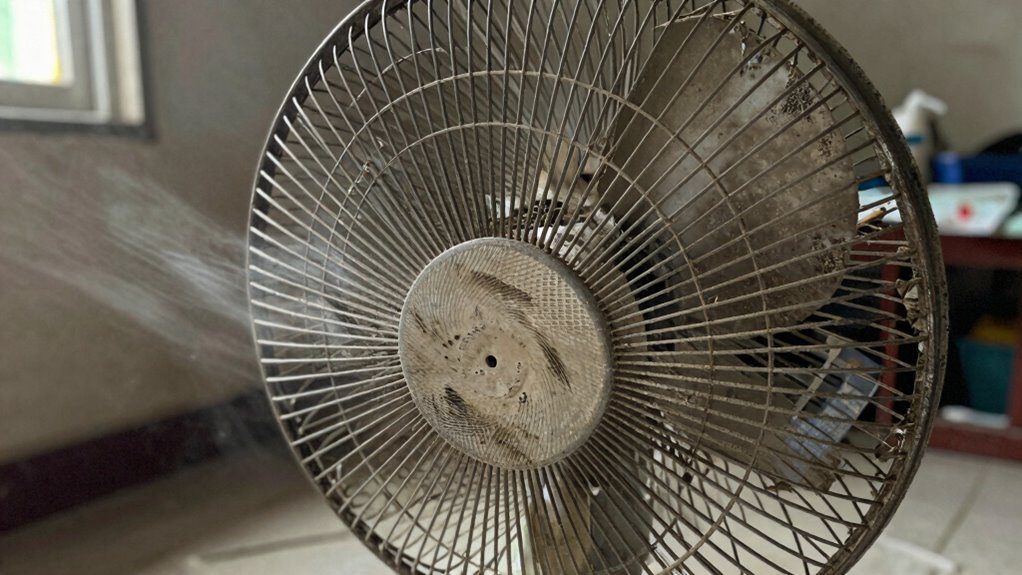
Knowing when it’s time to call a professional or replace your fan can save you money and prevent further damage. If your fan isn’t responding after cleaning, it may be due to faulty fan motor maintenance or worn-out fan blades. Struggling with persistent weak airflow despite dust removal suggests deeper issues. If the motor makes unusual noises or overheats, professional inspection is essential. Fan blade replacement might be necessary if blades are bent, cracked, or unbalanced, which can hinder airflow. Sometimes, repairs aren’t cost-effective, especially if your fan is old or has multiple issues. In these cases, replacing the entire unit could be the smarter choice. Don’t hesitate to consult an expert when in doubt—proper maintenance or timely replacement keeps your fan running efficiently.
Frequently Asked Questions
How Often Should I Clean My Ceiling Fan?
You should clean your ceiling fan every 1 to 2 months to keep airflow ideal. Regular fan blade maintenance helps prevent dust buildup, which can reduce cooling efficiency. Use a microfiber cloth or a gentle duster to remove dust from the blades, and don’t forget to turn off the fan first. Consistent cleaning ensures your fan runs smoothly, helps prevent dust accumulation, and maintains better air circulation in your space.
Can Cleaning My Fan Improve Energy Efficiency?
Absolutely, cleaning your fan can boost energy efficiency and cut down energy consumption. When dust and grime clog the blades and motor, your fan struggles, working harder and wasting power. By keeping it spotless, you enhance fan performance, allowing it to spin effortlessly. Think of it as giving your fan a spa day—less effort means less energy used, saving you money and reducing your carbon footprint. Who knew cleanliness could be so clever?
Are There Safe DIY Methods for Cleaning Motor Components?
Yes, there are safe DIY methods for cleaning motor components. First, unplug the fan to guarantee electrical safety. Use gentle cleaning tools like a soft brush or compressed air to remove dust from motor parts. Avoid liquid cleaners, which can damage electrical parts. Always handle components carefully, and if you’re unsure, consult a professional. Proper cleaning not only maintains airflow but also prolongs your fan’s lifespan.
What Are Signs My Fan’s Motor Is Failing?
If your fan’s motor is failing, you’ll notice signs like frequent overheating or strange noises during operation. Overheating can cause the motor to shut down or emit a burning smell, indicating possible electrical issues. Additionally, if the fan runs intermittently or struggles to start, these are warning signs of motor failure. address these problems promptly to prevent further damage and guarantee safe, efficient airflow.
How Does Dust Affect Indoor Air Quality?
Dust considerably impacts indoor air quality by increasing airborne allergens, which can worsen allergies and asthma. When dust accumulates, it circulates through your home’s ventilation system, making respiratory health vulnerable. Regular cleaning, dusting, and changing filters help reduce these particles, improving air quality and your overall health. You can breathe easier by staying proactive with dust removal, ensuring a healthier environment free from irritating airborne allergens.
Conclusion
Now that you know how dust can secretly sabotage your fan’s power, are you ready to take control? A simple cleaning might just be the game-changer your home needs. But beware—ignoring the buildup could lead to more than weak cooling. Will you act now or let dust gradually dim your comfort? The choice is yours, and the solution is closer than you think. Don’t wait—your cooler, fresher air is just a clean away.